English
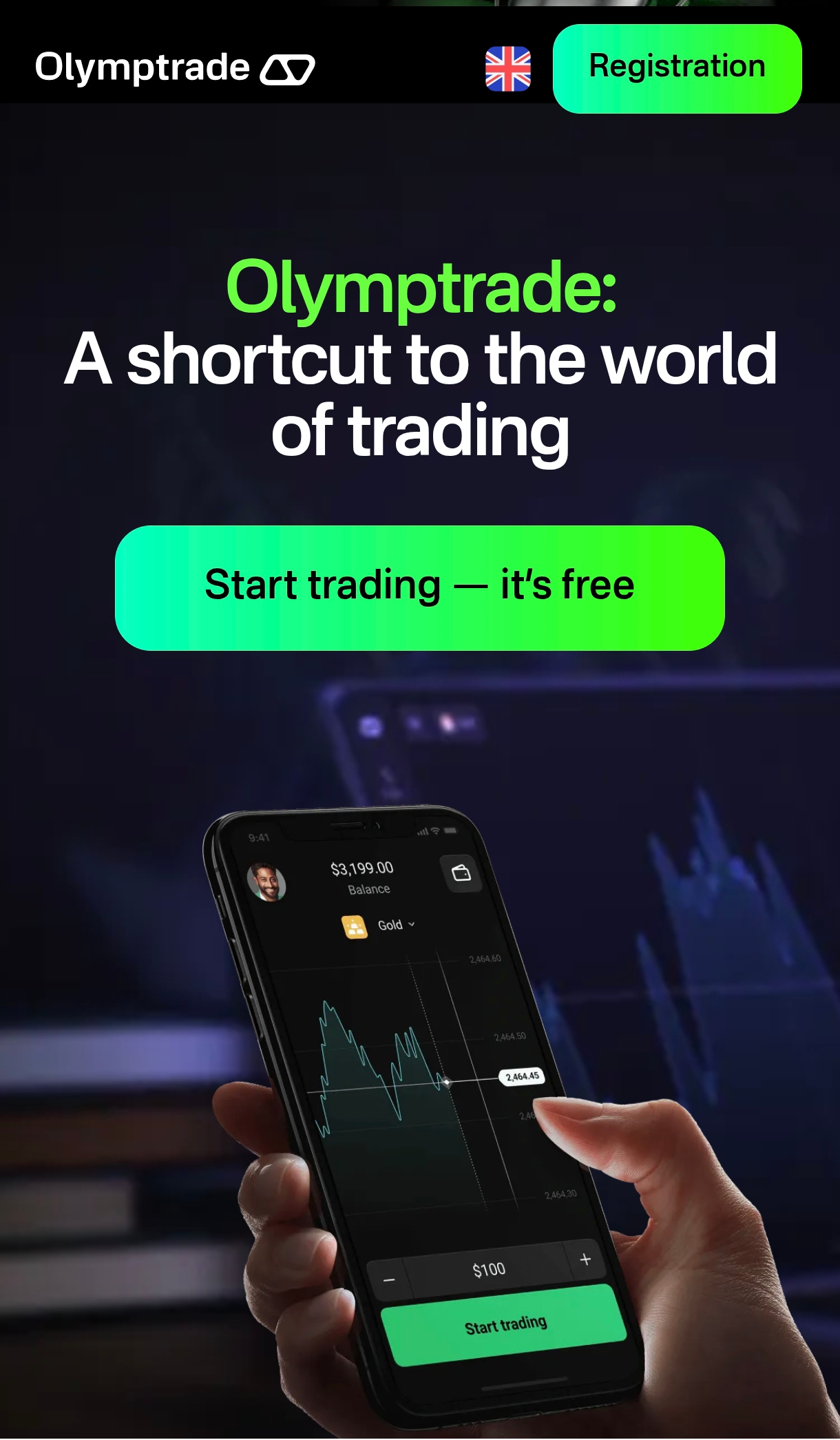
Olymp Trade Broker is an online trading platform designed to connect retail traders with global financial markets through a mobile-friendly interface that supports both Fixed Time Trade (FTT) and Forex trading. The app combines market access to currencies, stocks, commodities, indices, options and cryptocurrencies with real-time charts, built-in analysis tools and educational content to help new and intermediate users understand market mechanics. This introduction explains how the interface works, what to expect from the trading experience, and practical points about customization, accessibility and typical limitations so you can decide whether the platform fits your needs.
Olymp Trade Broker offers access to multiple asset classes and two distinct trading modes so users can match the interface to their preferred approach: time-based contracts through FTT or conventional currency trading in Forex mode. The app provides live price data, interactive charts and a variety of technical indicators and drawing tools aimed at helping users monitor trends and develop entry and exit ideas. Educational resources and customer support are integrated into the experience to provide context for new traders, while the layout emphasizes clarity and quick navigation between instruments and chart views.
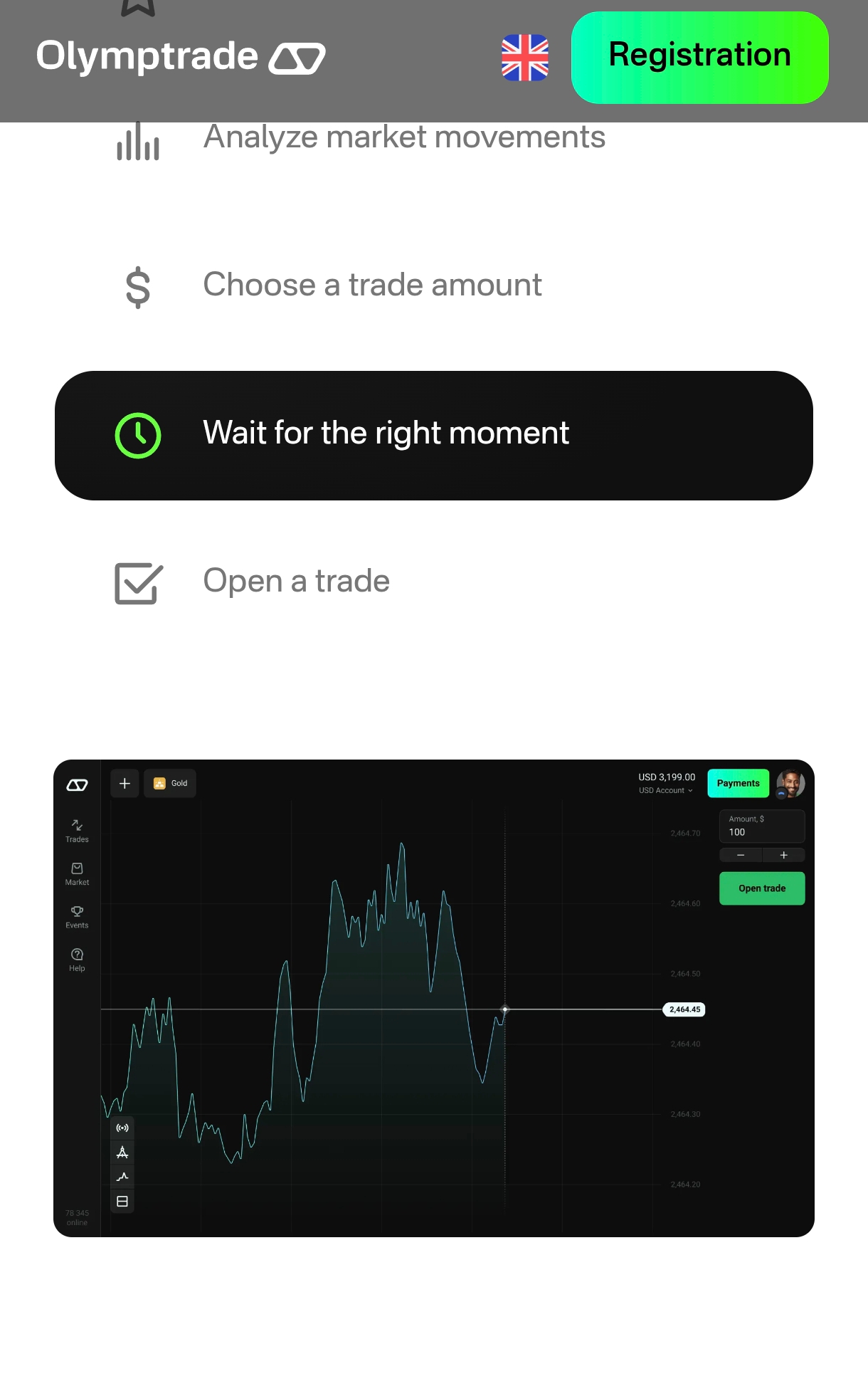
The platform organizes trading around simple controls and clear mode selection. In FTT mode you work with time-limited contracts where positions close automatically after a chosen time frame, while the Forex mode presents continuous market pricing for currency pairs. Controls rely on common mobile gestures: tapping to open instrument details, pinching to zoom charts and swiping between timeframes or available assets. Order placement is designed to be straightforward: select an asset and a mode, choose the trade amount and timeframe or size, then confirm the position. Risk awareness is important; the app displays pricing and execution information so users can make informed decisions and review trade histories to learn from past moves.
The charting environment emphasizes clarity and speed. Users can switch between basic chart types and multiple timeframes to study short-term moves or longer trends; commonly used indicators and simple drawing tools allow for trend lines, support and resistance inspection and momentum assessment. Real-time updates are intended to reduce lag between market movement and on-screen quotes, while saved chart layouts help users maintain consistent analyses. The analysis tools are presented alongside educational notes to explain common indicator interpretations for those still building technical literacy.
Educational materials are woven into the app experience so traders can build skills progressively rather than being expected to master complex tools immediately. Content ranges from beginner-level primers on market instruments and trading terminology to more detailed guides on interpreting charts and timing trades. Tutorials and contextual help are located next to trading screens to reduce friction when learning new features. Over time, users can apply lessons from the resources to refine their approach, experiment with different assets and compare outcomes between FTT and Forex trading styles.
Interface customization focuses on practical adjustments that improve usability for long sessions and varied eyesight needs. Users can tailor chart appearances, adjust font sizes and prioritize frequently used instruments so relevant markets are quick to access. Accessibility considerations include readable contrast and simplified navigation pathways to core functions. The combination of customization options and attention to legibility helps Olymp Trade Broker accommodate a range of user preferences and device sizes without overwhelming the interface with unnecessary options.
The overall user experience aims for an approachable entry point into trading while preserving the essentials required to make informed decisions: instrument selection, clear pricing, charting and educational support. Some parts of the app focus on live market connectivity and therefore require an online connection, but many educational articles and help pages are organized so they can be referenced during periods of limited connectivity. The design reduces clutter and keeps commonly used tools one or two taps away, which helps users maintain concentration during fast market windows.
Potential downsides are tied to the nature of the trading modes offered. Fixed Time Trades are inherently short-term and may not align with users who prefer long-term investing or advanced order types that are common on professional platforms. Likewise, while the app is built to be approachable for beginners, very experienced traders may find some advanced customization options or professional-grade execution features missing. Prospective users should review regulatory and risk disclosures and use the educational resources to understand the implications of both FTT and Forex trading before committing real funds.
Automated Expense Tracker
Size:12.53M FinanceMoney Tracker Expense Tracker
Size:24.21M FinanceFast Scan by CamScanner
Size:37.51M FinanceExpense IQ
Size:29.73M FinanceCover Letter
Size:11.77M FinanceCV Engineer
Size:16.85M FinanceSimple Invoice Manager
Size:25.30M Finance华融融达期货
Size:109.18M FinanceChurchNest
Size:83.00M FinanceYnotOne
Size:0.00M FinanceMoohan Taekwondo
Size:10.80M FinanceIBOIX
Size:76.00M FinanceApril 2024 Clash of Clans Update: Unveiling a Fresh Companion, Enhanced Levels, Chat Tagging, and Be
2024-04-16Arrival of Genshin Impact 4.6 Update: 'Embers of Two Realms, Twilight of Crimson'
2024-04-16V2.2 of the Farlight 84 update introduces an overhauled Season structure, fresh in-game currency, an
2024-04-16Monster Never Cry is now accessible on both Android and iOS mobile devices.
2024-04-18PUBG Mobile Teams Up with Bentley Motors: Luxury Cars, Exclusive Collectibles, and Beyond
2024-04-18March 2024 Free Redemption Codes for Honkai: Star Rail
2024-04-18