English
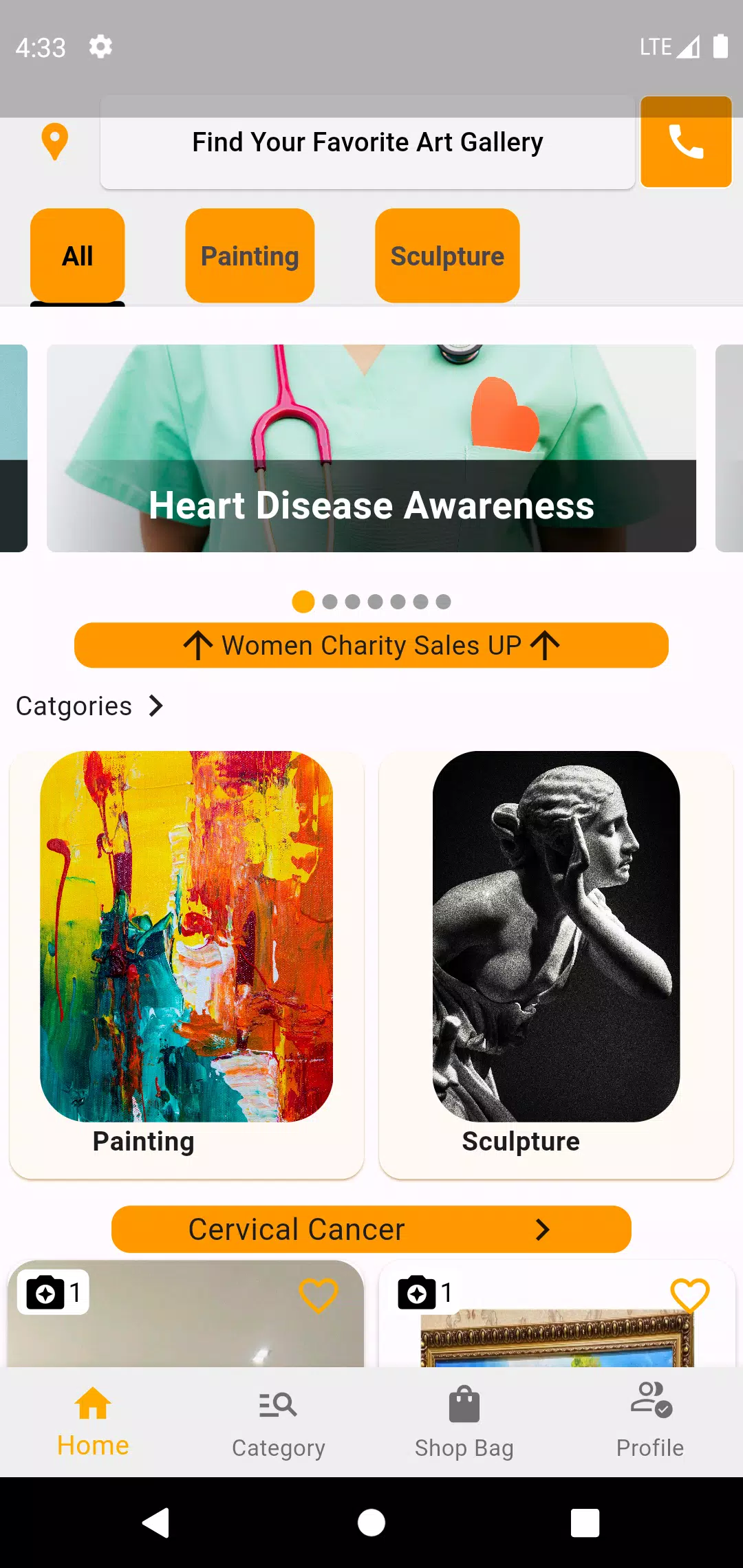
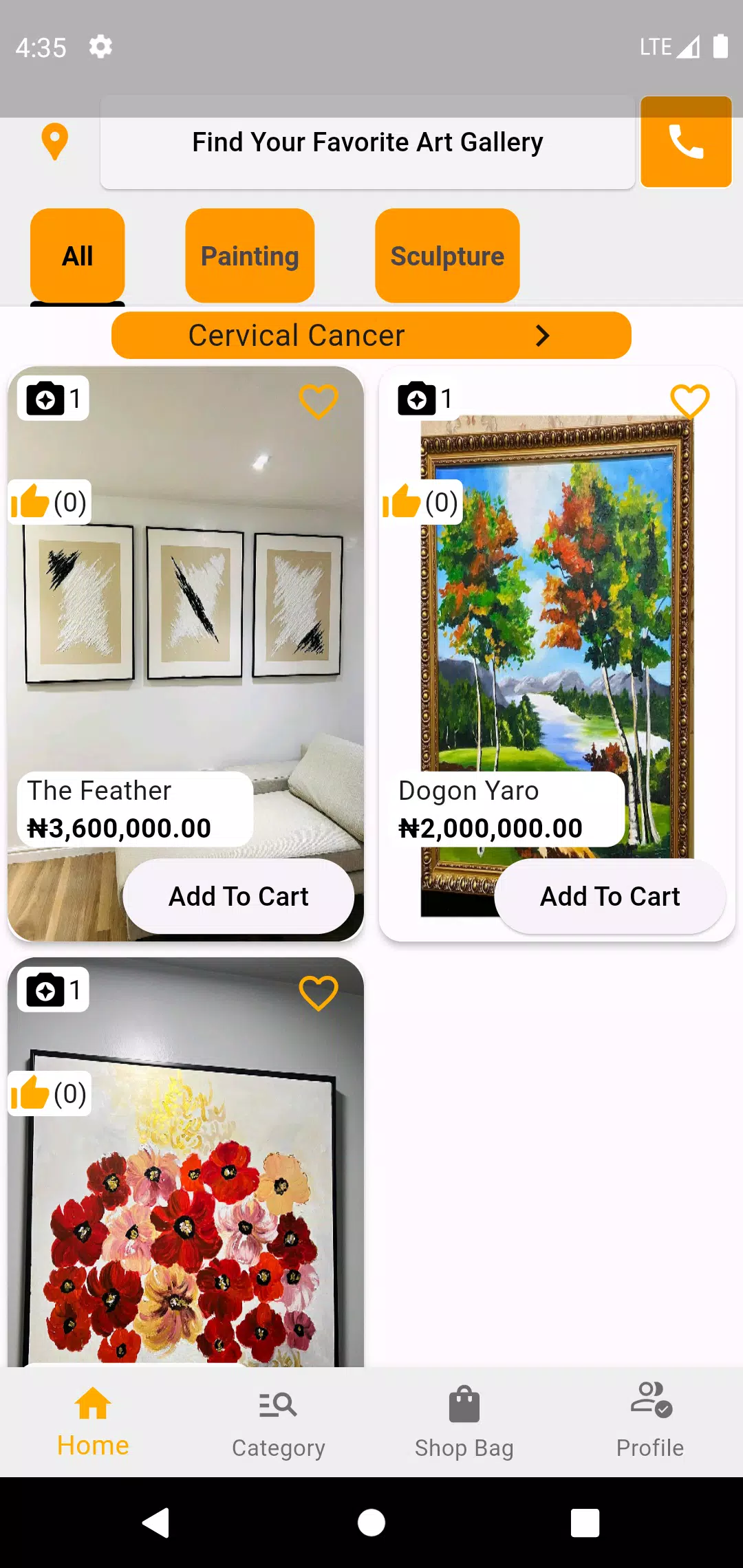
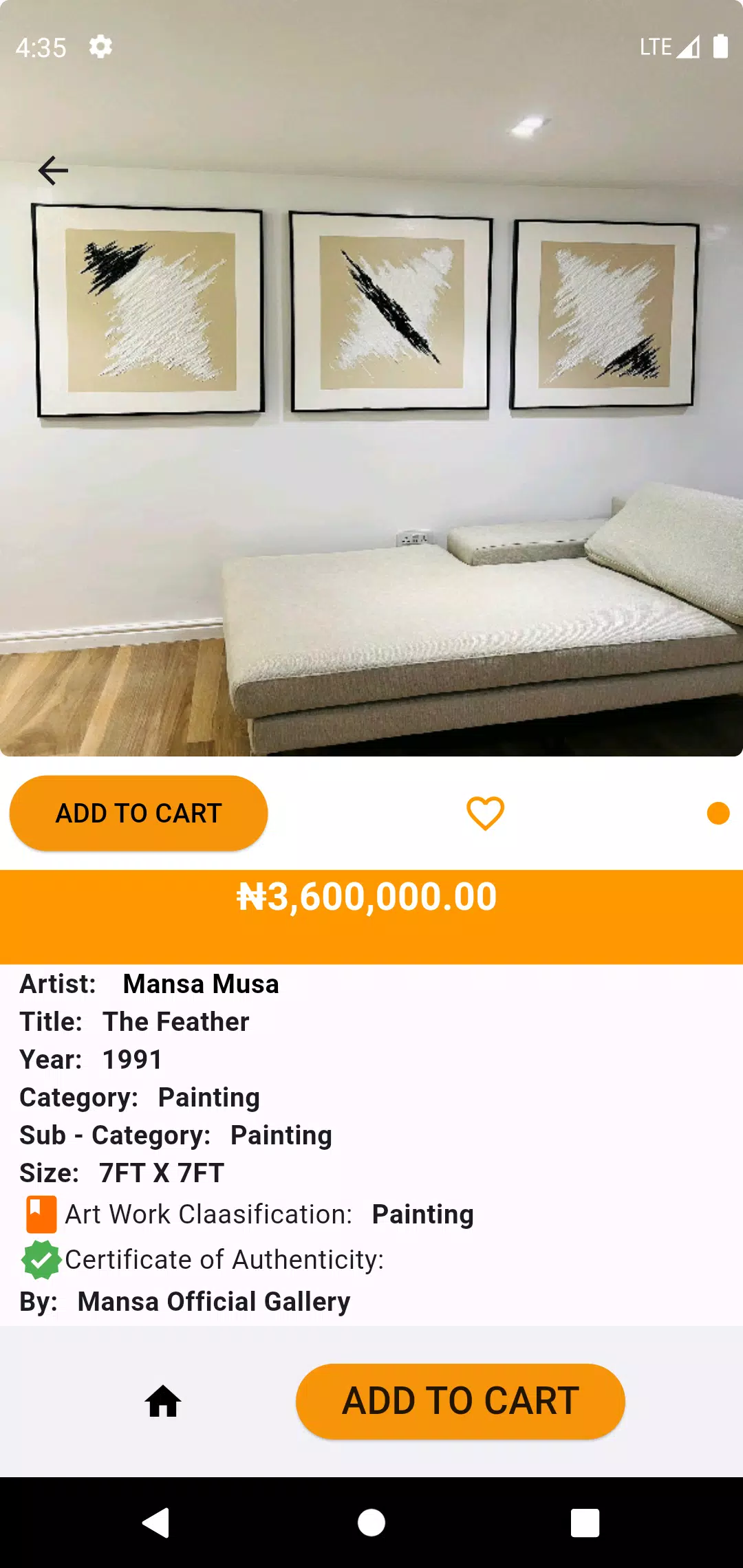
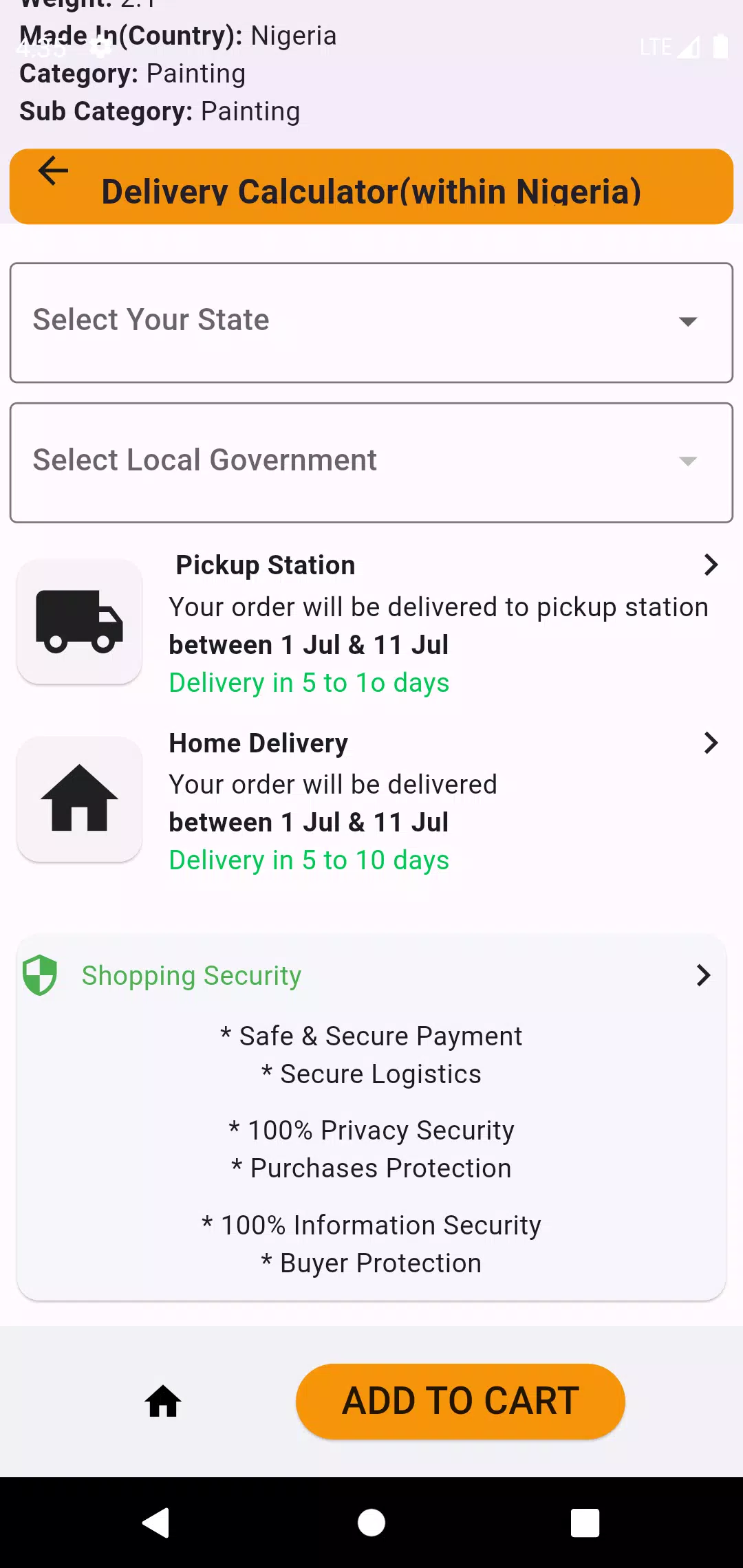
Art Breeze is a lightweight digital studio that combines intuitive painting tools with intelligent color suggestions and layer-based editing, designed for both quick sketches and detailed illustrations. It streamlines creative workflow while keeping controls approachable for hobbyists and professionals alike.
Art Breeze merges familiar drawing paradigms with a modern touch: adaptive brushes, context-aware palettes, and real-time layer effects. Rather than overwhelming users with every feature at once, the app exposes tools as needed, which helps artists stay focused on composition and expression.
The interface in Art Breeze balances simplicity with depth. Primary tools sit in a compact toolbar while secondary controls appear in context-sensitive panels. Performance remains smooth on mid-range devices thanks to GPU-accelerated brushes and memory-efficient layer handling. The app also includes frame-rate indicators and an option to limit canvas resolution to preserve responsiveness on older hardware.
Brush behavior in Art Breeze is influenced by pressure, tilt, and velocity if your device supports those inputs. Each brush profile can be adjusted for opacity, scatter, and texture. The brush engine reproduces traditional media effects—charcoal, watercolor bleed, and oil-like blending—without requiring manual blending passes. Layer masks and clipping groups allow detailed control over local edits, while global adjustments affect hue, saturation, and curves across your composition.
Workflows are adaptable: build custom toolbars, save workspace layouts, and record macros for repetitive tasks. The app includes templates for social posts, concept thumbnails, and print layouts. Artists moving between desktop and mobile will appreciate the PSD export and cloud sync features that keep projects accessible across devices.
On first use, Art Breeze offers a short guided tour that highlights gestures, multi-touch shortcuts, and layer basics. Tooltips and inline help reduce the learning curve without resorting to long manuals. The theme system supports light and dark modes, and the UI scales well for tablets and large phones.
Beginners will find the app forgiving because of its non-destructive tools, while experienced illustrators can dive into fine-grain control through advanced brush parameters and layer compositing.
Artists cite the balance between power and simplicity as a primary reason to adopt Art Breeze. The app is optimized for short sessions—sketching on the commute or refining a concept in a cafe—and for marathon studio runs where asset management and export fidelity matter. Regular updates expand brush libraries and improve compatibility with external styluses and cloud services.
Installation is straightforward: download, grant storage and stylus permissions, and follow the initial onboarding. The settings panel lets you toggle autosave, select canvas presets, and configure backup locations. For teams, the app supports shared project folders and export presets to streamline collaboration.
Whether you need a portable sketchbook or a capable illustration suite, Art Breeze positions itself as a nimble, feature-rich option that grows with your skills. Its combination of performance tuning, customizable tools, and export flexibility makes it a sensible pick for a wide range of digital artists.

Shades Of Glass
Size:30.30M PersonalizationLauncher OS 27
Size:15.86M PersonalizationFluffy Icons - One UI Style
Size:73.16M PersonalizationGelux Icon Pack
Size:8.20M PersonalizationWallpaper Outlet
Size:2.43M PersonalizationBikerz - Icon Pack
Size:102.73M PersonalizationBorderline Icon Pack
Size:81.07M PersonalizationOne4Icons: Icon Pack Studio
Size:46.30M PersonalizationRadient Icons
Size:138.90M PersonalizationPigments
Size:4.50M PersonalizationFunko Dark - Icon Pack
Size:104.40M PersonalizationWhite Sweet Edge - Icon Pack
Size:18.04M PersonalizationApril 2024 Clash of Clans Update: Unveiling a Fresh Companion, Enhanced Levels, Chat Tagging, and Be
2024-04-16Arrival of Genshin Impact 4.6 Update: 'Embers of Two Realms, Twilight of Crimson'
2024-04-16V2.2 of the Farlight 84 update introduces an overhauled Season structure, fresh in-game currency, an
2024-04-16Monster Never Cry is now accessible on both Android and iOS mobile devices.
2024-04-18PUBG Mobile Teams Up with Bentley Motors: Luxury Cars, Exclusive Collectibles, and Beyond
2024-04-18March 2024 Free Redemption Codes for Honkai: Star Rail
2024-04-18