English
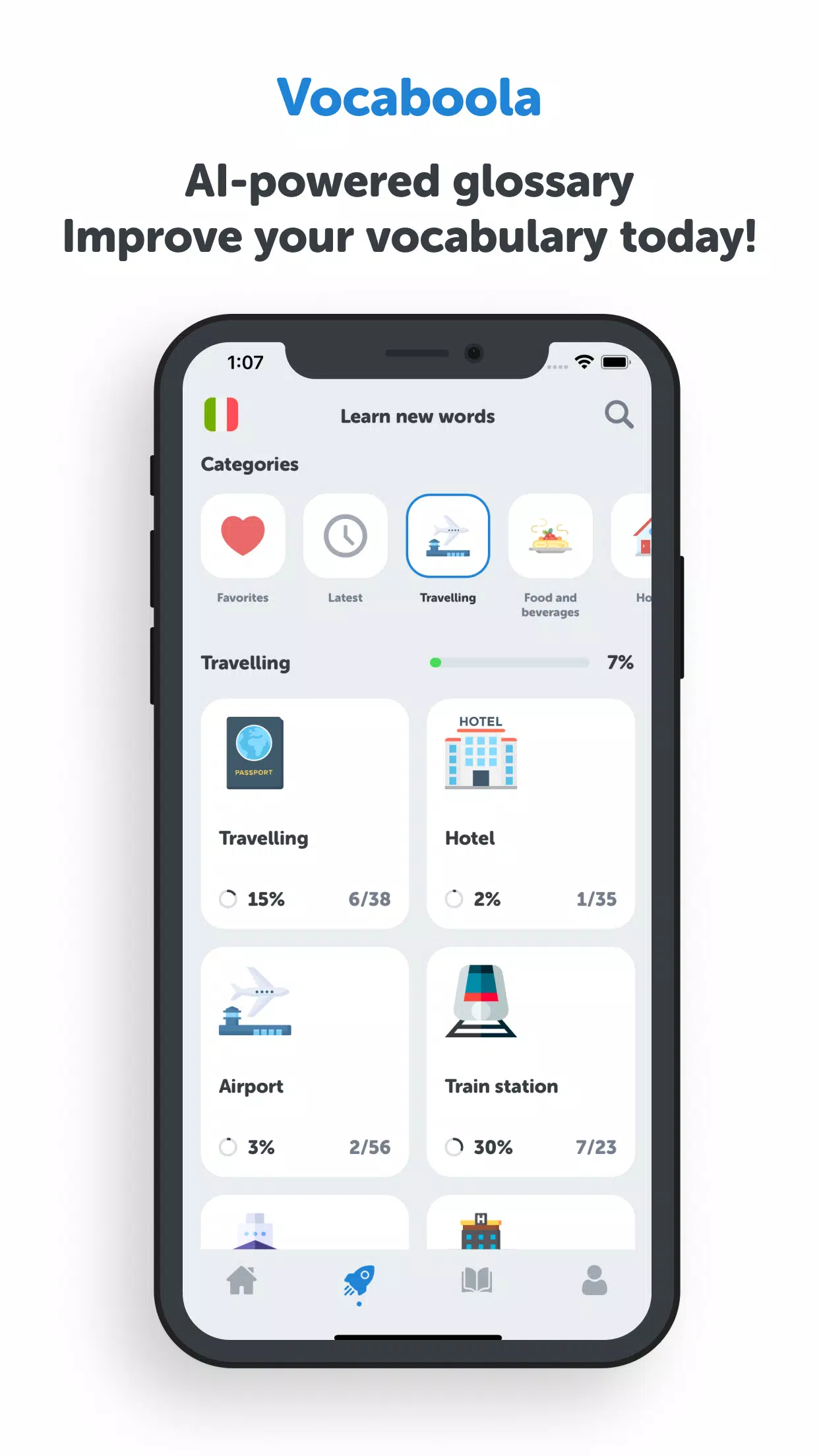
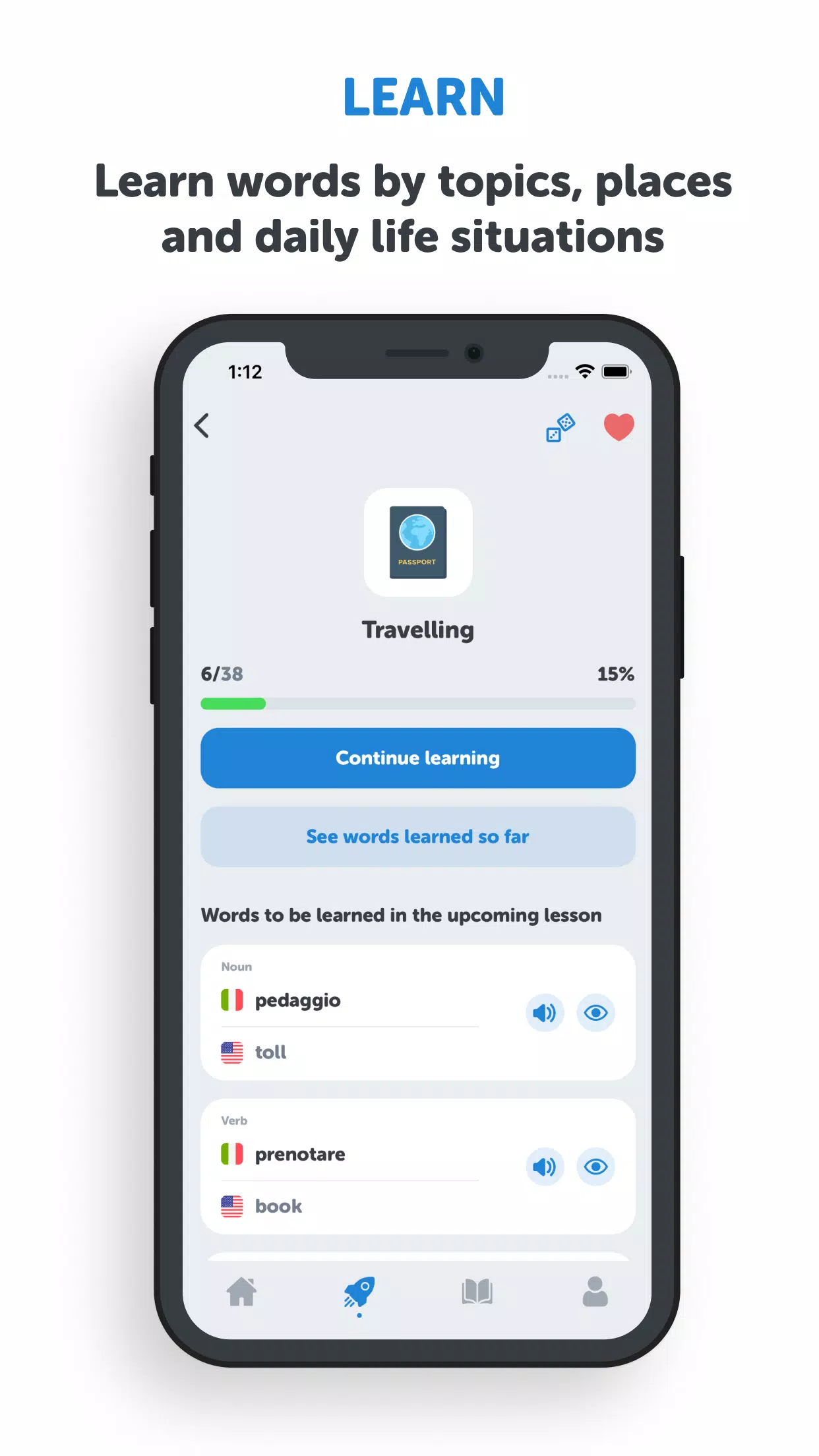
Vocaboola is an AI-powered vocabulary coach designed to help learners build practical word knowledge by topic, place and everyday situations in just a few minutes a day. Vocaboola combines a compact, topic-based glossary with quick translation lookups and short practice rounds so that learners can expand active vocabulary while commuting, preparing for travel or brushing up for conversation. The first-screen experience focuses on a single theme at a time to reduce dictionary noise and guide study toward useful, situation-specific words.
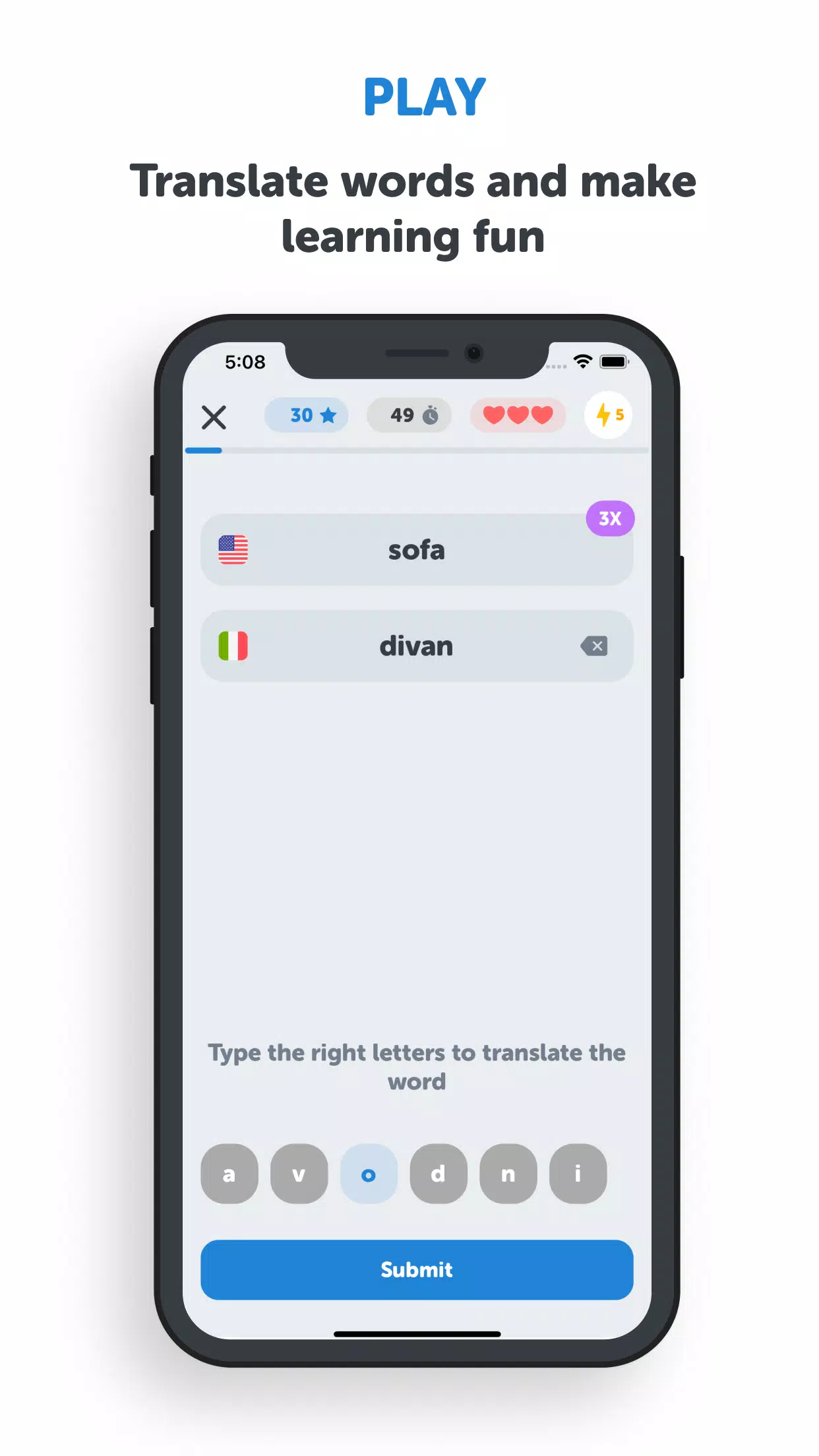
The core interaction model is built around short rounds and micro-exercises rather than long lessons. Each round presents a handful of words in context, then follows with brief tasks such as multiple-choice translation, fill-the-blank sentences and quick matching challenges that train recall. Controls are intentionally simple: tap to reveal translations, swipe to move between flashcards and press-and-hold to hear pronunciations where available. Timed drills and untimed review modes let you choose between pressure-based practice and slower study. All exercises are lightweight and designed for short, frequent sessions to support daily habit formation.
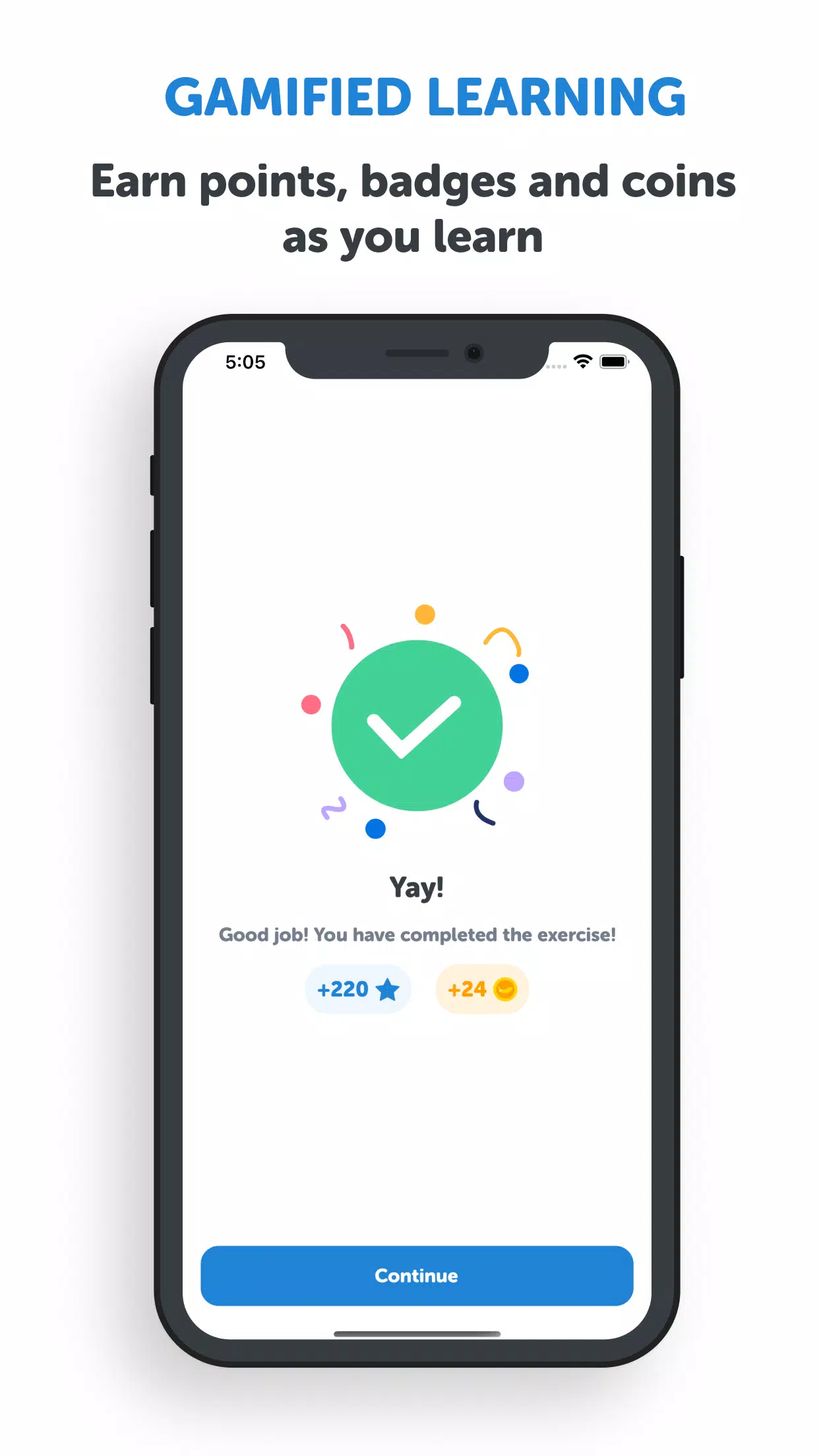
Progression in the app is organized by levels and themed collections. As you complete topic lists you earn points that unlock higher-difficulty sets and cosmetic badges; a persistent progress bar and level numbers indicate how much you’ve learned in a given theme. The system balances repetition with new material: easier review rounds appear more often while new entries are introduced gradually. Leaderboards and friendly ranking are available to compare progress in specific topics, and seasonal or weekly challenges refresh content for replay value without changing the core single-player focus.
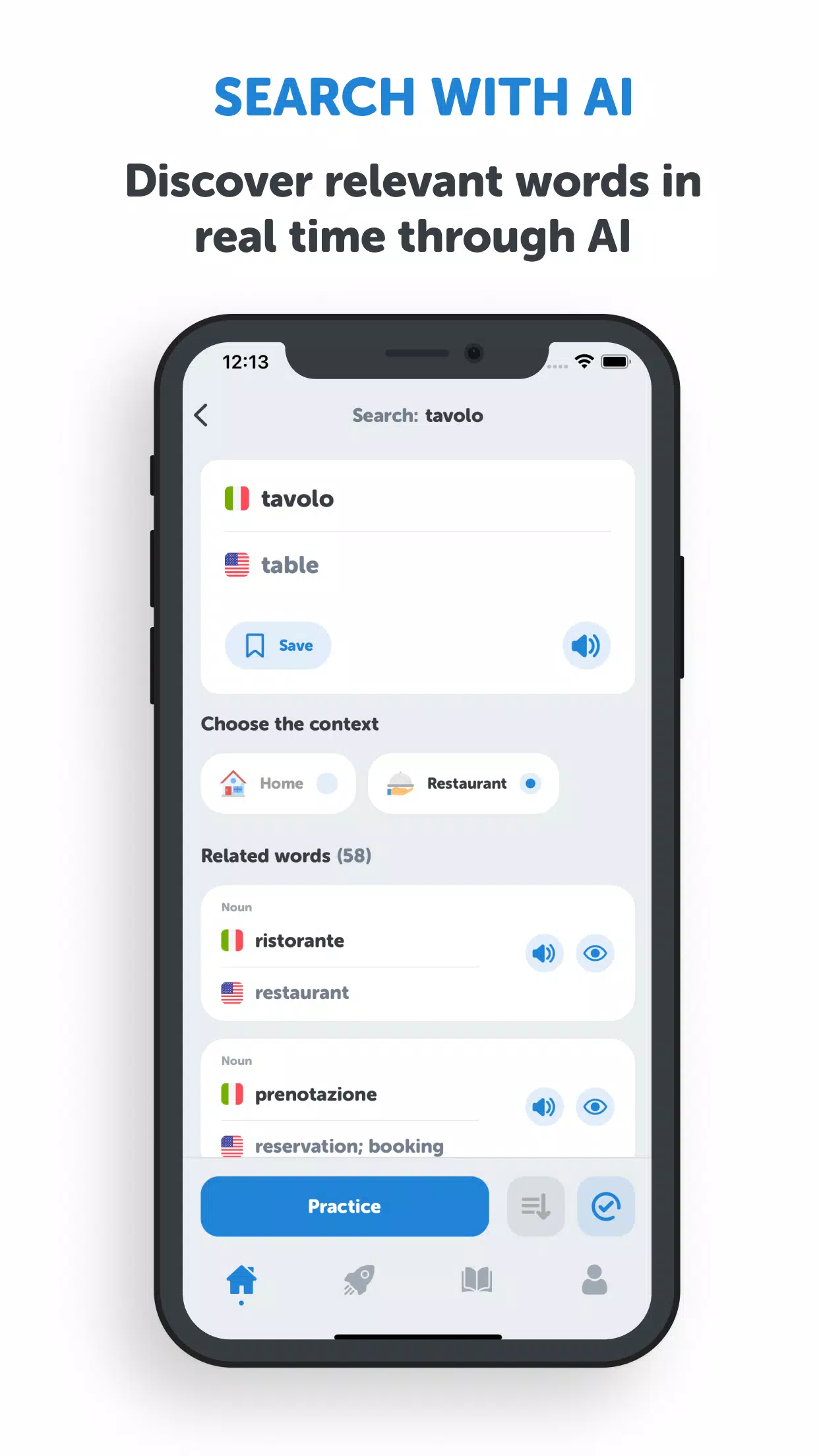
An integrated AI glossary provides fast translations, context-aware synonyms and example phrases tailored to the place or situation you select. When you encounter an unfamiliar term you can request an instant lookup that offers related words and short usage notes to help transfer passive recognition into active use. Personalization builds over time: the app adapts suggested exercises based on which words you miss most often and surfaces review packs that target those gaps.
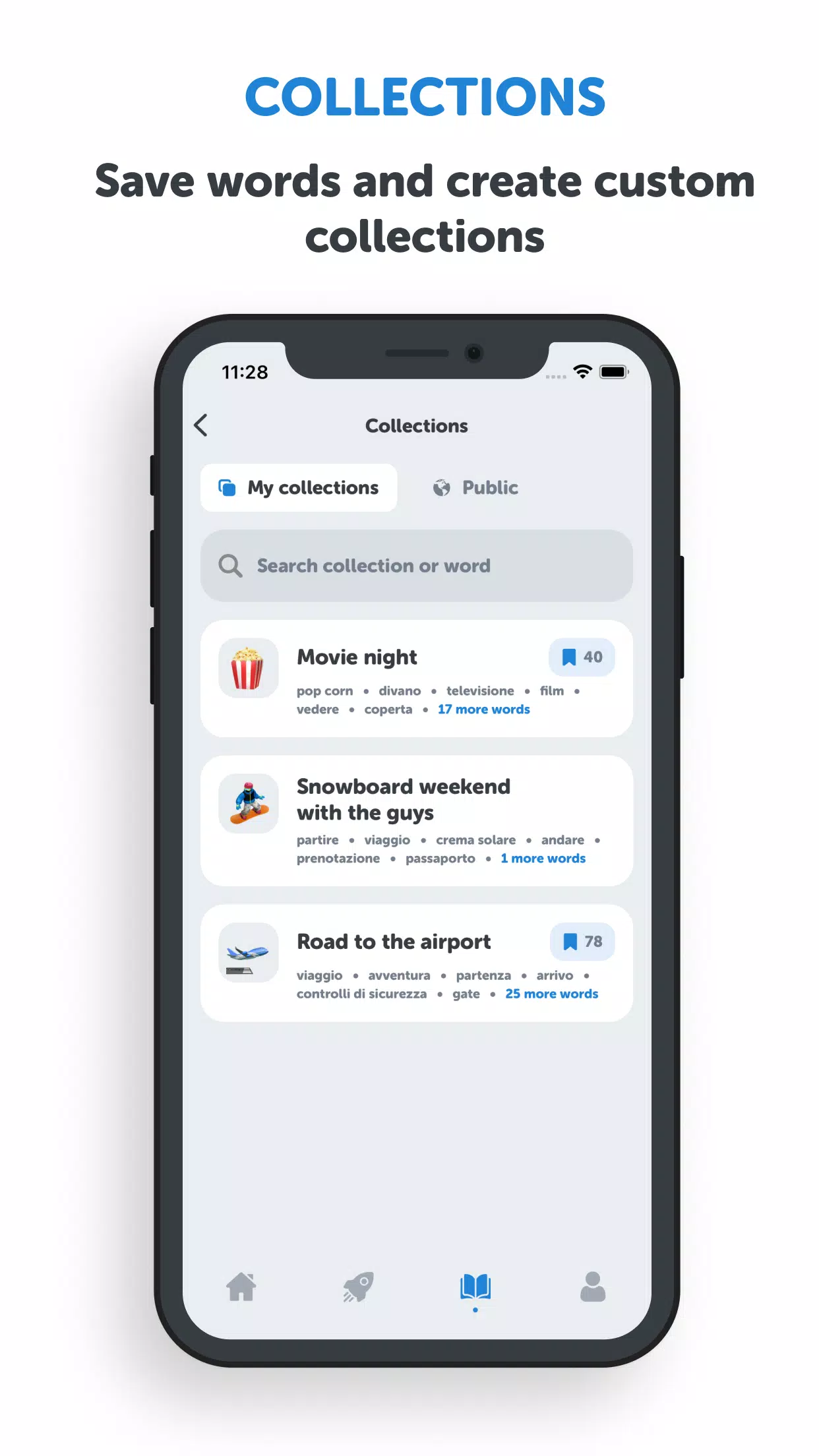
You can create and edit custom collections of saved words to match study goals such as travel packing lists, job-related terminology or hobby-specific vocab. Collections are easy to rename and reorder, and you can export or share a themed list with others as a simple file or link. This makes the app useful for teachers preparing focused lessons or for travelers assembling practical phrase packs.
The interface emphasizes clear typography, high-contrast color schemes and spacious layout to minimize cognitive load during fast practice. A range of display options includes larger text sizes, a tactile-friendly button layout and a colorblind-friendly palette. Screen reader compatibility and clear labeling of interactive elements improve accessibility for users with vision assistive tools. The visual design intentionally keeps distractions low so learning remains the main focus.
Many core features are available in offline mode after you download topic packs, including flashcards, saved collections and most practice exercises. AI-powered lookups, example generation and some pronunciation files require an internet connection and are noted within the interface when offline. Downloaded packs are stored locally to support study on flights or in areas with limited connectivity, and the app indicates the size of packs before download so you can manage device storage.
Challenge modes include timed sprints, accuracy-focused drills and cumulative review sessions that integrate material from multiple topics. Adaptive difficulty adjusts question selection based on past performance so sessions remain challenging but reasonable. Daily streaks, milestone reminders and optional push notifications help sustain practice without being intrusive. Because content is broken into many small themed lists, the same material can be revisited with different exercise types to maintain long-term retention and replay value.
Simple touch controls and optional keyboard navigation make the app flexible across devices. Built-in help screens explain gestures and scoring, and a contextual tips system offers suggestions tailored to your learning pace. Vocaboola is suitable for travelers assembling quick phrasebooks, students preparing for coursework, and anyone wanting to grow active vocabulary for hobbies or work. Regular updates add new topical packs and improve offline handling while keeping the learning experience straightforward and focused.
Download Vocaboola to explore themed wordlists, practice with short, effective rounds and use AI-assisted lookups when you need context. The app aims to make steady vocabulary growth practical and repeatable, whether you have five minutes or a full study session available.
Quiz Master Portugal
Size:17.30M PuzzleMemory Trash Truck, Clean City
Size:44.90M Puzzle恋愛診断まとめ
Size:105.30M Puzzle4Qutabi
Size:54.20M PuzzleA+ World Map Editor Sandbox
Size:31.50M PuzzleGeoGeo!
Size:16.20M PuzzleYAP (Tale of the Archer)
Size:125.00M PuzzleVocaboola
Size:42.60M PuzzleLetter Jam
Size:69.30M PuzzleDeal or Bet Live
Size:210.10M PuzzleOtium Word
Size:210.90M PuzzleBeauty Uncover Jigsaw
Size:129.00M PuzzleApril 2024 Clash of Clans Update: Unveiling a Fresh Companion, Enhanced Levels, Chat Tagging, and Be
2024-04-16Arrival of Genshin Impact 4.6 Update: 'Embers of Two Realms, Twilight of Crimson'
2024-04-16V2.2 of the Farlight 84 update introduces an overhauled Season structure, fresh in-game currency, an
2024-04-16Monster Never Cry is now accessible on both Android and iOS mobile devices.
2024-04-18PUBG Mobile Teams Up with Bentley Motors: Luxury Cars, Exclusive Collectibles, and Beyond
2024-04-18March 2024 Free Redemption Codes for Honkai: Star Rail
2024-04-18