English
Color by Number is a calming pixel-art coloring app that guides you through creating detailed artworks by filling numbered areas with color. Designed for people who want a low-pressure creative activity, Color by Number combines a clear color-by-number system with tools that simplify shading, zooming, and area selection so you can focus on the meditative act of coloring. The app supports both casual sessions and longer projects, offering an accessible entry point for beginners while providing enough nuance for users who return regularly to build a personal gallery.
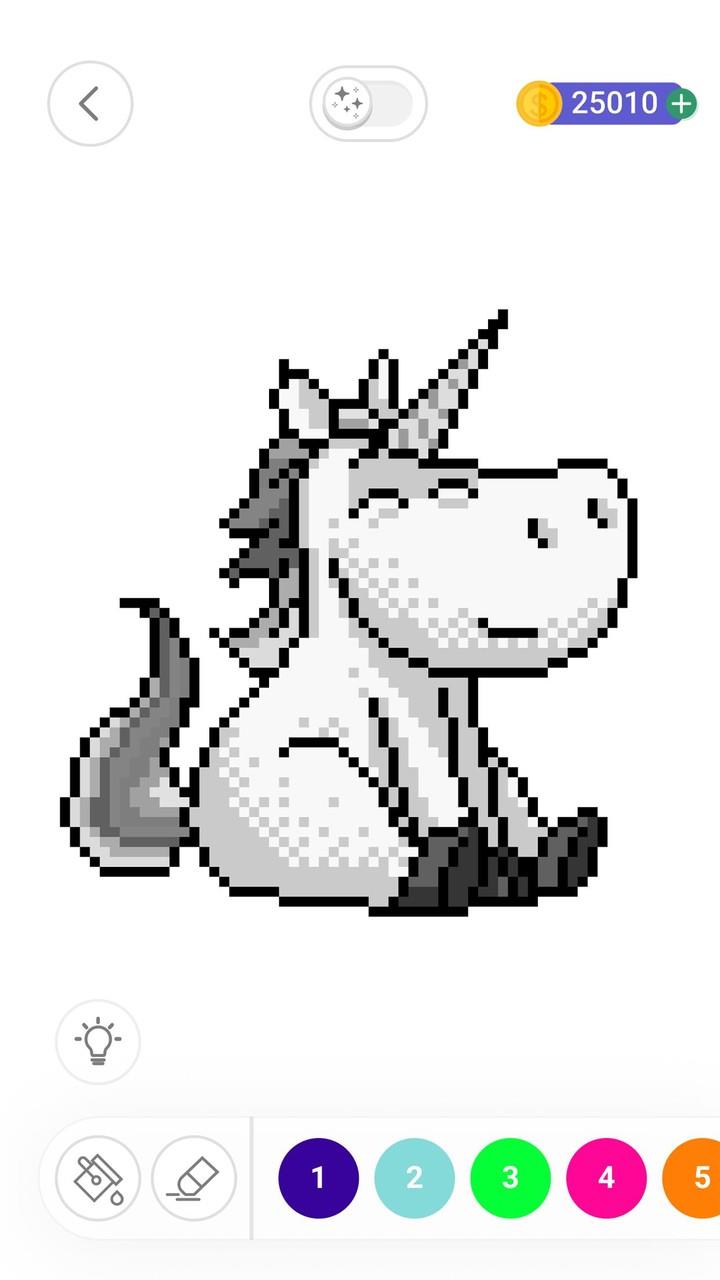
The core gameplay in Color by Number is straightforward: select a palette, tap or drag to fill numbered cells, and watch a pixel image emerge. Controls are optimized for touch devices with pinch-to-zoom, smooth panning, and a tap-to-fill option that speeds up large areas. Painting tools like auto-fill for contiguous regions, a precise brush for edges, and an eraser let you refine details without fighting the interface. Hints and an undo feature are available to reduce frustration, and optional guided steps help newcomers learn the pacing and rhythm of numbered coloring.
Levels are organized into themed collections and difficulty tiers so progression feels natural rather than forced. New image packs are unlocked as you complete projects, encouraging steady advancement while allowing you to replay favorites. The challenge system includes optional timed or accuracy-based modes for players who want extra structure—these modes are entirely optional and can be turned off to preserve the relaxed experience. Achievements track personal milestones like consecutive days of coloring or a number of finished pieces, giving a lightweight sense of progression without competitive pressure.
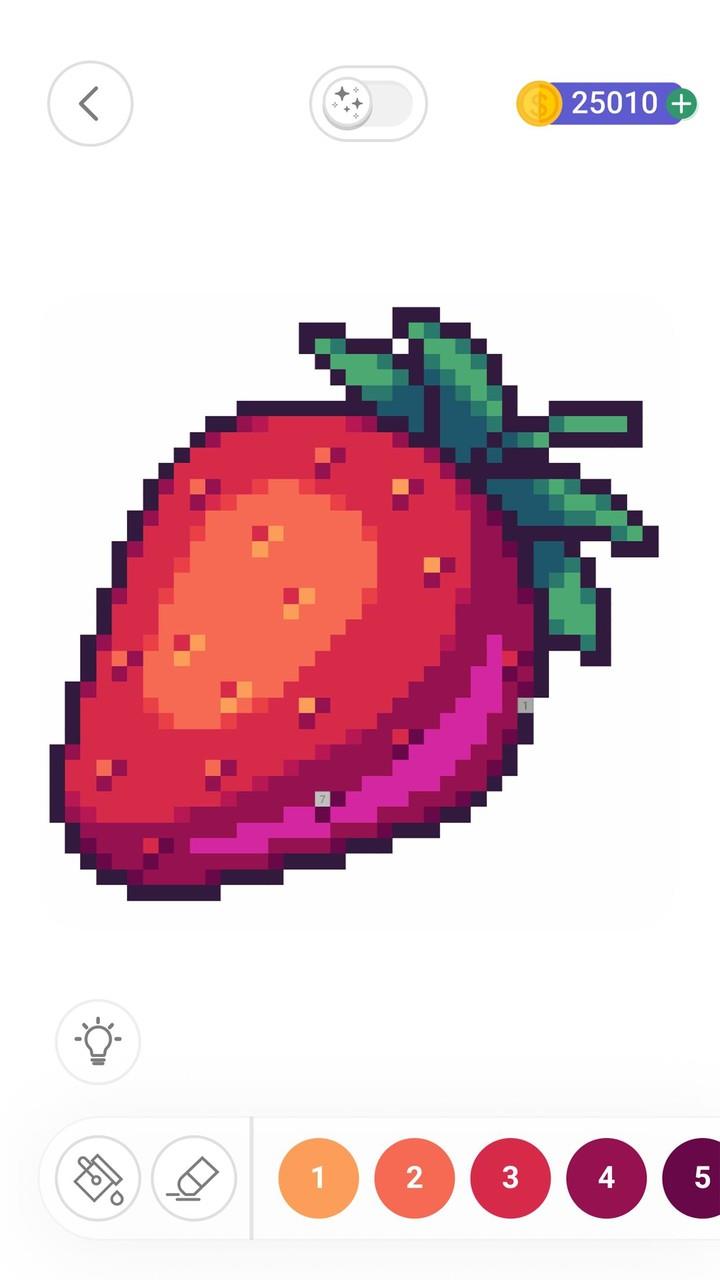
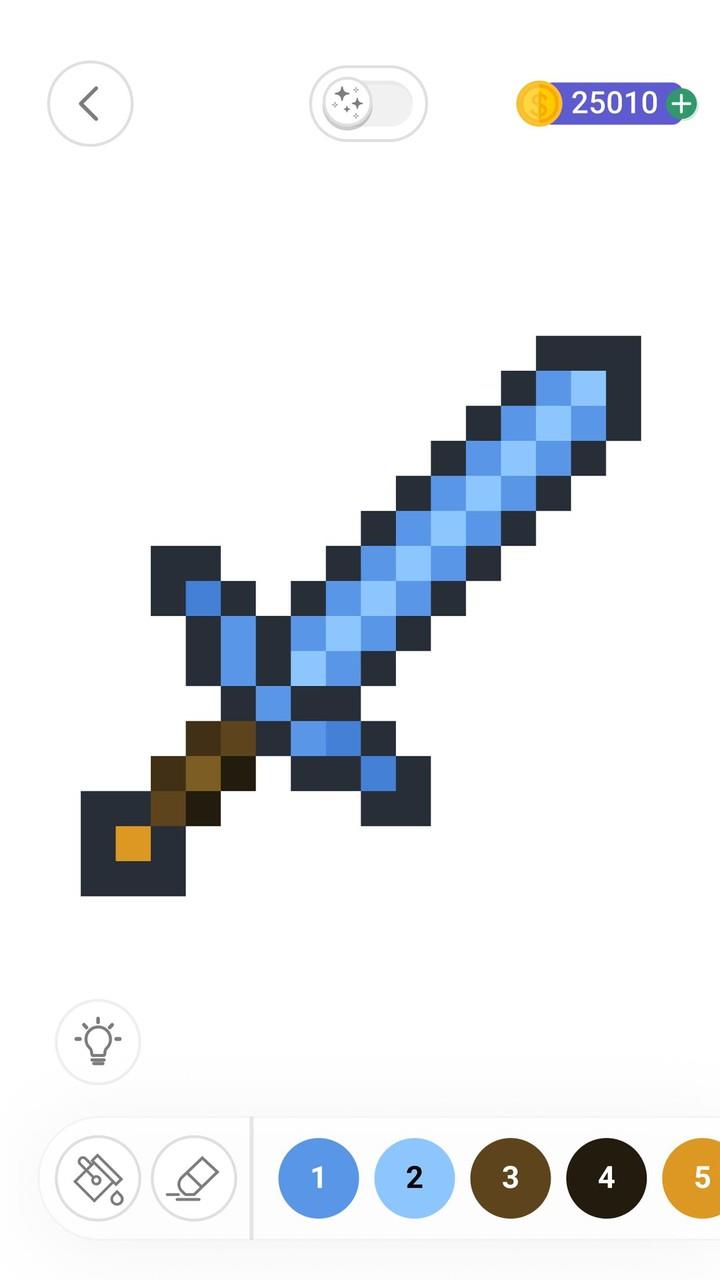
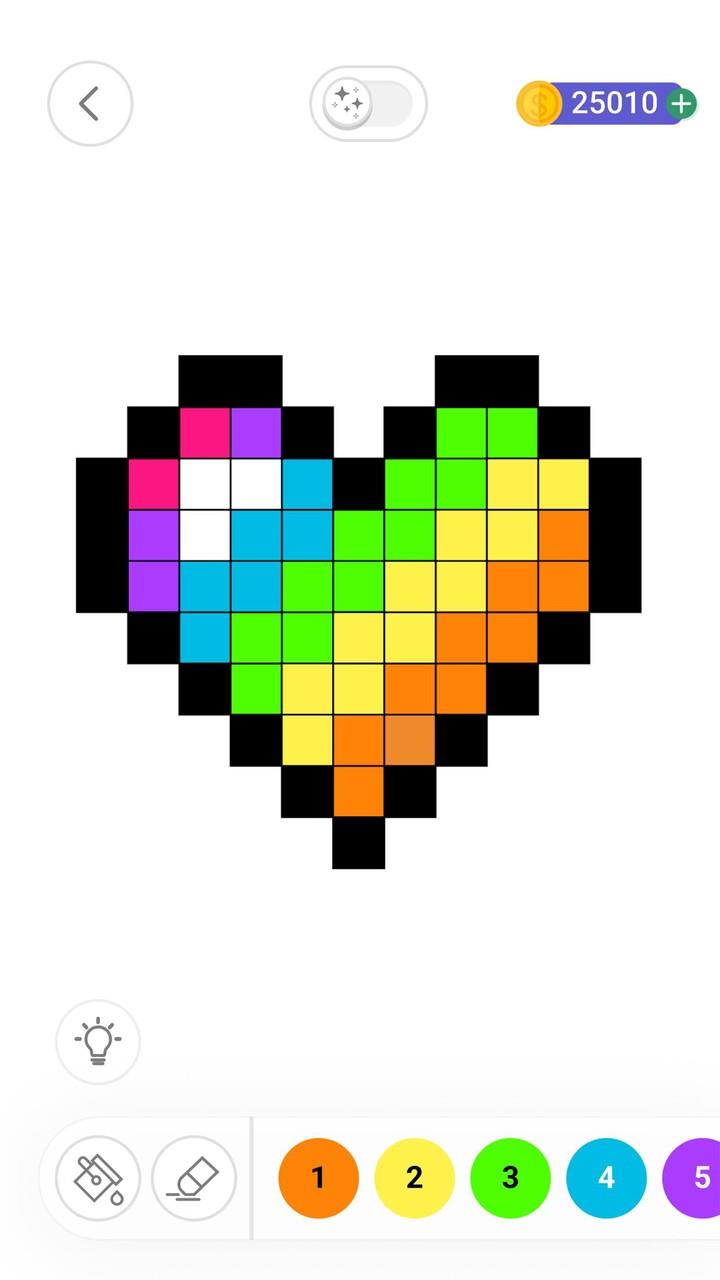
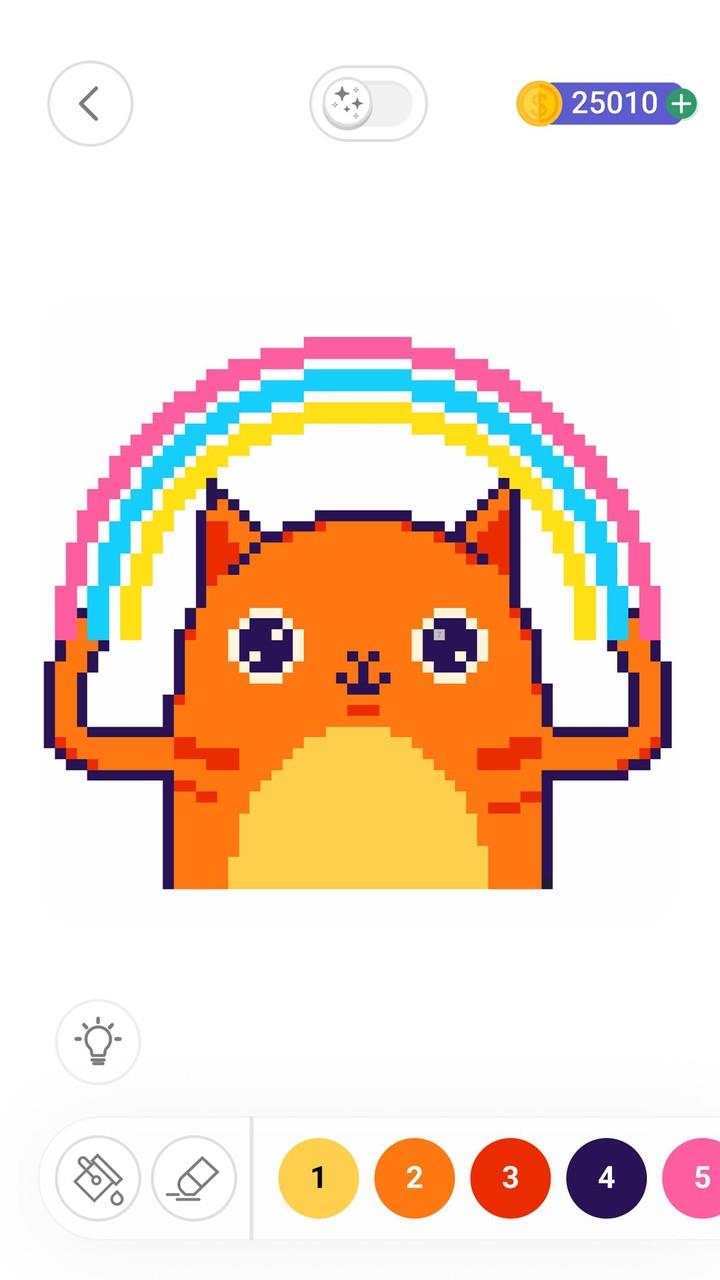
Artwork in Color by Number ranges from simple icons to intricate, multi-shade pixel illustrations that draw inspiration from many artistic traditions. Each level is composed of numbered cells that form a clear grid, and artists use limited palettes to emphasize contrast and composition. Levels are grouped by theme—nature, portraits, architecture, abstract patterns—and by complexity, so you can choose a quick five-minute image or a longer, more detailed piece. Visual previews and difficulty indicators help you pick projects that match your available time and attention.
Beyond the built-in gallery, Color by Number lets you import photos to convert personal images into numbered templates, enabling unique, meaningful projects from your own pictures. Color palettes can be adjusted, and you can save custom palettes for recurring styles. Small post-processing options let you add simple frames or export resolution-adjusted images for sharing or printing. These customization features preserve the guided color-by-number approach while allowing users to express personal taste and create keepsakes from their own photos.
Attention to accessibility makes the app welcoming: large button targets, high-contrast UI themes, and an option to increase cell size improve usability for a range of users. Tooltips and short tutorials explain each control step-by-step, and a relaxed default pace keeps the experience low-stress. The interface is designed to be intuitive on both phones and tablets, with persistent progress saving so you can pause a session and return later without losing work. Text labels and simple icons keep navigation clear for new users.
Many features of Color by Number are available offline so you can color without a network connection; only community browsing and online sharing require internet access. The app is optimized to run smoothly on mid-range devices, and image complexity scales so even large templates remain responsive. Replay value comes from revisiting favorite images with different palettes, attempting optional challenge modes, or converting new photos into templates. Regular updates expand the library and offer seasonal packs, while the core experience remains enjoyable regardless of how often you open the app.
Color by Number includes community-friendly features that let you export finished pieces and share them with friends or social platforms. An in-app gallery showcases user creations that can be browsed for inspiration; browsing requires an internet connection and is entirely optional. The sharing workflow emphasizes respectful interaction and creative feedback, and privacy controls let you decide which images are public and which stay private. Whether you use Color by Number for quiet stress relief or to build a small portfolio of themed works, the app supports both solitary and social creative habits.
Mobile Werewolf
Size:36.50M CardPoker with Friends – EasyPoker
Size:78.60M CardColor by Number
Size:61.36M CardVita FreeCell
Size:54.64M Cardရှမ်းကိုးမီး Shan 9 ZingPlay
Size:98.80M CardBuraco Fechado STBL
Size:45.80M CardLudo Play Dice Snake Game fun
Size:35.10M CardHappy Teen Patti
Size:60.50M CardHolocard Cantina
Size:159.10M CardUnfair Square
Size:355.30M CardSolitaire Ultimate Challenge
Size:9.30M CardWild Joker Poker
Size:102.10M CardApril 2024 Clash of Clans Update: Unveiling a Fresh Companion, Enhanced Levels, Chat Tagging, and Be
2024-04-16Arrival of Genshin Impact 4.6 Update: 'Embers of Two Realms, Twilight of Crimson'
2024-04-16V2.2 of the Farlight 84 update introduces an overhauled Season structure, fresh in-game currency, an
2024-04-16Monster Never Cry is now accessible on both Android and iOS mobile devices.
2024-04-18PUBG Mobile Teams Up with Bentley Motors: Luxury Cars, Exclusive Collectibles, and Beyond
2024-04-18March 2024 Free Redemption Codes for Honkai: Star Rail
2024-04-18