English
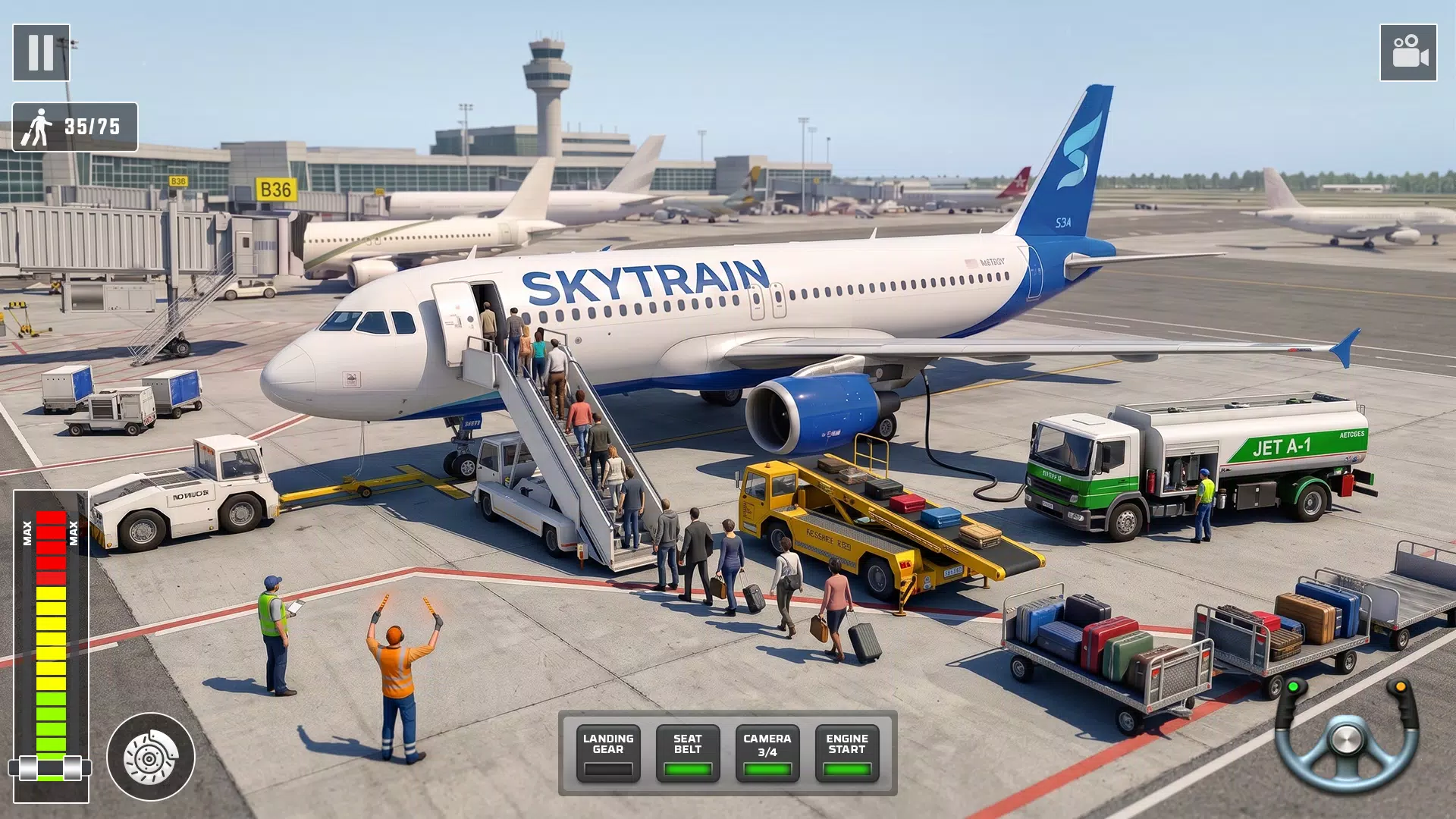
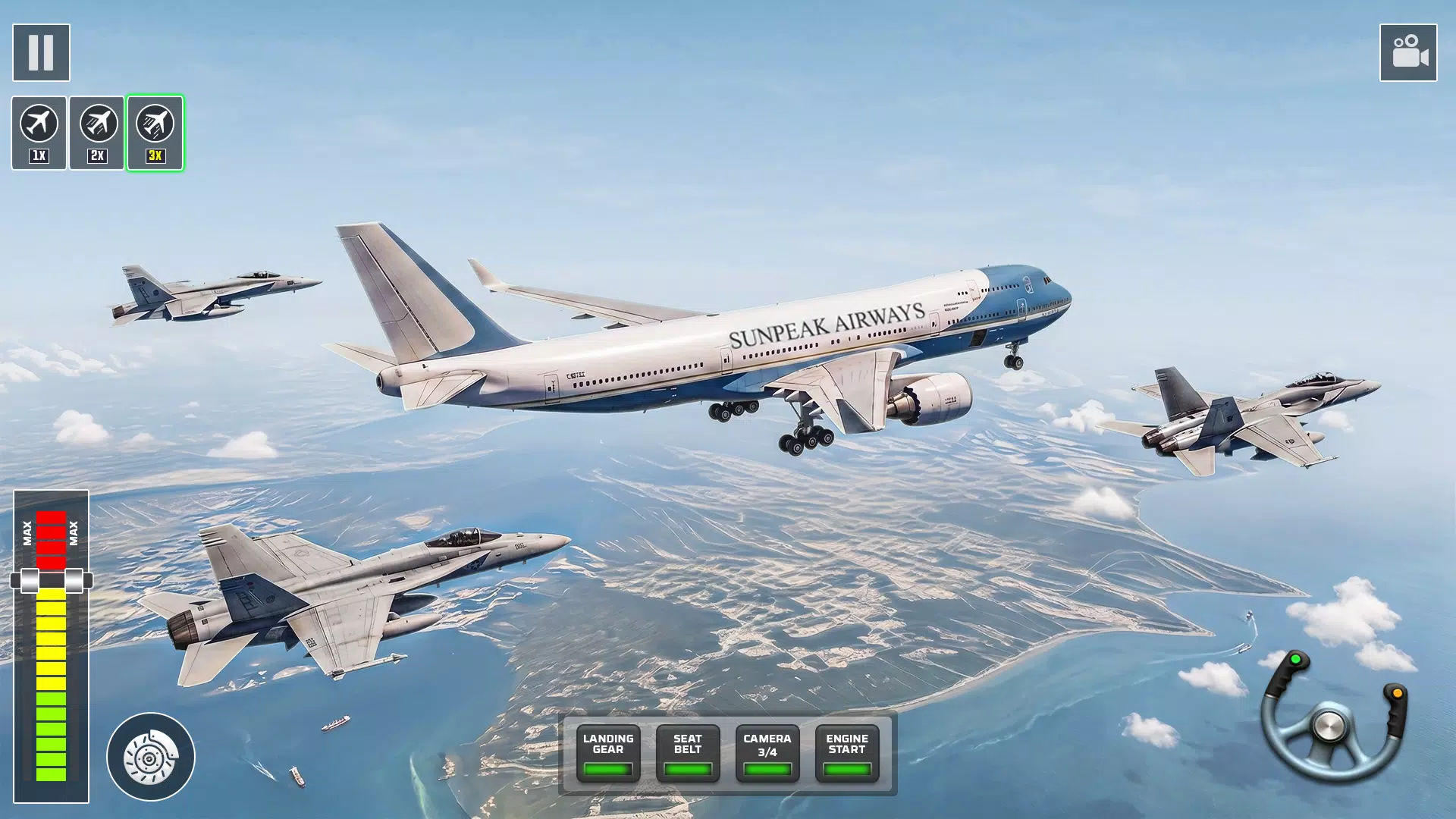
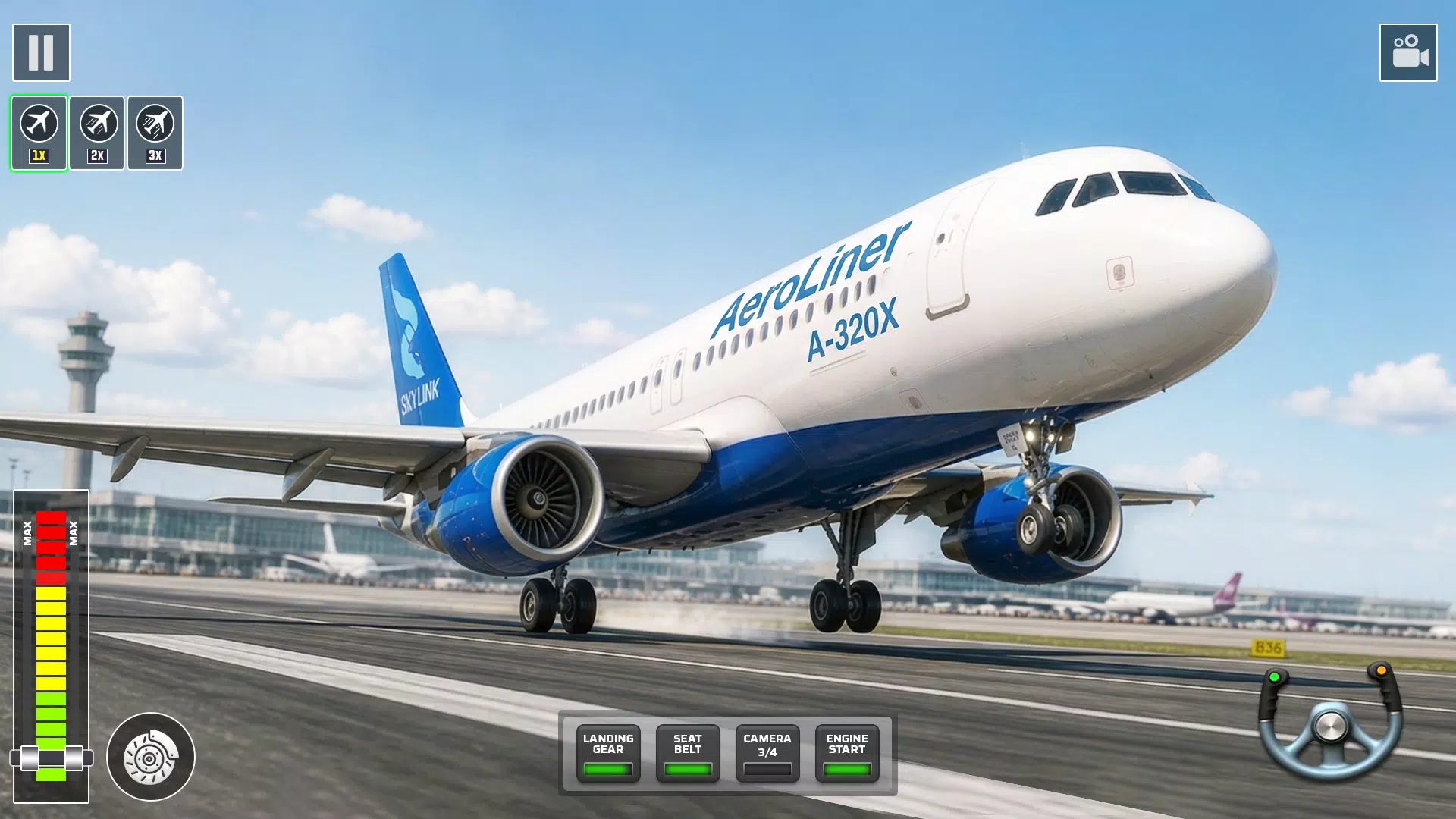
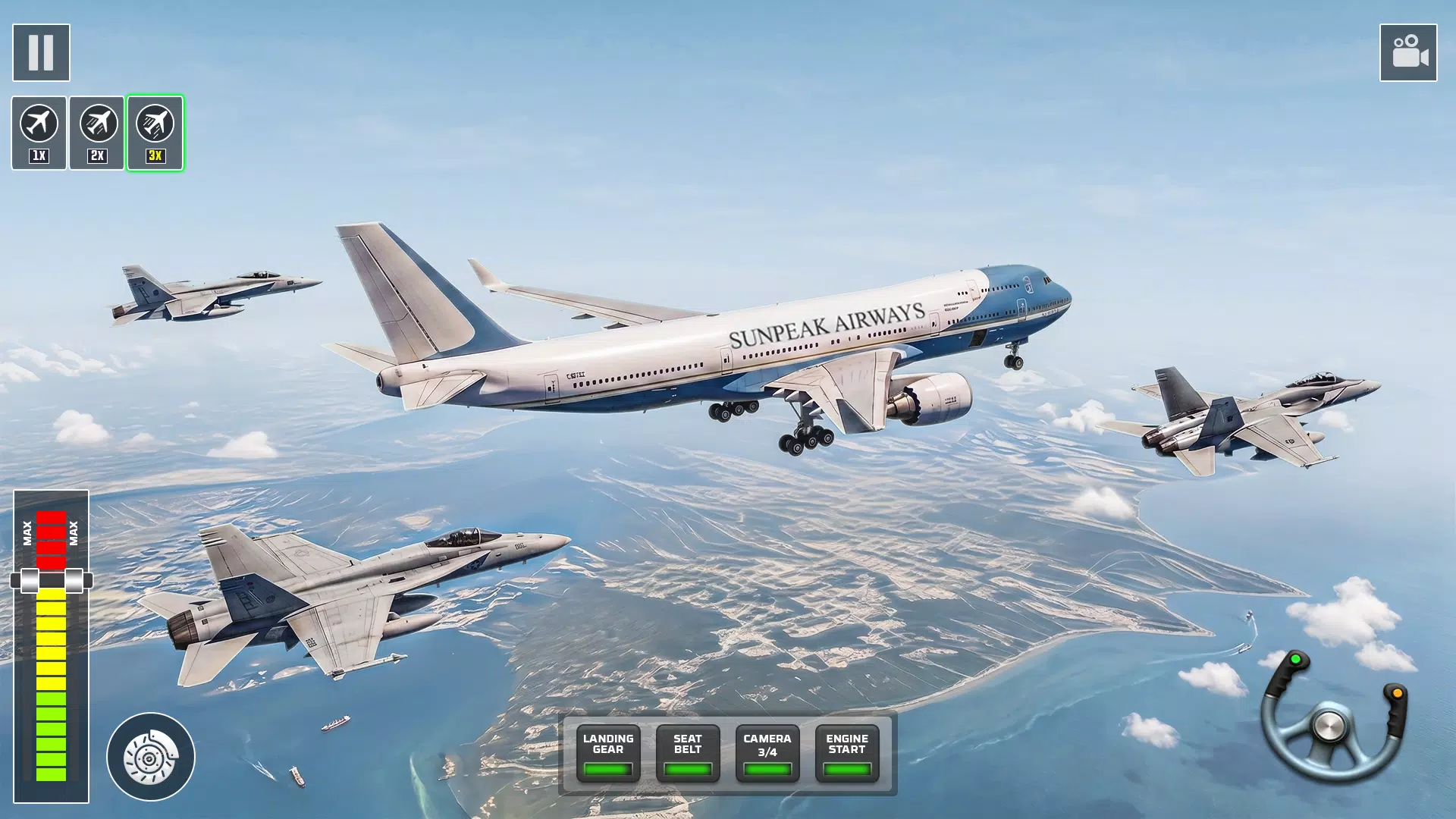
City Airplane Flight Sim Games places you in the pilot's seat for realistic aviation action above detailed city skylines and busy airport environments. City Airplane Flight Sim Games combines mission-driven objectives, responsive aircraft handling and changing weather to create immersive single-player flights that appeal to both newcomers and experienced sim fans. From simple takeoff procedures to instrument-guided approaches, the app focuses on approachable learning while keeping the technical depth that makes each flight rewarding.
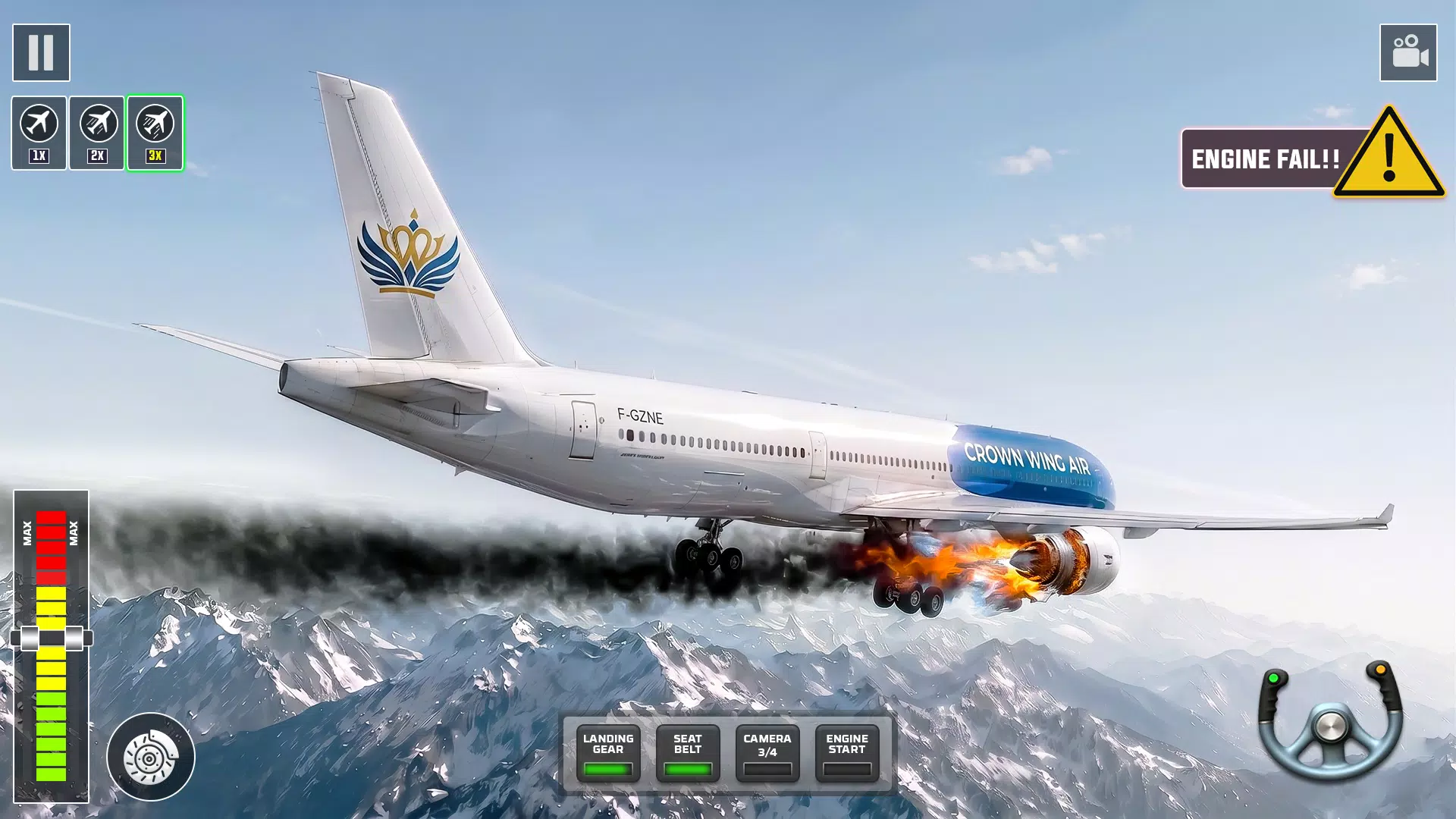
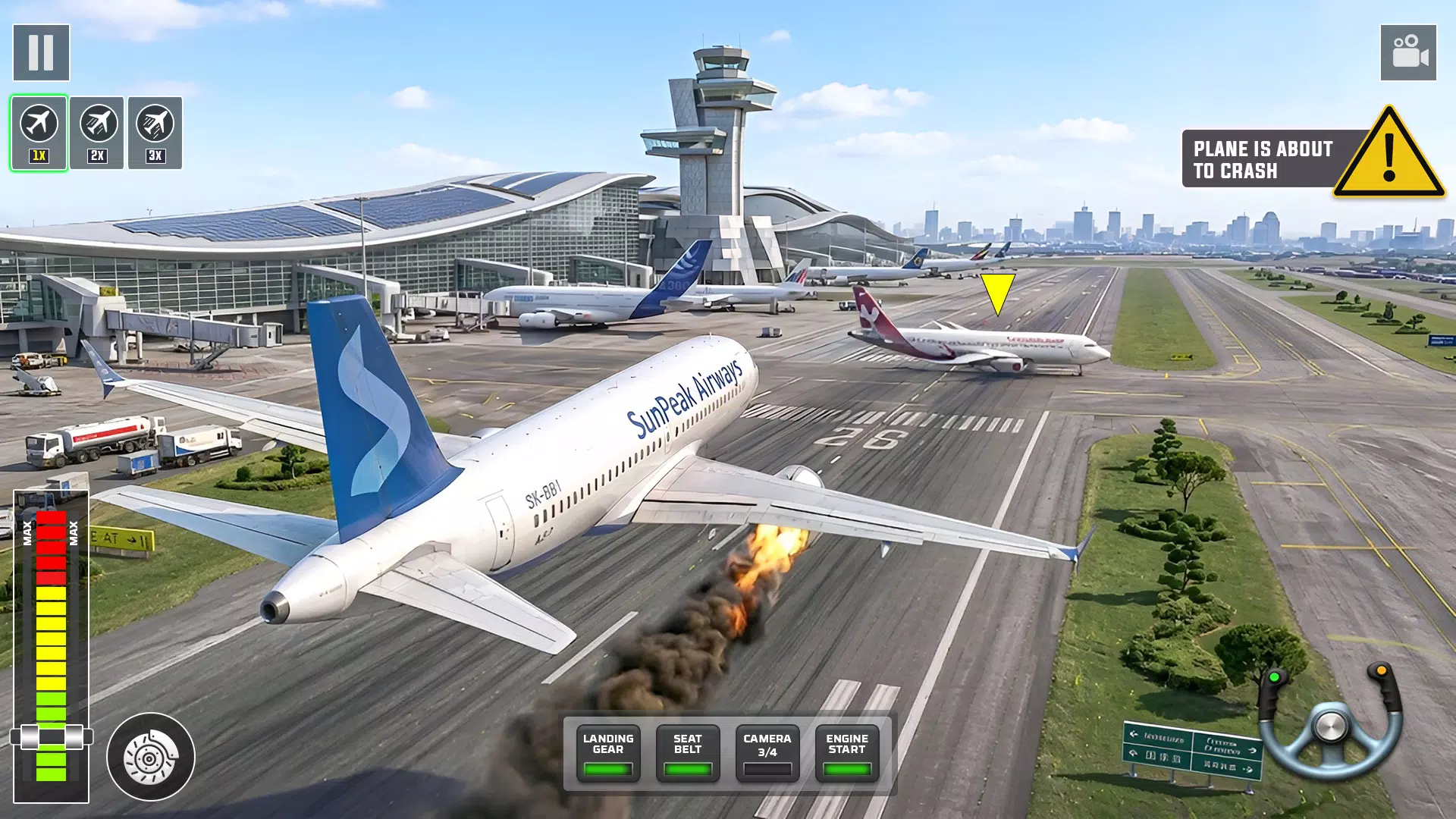
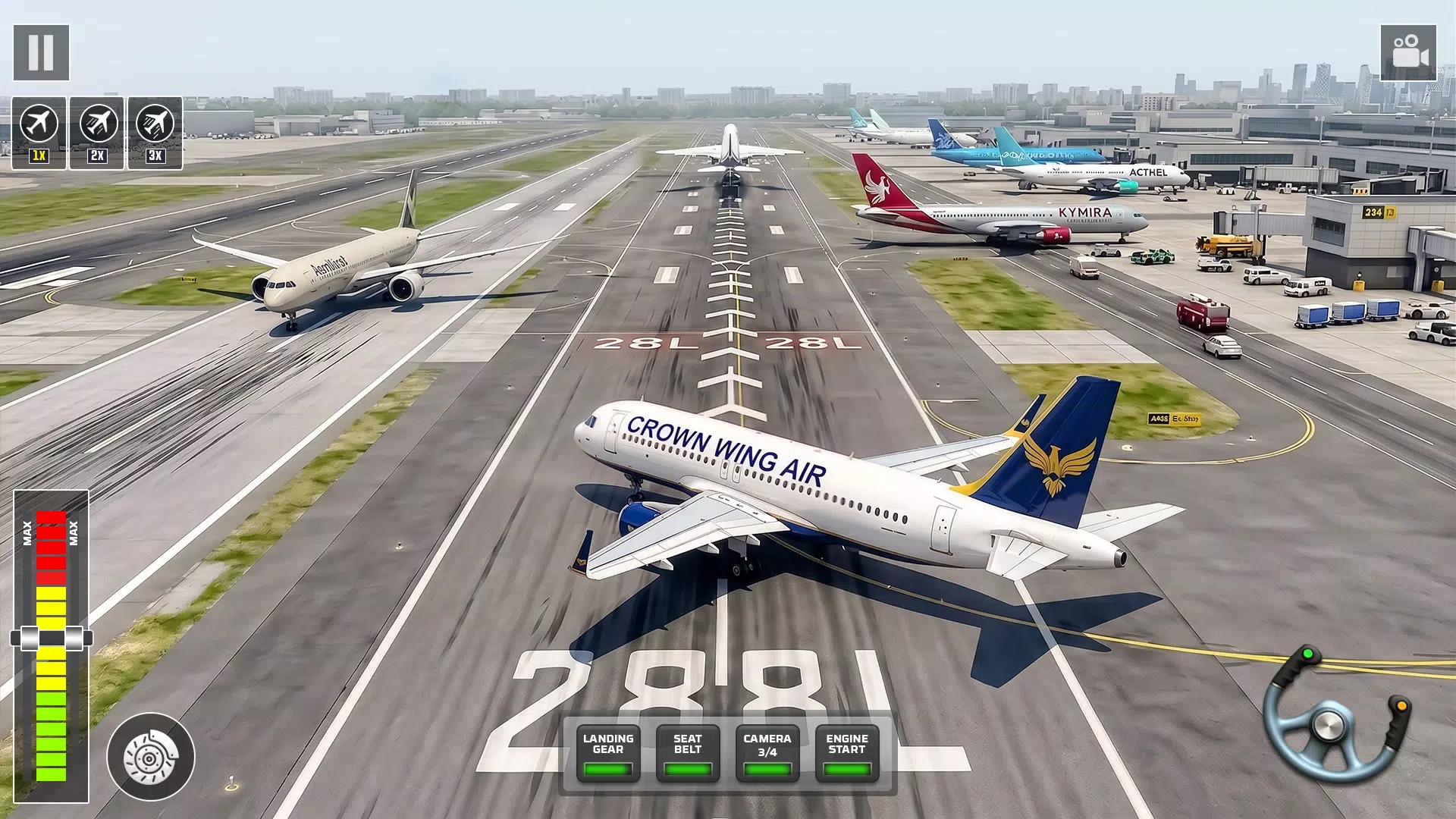
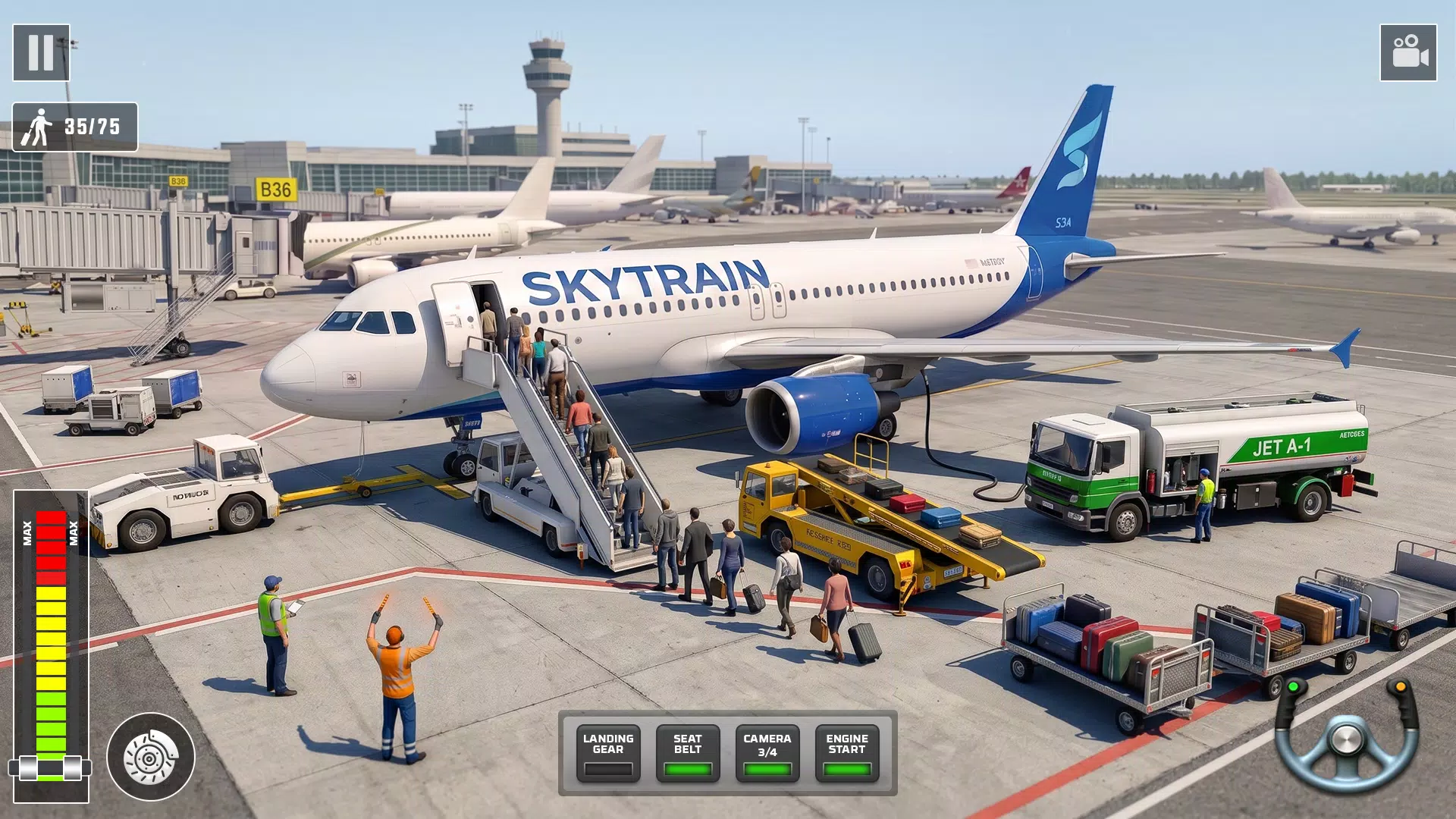
The simulator delivers upgraded flight physics, multiple camera perspectives including authentic cockpit views and external tracking cameras, and a variety of urban settings with realistic air and ground traffic. Dynamic weather systems affect lift, visibility and ground handling so every mission can feel different. Missions range from basic checkride-style tasks to timed challenges that require careful navigation and precise landings. A clear progression system lets pilots unlock new aircraft and equipment as they complete objectives and refine their skills.
Gameplay emphasizes a balance between realism and accessibility. Aircraft respond to control input with improved handling that simulates weight, lift and wind effects without overwhelming casual players. Navigation relies on onboard instruments and waypoint systems; missions encourage the use of proper approach patterns and communication checklists. Pilots can practice individual procedures in dedicated practice runs, helping to close the gap between arcade immediacy and detailed simulation techniques.
Controls are designed to be responsive on mobile devices: intuitive touch controls for basic flight, optional tilt steering for users who prefer motion input, and customizable sensitivity settings to match personal comfort. The UI presents instrument readouts and navigation aids in a clear, readable layout that can be scaled for visibility. Accessibility options include simplified control modes, assisted landing aids, and an easy-to-follow tutorial sequence so new players can learn at their own pace while advanced users can disable assists for a more authentic experience.
The progression system rewards practice and mission completion with unlockable aircraft and progression-based upgrades that alter handling characteristics and onboard systems. Customization focuses on functional choices such as avionics upgrades, livery selections and adjustable flight assists rather than purely cosmetic options. This structure encourages steady improvement: as pilots master navigation and landing procedures they gain access to heavier, faster or more complex airplanes that present new handling challenges and learning opportunities.
The visual approach balances detailed 3D models and smooth performance to maintain immersion on a range of devices. Cityscapes and airports are constructed with recognizable urban landmarks, moving ground traffic and runway lighting that reacts to time-of-day and weather. Optimization settings allow players to prioritize visual fidelity or frame-rate stability, ensuring that the simulator runs well on mid-range hardware while offering richer visuals on newer devices.
Missions are organized into structured levels with increasing complexity: starter lessons focus on takeoff and straight-and-level flight, intermediate missions introduce instrument navigation and crosswind landings, and advanced scenarios test resource management under adverse weather or traffic conditions. Challenge modes add time limits, reduced visibility or stricter scoring to give experienced pilots repeatable goals. Each mission includes clear objectives and scoring metrics, enabling players to track improvement across sessions.
Replayability comes from varied weather, randomized traffic patterns and mission modifiers that change procedural requirements on repeat attempts. The game supports offline play for most content, allowing pilots to fly and practice without a network connection; progress and unlocks are preserved locally so users can continue improving on the go. The combination of open-ended practice and structured challenges provides incentives to revisit favorite routes and refine technique.
The interface emphasizes straightforward menus, readable briefings before each mission and adaptable control layouts to reduce friction for new users. Helpful in-game tips and tooltips explain instrument readouts and common procedures, and an accessible help section covers troubleshooting and recommended settings for different device classes. City Airplane Flight Sim Games aims to provide a steady learning curve, consistent performance and clear feedback so pilots can focus on mastering flight rather than navigating confusing menus.
Zombie War: Idle Defense
Size:263.12M RPGStickman GO
Size:438.01M RPGATHENA:Blood Twins
Size:1330.94M RPGBlack Clover M
Size:21.00M RPGBunny Wars: Idle RPG
Size:149.94M RPGHow We Show Love
Size:87.00M RPGFishing Life: Love & Fortune
Size:139.00M RPGLiora’s Price of Dignity
Size:368.00M RPGMy Pet Witch
Size:125.50M RPGFemdom City M.A.N.T.I.S. Complete Story Edition
Size:658.60M RPGDoraporn: Family Debt
Size:125.50M RPGZero to Harem Hero: A Hentai Isekai Adventure
Size:1053.00M RPGApril 2024 Clash of Clans Update: Unveiling a Fresh Companion, Enhanced Levels, Chat Tagging, and Be
2024-04-16Arrival of Genshin Impact 4.6 Update: 'Embers of Two Realms, Twilight of Crimson'
2024-04-16V2.2 of the Farlight 84 update introduces an overhauled Season structure, fresh in-game currency, an
2024-04-16Monster Never Cry is now accessible on both Android and iOS mobile devices.
2024-04-18PUBG Mobile Teams Up with Bentley Motors: Luxury Cars, Exclusive Collectibles, and Beyond
2024-04-18March 2024 Free Redemption Codes for Honkai: Star Rail
2024-04-18