English
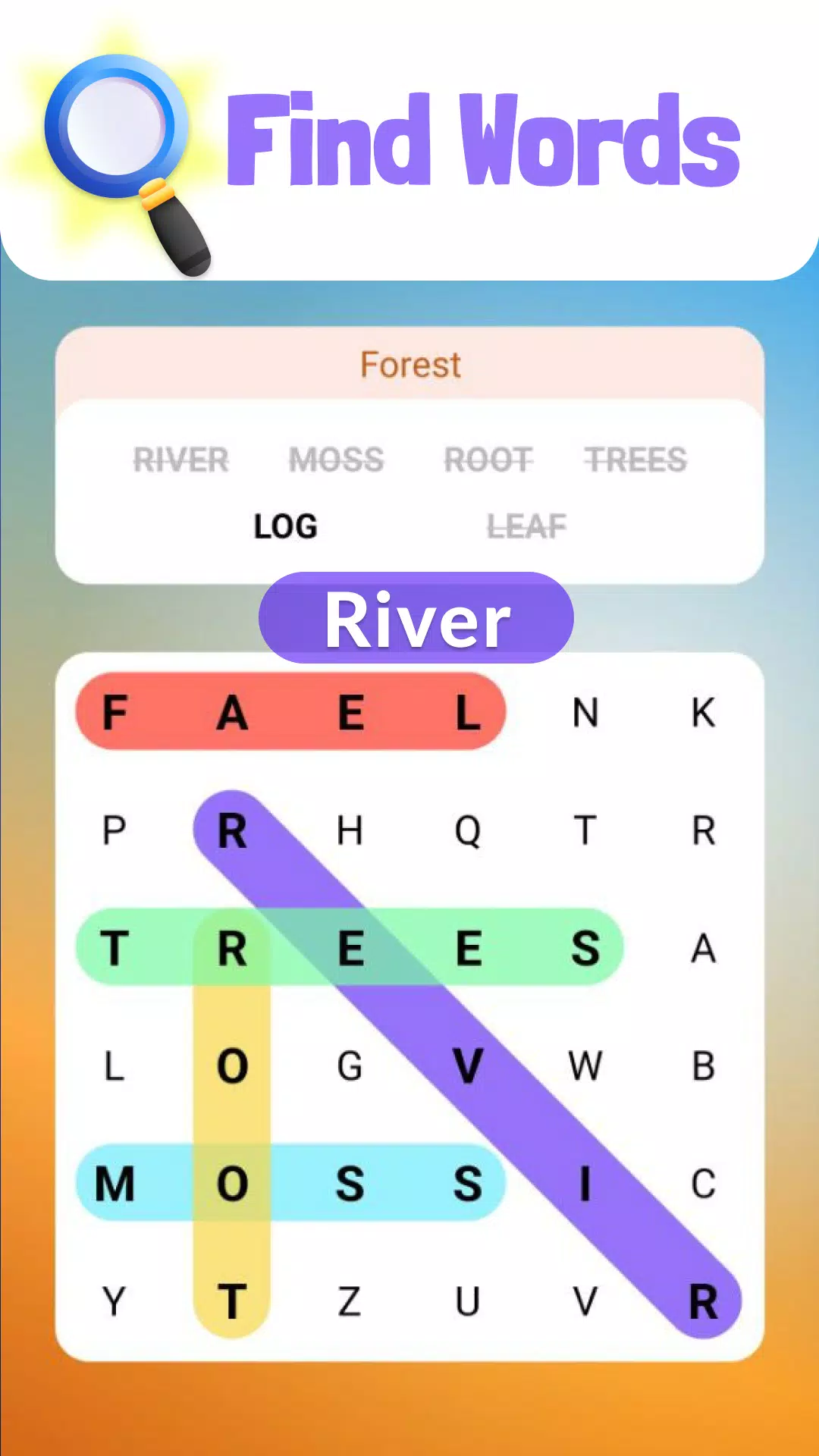
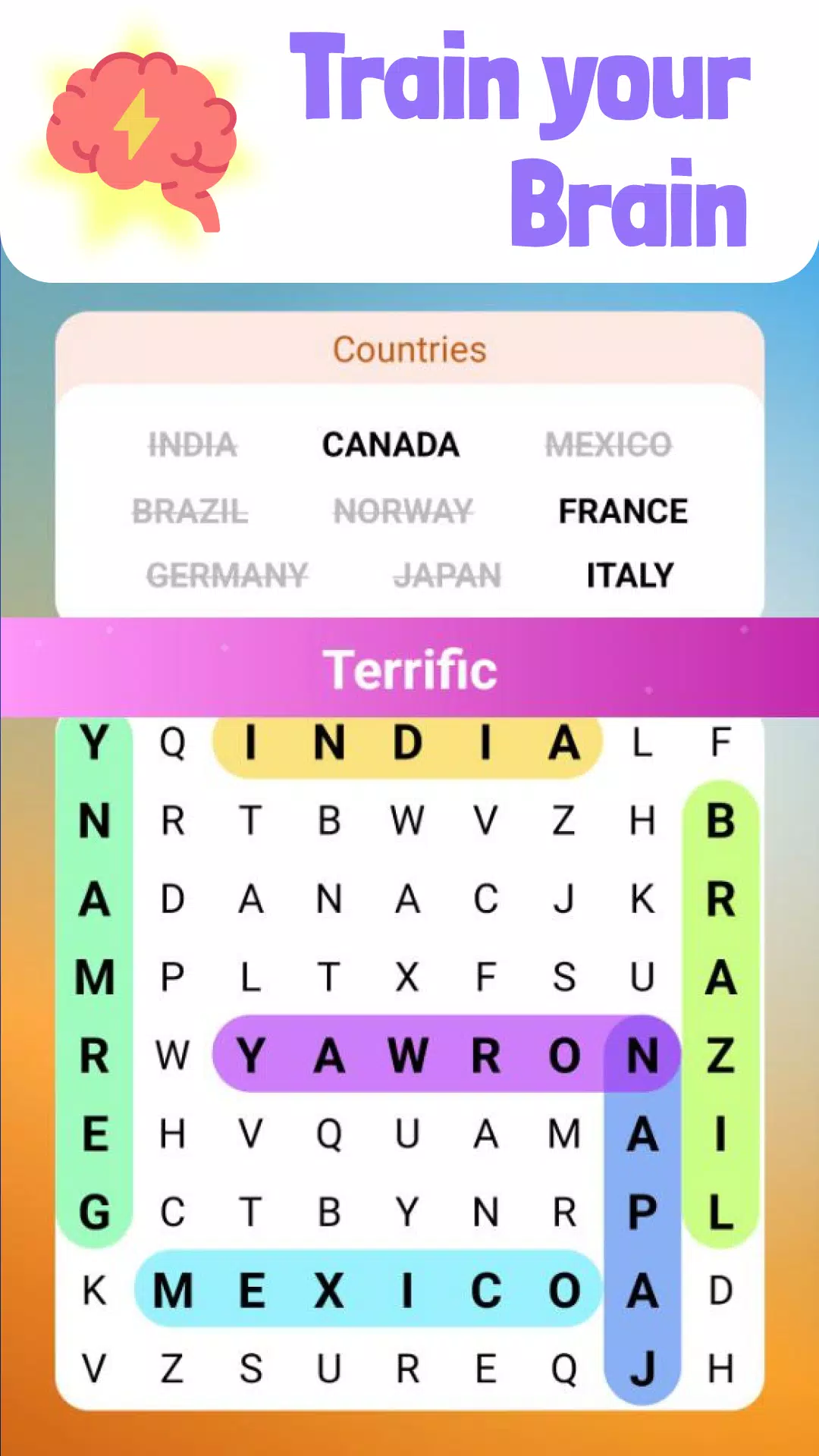
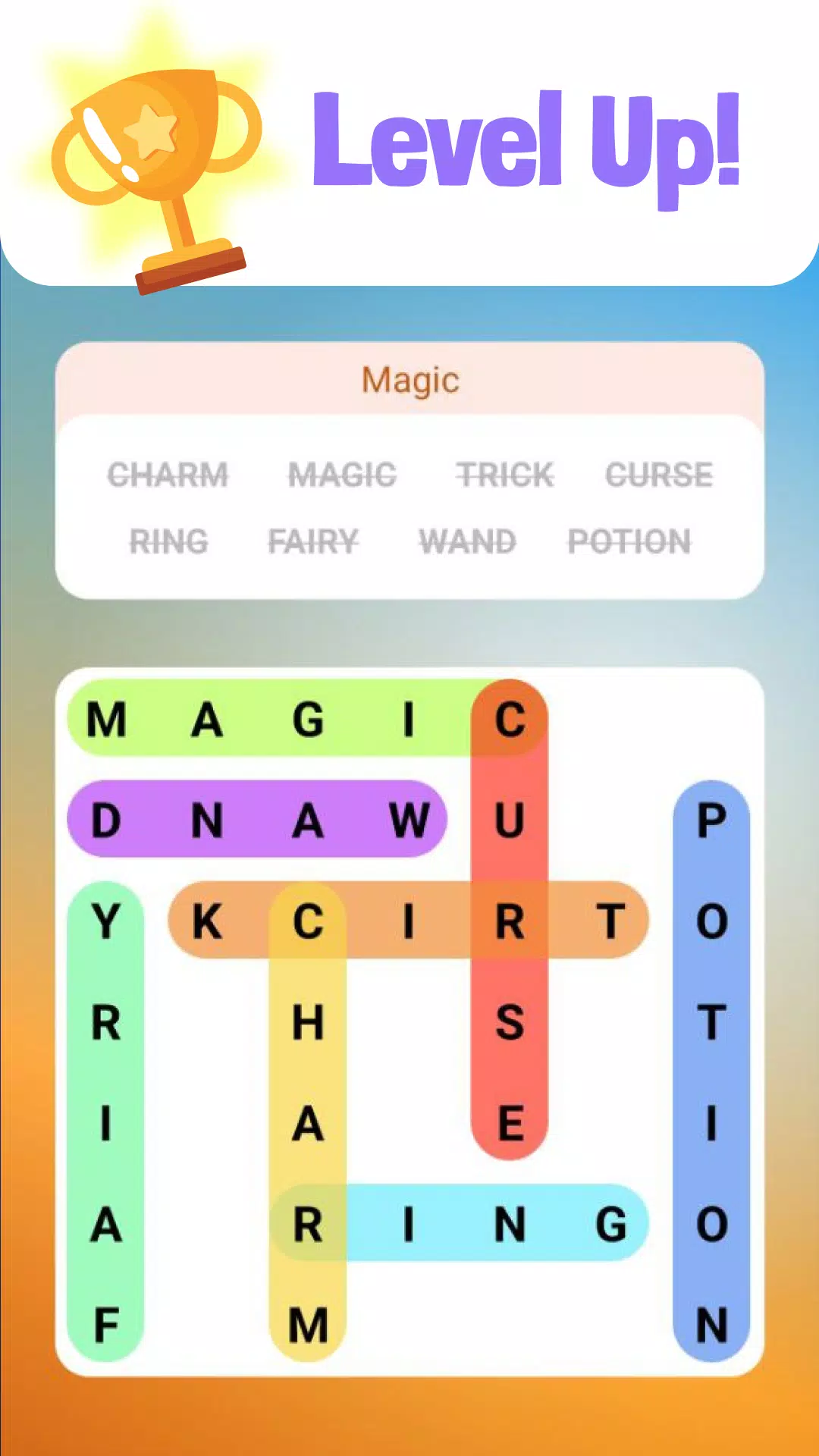
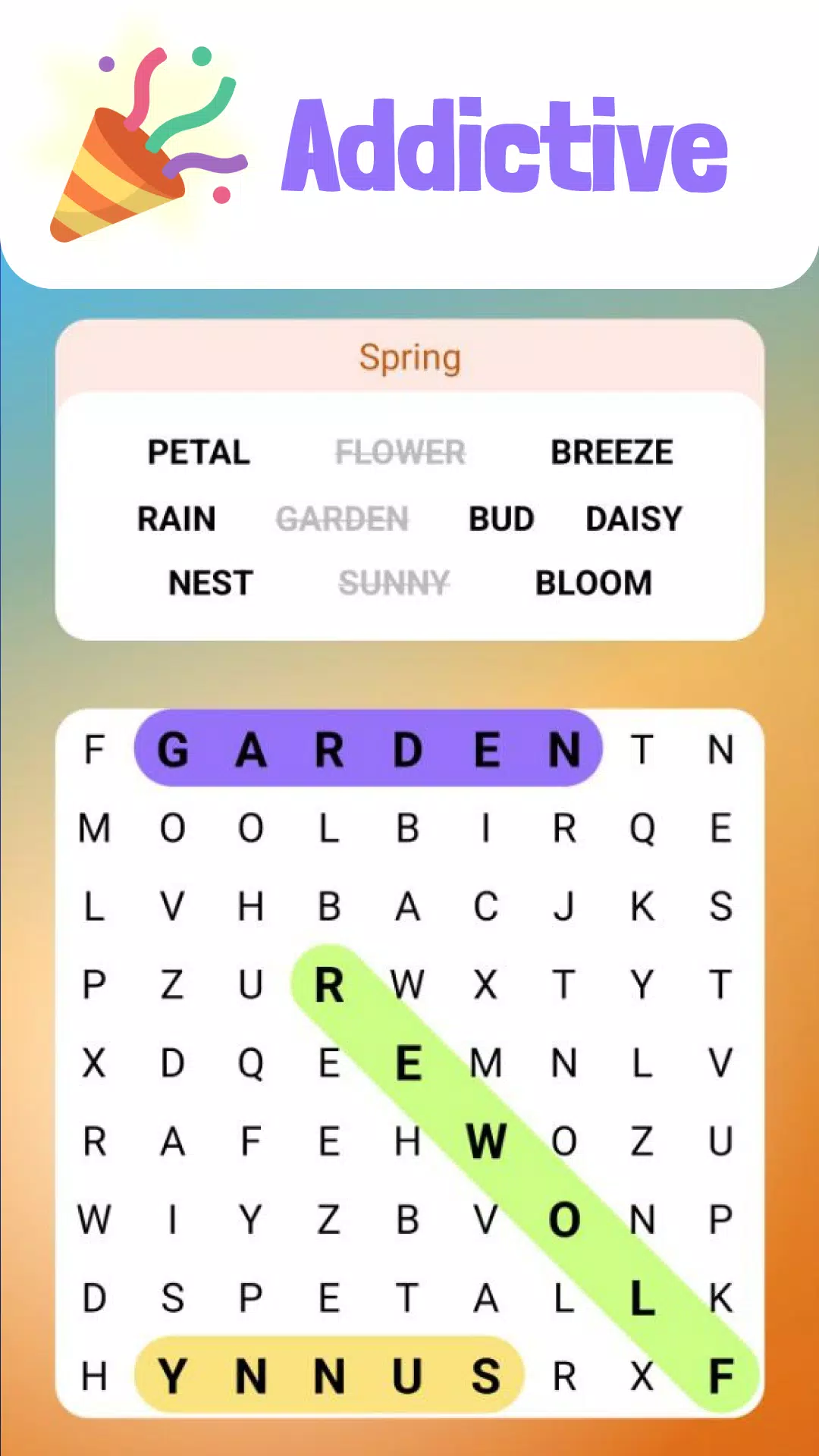
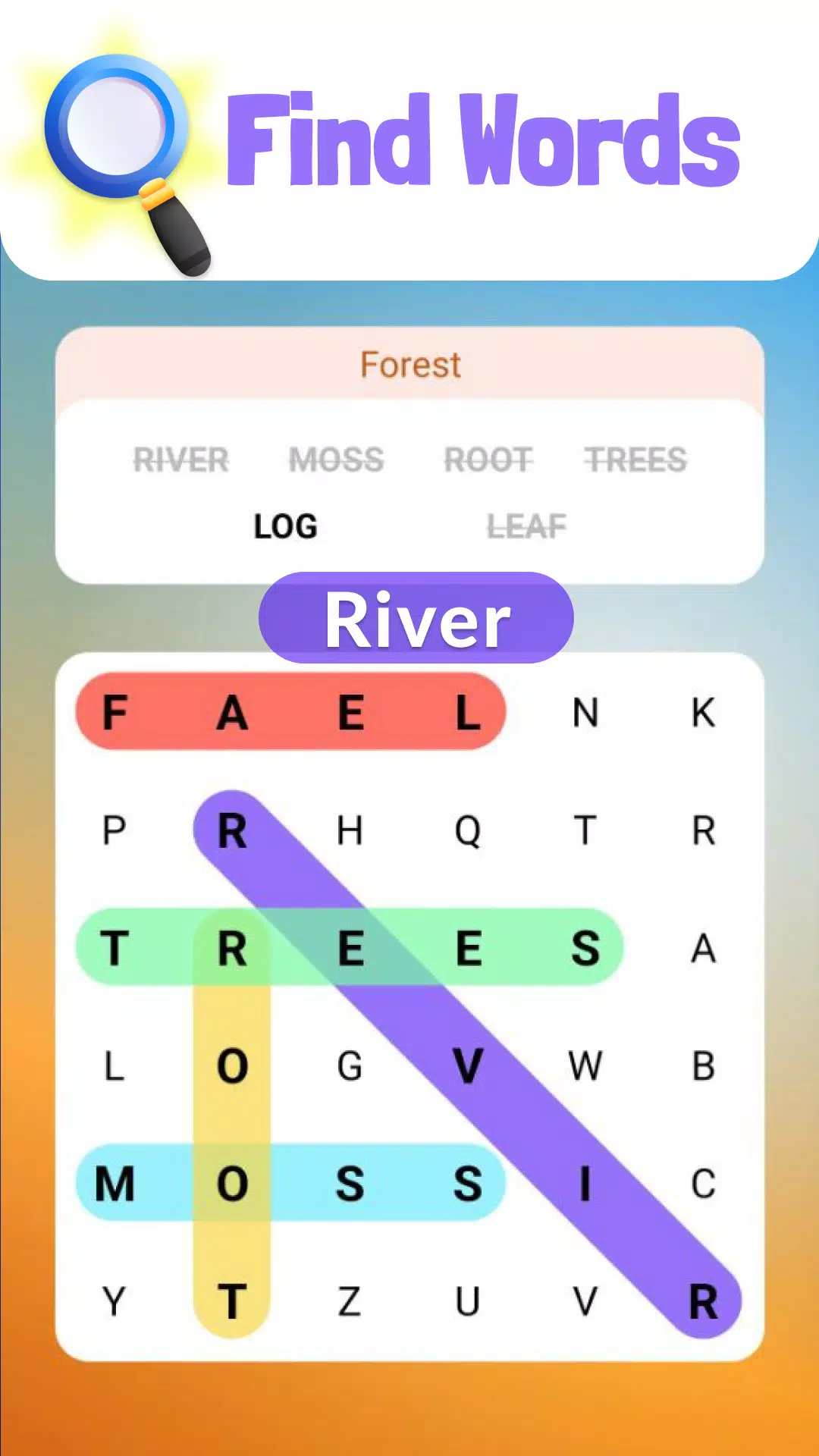
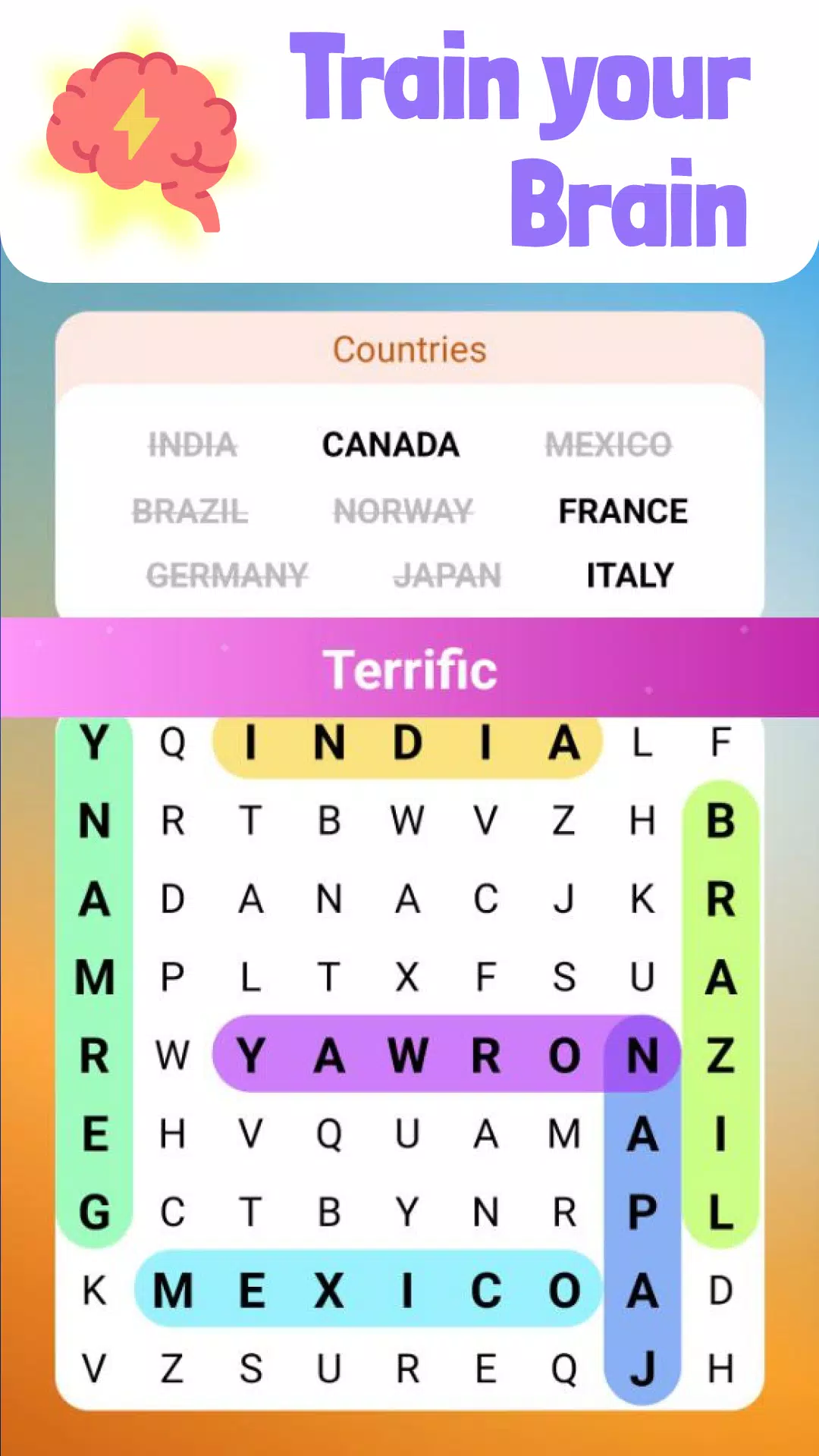
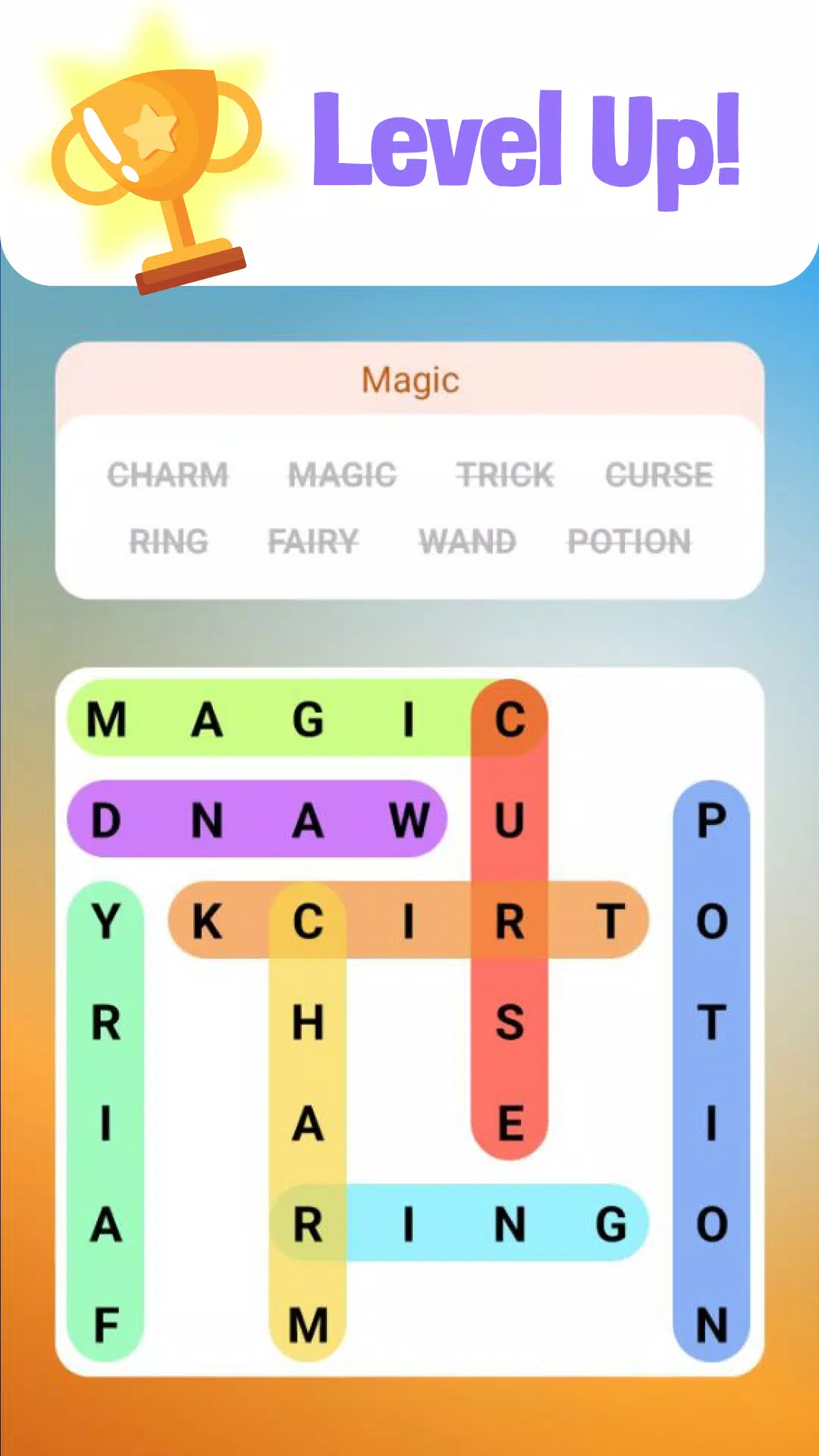
Word Search Offline Puzzles brings classic word-find gameplay to your device in a polished, easy-to-access package that works without an internet connection. Word Search Offline Puzzles is designed for players who want short, focused sessions of relaxing puzzle play or a gentle way to practice vocabulary while traveling, waiting, or taking a break. The first experience is straightforward: open a grid, find the listed words hidden among letters placed horizontally, vertically and diagonally, and swipe to select each discovery while the app tracks progress and accuracy.
The core interaction in Word Search Offline Puzzles is intentionally simple so anyone can jump in quickly. Tap to view the word list for a level, then swipe across letters to select a word; the selection highlights as you drag and lifts when you release so feedback is immediate. You can tap a selected sequence to deselect it if you change your mind. A hint button offers contextual assistance for stuck players, revealing a starting letter or a brief directional cue without breaking the offline experience. Controls are optimized for both small phones and larger tablets, with touch targets sized to reduce mis-taps and smooth swipe detection that feels natural on glass screens.
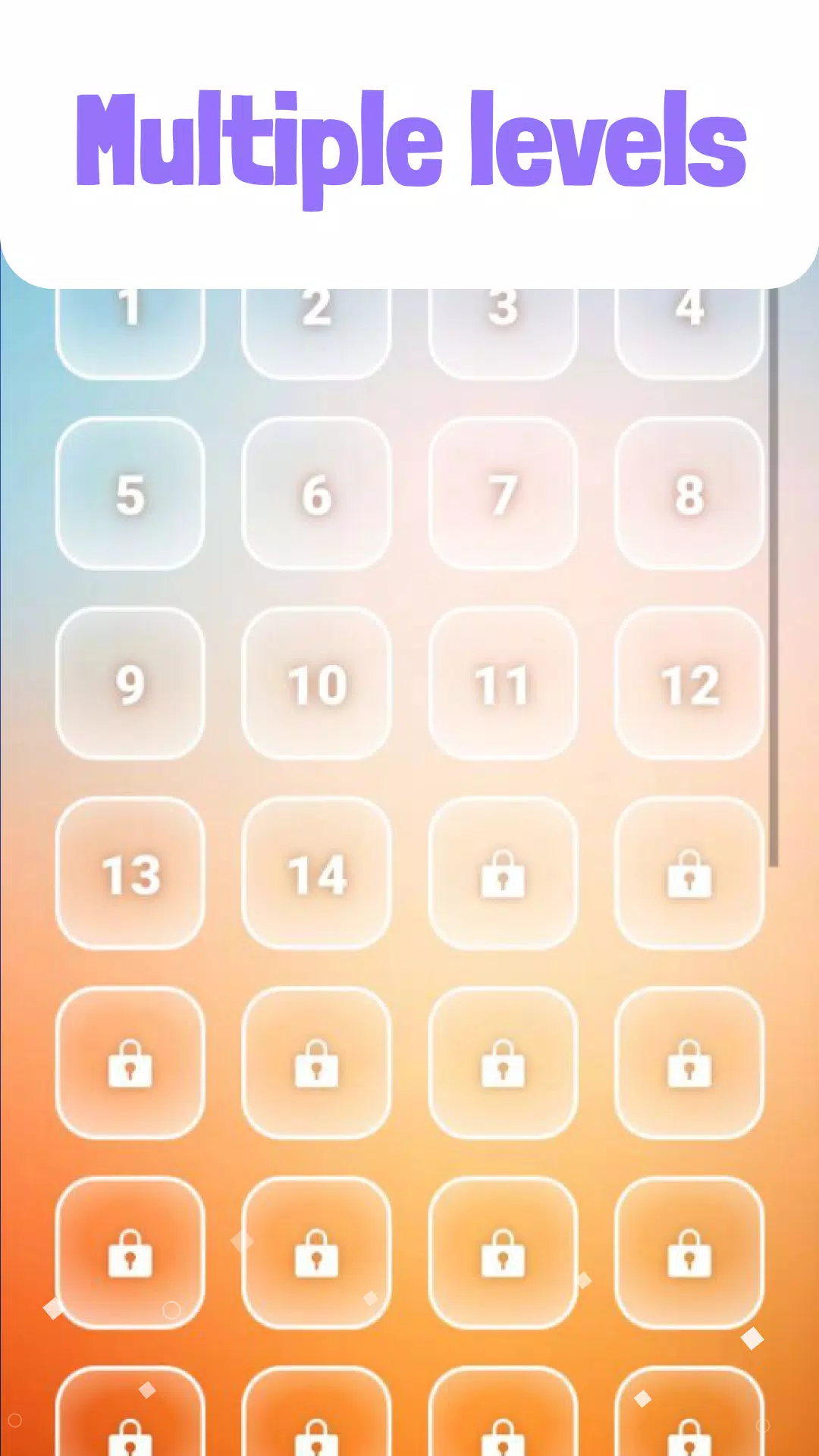
Levels in Word Search Offline Puzzles are organized into ascending difficulty tiers so newcomers and experienced players find an appropriate pace. Early puzzles focus on short, common words and compact grids to introduce the rhythm of scanning and selecting. As you advance, grids increase in size, word lists become longer, and the overlap of words increases to raise the observation challenge. Occasional themed packs concentrate words around a topic—such as travel or food—to give context and help reinforce vocabulary. The progression system encourages steady improvement: completing levels unlocks subsequent puzzles and optional higher-difficulty variants that test speed and pattern recognition.
The app favors calm, readable visuals with an uncluttered interface that supports focused play. Letter tiles use high-contrast typography and generous spacing so letters remain legible in different lighting conditions. Backgrounds and color palettes are muted by default to reduce eye fatigue, and the layout keeps essential controls—level selector, hint, and replay—within easy reach. Word Search Offline Puzzles places emphasis on a steady, unhurried pacing rather than bright animations or intrusive effects, creating a low-pressure environment suitable for short daily sessions or longer study periods.
Each level presents a fresh grid and a curated word list; when you complete a puzzle you can immediately replay to try for a faster time or a cleaner pass without hints. Replayable levels are an intentional part of the design: returning to previous puzzles supports memorization, helps build recognition patterns, and rewards incremental improvement. The app also includes optional challenge modes for players who want to limit hint use or race against a personal timer, increasing replay value without introducing online rankings or multiplayer competition.
Accessibility considerations are built into the experience: font sizes can be adjusted for readability, and the contrast can be increased for players with visual sensitivity. The simple control scheme keeps interactions predictable, and the hint system can be toggled or limited to offer a purer puzzle experience. Language settings respect device locale where possible so word lists and on-screen instructions feel familiar to a wide audience, making Word Search Offline Puzzles approachable for non-native speakers who want to practice vocabulary.
Because it runs fully offline, Word Search Offline Puzzles is well suited for flights, commutes, or areas without reliable mobile data. Levels are stored locally, so load times are fast and battery use is modest compared with heavier, networked apps. The offline design also keeps user interactions private and predictable: your progress is saved on the device and there are no background data transfers required to play or unlock content.
While this app focuses on classic word-search mechanics, it may not satisfy players looking for fast-paced, action-style gameplay or a broad mix of puzzle types. The calm presentation and deliberate pacing are intentional trade-offs: they foster concentration and vocabulary practice rather than frenetic play. Also, using hints reduces the puzzle difficulty for those who prefer to solve unaided, so the app includes settings that allow users to limit or disable hint assistance for a more rigorous challenge.
Word Search Offline Puzzles provides a straightforward, reliable word-search experience with thoughtful controls, layered progression and offline convenience. It is a good fit for casual players, learners who want low-pressure vocabulary practice, and anyone seeking a portable brain-training routine that can be enjoyed without an internet connection.
My Dream Store
Size:215.30M PuzzleFlying Rahul Gandhi
Size:4.95M PuzzleMerge Magic!
Size:42.97M PuzzleClockmaker
Size:150.52M PuzzleWhere's My Perry?
Size:41.60M PuzzleMonument Valley 2
Size:282.69M PuzzleMerge Neon Car
Size:136.75M PuzzleCubeX - Solver, Timer, 3D Cube
Size:16.87M PuzzleMatch Factory
Size:228.55M PuzzleAntistress - relaxation toys Mod
Size:122.55M PuzzleMergic: Merge & Magic
Size:150.68M PuzzleMerge Mystery : Resort
Size:169.60M PuzzleApril 2024 Clash of Clans Update: Unveiling a Fresh Companion, Enhanced Levels, Chat Tagging, and Be
2024-04-16Arrival of Genshin Impact 4.6 Update: 'Embers of Two Realms, Twilight of Crimson'
2024-04-16V2.2 of the Farlight 84 update introduces an overhauled Season structure, fresh in-game currency, an
2024-04-16Monster Never Cry is now accessible on both Android and iOS mobile devices.
2024-04-18PUBG Mobile Teams Up with Bentley Motors: Luxury Cars, Exclusive Collectibles, and Beyond
2024-04-18March 2024 Free Redemption Codes for Honkai: Star Rail
2024-04-18