English
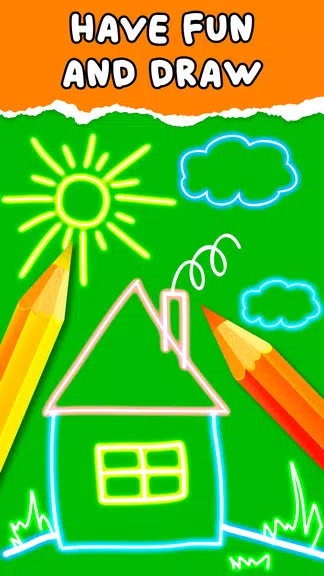
Kids Doodle is a light, playful drawing app built for young artists and casual users who want a simple, satisfying creative experience. Kids Doodle places a clear, easy-to-use interface in front of the player so drawing begins in seconds: pick a brush, choose a color, and paint on a blank canvas or directly over photos. The app combines bright, neon-style strokes with softer crayon and sketch effects so children and adults alike can experiment with glow and color without a steep learning curve.
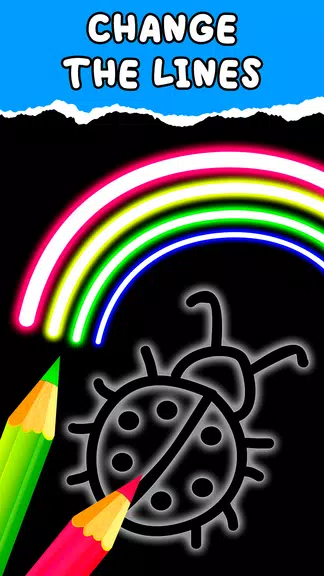
This version of Kids Doodle offers a variety of brushes and straightforward editing tools that encourage exploration. You get a set of 17 magic brushes that range from neon paint and glow effects to crayon-like and sketch tools, plus themed brushes for space, rainbow and heart or star motifs. Color generation includes vivid, random palettes to spark creativity and a black-background mode that emphasizes glow effects. Core editing actions such as undo, redo and an eraser are prominent and predictable, and finished drawings can be saved to the device or shared with friends and family, making it easy to preserve or showcase creations.
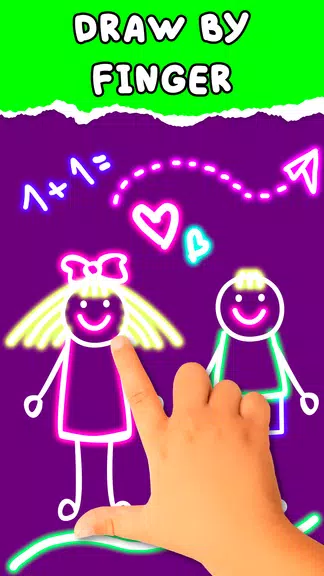
The gameplay model is intentionally open-ended: there are no levels or timers to force a particular pace. Controls are optimized for touch so users can draw with a finger or compatible stylus, select brushes with a tap and change colors with a single gesture. Undo and redo buttons allow quick recovery from mistakes, while the eraser provides a simple way to refine shapes. The interface minimizes distraction, focusing on the tactile act of drawing rather than menu complexity, which makes sessions suitable for short play or longer creative exploration.
The visual identity of the app leans heavily into neon and high-contrast palettes to make strokes pop on screen. Brushes produce luminous trails that look distinct on dark or light backgrounds, and themed brush sets let users explore motifs like galaxies, rainbows and simple decorative shapes. Color controls favor bright, saturated tones but also support softer strokes for doodles that resemble crayons or pencil sketches. Preset brush choices simplify customization so children can mix styles without navigating deep tool menus.
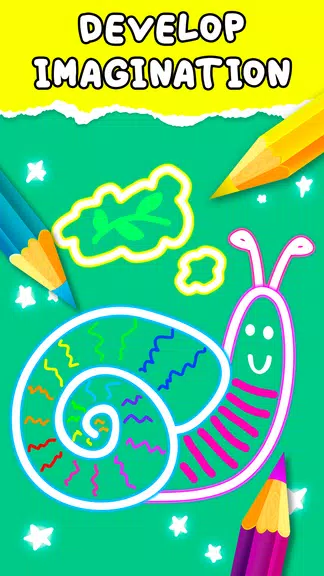
Rather than a formal progression system, the app encourages skill development through practice and repetition: young users build hand-eye coordination and familiarity with line work by trying different brushes and motifs. Replay value comes from experimenting with brush combinations, drawing on different photos, and creating a series of themed pictures. Because it’s lightweight and quick to start, Kids Doodle becomes an activity that can be repeated frequently—useful for short creative breaks, classroom warm-ups or a calming pre-bedtime routine.
Accessibility is baked into the design with large, clearly labeled controls and a minimal number of menus, making the app approachable for preschoolers as well as older users who want a distraction-free drawing tool. The core functionality does not require an internet connection, so Kids Doodle works reliably offline and can be used during travel or in environments without Wi-Fi. Low resource demands mean the app runs smoothly on a wide range of Android devices.
Kids Doodle is ideal for quick creative tasks: turning photos into decorated keepsakes, practicing letter-formation with neon strokes, or exploring color theory informally. For parents and educators, the app can be a simple platform for guided activities where children reproduce shapes, trace images or invent characters. Because sharing is built in, finished drawings can be exported to the device or sent to family, but younger users should be supervised when sharing online content.
The app intentionally avoids complex features aimed at professional illustrators, so users looking for layered editing, vector tools, advanced blend modes or pressure-sensitive brush engines may find it limited. That simplicity is deliberate: Kids Doodle focuses on immediate, joyful creation rather than technical depth, keeping the experience approachable and reliable for its intended audience.
My Dream Store
Size:215.30M PuzzleFlying Rahul Gandhi
Size:4.95M PuzzleMerge Magic!
Size:42.97M PuzzleClockmaker
Size:150.52M PuzzleWhere's My Perry?
Size:41.60M PuzzleMonument Valley 2
Size:282.69M PuzzleMerge Neon Car
Size:136.75M PuzzleCubeX - Solver, Timer, 3D Cube
Size:16.87M PuzzleMatch Factory
Size:228.55M PuzzleAntistress - relaxation toys Mod
Size:122.55M PuzzleMergic: Merge & Magic
Size:150.68M PuzzleMerge Mystery : Resort
Size:169.60M PuzzleApril 2024 Clash of Clans Update: Unveiling a Fresh Companion, Enhanced Levels, Chat Tagging, and Be
2024-04-16Arrival of Genshin Impact 4.6 Update: 'Embers of Two Realms, Twilight of Crimson'
2024-04-16V2.2 of the Farlight 84 update introduces an overhauled Season structure, fresh in-game currency, an
2024-04-16Monster Never Cry is now accessible on both Android and iOS mobile devices.
2024-04-18PUBG Mobile Teams Up with Bentley Motors: Luxury Cars, Exclusive Collectibles, and Beyond
2024-04-18March 2024 Free Redemption Codes for Honkai: Star Rail
2024-04-18