English
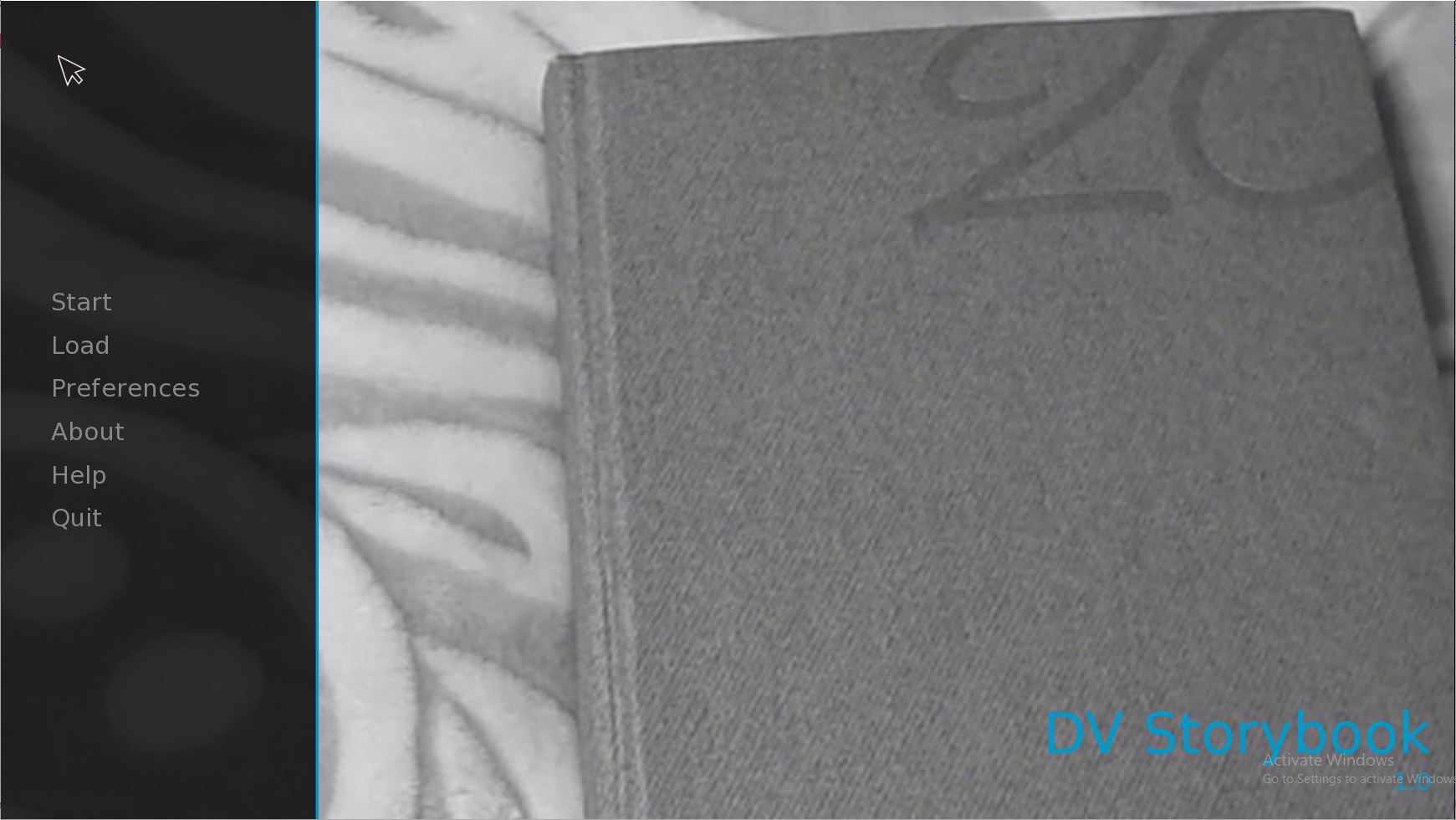
Discreen Vision Story Book is a Chapter 1 narrative entry that introduces the Discreen Vision Game Collection and gives players an accessible, self-contained way to sample the series' tone and storytelling approach. This opening chapter focuses on narrative-driven segments that combine readable dialogue, atmospheric presentation, and light interactive choices so newcomers can get a deliberate first look at the world without committing to the full collection. Discreen Vision Story Book places emphasis on mood, character introductions, and a compact structure that sets expectations for later chapters while remaining an approachable standalone experience.
The core experience centers on a chapter-based reading adventure where story comes first. Players progress through scenes that blend delivered text, character images, and short interactive beats. Control is intentionally simple: tap to advance text, swipe or tap to choose between branching responses, and use on-screen buttons to access settings or revisit earlier scenes. This low-friction control scheme keeps attention on narrative and atmosphere rather than complex mechanics, making the app suitable for mobile play and short sessions.
Progression in Discreen Vision Story Book follows a scene-by-scene structure. Each scene functions as a checkpoint so players can pause and resume at any time, and completing the chapter unlocks a preview of where the series intends to go next. Choices made during scenes can change dialogue and character reactions, offering modest branching that encourages replay to see alternate outcomes. The pacing is deliberately measured: short, digestible episodes that together form the first chapter of a larger collection, giving a clear sense of progression without overwhelming new players.
The visual presentation emphasizes illustrated panels and mood-driven color palettes rather than fast action. Character portraits, background art, and subtle animations support the story, while ambient audio and a restrained soundtrack enhance immersion. Visual transitions are designed to be smooth and readable on phones and tablets, prioritizing clarity for narration and character expressions. The result is an atmospheric package that conveys setting and tone while remaining lightweight and responsive on a range of devices.
Rather than traditional levels, the chapter is organized into scenes and episodes that combine exposition with interactive decision points. The primary challenge is narrative: choosing options that reveal different facets of the story and uncovering optional lines of dialogue. For users who enjoy exploring every branch, the chapter provides built-in replay value through alternative responses and scene variations. The design aims to reward curiosity and careful reading rather than reflex-based skill.
Discreen Vision Story Book includes a selection of accessibility and customization options so more players can enjoy the chapter. Adjustable text size and display contrast allow readers to tailor the presentation, while audio volume controls and subtitle toggles support different listening preferences. Simple control alternatives reduce input complexity, and the user interface is laid out to minimize clutter during story reading. These features help make the content approachable for a wide audience, including those who prefer slower pacing or clearer text presentation.
The app is designed for convenient play sessions and supports offline access to Chapter 1 once installed, so players can experience the story without a persistent network connection. Save slots and automatic checkpoints let users pick up where they left off, and an introductory tutorial briefly explains controls and navigation on first launch. Menus and scene selection are straightforward, with responsive performance that keeps the reading flow uninterrupted on most modern Android devices.
Discreen Vision Story Book is well suited to players who appreciate narrative focus, character-driven scenes, and a gradual introduction to a larger game collection. The chapter offers replay value through branching dialogue and alternative reactions that reveal new details on subsequent playthroughs. As a compact, introductory entry, it serves both as a sampler for the Discreen Vision universe and as an accessible single-chapter experience for casual readers and mobile storytellers.
Cum in Out
Size:99.19M Casual2jbet Game
Size:12.94M CasualAlabell
Size:2016.37M CasualTrick or Ahri
Size:93.31M CasualRed snow
Size:216.55M CasualSumod.beta
Size:5.08M CasualTwo Weeks On
Size:123.18M CasualTightfault Revamp Edit
Size:1.14M CasualXSerum
Size:950.87M CasualDouble Homework - Remaster
Size:1310.88M CasualDevious Work : Demo
Size:92.25M CasualKnödel TD
Size:74.40M CasualApril 2024 Clash of Clans Update: Unveiling a Fresh Companion, Enhanced Levels, Chat Tagging, and Be
2024-04-16Arrival of Genshin Impact 4.6 Update: 'Embers of Two Realms, Twilight of Crimson'
2024-04-16V2.2 of the Farlight 84 update introduces an overhauled Season structure, fresh in-game currency, an
2024-04-16Monster Never Cry is now accessible on both Android and iOS mobile devices.
2024-04-18PUBG Mobile Teams Up with Bentley Motors: Luxury Cars, Exclusive Collectibles, and Beyond
2024-04-18March 2024 Free Redemption Codes for Honkai: Star Rail
2024-04-18