English
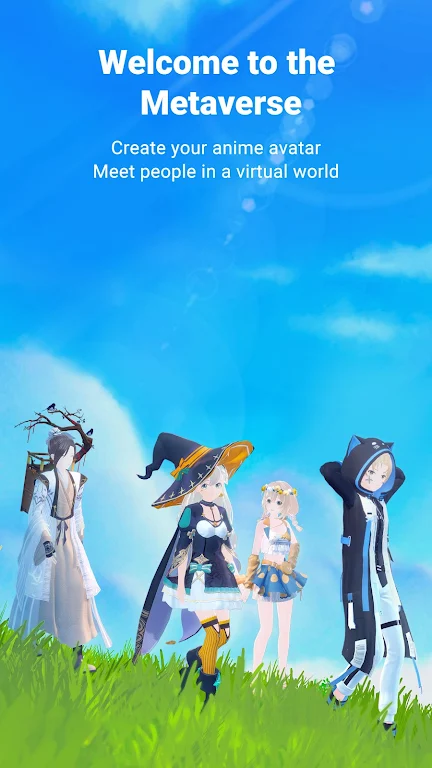
Vyou is a virtual social entertainment app that turns you into an anime-style avatar and places you in a shared open environment where photography, character creation, and relaxed social play are the focus. In Vyou you can fine-tune a character with more than 200 adjustable parameters, explore a variety of 3D settings, use motion capture to record facial expressions and voice, and publish your finished images or short clips to an in-app social feed. The description below explains how the app works, what you can expect from the controls and customization, and practical details about offline use and accessibility.
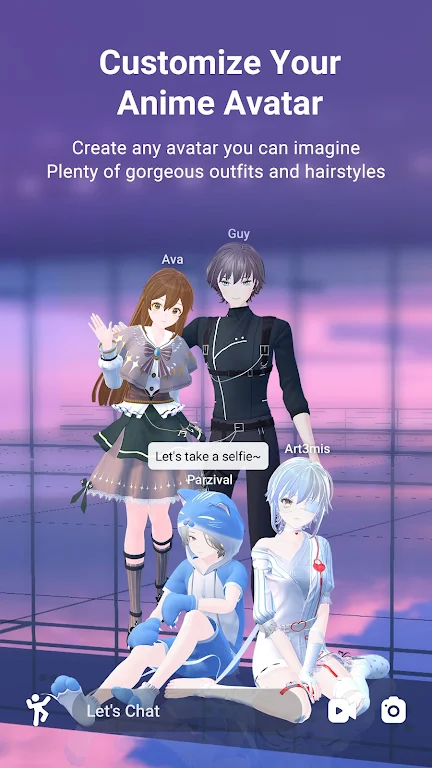
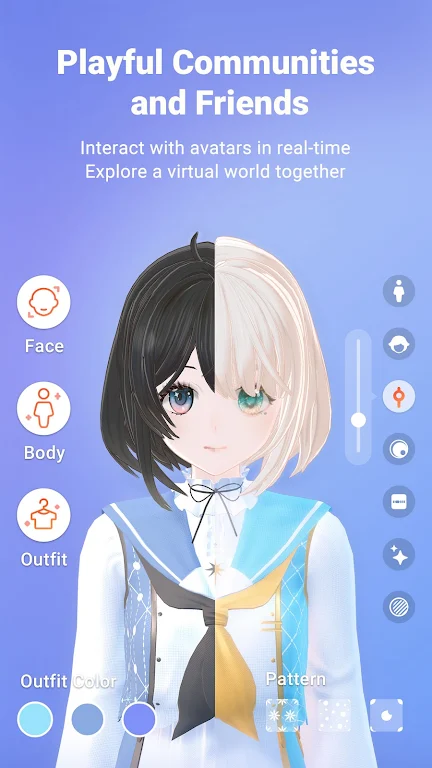
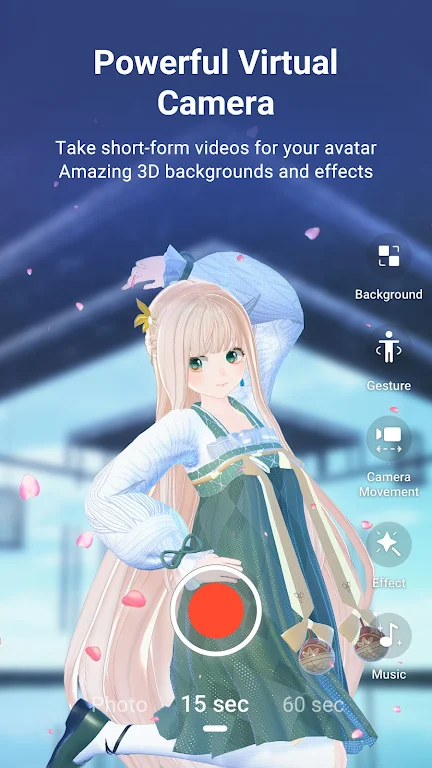
The app centers on three pillars: avatar creation, a virtual camera suite, and social sharing. The avatar editor offers very deep customization across facial features, hairstyles, body proportions, clothing layers, and color palettes so you can create anime-inspired looks, school uniform styles, period costumes, and custom patterns. The virtual camera provides multiple lenses, framing presets, stickers and gesture poses to compose staged shots inside detailed 3D backdrops. Motion capture links your device camera and microphone to animate facial expressions and lip-sync voice clips, making recorded performances suitable for casual streaming or short character videos. A social feed allows creators to post images and short clips and to view trending creations from other users.
Gameplay is informal and creative rather than goal-oriented. You move your avatar through interconnected 3D scenes and set up shots like a virtual photographer, adjusting lighting, frame, and pose. There are no fixed levels or competitive ranking systems; instead the experience is organized around themed environments and scene presets where you can practice composition and storytelling. Sessions are typically short and modular: pick an environment, select or customize an avatar, place props and poses, use the camera to capture images or clips, and then refine in the editor before sharing. This makes the learning curve friendly for casual users while offering depth for more meticulous creators.
Controls rely on standard touch gestures and on-screen sliders. Dragging and pinch-to-zoom control camera framing; tap-and-drag on character parts and sliders adjust proportions or color swatches; and simple menus manage outfits and accessories. Motion capture uses the front-facing camera and the microphone to map facial expressions and voice to your avatar in real time or recorded mode. Sensitivity settings let you tune how subtle or pronounced the captured expressions should be, and presets provide a quicker setup for users who prefer an instant VTuber-style look with minimal calibration.
The visual style leans strongly toward stylized anime aesthetics rendered in 3D with soft lighting and a focus on expressive faces and poses. The editor exposes fine-grained controls for eye shape, mouth position, hair flow, and cosmetics, as well as clothing layering and fabric patterns. Color pickers and material options help you match a specific concept, while built-in outfit templates speed up creation. Because the system supports many adjustable parameters, you can produce a wide variety of looks from simple everyday outfits to more elaborate character designs without external tools.
Social features are centered on the feed where you post images and short clips and discover other creators’ work. Progression in Vyou is primarily creative and social: as you post more content you build a portfolio inside the app, refine your skills in posing and camera work, and increase visibility through consistent uploads. The app supports commenting and browsing by tags to help you find inspiration or collaborate informally with other users. Posting and interacting with the feed requires an online connection, while many creation tools can be used offline for composing and exporting work locally.
Vyou provides multiple entry points for different skill levels: quick-start templates for users who want instant results and detailed adjustment panels for creators who enjoy deep editing. Basic avatar creation and the in-app camera can be used without a constant internet connection, but motion capture and social features need an active camera, microphone and network access. Motion capture performance depends on device camera quality and available lighting; lower-end devices can still use manual posing and the virtual camera for recorded scenes.
Replay value comes from exploration and iterative creation rather than structured missions. You can revisit the same environments with different avatars, experiment with camera settings and expressions, or set personal creative challenges such as producing a themed photo series or a short character clip. The combination of deep customization, camera tools, and social feedback encourages continuous refinement of technique and a steady stream of new visual ideas.
My Dream Store
Size:215.30M PuzzleFlying Rahul Gandhi
Size:4.95M PuzzleMerge Magic!
Size:42.97M PuzzleClockmaker
Size:150.52M PuzzleWhere's My Perry?
Size:41.60M PuzzleMonument Valley 2
Size:282.69M PuzzleMerge Neon Car
Size:136.75M PuzzleCubeX - Solver, Timer, 3D Cube
Size:16.87M PuzzleMatch Factory
Size:228.55M PuzzleAntistress - relaxation toys Mod
Size:122.55M PuzzleMergic: Merge & Magic
Size:150.68M PuzzleMerge Mystery : Resort
Size:169.60M PuzzleApril 2024 Clash of Clans Update: Unveiling a Fresh Companion, Enhanced Levels, Chat Tagging, and Be
2024-04-16Arrival of Genshin Impact 4.6 Update: 'Embers of Two Realms, Twilight of Crimson'
2024-04-16V2.2 of the Farlight 84 update introduces an overhauled Season structure, fresh in-game currency, an
2024-04-16Monster Never Cry is now accessible on both Android and iOS mobile devices.
2024-04-18PUBG Mobile Teams Up with Bentley Motors: Luxury Cars, Exclusive Collectibles, and Beyond
2024-04-18March 2024 Free Redemption Codes for Honkai: Star Rail
2024-04-18