English
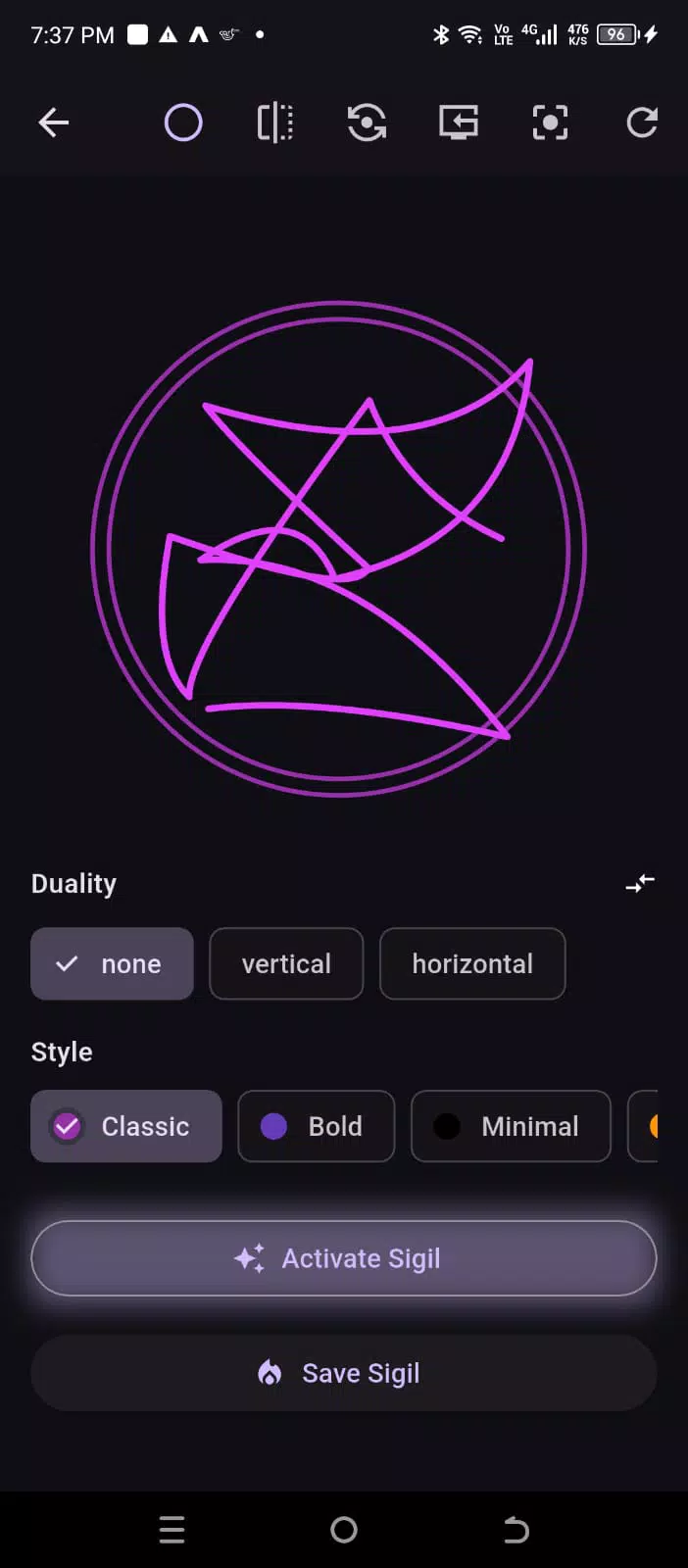
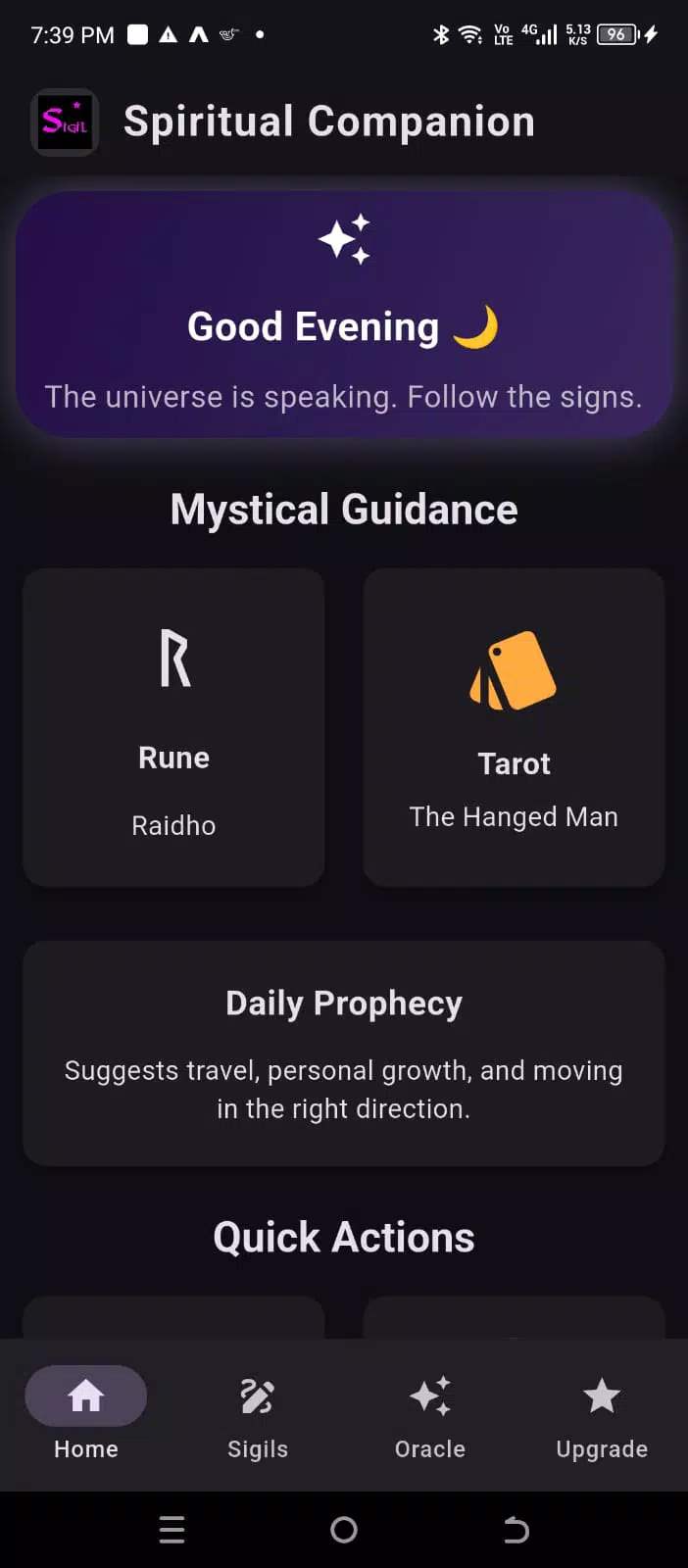
Sigil Creator is a compact vector design app that helps artists, makers, and designers craft personalized symbols, seals, and glyphs for creative projects or print. Sigil Creator puts purpose-built drawing tools, layered editing, and a ready symbol library within reach of casual users and experienced illustrators alike, so you can iterate marks quickly and export clean assets in SVG, PNG, or high-resolution JPEG formats for web or physical media.
The app’s interface favors clarity and repeatable steps over a crowded toolbox. You get vector paths, primitives, arc and spiral generators, and precise transform controls that make composing radial or geometric marks predictable. Boolean operations (union, subtract, intersect) help you sculpt silhouettes, and editable stroke profiles and variable-width lines let single paths carry expressive weight. The visual style leans toward crisp, scale-independent output with optional texture overlays and subtle effects like inner glow or embossing to reproduce a handcrafted feel when rasterized.
Sigil Creator supports intuitive touch controls and common gestures: pinch to zoom, two-finger rotate, tap-and-drag to place shapes and handles, and long-press for context options. Multi-select gestures and bounding-box transforms speed proportioning; snap toggles and polar/Catesian guides keep elements aligned while you sketch. The editor also respects stylus input where available, including pressure-sensitive stroke adjustments, so working with a pen or finger both feel natural.
Projects are organized into layers you can lock, hide, or group, which lets you build complexity in stages without losing earlier decisions. The app encourages a simple progression model: start with a base mark, refine geometry with boolean tools, then add ornamental detail on separate layers and experiment with blending and opacity. Save templates of successful layouts and exportable presets so your personal workflow advances over time—your library of templates and custom symbols acts as a practical progression system, making future projects faster to start and finish.
To reduce repetitive setup, Sigil Creator provides canvas presets sized for common outputs—social thumbnails, favicon-sized icons, print-ready artboards at standard DPI, and square or radial grids for emblem designs. Starter templates include suggested guide settings and a handful of component glyphs to kickstart exploration. You can save project presets for repeated ratios or margins so a consistent design system can be applied across multiple assets.
Styling controls let you shape the final look without leaving the vector environment. Apply dashed patterns, variable stroke widths, and texture masks to suggest hand-inked lines. The effects panel offers non-destructive options like grain and soft inner shadows that hold up when exported at different sizes. Color controls are straightforward, with swatches and the ability to lock color palettes per project for consistent branding or thematic work.
Exporting is flexible: SVG keeps artwork editable in other vector tools, while PNG with transparency and high-resolution JPEG are suitable for compositing and print. Built-in presets help you prepare assets for social media, desktop wallpaper, or printed stationery. All core editing and export functions work offline, so you can design without a network connection; project packages and local saves make it easy to move files between devices via standard file-sharing methods.
Designed to be responsive on a wide range of Android hardware, the app uses GPU-accelerated rendering for smooth pan and zoom and conservative memory use for large projects. Autosave and an undo history protect work-in-progress from accidental closures. Accessibility considerations include scalable UI elements and high-contrast themes to improve readability; keyboard and external pointing device support are respected where the device provides them.
Whether you are exploring symbolic art, prototyping a logo, or producing unique stationery, Sigil Creator supports repeated experimentation: save iterations as templates, export multiple variants for A/B review, and refine details non-destructively. The combination of precise geometry tools and flexible styling makes it easy to return to the same concept and push it in new directions, giving the app strong replay value for ongoing creative work.
Sigil Creator balances targeted functionality with an approachable workflow so you spend more time designing and less time managing the toolset. From quick mockups to polished, export-ready emblems, it offers a compact, capable environment for creating distinctive symbols on Android devices.


My Dream Store
Size:215.30M PuzzleFlying Rahul Gandhi
Size:4.95M PuzzleMerge Magic!
Size:42.97M PuzzleClockmaker
Size:150.52M PuzzleWhere's My Perry?
Size:41.60M PuzzleMonument Valley 2
Size:282.69M PuzzleMerge Neon Car
Size:136.75M PuzzleCubeX - Solver, Timer, 3D Cube
Size:16.87M PuzzleMatch Factory
Size:228.55M PuzzleAntistress - relaxation toys Mod
Size:122.55M PuzzleMergic: Merge & Magic
Size:150.68M PuzzleMerge Mystery : Resort
Size:169.60M PuzzleApril 2024 Clash of Clans Update: Unveiling a Fresh Companion, Enhanced Levels, Chat Tagging, and Be
2024-04-16Arrival of Genshin Impact 4.6 Update: 'Embers of Two Realms, Twilight of Crimson'
2024-04-16V2.2 of the Farlight 84 update introduces an overhauled Season structure, fresh in-game currency, an
2024-04-16Monster Never Cry is now accessible on both Android and iOS mobile devices.
2024-04-18PUBG Mobile Teams Up with Bentley Motors: Luxury Cars, Exclusive Collectibles, and Beyond
2024-04-18March 2024 Free Redemption Codes for Honkai: Star Rail
2024-04-18