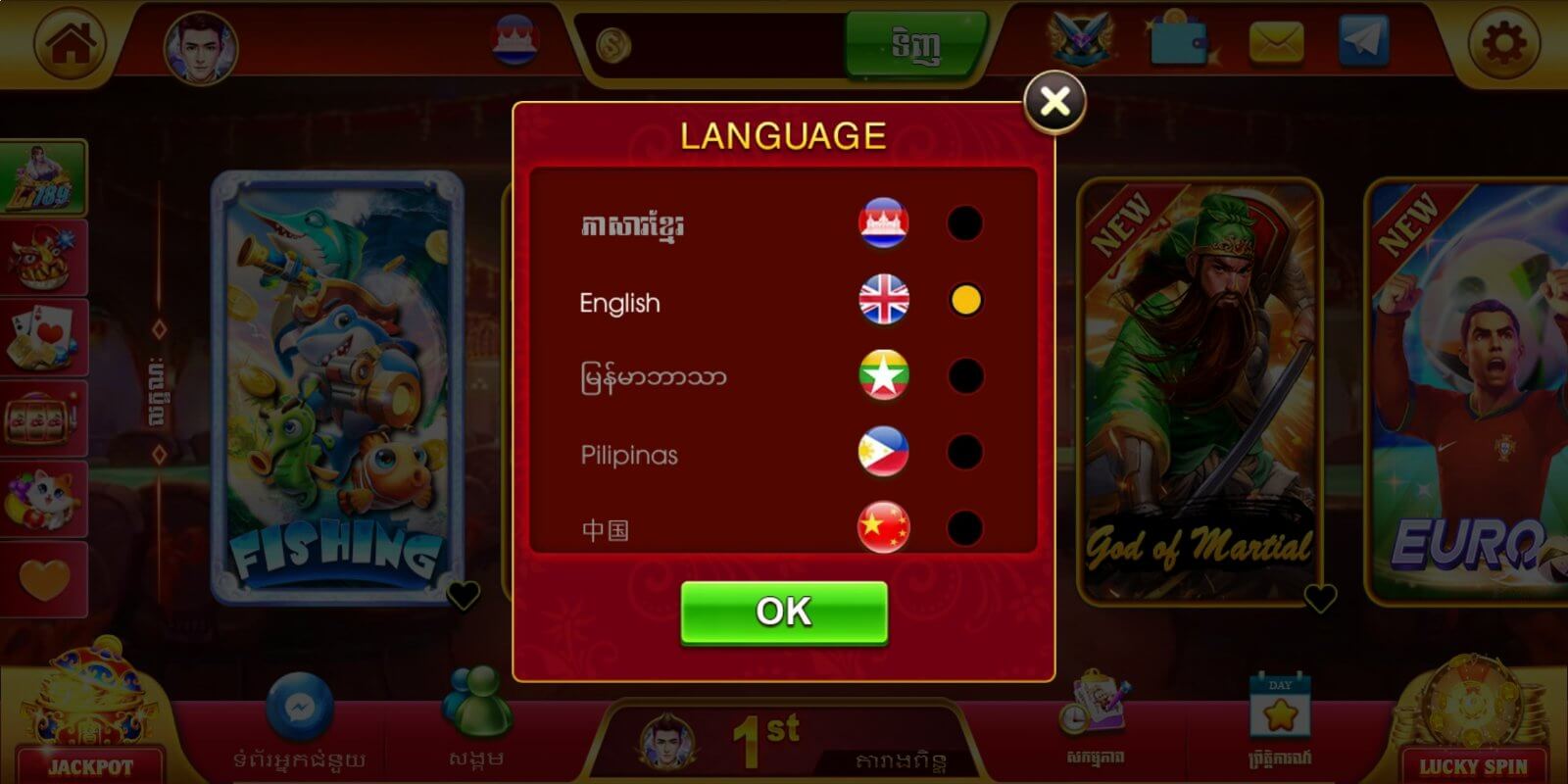
English
Li789 is a streamlined productivity app that consolidates file management, secure storage, and task tracking into one mobile workspace. Designed for daily organization and quick document handling, Li789 helps users scan, categorize, and sync files across devices while keeping privacy controls straightforward and accessible for both personal and professional needs.
At its center, Li789 combines essential tools that reduce the number of apps needed to stay organized. The app offers a fast document scanner with automatic edge detection, a robust file manager with folder tagging, and background synchronization to cloud services. Integrated reminders and a lightweight task list let you attach files to tasks, turning loose documents into actionable items. The built-in search indexes text within scanned files so you can locate items by content, not just file name.
The interface emphasizes speed and clarity. A minimalist home screen presents recent files, active tasks, and quick actions such as scan, upload, or create folder. Navigation relies on a simple bottom bar and contextual gestures to keep common operations one tap away. Li789 supports customizable quick filters and color-coded tags so your workflow reflects real priorities instead of fixed folders. Shortcuts and widget options allow you to jump directly into scanning or a frequently used project from the home screen.
Privacy is a core consideration: Li789 includes an encrypted vault for sensitive documents and optional biometric locks for fast access. Local encryption protects files stored on the device while end-to-end sync is offered for supported cloud providers. Permission settings are transparent and granular, giving you control over camera, storage, and network access. Regular export options and standardized file formats make it straightforward to back up or migrate data if needed.
Li789 is optimized for modern Android devices and offers responsive performance even with large libraries. The scanning engine processes pages quickly and uses adaptive compression to balance image quality and storage usage. Background sync is designed to minimize battery drain; you can schedule uploads to run only on Wi-Fi or during charging. Compatibility covers a wide range of Android versions and popular cloud platforms, ensuring you can access files from multiple devices without vendor lock-in.
Setting up Li789 takes just a few minutes. Create an account or sign in with a supported cloud provider, grant optional permissions for scanning and storage, then perform a quick guided scan to learn the gestures and retention settings. The setup wizard helps you define default folders and tag groups so new documents are organized automatically. Tutorials and contextual tips appear the first time you try advanced features like OCR or encrypted exports.
To get the most out of the app, use tag templates for recurring projects and combine the task list with file attachments to keep action items linked to the right documents. Batch-scanning receipts or invoices saves time, while the search index reduces manual sorting later. For teams, create shared folders and use comment threads on files to centralize feedback without switching to email. Periodically review storage settings to apply compression or archive older material to external storage.
Li789 appeals to users who prefer a single, efficient hub for documents, tasks, and secure storage. Its combination of speed, privacy options, and thoughtful workflow tools makes it suitable for freelancers, small teams, and individuals juggling personal records. With modest system demands and flexible sync choices, it adapts to both lightweight mobile use and heavier productivity needs.


SL777 v10.6
Size:43.20M Card7svip v2.1.8
Size:25.80M CardBig Winner v2.1.6
Size:24.78M Card567Luck v1.0.3
Size:43.40M Card33ZK v9.8
Size:26.30M CardRejeki Hub v1.0.1
Size:48.96M CardBrowin88 v9.8
Size:27.10M CardHokiTime v9.8
Size:43.20M CardGacor Max v1.0.3
Size:46.43M CardQT777 v2.1.6
Size:26.40M CardC8VIP v9.8
Size:26.30M CardDAN777 v10.6
Size:34.60M CardApril 2024 Clash of Clans Update: Unveiling a Fresh Companion, Enhanced Levels, Chat Tagging, and Be
2024-04-16Arrival of Genshin Impact 4.6 Update: 'Embers of Two Realms, Twilight of Crimson'
2024-04-16V2.2 of the Farlight 84 update introduces an overhauled Season structure, fresh in-game currency, an
2024-04-16Monster Never Cry is now accessible on both Android and iOS mobile devices.
2024-04-18PUBG Mobile Teams Up with Bentley Motors: Luxury Cars, Exclusive Collectibles, and Beyond
2024-04-18March 2024 Free Redemption Codes for Honkai: Star Rail
2024-04-18