English
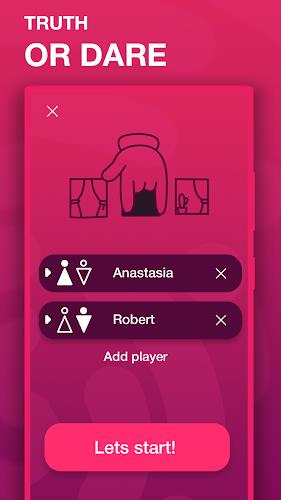
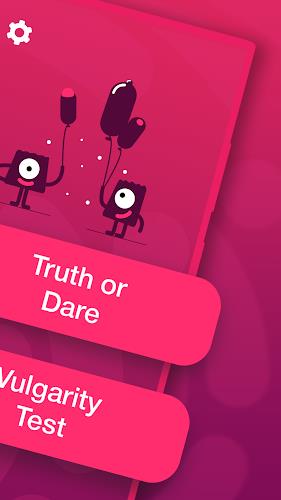
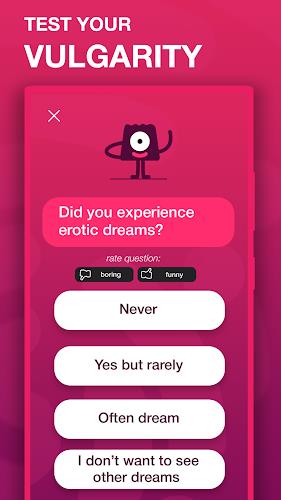
Vulgarity test is a compact Android utility that analyzes text and speech to estimate the level of coarse language used and provides constructive feedback to help users reduce profanity. It combines quick detection, customizable filters, and progress tracking in a lightweight package ideal for conversational awareness and content moderation practice.
The Vulgarity test app scans typed or spoken input for strongly worded expressions and flags terms according to severity. It’s designed for personal reflection, parental oversight, or small-scale moderation rather than enterprise content moderation. The interface keeps common tasks accessible and avoids overwhelming the user with technical jargon.
The detection engine relies on a curated lexicon paired with contextual checks. Rather than marking every sensitive word equally, Vulgarity test looks at surrounding words to reduce false positives from benign contexts. It also recognizes common obfuscations and leetspeak to maintain accuracy when users attempt to mask language.
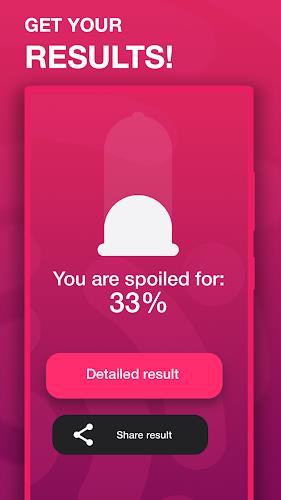
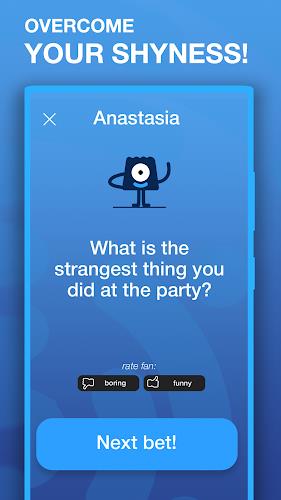
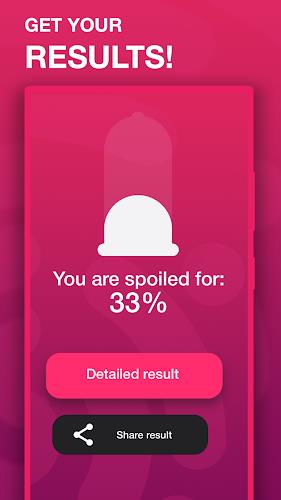
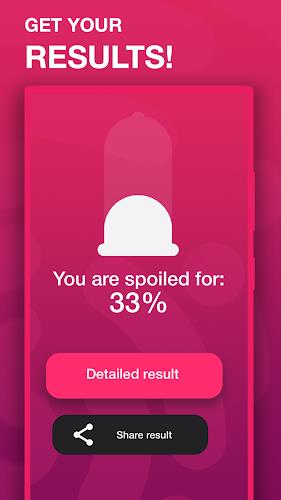
Each input receives a composite score based on frequency, intensity, and context. Low scores indicate polite or neutral language. Higher scores suggest repeated or highly offensive phrasing. Scores are translated into simple badges and a short explanation that helps users understand why certain terms were flagged.
Customization is a strong point. You can tune sensitivity, switch regional language packs, and create separate profiles for children, teens, or professional environments. Vulgarity test allows you to maintain multiple blacklists, which is useful for families or teams with different tolerance levels.
The UI focuses on clarity: large buttons for scanning, an easy-to-read results panel, and collapsible sections for details. The app runs smoothly on mid-range devices and keeps memory usage conservative. Offline detection uses a smaller, local lexicon; cloud-assisted checks expand coverage if you opt in for more comprehensive analysis.
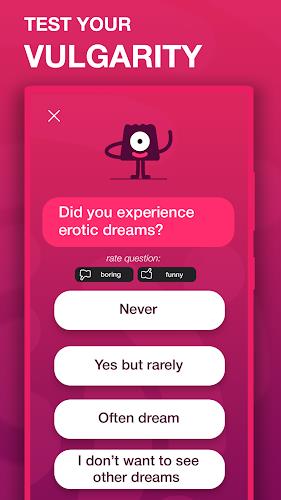
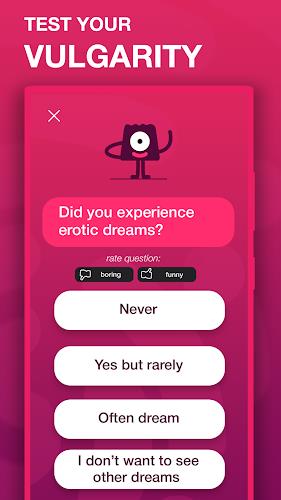
Starting a session is straightforward. Paste or type text, tap analyze, and review results. For voice checks, record a short clip and let the speech-to-text processor handle the rest. The app’s feedback is phrased constructively—highlighting problematic language and suggesting alternative expressions where appropriate.
When you first use Vulgarity test, run a few baseline scans to see how your language trends. Adjust sensitivity gradually rather than making the blacklist too strict right away. Use weekly reports to set small, measurable goals—cutting a single high-severity term can lower your overall score significantly.
Download from the Google Play Store and allow microphone access only if you plan to use voice analysis. Set up a primary profile, import any text sources you want to check regularly, and explore the customization options. Regular backups of your custom blacklists keep your settings safe when you switch devices.
Vulgarity test balances simplicity with depth: it’s approachable for casual users while offering enough configuration for those who need more precise control. The app’s focus on learning and improvement makes it a useful tool for anyone interested in monitoring language habits or moderating small online spaces.
My Dream Store
Size:215.30M PuzzleFlying Rahul Gandhi
Size:4.95M PuzzleMerge Magic!
Size:42.97M PuzzleClockmaker
Size:150.52M PuzzleWhere's My Perry?
Size:41.60M PuzzleMonument Valley 2
Size:282.69M PuzzleMerge Neon Car
Size:136.75M PuzzleCubeX - Solver, Timer, 3D Cube
Size:16.87M PuzzleMatch Factory
Size:228.55M PuzzleAntistress - relaxation toys Mod
Size:122.55M PuzzleMergic: Merge & Magic
Size:150.68M PuzzleMerge Mystery : Resort
Size:169.60M PuzzleApril 2024 Clash of Clans Update: Unveiling a Fresh Companion, Enhanced Levels, Chat Tagging, and Be
2024-04-16Arrival of Genshin Impact 4.6 Update: 'Embers of Two Realms, Twilight of Crimson'
2024-04-16V2.2 of the Farlight 84 update introduces an overhauled Season structure, fresh in-game currency, an
2024-04-16Monster Never Cry is now accessible on both Android and iOS mobile devices.
2024-04-18PUBG Mobile Teams Up with Bentley Motors: Luxury Cars, Exclusive Collectibles, and Beyond
2024-04-18March 2024 Free Redemption Codes for Honkai: Star Rail
2024-04-18