English
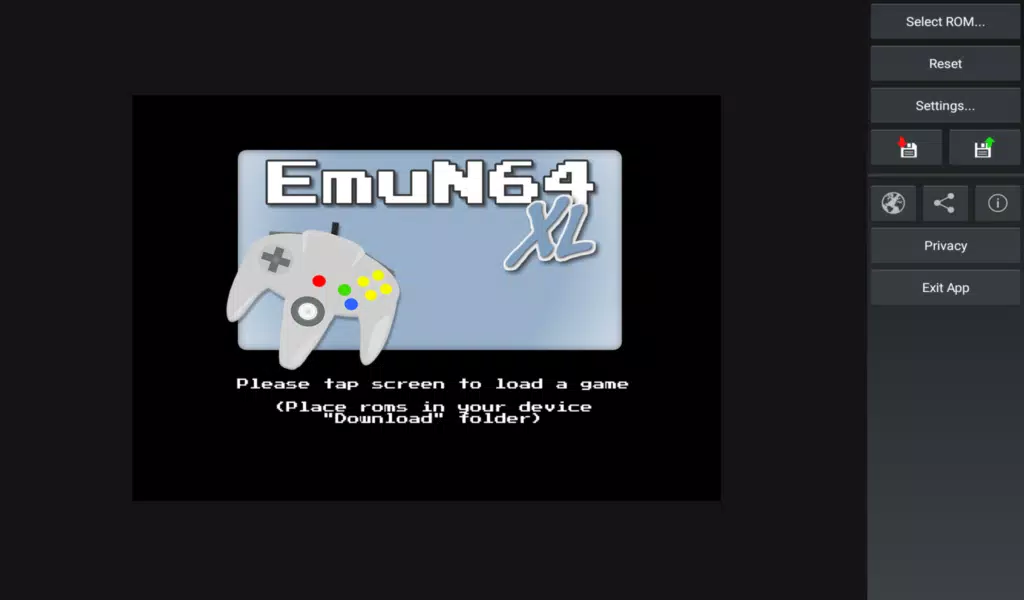
EmuN64 XL is a powerful Nintendo 64 emulator for Android that brings classic N64 titles to modern devices with enhanced graphics, customizable controls, and reliable save options. It targets users who want faithful emulation plus performance tweaks and controller support for comfortable handheld or TV play.
EmuN64 XL provides a collection of practical tools designed for mobile emulation. Expect high-resolution rendering, texture filtering, and adjustable frame rates to improve visual fidelity. The app supports save states, customizable on-screen controls, full gamepad mapping, and cheat code integration. Quick-load and quick-save slots make testing different strategies or revisiting sections a breeze.
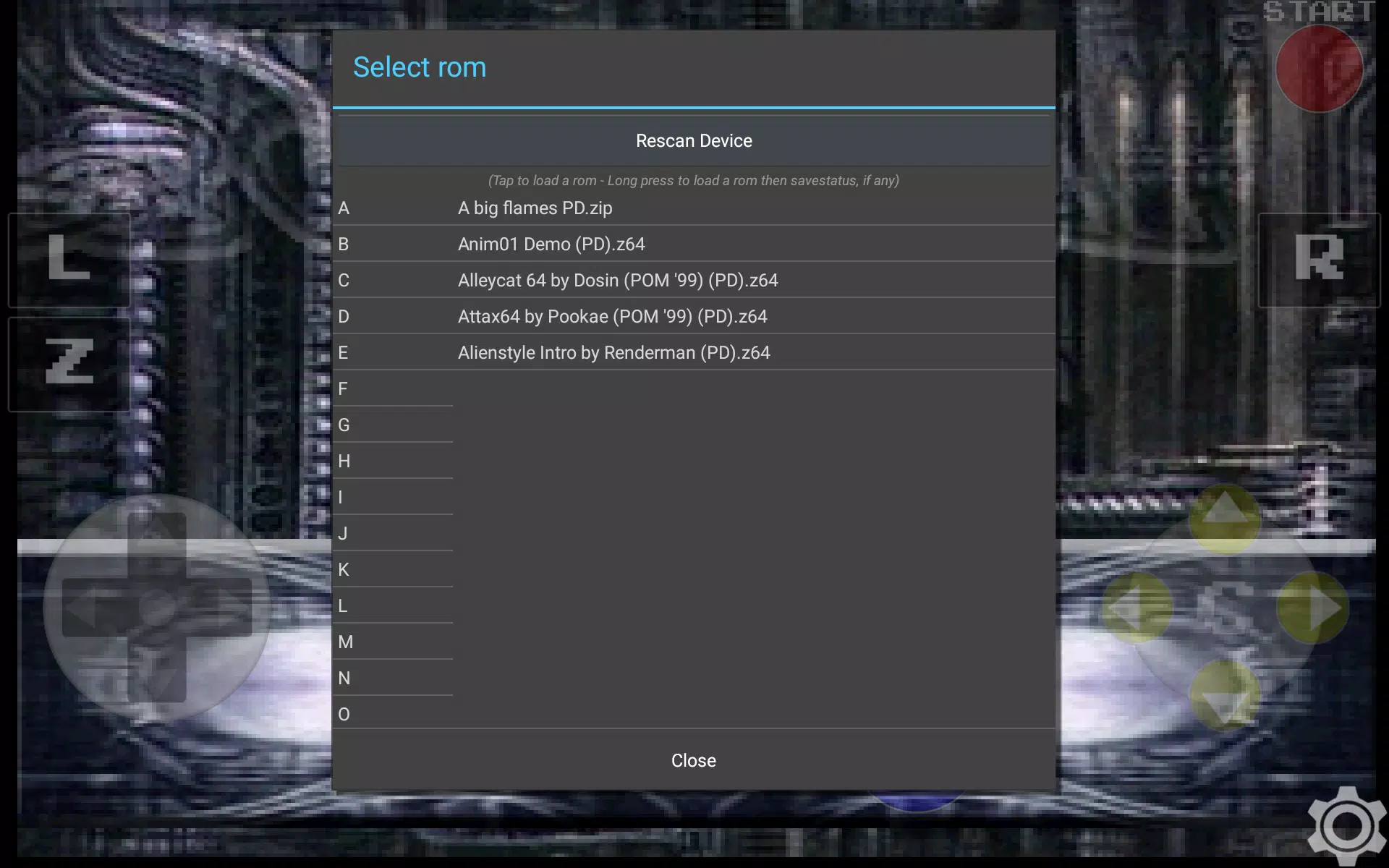
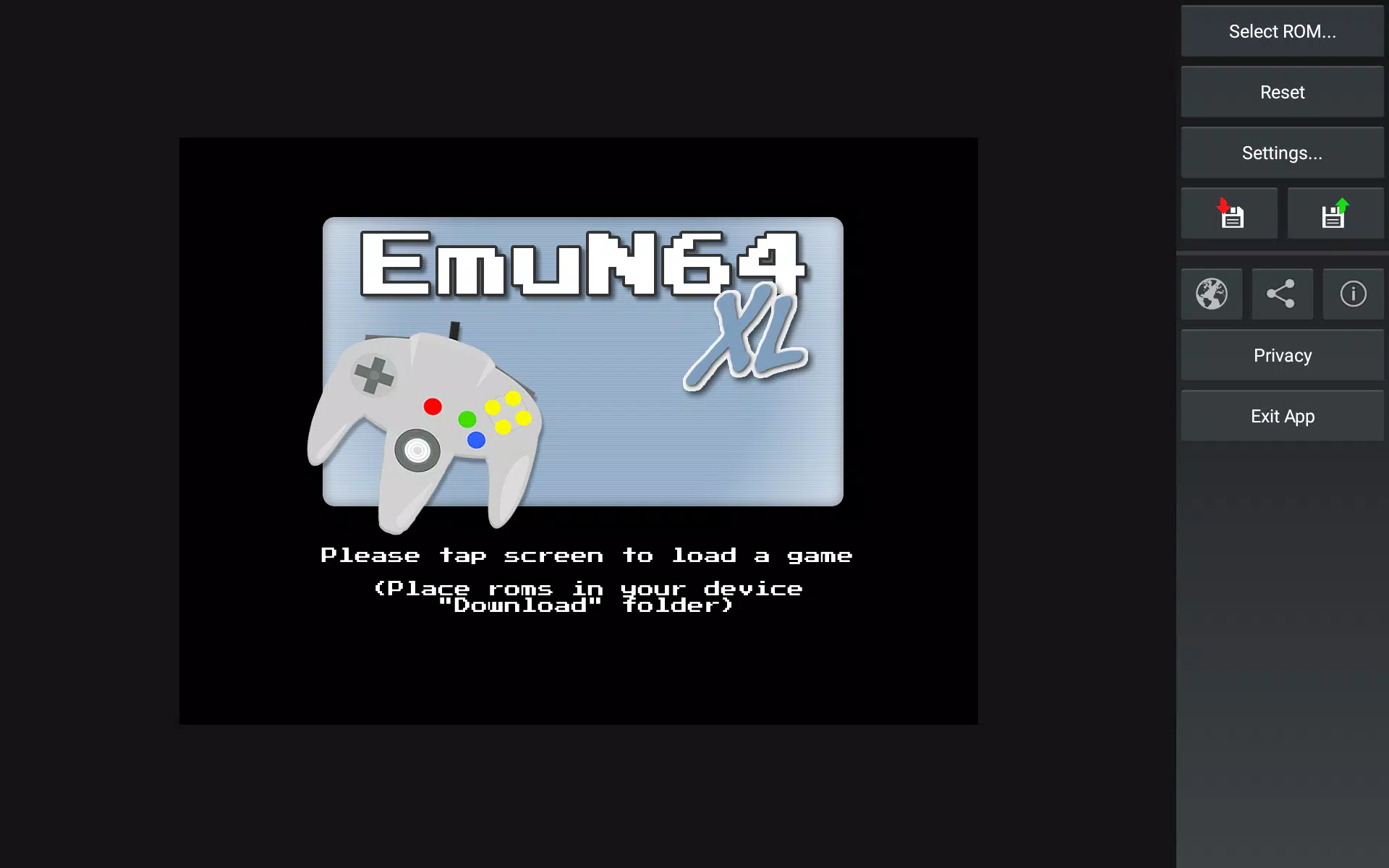
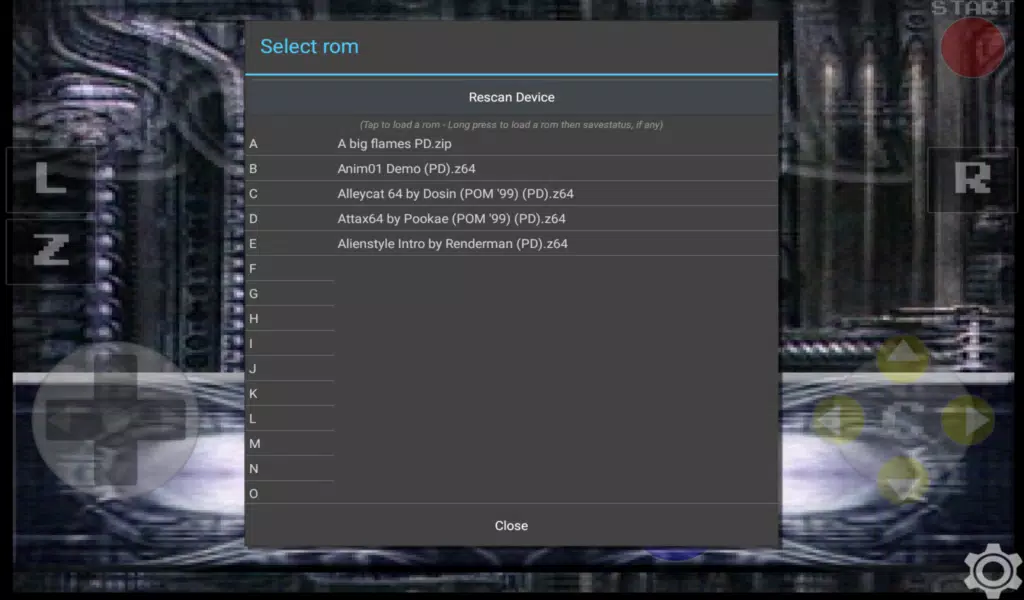
The interface is organized around a library view that scans folders for ROM files and displays thumbnails and metadata. Adding games is as simple as pointing the scanner to a directory. Each title opens a configuration screen where users can tweak graphics, audio, and input settings before launching. Settings can be saved globally or per-game, allowing different performance profiles for demanding and lightweight ROMs.
EmuN64 XL is optimized for a wide range of Android hardware, from mid-range phones to high-end tablets and Android TV boxes. The emulator offers multiple rendering backends and speed-hacks to reduce CPU load on weaker devices. Compatibility spans a large portion of the N64 library, although some edge-case titles may require specific plugin-like settings or unique tweaks for perfect results.
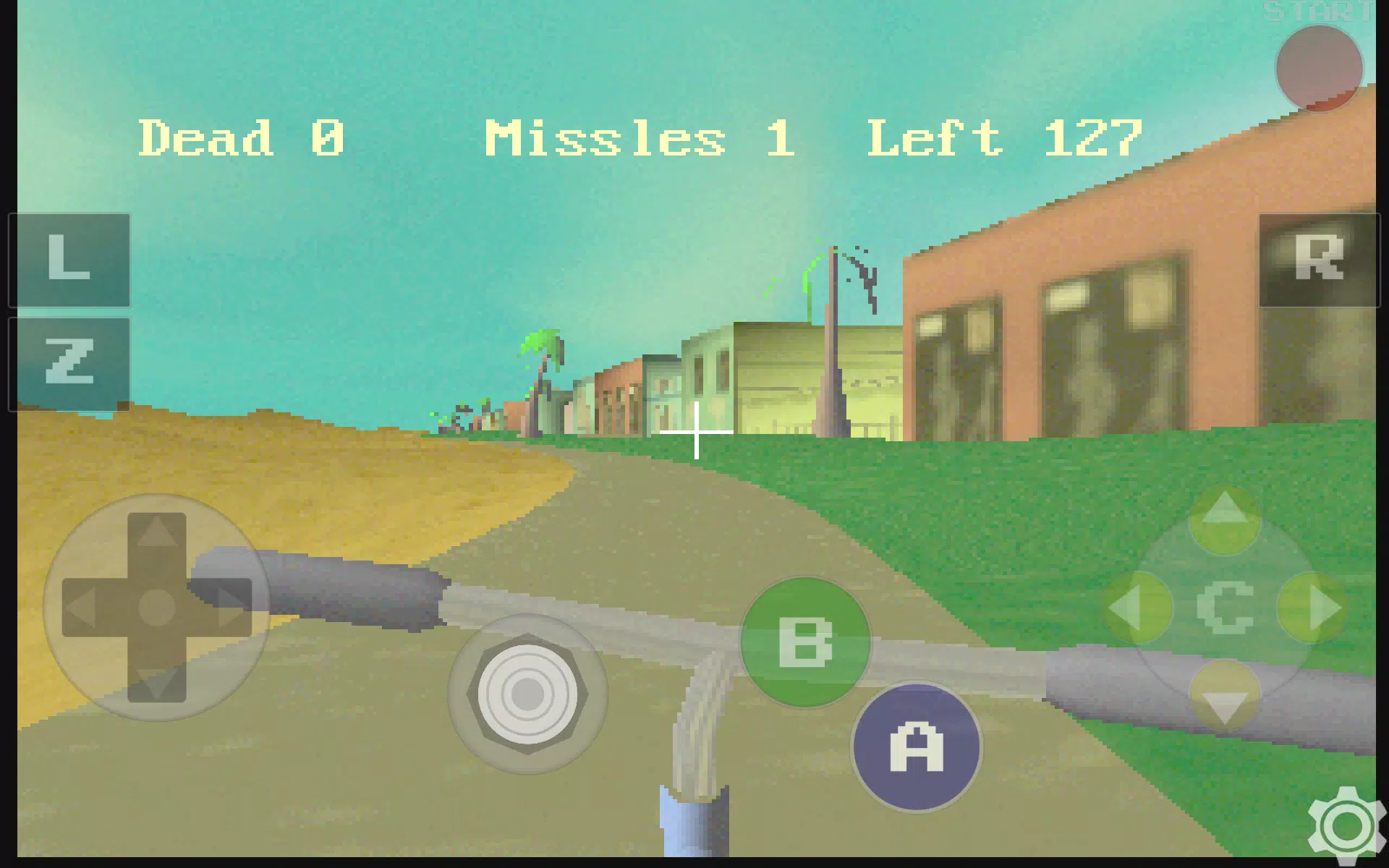
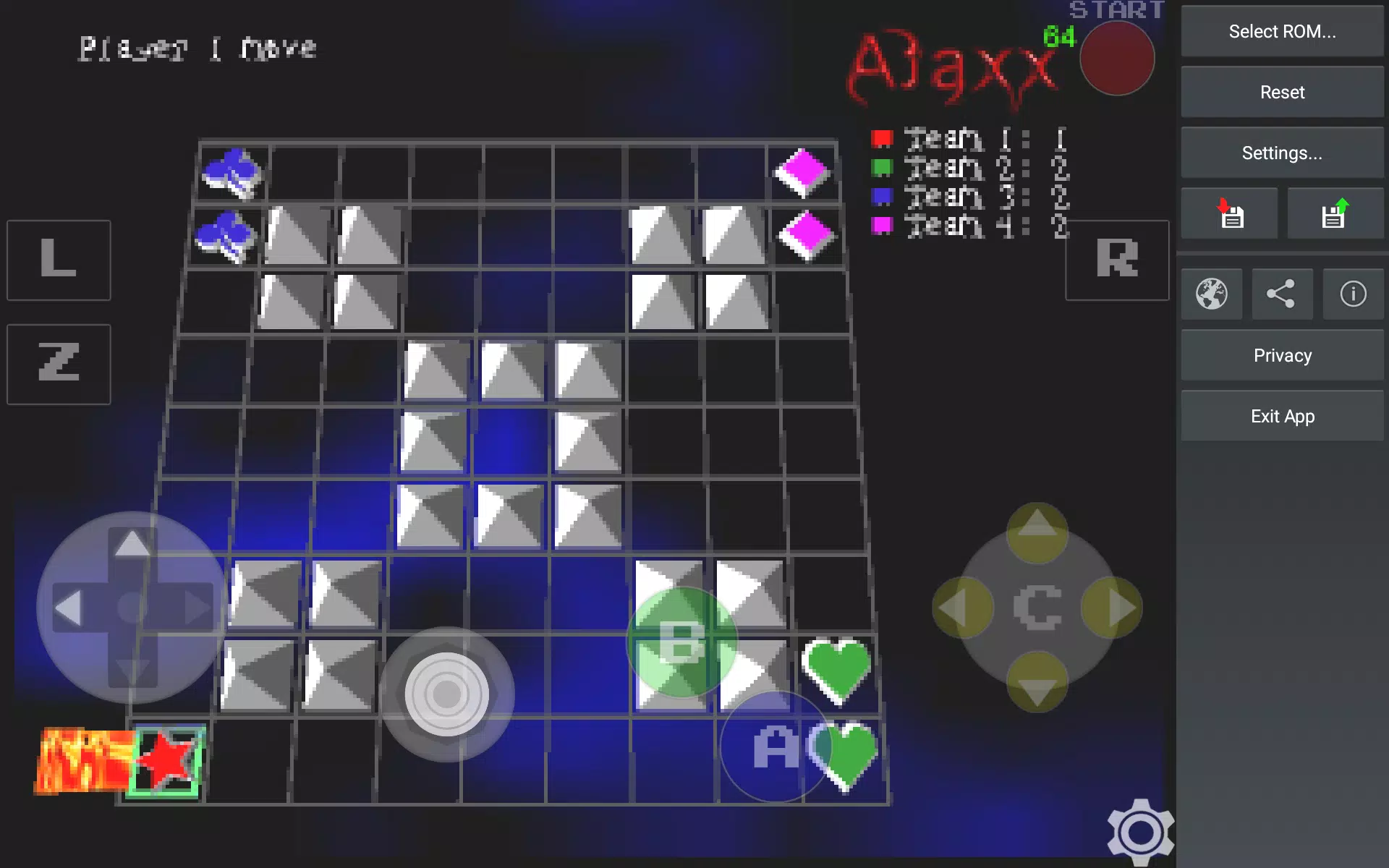
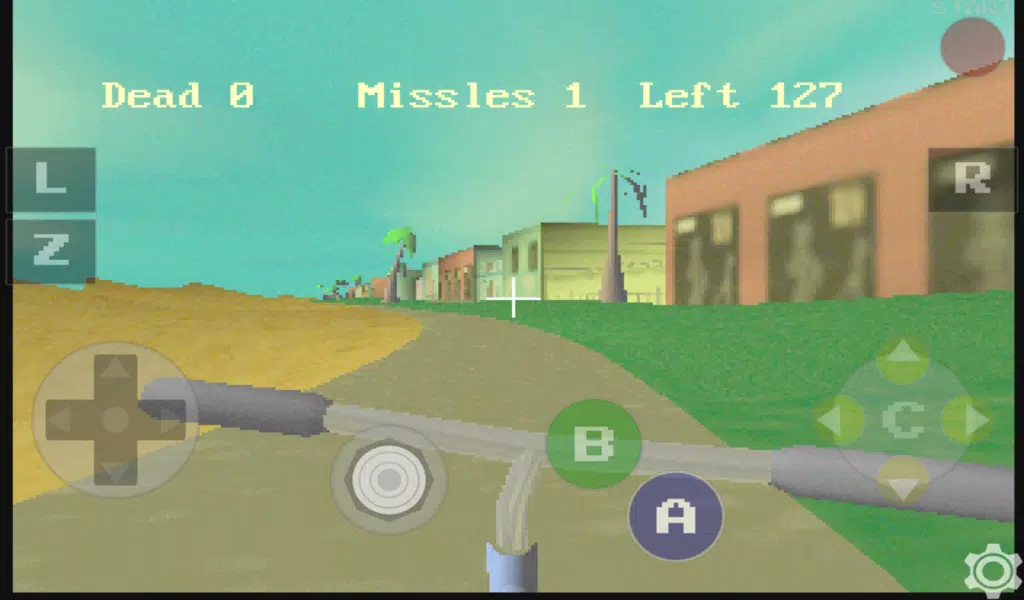
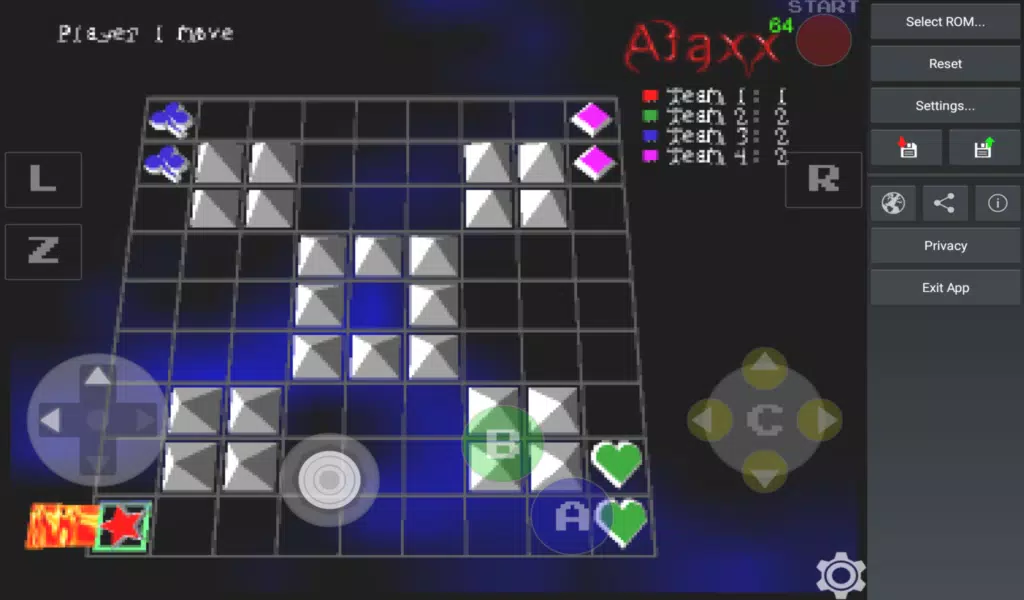
A major strength is flexible input: map any physical controller button, configure multi-touch zones, or use virtual analog sticks with sensitivity adjustments. Bluetooth controllers, USB gamepads, and keyboard support are recognized automatically in most cases. Create custom layouts for different games, reposition buttons, and save layouts to swap instantly between genres like racers and fighters.
Beyond native N64 visuals, EmuN64 XL offers options to upscale internal resolution, enable anti-aliasing, and apply texture filtering to reduce pixelation. Users can select aspect-ratio modes and toggle screen overlays for a retro bezel or modern full-screen look. Shader presets are available to emulate CRT scanlines or soften textures to match original hardware aesthetics.
Accurate sound emulation is prioritized, with configurable sample rates and audio buffer sizes to balance quality against latency. In scenarios where performance is limited, lowering the sample rate or increasing buffer size helps maintain smooth gameplay. Audio sync options let you resolve drift between graphics and sound for a tighter experience.
For users who want deeper control, the app exposes advanced toggles like frame-skip, V-sync, and per-core thread assignment. A troubleshooting guide assists with common issues such as graphical glitches, input lag, or crashes, recommending specific combinations of settings and when to use compatibility modes for particular games.
Personalization options include theme choices for the UI, custom controller skins, and save-state icons for quicker identification. You can organize games into playlists, mark favorites, and filter by compatibility or last played. EmuN64 XL stores configuration snapshots so switching between handheld and TV setups is fast and dependable.
To begin, install EmuN64 XL, grant file access permission, and point the app to a folder containing your legally obtained ROMs. Configure a controller or use the on-screen layout, set preferred graphics settings based on device capability, and create an initial save state after a short play session. Regularly back up your save files if you move between devices.
EmuN64 XL balances ease of use with advanced options for enthusiasts who want control over performance and presentation. It brings a mature set of features for managing a retro game collection on Android while providing customization for diverse hardware profiles. With consistent updates and a settings-first approach, it aims to make classic N64 games accessible and enjoyable on modern screens.
My Dream Store
Size:215.30M PuzzleFlying Rahul Gandhi
Size:4.95M PuzzleMerge Magic!
Size:42.97M PuzzleClockmaker
Size:150.52M PuzzleWhere's My Perry?
Size:41.60M PuzzleMonument Valley 2
Size:282.69M PuzzleMerge Neon Car
Size:136.75M PuzzleCubeX - Solver, Timer, 3D Cube
Size:16.87M PuzzleMatch Factory
Size:228.55M PuzzleAntistress - relaxation toys Mod
Size:122.55M PuzzleMergic: Merge & Magic
Size:150.68M PuzzleMerge Mystery : Resort
Size:169.60M PuzzleApril 2024 Clash of Clans Update: Unveiling a Fresh Companion, Enhanced Levels, Chat Tagging, and Be
2024-04-16Arrival of Genshin Impact 4.6 Update: 'Embers of Two Realms, Twilight of Crimson'
2024-04-16V2.2 of the Farlight 84 update introduces an overhauled Season structure, fresh in-game currency, an
2024-04-16Monster Never Cry is now accessible on both Android and iOS mobile devices.
2024-04-18PUBG Mobile Teams Up with Bentley Motors: Luxury Cars, Exclusive Collectibles, and Beyond
2024-04-18March 2024 Free Redemption Codes for Honkai: Star Rail
2024-04-18