English
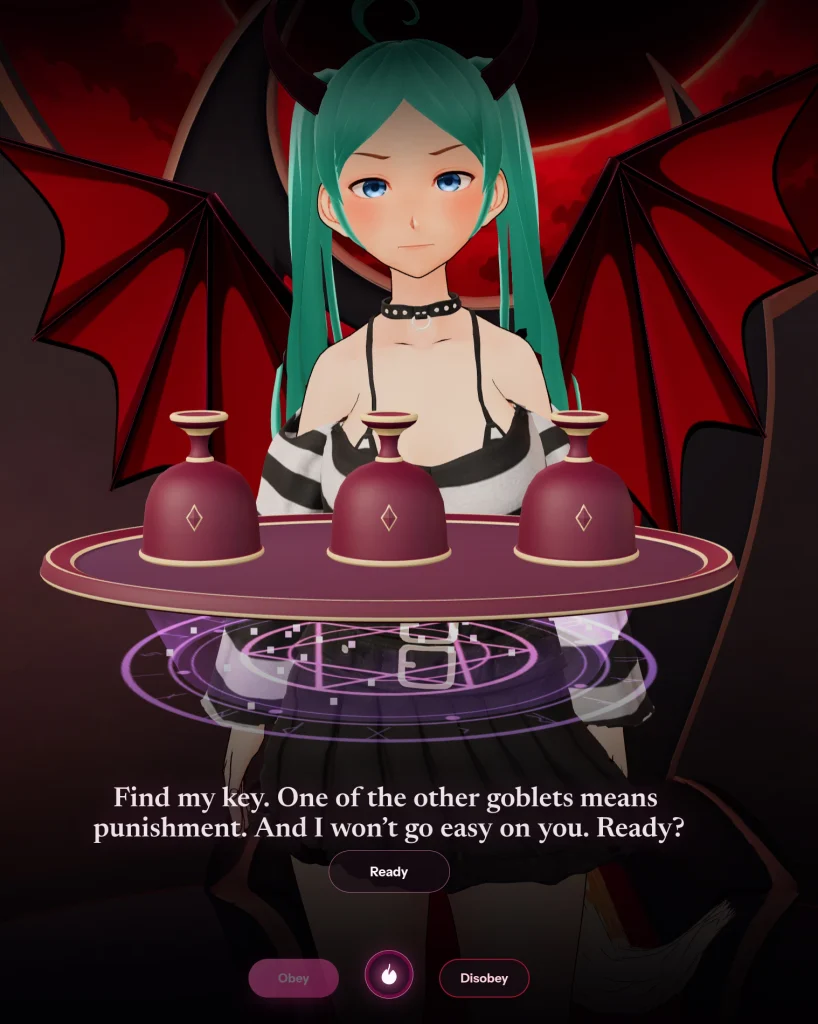
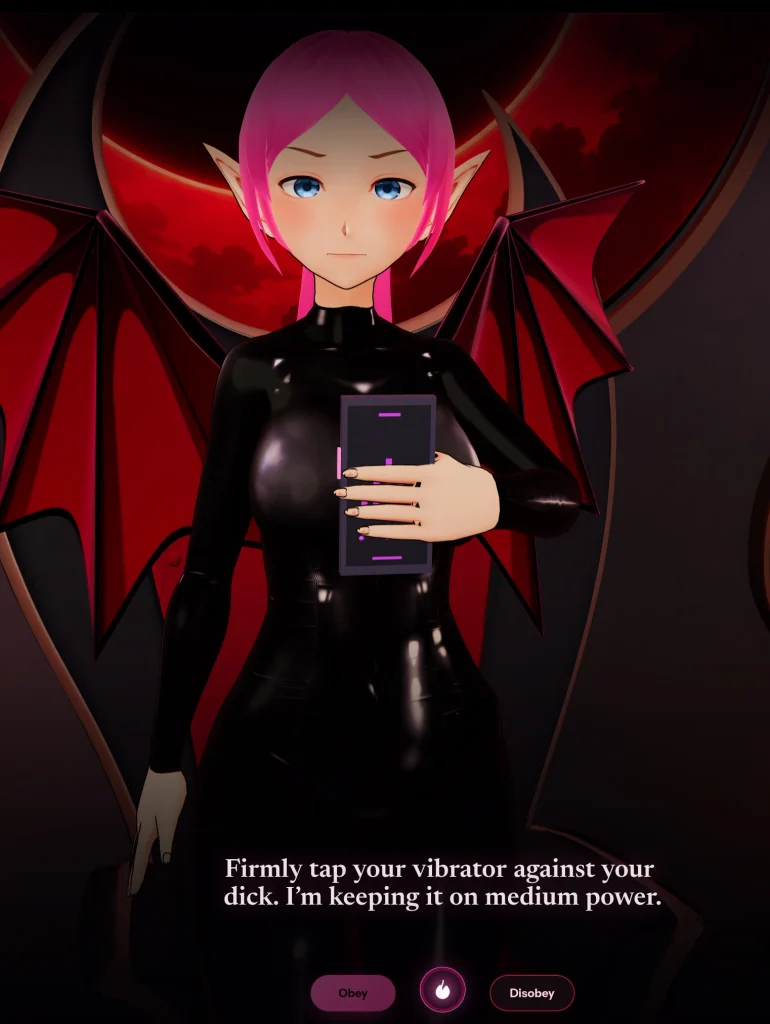
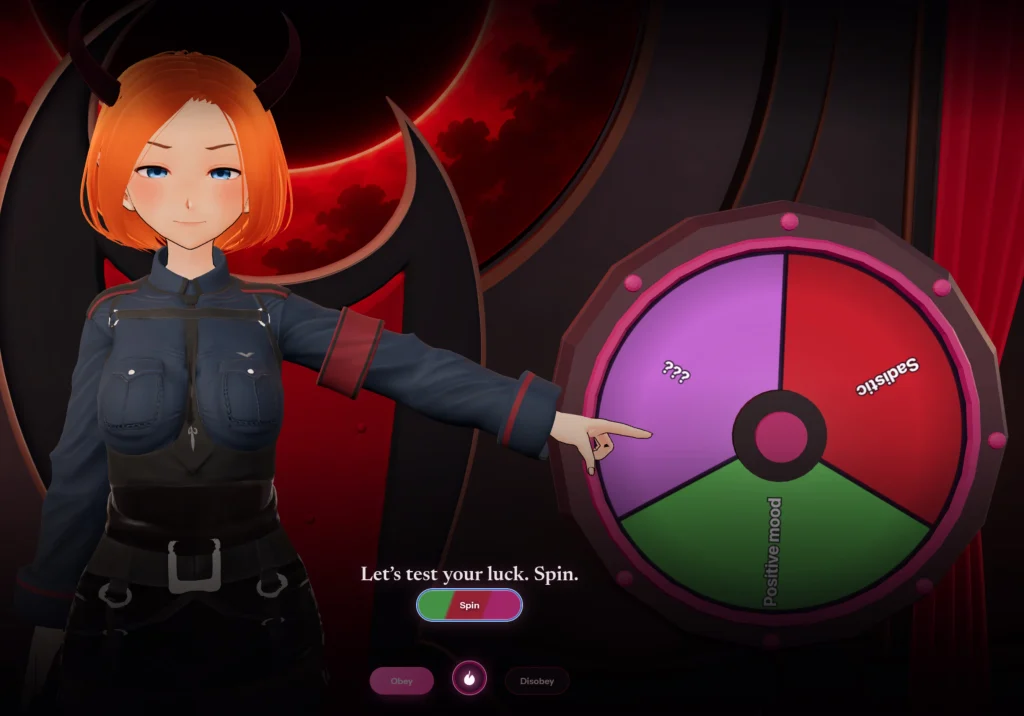
SuccubAI is a persona-driven conversational app that blends characterful dialogue with practical AI tools for chat, role-play, and creative brainstorming. Designed for mobile use, it delivers adaptive responses, adjustable persona settings, content moderation safeguards, and utilities that make conversations both entertaining and useful.
SuccubAI packs a range of features focused on conversational quality and user control. The app includes multiple voice and text personas, configurable tone sliders, and a context memory that keeps track of ongoing threads. Built-in safety filters and one-tap moderation tools help maintain appropriate interactions, while export and history options let you save favorite exchanges for future reference.
The underlying engine prioritizes coherent, context-aware replies. It balances creative freedom with guardrails so responses remain relevant and non-offensive. Short prompts, extended narratives, or role-play scenarios are handled through the same conversational pipeline, with the app adjusting reply length and style according to user settings and recent conversation history.
Personalization is central to the SuccubAI experience. Users can tune a persona’s mood, verbosity, and formality through simple sliders and presets. Advanced users can create custom profiles by combining traits like playfulness, helpfulness, or brevity, then save those profiles for quick selection. This flexible approach lets you tailor interactions to tasks such as brainstorming ideas, practicing dialogue, or casual conversation.
The app uses configurable safety layers to filter explicit or harmful content while preserving conversational richness. Local history encryption and clear permission requests ensure that personal data remains under the user’s control. The privacy settings make it straightforward to clear memories, disable history, or opt out of data collection if preferred.
SuccubAI is optimized for a smooth mobile experience with low-latency replies and modest battery use. The interface adjusts to different screen sizes and supports typical accessibility settings like text scaling and high-contrast modes. Network-dependent features are designed to degrade gracefully so offline use remains possible for draft composition and profile editing.
The interface emphasizes clarity: a single chat stream with quick-access controls for persona selection, tone adjustments, and moderation actions. Visual cues indicate when context is being used or when memory is enabled. Inline tips and a guided onboarding walk new users through features without overwhelming them.
SuccubAI can be used for a variety of everyday tasks. Writers can use it as a brainstorming partner to generate character dialogue or plot ideas. Students may practice language skills with conversational drills, and professionals can sketch out email drafts or outline talking points. The ability to switch personas makes the app useful for creative exploration as well as practical composition.
To begin, download the app, choose a default persona, and run through the onboarding tutorial that explains tone controls and safety options. Create a custom profile if you want recurring behavior, and try a few prompt templates to see how adjustments affect responses. Regular use lets the app build a richer context so replies become more tailored over time.
SuccubAI aims to be a versatile companion for conversation, creativity, and productivity, combining approachable design with powerful customization and responsible safeguards to suit a broad range of user needs.


Cum in Out
Size:99.19M Casual2jbet Game
Size:12.94M CasualAlabell
Size:2016.37M CasualTrick or Ahri
Size:93.31M CasualRed snow
Size:216.55M CasualSumod.beta
Size:5.08M CasualTwo Weeks On
Size:123.18M CasualTightfault Revamp Edit
Size:1.14M CasualXSerum
Size:950.87M CasualDouble Homework - Remaster
Size:1310.88M CasualDevious Work : Demo
Size:92.25M CasualKnödel TD
Size:74.40M CasualApril 2024 Clash of Clans Update: Unveiling a Fresh Companion, Enhanced Levels, Chat Tagging, and Be
2024-04-16Arrival of Genshin Impact 4.6 Update: 'Embers of Two Realms, Twilight of Crimson'
2024-04-16V2.2 of the Farlight 84 update introduces an overhauled Season structure, fresh in-game currency, an
2024-04-16Monster Never Cry is now accessible on both Android and iOS mobile devices.
2024-04-18PUBG Mobile Teams Up with Bentley Motors: Luxury Cars, Exclusive Collectibles, and Beyond
2024-04-18March 2024 Free Redemption Codes for Honkai: Star Rail
2024-04-18