English
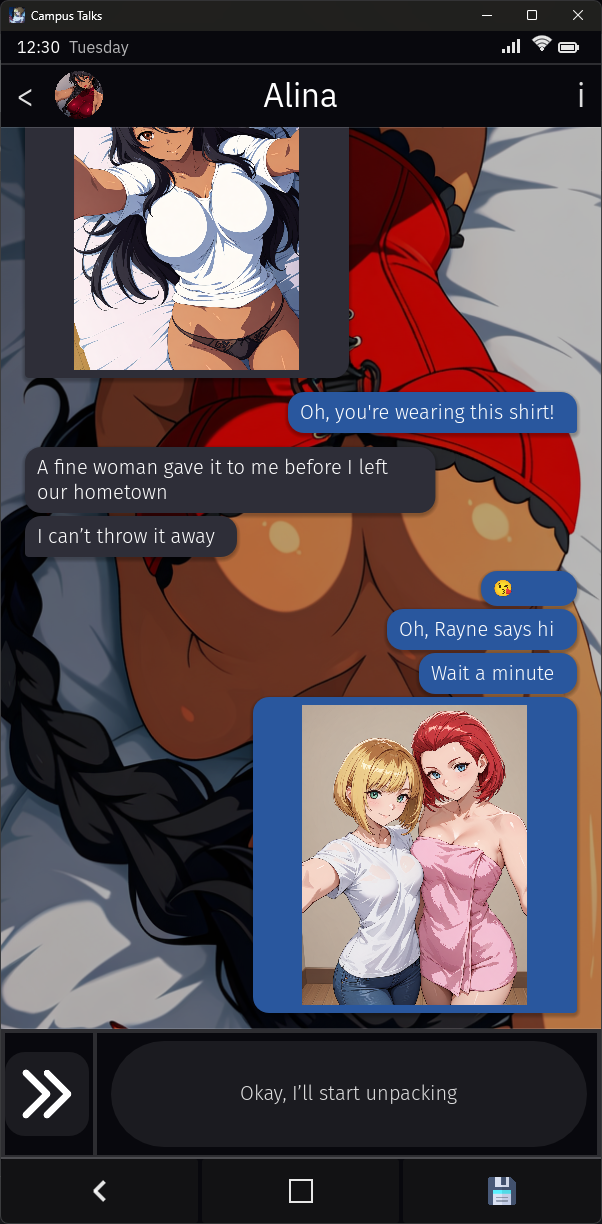
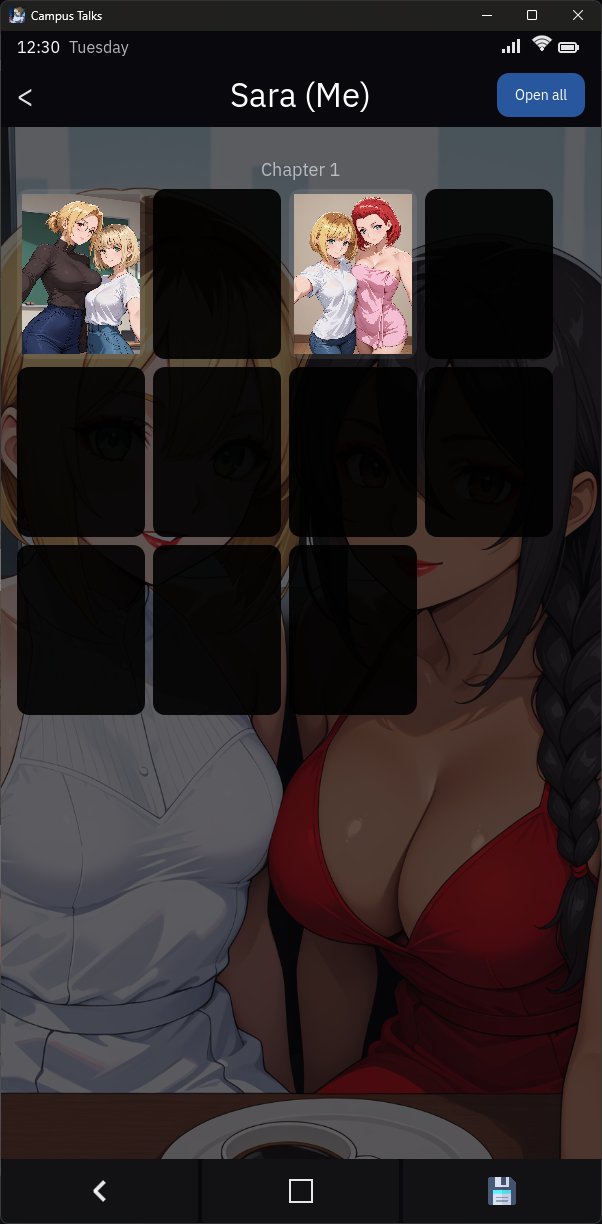
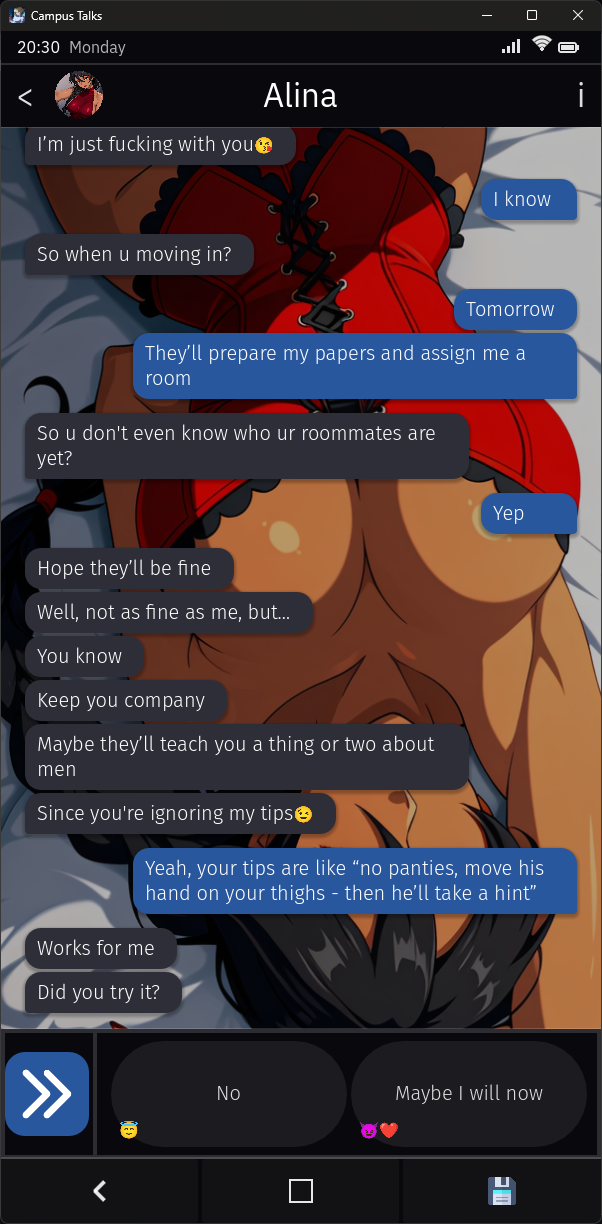
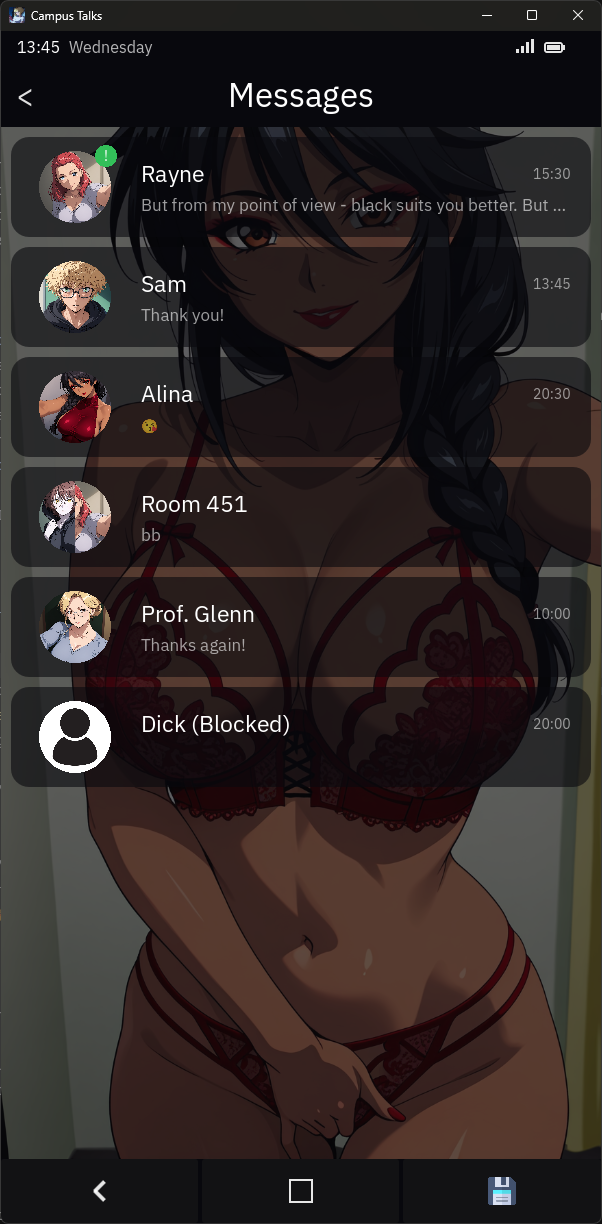
Campus Talks is a campus-focused communication app that connects students, clubs, and staff through event listings, group chats, and notice boards. Designed to streamline campus life, it combines messaging, scheduling, and local news into a single, easy-to-navigate interface for faster coordination and better community engagement.
Campus Talks positions itself as a centralized hub where campus communities can manage activities, share updates, and discover on-site events. Unlike generic social tools, it targets academic environments with features tailored to student organizations, course groups, and administrative notices. The app’s goal is to reduce clutter and get people the right information at the right time.
The strength of Campus Talks lies in its focused feature set. Key capabilities include group chat for study teams, an events calendar for club activities, and bulletin boards for announcements. Each function is built to encourage quick discovery: search filters, pinned posts, and topic tags make it simple to find relevant conversations or upcoming deadlines.
The interface prioritizes readability. Menus use clear labels and prioritized content sections to reduce friction. Campus Talks loads conversations quickly and handles media attachments without slowing down most devices. Notifications are configurable, letting users mute nonessential channels while staying informed about important updates.
Students can use Campus Talks to organize study sessions, track assignment deadlines, and coordinate ride shares or volunteer shifts. Club officers benefit from built-in event RSVPs and attendance logs. Faculty and staff can post administrative notices, collect feedback through polls, and maintain an archive of past events and resources.
Administrators have access to moderation tools, custom roles, and privacy settings to keep groups safe and relevant. Individuals can personalize notification preferences, arrange favorite channels, and set availability statuses. These options help balance campus connectivity with personal boundaries.
Campus Talks offers role-based access and moderation features to control who can post in sensitive channels. Personal data is kept to essentials and settings let users manage visibility. Administrators can archive or delete content to comply with campus policies and records retention rules.
Adoption often comes down to practicality: Campus Talks reduces reliance on multiple disconnected platforms and centralizes communication. Its event tools and group controls save organizers time, while the searchable archive helps new students catch up on past announcements. The focused environment minimizes noise compared with broader social networks.
Installation is straightforward. Download the app from your device store, verify with your campus email, and follow prompts to join your institution’s network. After initial setup, explore recommended channels and complete your profile. Admins can invite members, create standard channels, and configure welcome guides for newcomers.
For campuses looking to improve internal communication, Campus Talks presents a compact set of features aimed at everyday academic life. It balances powerful coordination tools with a simple, purposeful design that helps communities stay informed and organized without overwhelming users.
My Dream Store
Size:215.30M PuzzleFlying Rahul Gandhi
Size:4.95M PuzzleMerge Magic!
Size:42.97M PuzzleClockmaker
Size:150.52M PuzzleWhere's My Perry?
Size:41.60M PuzzleMonument Valley 2
Size:282.69M PuzzleMerge Neon Car
Size:136.75M PuzzleCubeX - Solver, Timer, 3D Cube
Size:16.87M PuzzleMatch Factory
Size:228.55M PuzzleAntistress - relaxation toys Mod
Size:122.55M PuzzleMergic: Merge & Magic
Size:150.68M PuzzleMerge Mystery : Resort
Size:169.60M PuzzleApril 2024 Clash of Clans Update: Unveiling a Fresh Companion, Enhanced Levels, Chat Tagging, and Be
2024-04-16Arrival of Genshin Impact 4.6 Update: 'Embers of Two Realms, Twilight of Crimson'
2024-04-16V2.2 of the Farlight 84 update introduces an overhauled Season structure, fresh in-game currency, an
2024-04-16Monster Never Cry is now accessible on both Android and iOS mobile devices.
2024-04-18PUBG Mobile Teams Up with Bentley Motors: Luxury Cars, Exclusive Collectibles, and Beyond
2024-04-18March 2024 Free Redemption Codes for Honkai: Star Rail
2024-04-18