English
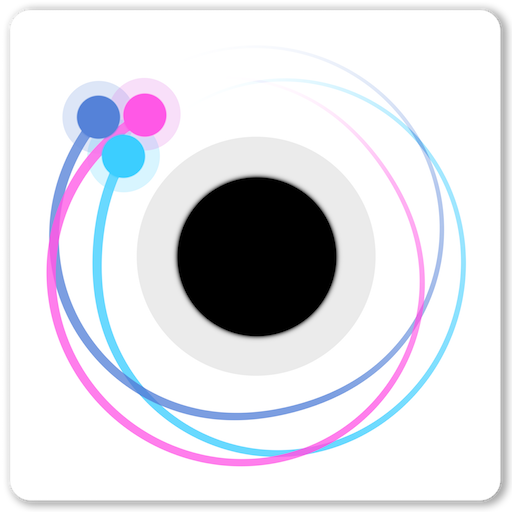
Orbit is a physics-based arcade experience that challenges players to master gravitational pull, momentum, and precise timing across compact, stylish levels. It blends elegant minimalism with deep mechanical systems so casual sessions are satisfying while skilled play rewards strategy and creativity.
At its core, Orbit tasks you with guiding a small craft as it loops around planets, avoids hazards, and reaches designated waypoints. Each level introduces new obstacles and environmental quirks that change how you plan trajectories. The learning curve is approachable but packed with subtle depth for players who like to refine technique.
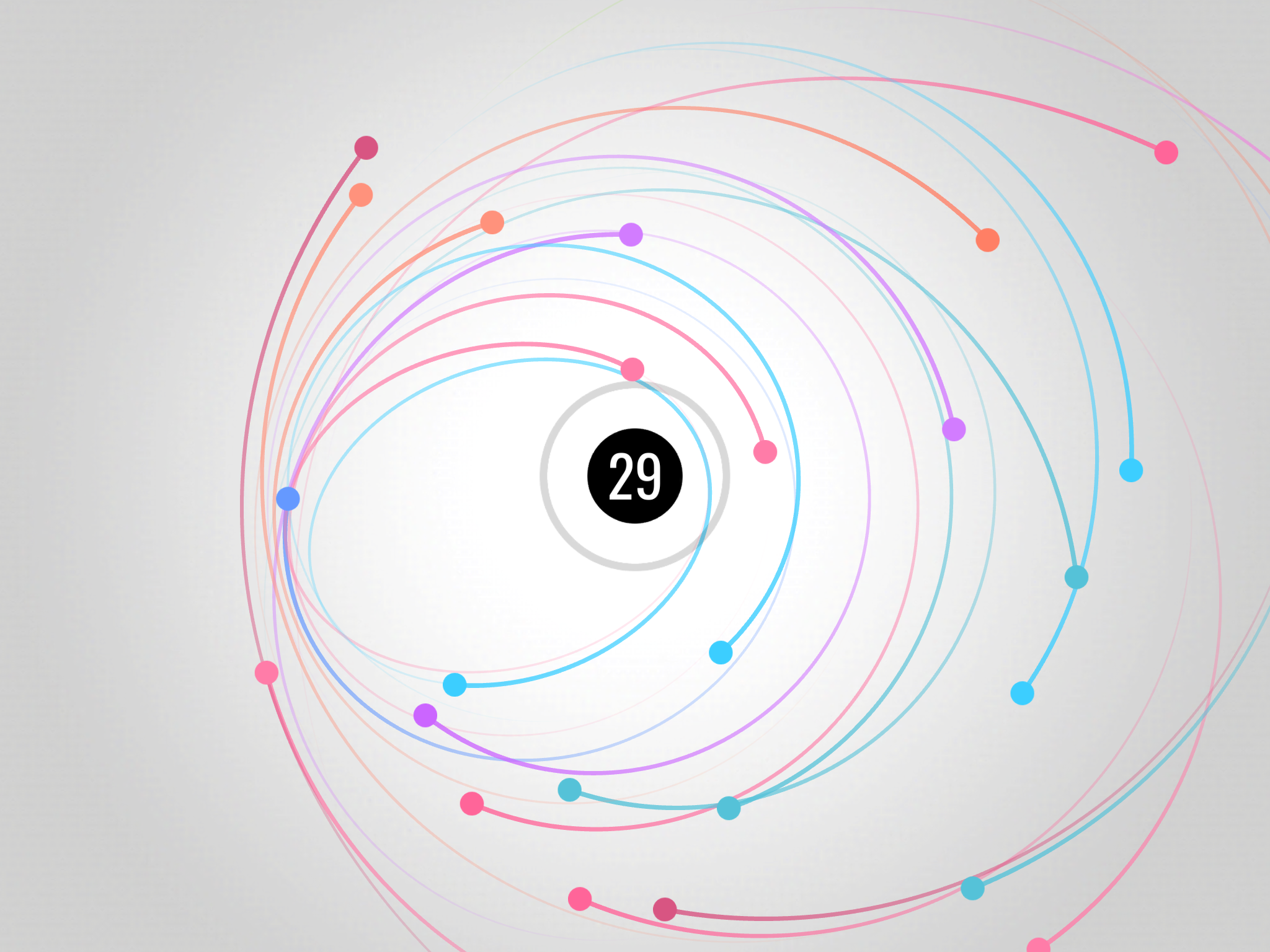
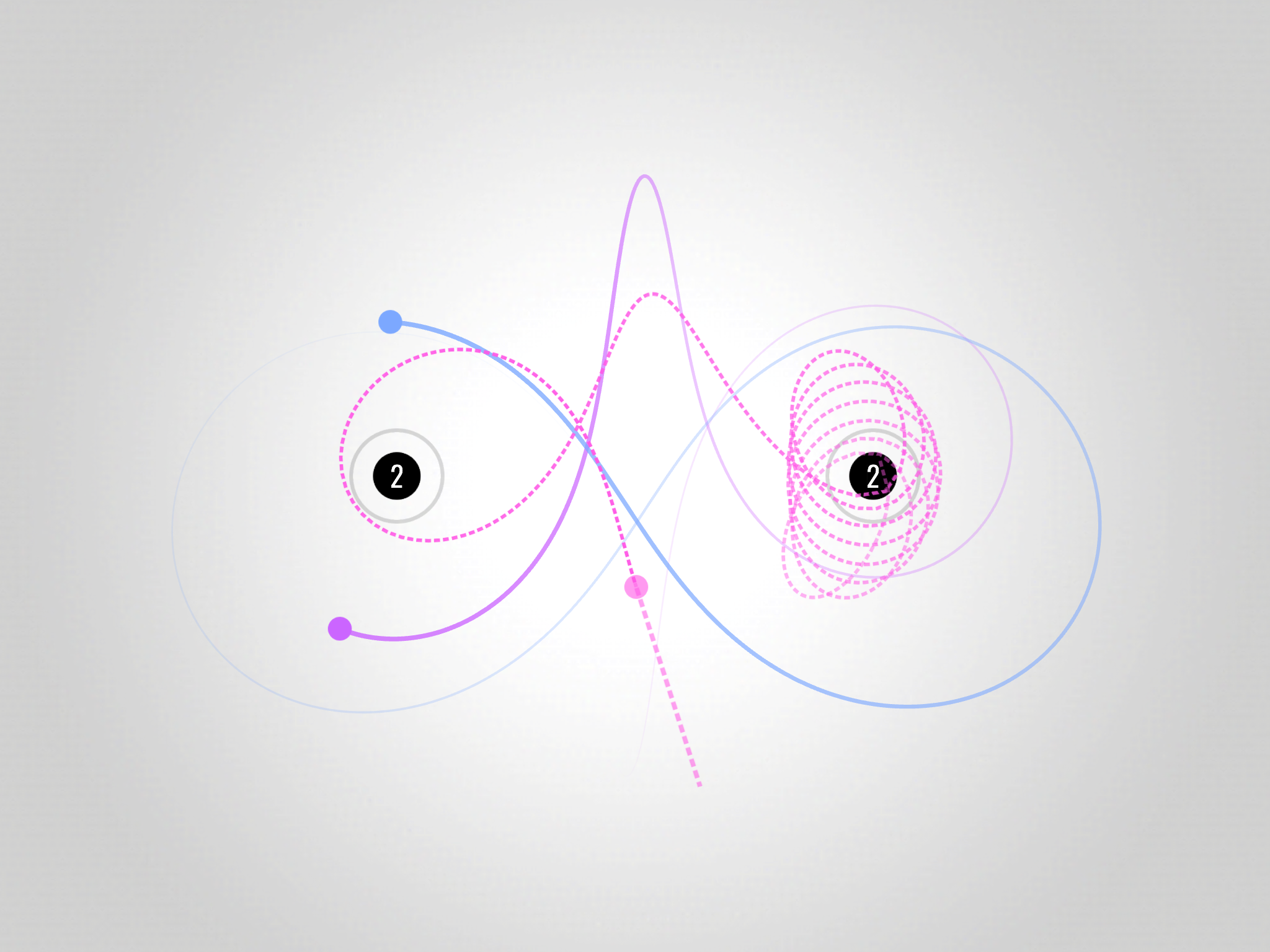
The main mechanic revolves around gravity wells: approaching a planet draws your ship into an orbital path. Successful navigation depends on balancing thrust, angle, and speed so you can slingshot between objects or settle into stable orbits. Levels reward creative use of momentum, with some puzzles requiring multiple brief orbits to chain together goals.
Orbit’s level design ranges from tight puzzle chambers to open arenas where timing and reflexes matter. Maps introduce moving hazards, temporary gravity fields, and interactive elements like switches that alter orbital trajectories. Progression unlocks increasingly complex boards that combine earlier mechanics in new ways, keeping gameplay fresh without overwhelming newcomers.
Players can select from several craft models that differ in mass, thrust, and handling. Customization is primarily cosmetic—skins, trails, and color themes—so player choice doesn’t break balance but lets you personalize your experience. These options allow you to match a craft to your preferred playstyle, whether that’s nimble corrections or high-speed slingshots.
Orbit features simple, responsive touch controls with an on-screen throttle and tap-to-burn mechanic for quick course adjustments. An optional trajectory preview helps plan maneuvers by showing projected paths under current thrust settings. The UI favors clarity: level elements are color-coded and icons help identify hazards, objectives, and gravity sources at a glance.
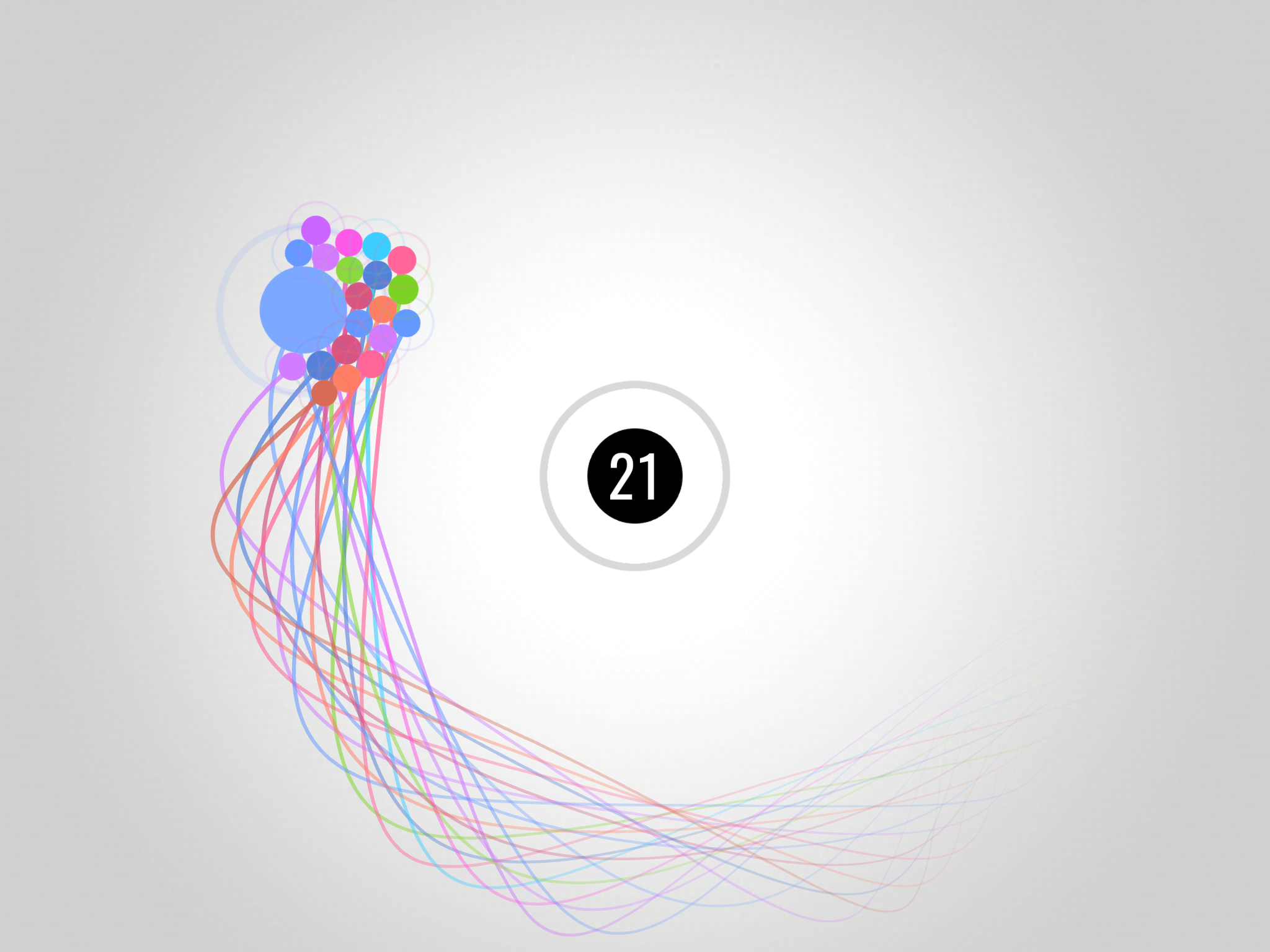
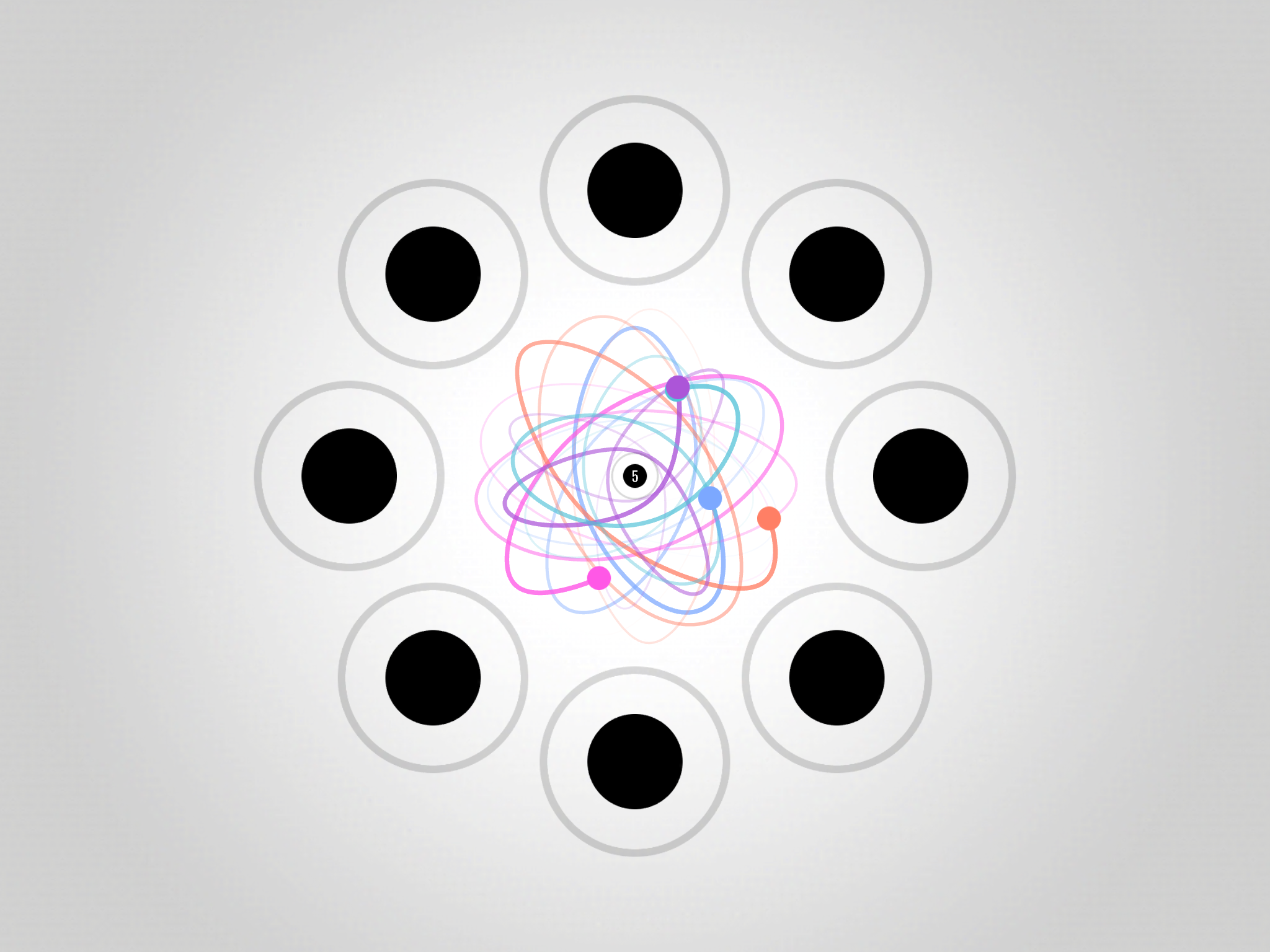
Visually, Orbit leans into minimalist aesthetics—clean lines, soft gradients, and neon accents that highlight interactive objects. This art direction keeps the field readable even as levels grow busy. Audio cues are crisp and informative: subtle swells indicate gravitational capture while discrete tones confirm successful maneuvers. The app runs smoothly on a wide range of devices thanks to lightweight effects and efficient physics calculations.
Competitive players will appreciate leaderboards and time trial modes that encourage optimization. Asynchronous challenges let you race against ghosts of top runs, improving engagement without requiring simultaneous matches. Community events rotate special levels and modifiers, offering fresh challenges and ways to show off mastery.
The appeal of Orbit lies in its balance of precision and flow. Levels are short enough for quick plays but deep enough to support repeated attempts and improvement. The satisfaction of chaining perfect orbits and shaving seconds off a run keeps the game compelling for both casual and competitive audiences.
Installation is straightforward: download and run, then complete a short interactive tutorial that teaches basic thrust and orbital capture. The initial set of levels introduces core systems gradually, so you’ll feel confident before encountering tougher challenges.
Orbit delivers a tight package for players who enjoy physics puzzles and skill-based arcade action. Its clean presentation, precise controls, and layered design make it easy to pick up but hard to master—creating a continual loop of discovery and refinement that rewards practice and experimentation.
My Dream Store
Size:215.30M PuzzleFlying Rahul Gandhi
Size:4.95M PuzzleMerge Magic!
Size:42.97M PuzzleClockmaker
Size:150.52M PuzzleWhere's My Perry?
Size:41.60M PuzzleMonument Valley 2
Size:282.69M PuzzleMerge Neon Car
Size:136.75M PuzzleCubeX - Solver, Timer, 3D Cube
Size:16.87M PuzzleMatch Factory
Size:228.55M PuzzleAntistress - relaxation toys Mod
Size:122.55M PuzzleMergic: Merge & Magic
Size:150.68M PuzzleMerge Mystery : Resort
Size:169.60M PuzzleApril 2024 Clash of Clans Update: Unveiling a Fresh Companion, Enhanced Levels, Chat Tagging, and Be
2024-04-16Arrival of Genshin Impact 4.6 Update: 'Embers of Two Realms, Twilight of Crimson'
2024-04-16V2.2 of the Farlight 84 update introduces an overhauled Season structure, fresh in-game currency, an
2024-04-16Monster Never Cry is now accessible on both Android and iOS mobile devices.
2024-04-18PUBG Mobile Teams Up with Bentley Motors: Luxury Cars, Exclusive Collectibles, and Beyond
2024-04-18March 2024 Free Redemption Codes for Honkai: Star Rail
2024-04-18