English
Vocalizer TTS Voice (English) is a game-changing text-to-speech app that revolutionizes how we interact with our devices on a daily basis. With over 120 expressive voices in more than 50 languages, this app offers a lifelike and natural voice companion for tasks such as GPS navigation and E-Book reading. Unlike traditional TTS engines, Vocalizer provides a customizable and engaging experience, allowing users to adjust pronunciation, speed, and pitch to their preferences. Despite recent compatibility issues with some Google apps, Vocalizer remains a versatile tool that enhances the user experience with its exceptional voice quality and broad compatibility with various applications. Give Vocalizer a try today and transform your everyday interactions with technology into engaging human-like experiences.
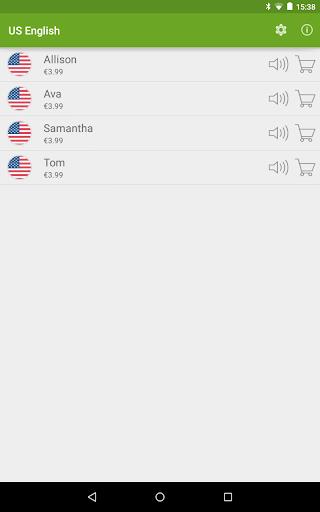
Lifelike and Expressive Voices: Vocalizer offers over 120 voices in more than 50 languages, providing a natural and engaging TTS experience.
Customizable Pronunciation: Users have the ability to adjust pronunciation through a user-defined dictionary, ensuring accurate reading of specialized terms.
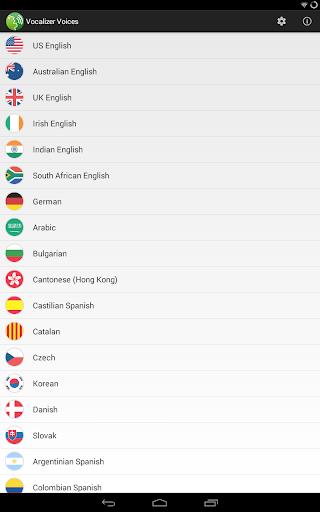
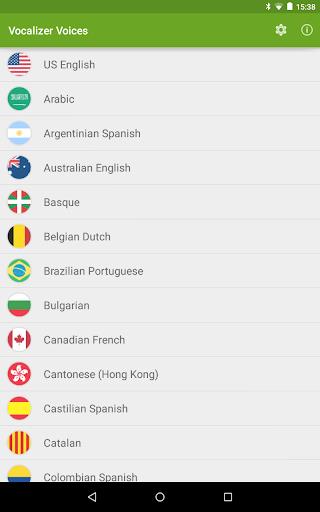
Wide Language Support: With support for multiple languages, users can seamlessly switch between languages for various tasks, such as navigation and reading.
Compatibility with Various Applications: Despite recent issues with certain Google apps, Vocalizer remains compatible with popular navigation apps like Sygic, ensuring a smooth user experience.
Can I try out the voices before purchasing?
- Yes, Vocalizer offers a 7-day trial for users to evaluate the voices before making a purchase.
Is Vocalizer compatible with all Android devices?
- Yes, Vocalizer is compatible with all Android devices running version 0 and above.
How can I set Vocalizer as my default text-to-speech engine?
- Users can set Vocalizer as their default TTS engine by navigating to Settings Language & input Text-to-Speech output and selecting “Vocalizer TTS” as the preferred engine.
Vocalizer stands out as a remarkably natural and versatile voice companion for everyday tasks, offering lifelike voices, customizable pronunciation, wide language support, and compatibility with various applications. Despite recent compatibility issues with certain Google apps, users can still enjoy a seamless and engaging TTS experience with Vocalizer. With its exceptional voice quality, thoughtful customization options, and broad language support, Vocalizer is a valuable tool for anyone looking to enhance their interaction with technology through expressive and natural voices.

Suggestify
Size:55.00M LifestylemyEasyBud
Size:67.00M LifestyleBlouse For Skirt Gallery
Size:29.70M LifestyleGratitudes Journal
Size:9.40M LifestyleSunrise Church Puyallup
Size:35.00M LifestyleBloodLinks
Size:35.00M LifestyleZany's
Size:97.90M LifestyleChristmas Office Decor Idea
Size:27.30M LifestyleMeram Restaurant
Size:12.90M LifestyleFinger Henna Idea
Size:31.00M LifestyleRobin Knows
Size:65.00M LifestyleAmanos
Size:102.00M LifestyleApril 2024 Clash of Clans Update: Unveiling a Fresh Companion, Enhanced Levels, Chat Tagging, and Be
2024-04-16Arrival of Genshin Impact 4.6 Update: 'Embers of Two Realms, Twilight of Crimson'
2024-04-16V2.2 of the Farlight 84 update introduces an overhauled Season structure, fresh in-game currency, an
2024-04-16Monster Never Cry is now accessible on both Android and iOS mobile devices.
2024-04-18PUBG Mobile Teams Up with Bentley Motors: Luxury Cars, Exclusive Collectibles, and Beyond
2024-04-18March 2024 Free Redemption Codes for Honkai: Star Rail
2024-04-18