English
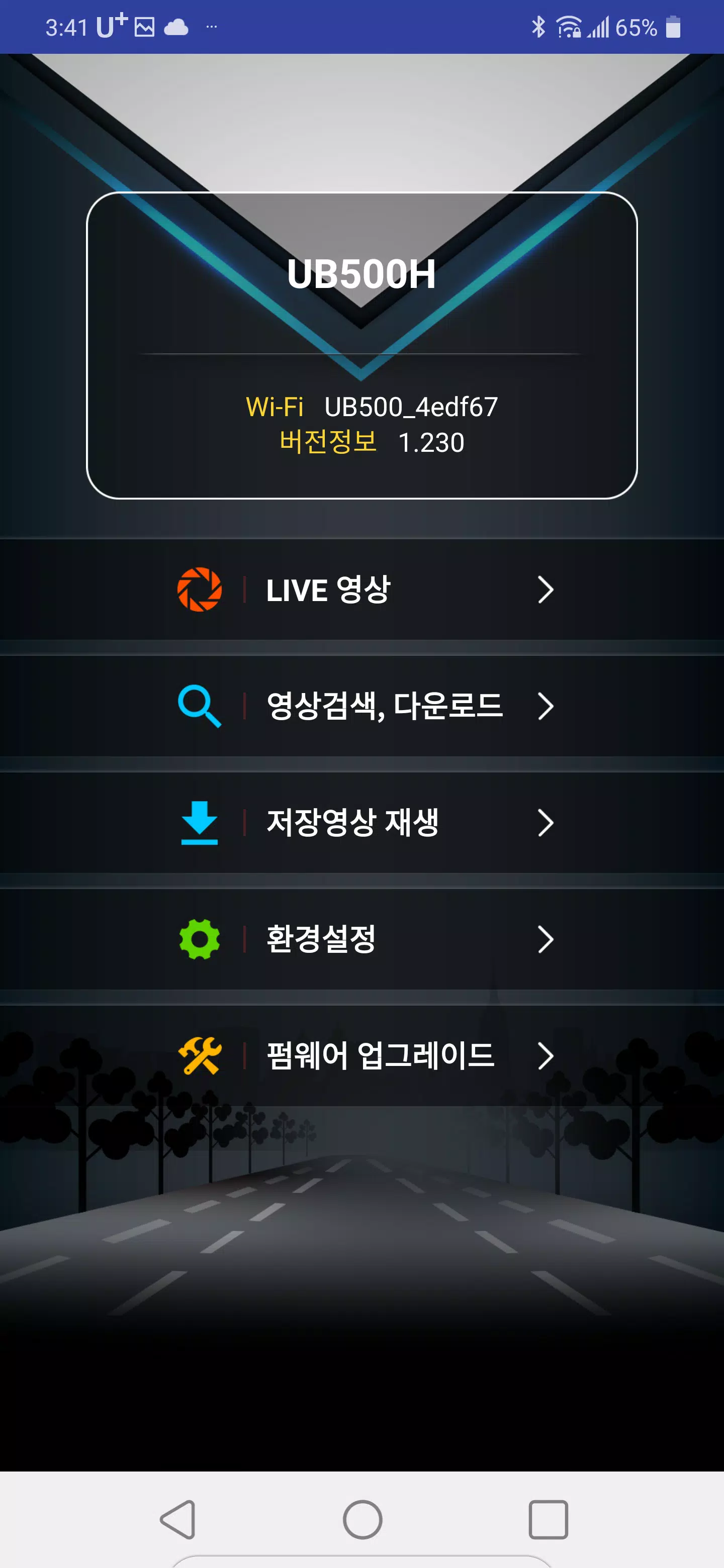
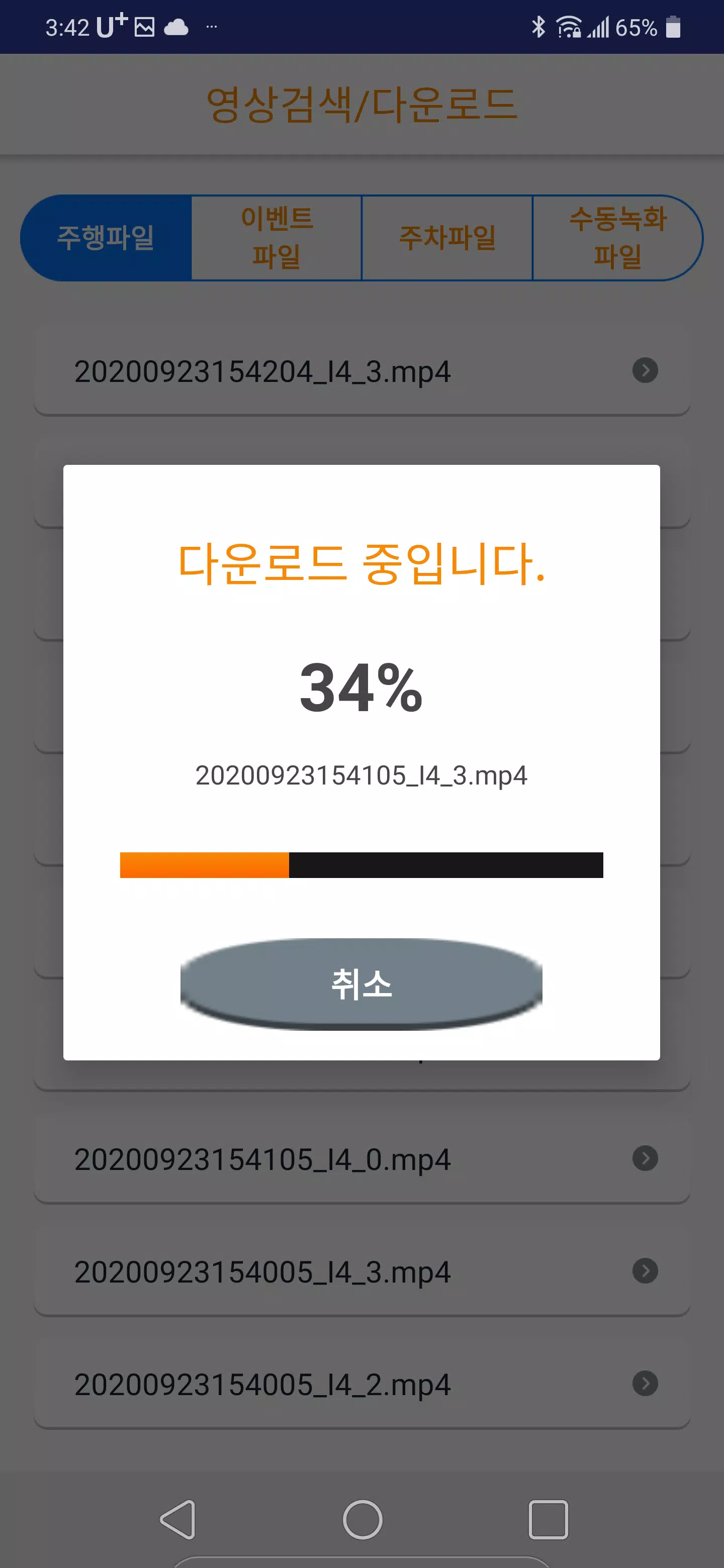
UB500DVR brings full remote control of your UB500 dash camera to your Android device, letting you view live video, download recordings and adjust camera settings from a single, easy-to-use application. From initial WiFi pairing to reviewing saved clips on your phone, UB500DVR is built for owners who want straightforward access to footage and camera parameters without extra cables or desktop tools. The app connects to the dash camera’s own network so you can stream live playback, transfer files from the SD card, and play back recordings stored locally on your Android device.
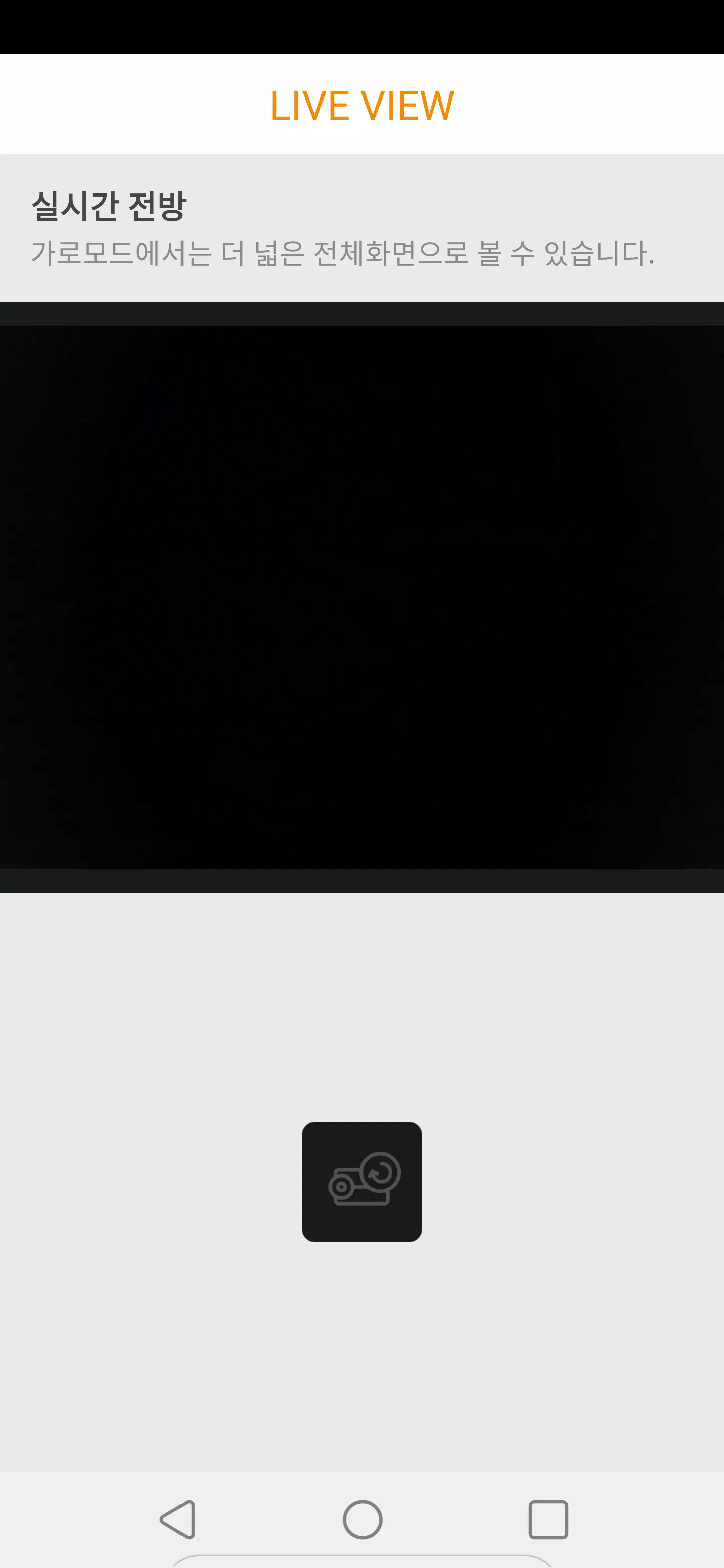
The app supports live video streaming from the camera for on-the-spot monitoring when the vehicle is parked or during brief stops. Playback controls include pause, seek and basic scrubbing so you can quickly locate events in a recording; downloaded files are saved in standard formats for easy sharing or backup. UB500DVR auto-detects available UB500 WiFi networks to speed up pairing, and it displays device status and storage details so you can tell at a glance how much footage is available on the SD card and which files are safe to transfer.
Interaction is designed around touch-first controls that mirror common media players: a single tap toggles play and pause, dragging the timeline seeks within a file, and simple menu controls let you switch between live view and recorded footage. Camera settings are grouped into logical sections—resolution, exposure-related parameters, and recording preferences—so adjustments are quick and predictable. The interface uses clear icons and labels, minimizing the number of steps required to change a setting or download a clip.
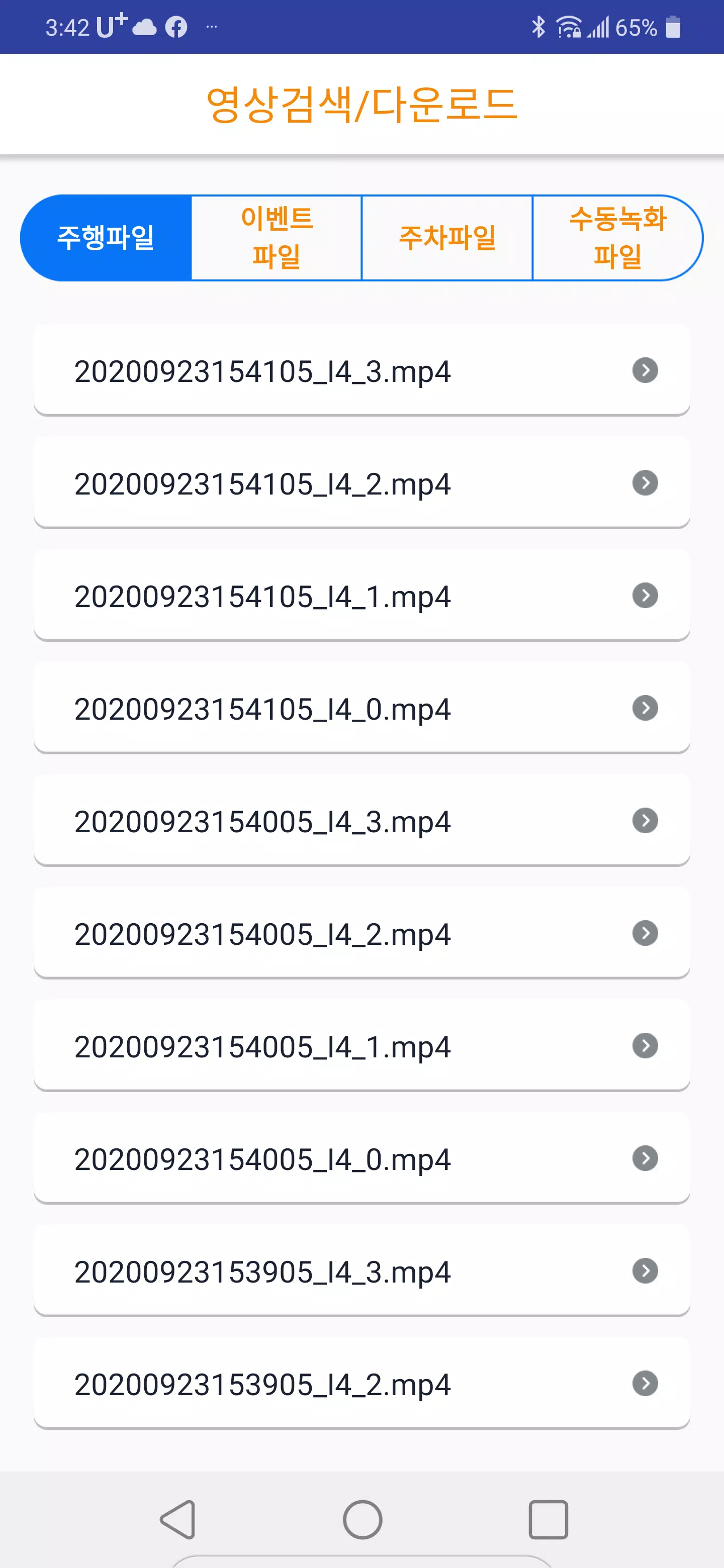
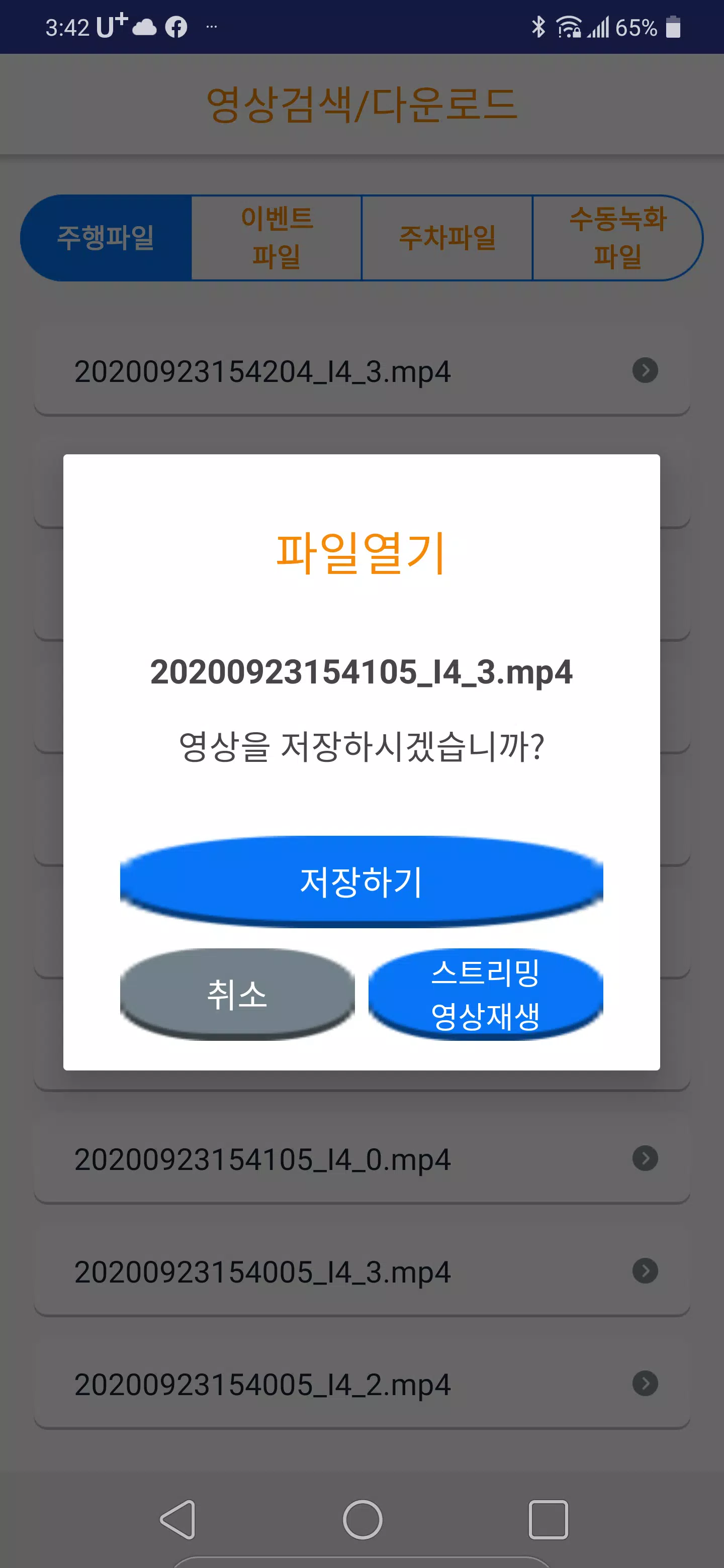
UB500DVR helps you manage recordings in a straightforward progression: browse the camera’s SD card, select clips to stream or download, and then organize or play them from your device. The app shows timestamps and file sizes to support faster review, and files can be kept locally for later offline viewing. While the app does not introduce cloud or online sharing systems, its file handling supports common workflows for incident review, archiving and local backups to an Android device or external storage you control.
The visual style favors clarity: a dark-themed player for comfortable viewing in varied lighting, thumbnail previews to help you spot relevant clips, and readable on-screen labels for camera settings. Customization focuses on what matters for dash cam users—adjustable resolution and recording parameters to balance image quality and storage use, plus simple toggles to prioritize longer recordings or higher frame rates when needed. Playback remains smooth on typical Android hardware, and the player respects the original recording characteristics to preserve audio and visual fidelity during review.
Replay value for UB500DVR comes from making it easy to revisit and preserve important moments: whether you need a short clip to document an incident, a longer sequence for analysis, or routine checks of parking footage. The app streamlines repeat use by remembering recently connected devices and by organizing files chronologically, which reduces the time needed to find the most recent recordings. Regular users will find the app speeds up common tasks like extracting evidence-quality clips or keeping a rolling archive on their phone.
Accessibility considerations include large, clearly labeled buttons, straightforward navigation, and support for playback of local files without requiring a persistent connection to the camera. Because UB500DVR operates over the camera’s WiFi or with files stored locally, many core functions work offline after files have been downloaded, which is useful for reviewing footage in the field or in low-connectivity areas. The description targets Android owners; functionality and support are described in terms of Android devices and the UB500 hardware.
UB500DVR requires a UB500 dash camera and access to its WiFi network to view live video and directly stream or download files from the device’s SD card. Some features depend on the dash cam’s storage configuration and the format of recorded files, and other platforms beyond Android may not be supported. These constraints reflect the app’s purpose as a local controller and reviewer for UB500 hardware rather than a cross-platform cloud service.
Pizzaria do Erick
Size:19.12M LifestyleMy Hurricane Tracker Pro
Size:4.73M LifestylePushscroll
Size:61.25M LifestyleSmartWOD Timer
Size:26.75M LifestyleMeteum Weather
Size:63.84M LifestyleBestifyMe
Size:13.80M LifestyleWeatherPro
Size:48.30M LifestyleEmpower You: Unlimited Audio
Size:80.20M LifestyleAdobe Express
Size:107.80M LifestyleGeoZilla
Size:63.92M LifestyleONEWallet - Cards Wallet
Size:15.00M LifestyleFloor Plan Creator Home Design
Size:40.91M LifestyleApril 2024 Clash of Clans Update: Unveiling a Fresh Companion, Enhanced Levels, Chat Tagging, and Be
2024-04-16Arrival of Genshin Impact 4.6 Update: 'Embers of Two Realms, Twilight of Crimson'
2024-04-16V2.2 of the Farlight 84 update introduces an overhauled Season structure, fresh in-game currency, an
2024-04-16Monster Never Cry is now accessible on both Android and iOS mobile devices.
2024-04-18PUBG Mobile Teams Up with Bentley Motors: Luxury Cars, Exclusive Collectibles, and Beyond
2024-04-18March 2024 Free Redemption Codes for Honkai: Star Rail
2024-04-18