English
ISIWI PLUS is a lightweight remote video monitoring app from VulTech Security that gives homeowners and small business operators easy access to live camera feeds using standalone Wi‑Fi cameras (KIT CONNECT). ISIWI PLUS places setup simplicity first: the app guides you through pairing in a step‑by‑step video tutorial, uses QR‑code based P2P connections to link your phone and camera, and removes the need to configure static IP addresses or manual port forwarding. The app is currently offered free of charge, but the developer notes that core functions may be altered in future updates and that viewing over mobile networks can incur data charges.
The core purpose of ISIWI PLUS is to provide remote live view of compatible standalone Wi‑Fi cameras so you can check a location from anywhere with an internet connection. After pairing, the app streams camera video directly to your device through peer‑to‑peer links initiated by scanning a camera QR code. This architecture aims to simplify connectivity: rather than asking the user to modify router settings, ISIWI PLUS attempts to create a direct, temporary channel between the camera and the phone so live viewing can begin quickly.
Setup in ISIWI PLUS follows a clear progression designed for non‑technical users. The onboarding sequence walks you through kit unpacking, connecting the camera to local power and Wi‑Fi, entering pairing mode, and scanning a QR code to complete P2P activation. Each step includes short in‑app videos and prompts so you can complete the workflow with minimal networking knowledge. This staged approach helps users progress from unboxing to first live view in a few focused steps rather than a long list of technical tasks.
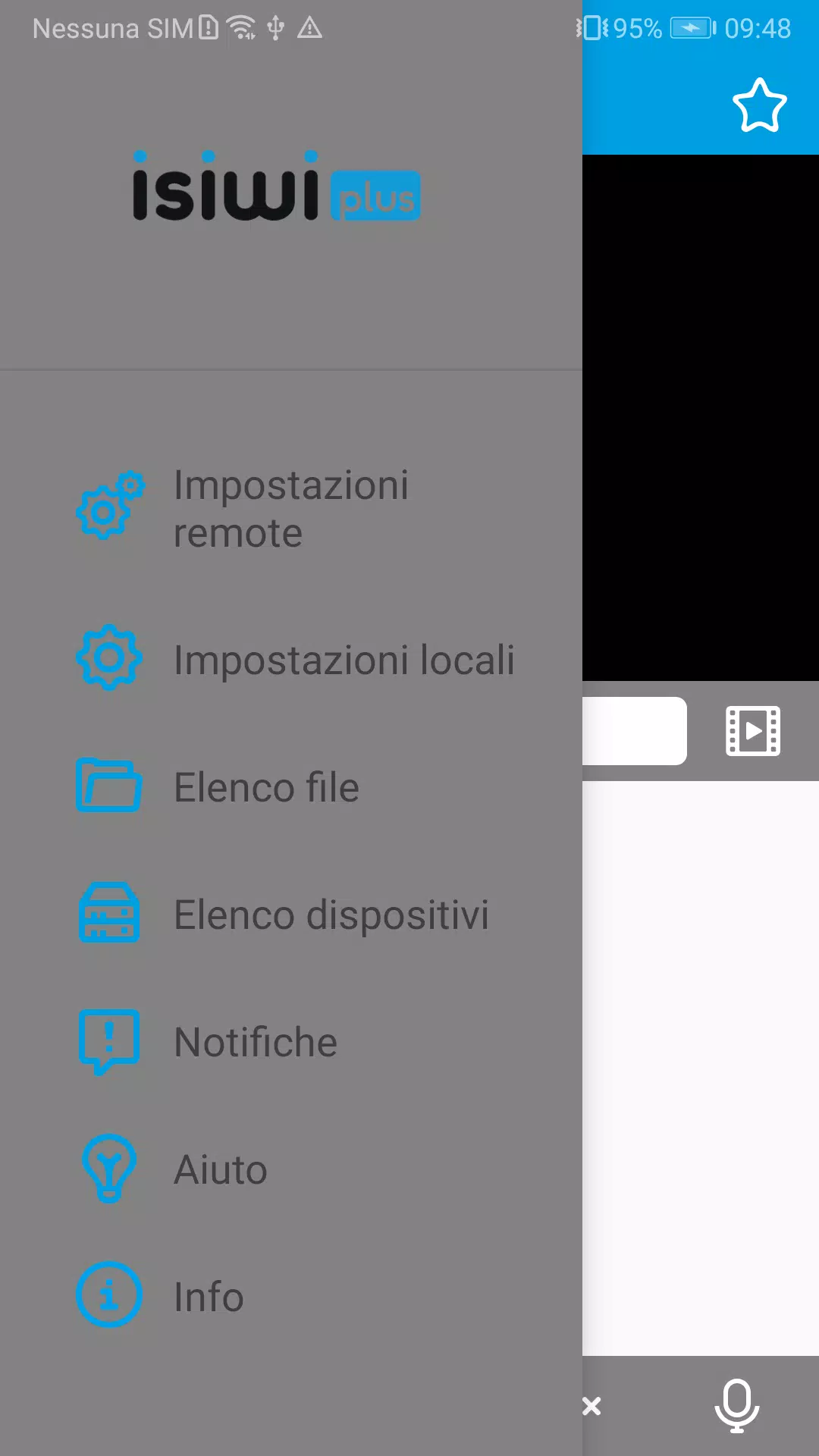
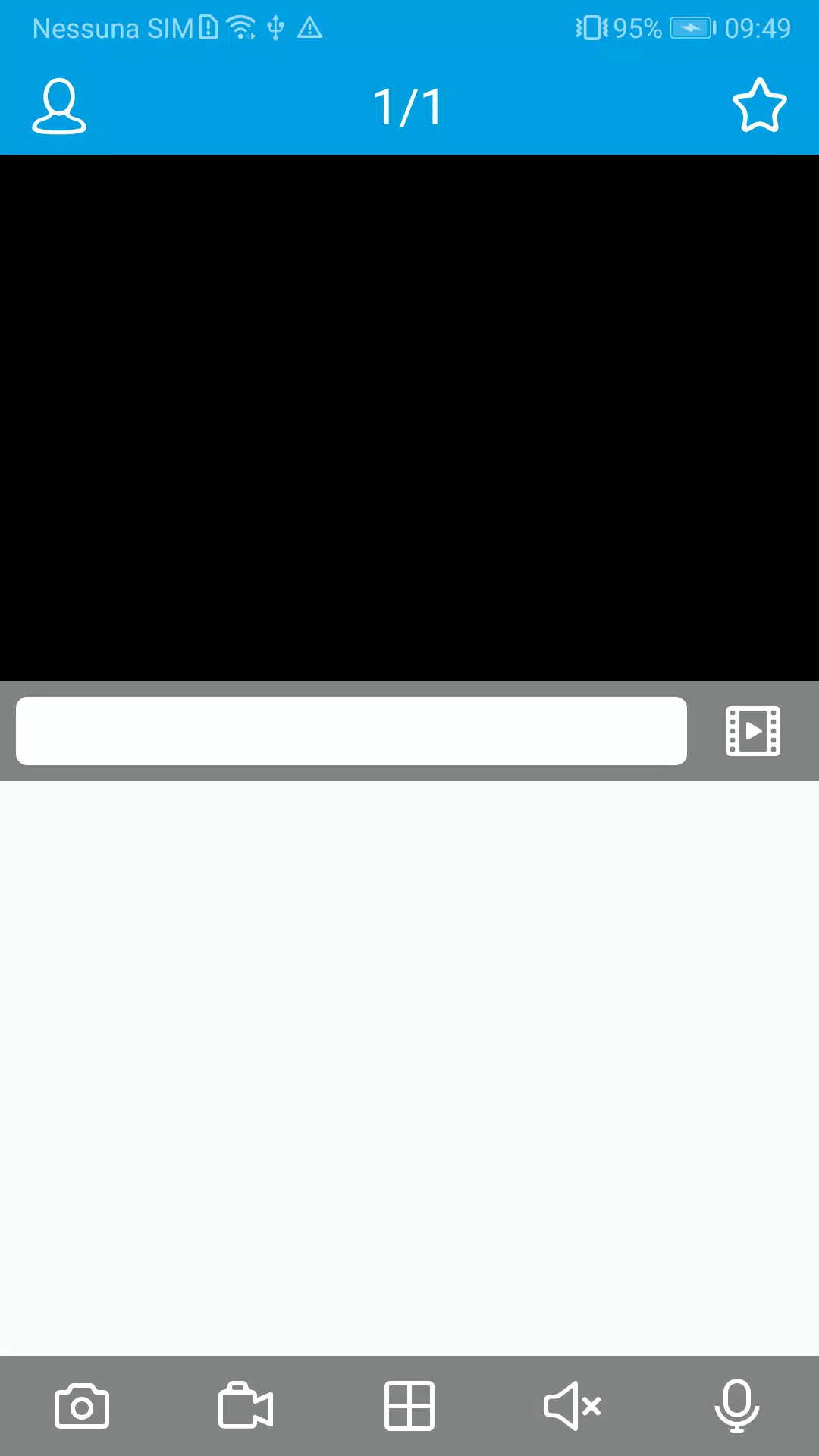
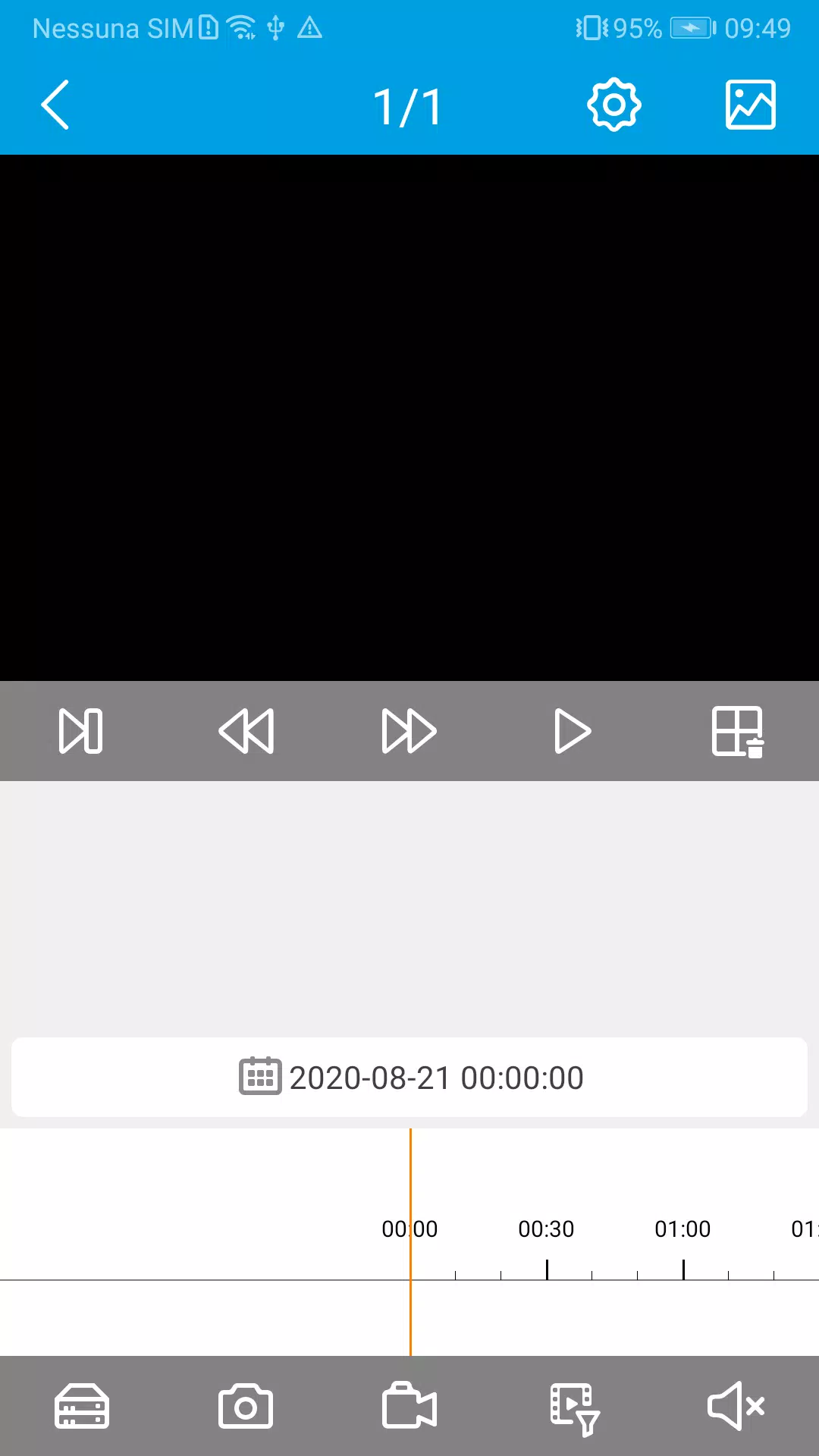
The user interface centers on quick access to live feeds and straightforward navigation between connected cameras. ISIWI PLUS organizes connected devices so you can switch views without reconfiguring links, and on‑screen controls expose the primary actions you need during a live session. The app emphasizes clarity: clear icons and labeled controls reduce confusion during routine checks. Where applicable, the pairing and connection status are displayed to help users confirm that a feed is active or that a camera needs attention.
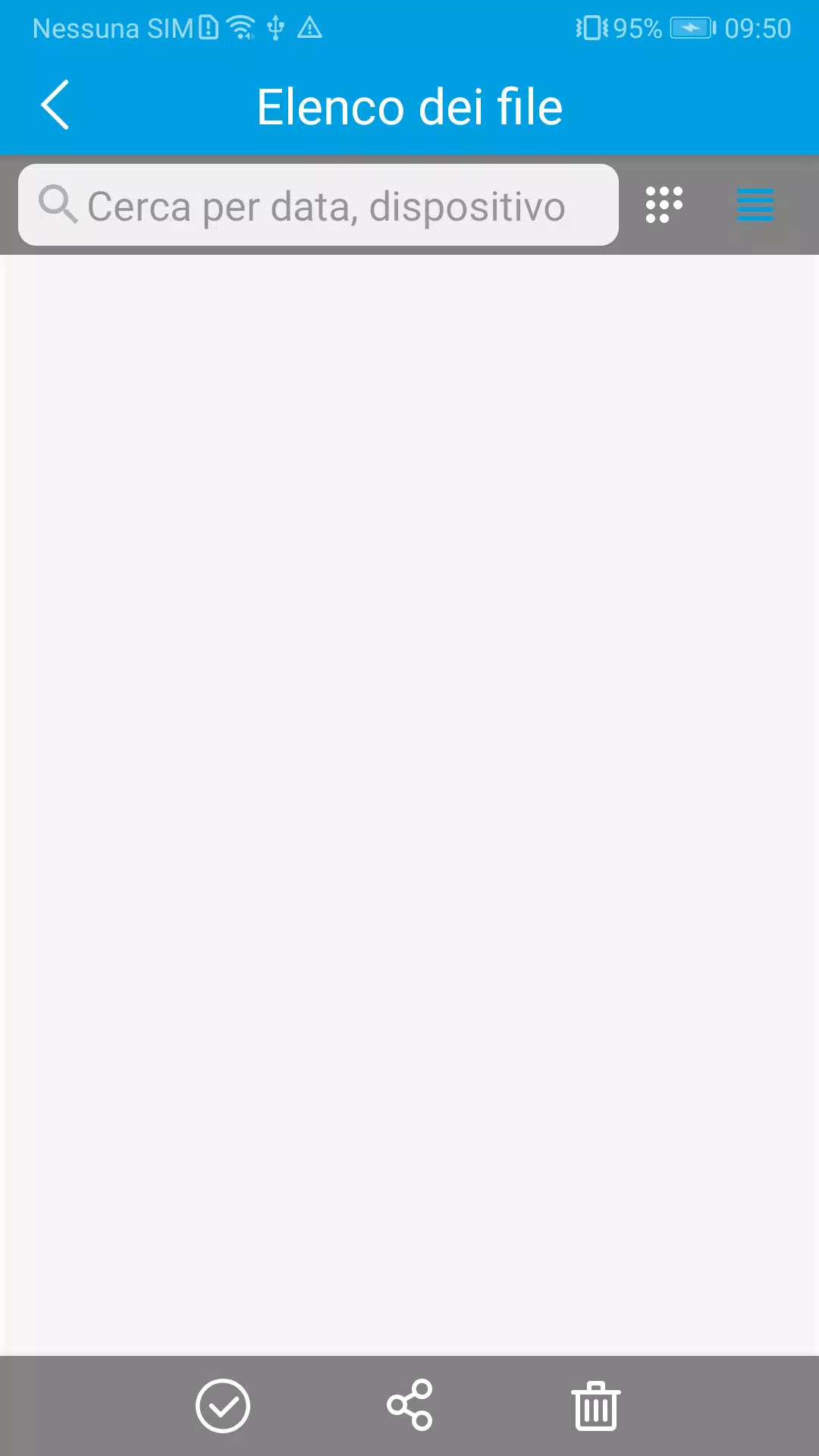
ISIWI PLUS adopts a practical visual design focused on usability rather than visual flair. Screens emphasize readable labels, high‑contrast icons, and simple menus that guide you to live view, settings, and help resources. Video instruction pages are embedded in the app so you can follow illustrated steps without leaving the interface. The goal is a familiar layout that minimizes the learning curve for users who may not be experienced with surveillance systems.
The app supports KIT CONNECT standalone Wi‑Fi camera kits and other devices compatible with the same pairing and P2P protocols. Functionality is limited to cameras that implement the app's pairing mode and QR‑code connection method; cameras without those capabilities will not be accessible through ISIWI PLUS. The developer also reserves the right to update features in future releases, which could change how some workflows behave. Be aware that streaming over mobile data may increase charges depending on your carrier and plan.
ISIWI PLUS emphasizes a peer‑to‑peer connection model to avoid exposing home networks through port forwarding or requiring public IP addresses. While P2P aims to simplify connectivity, users should still follow recommended security practices for their Wi‑Fi networks and camera hardware. The app indicates connection status during sessions so you can confirm when a direct link is active. Any specific data retention or cloud storage policies are defined by the developer and may change, so consult the app’s settings and privacy notes for the latest information.
The app includes guided video tutorials and clear in‑app instructions that support users with different technical backgrounds. The design prioritizes readable text and simple navigation to help those who prefer a straightforward experience. If you encounter difficulties during pairing or live view, the developer’s documentation and support channels are the next step for troubleshooting; the app makes basic troubleshooting prompts available during setup to reduce the need for external help.
ISIWI PLUS is geared toward people who need uncomplicated remote monitoring without diving into router configuration: homeowners wanting a quick way to check a property, small business owners who require basic live access to a single location, and anyone using KIT CONNECT standalone Wi‑Fi camera kits that support QR‑code P2P pairing. The app is not a substitute for enterprise surveillance platforms and is limited to compatible standalone cameras and the features described by the developer.
VulTech Security develops ISIWI PLUS as a practical solution focused on simplicity and accessibility. The team publishes updates from time to time and has stated that some features and behaviors may evolve over future releases. The app is provided free for now; review the app’s release notes and privacy documentation to stay informed about changes and any potential costs associated with new functionality.

Pizzaria do Erick
Size:19.12M LifestyleMy Hurricane Tracker Pro
Size:4.73M LifestylePushscroll
Size:61.25M LifestyleSmartWOD Timer
Size:26.75M LifestyleMeteum Weather
Size:63.84M LifestyleBestifyMe
Size:13.80M LifestyleWeatherPro
Size:48.30M LifestyleEmpower You: Unlimited Audio
Size:80.20M LifestyleAdobe Express
Size:107.80M LifestyleGeoZilla
Size:63.92M LifestyleONEWallet - Cards Wallet
Size:15.00M LifestyleFloor Plan Creator Home Design
Size:40.91M LifestyleApril 2024 Clash of Clans Update: Unveiling a Fresh Companion, Enhanced Levels, Chat Tagging, and Be
2024-04-16Arrival of Genshin Impact 4.6 Update: 'Embers of Two Realms, Twilight of Crimson'
2024-04-16V2.2 of the Farlight 84 update introduces an overhauled Season structure, fresh in-game currency, an
2024-04-16Monster Never Cry is now accessible on both Android and iOS mobile devices.
2024-04-18PUBG Mobile Teams Up with Bentley Motors: Luxury Cars, Exclusive Collectibles, and Beyond
2024-04-18March 2024 Free Redemption Codes for Honkai: Star Rail
2024-04-18