English
Eye Health Manager is a mobile app designed to help people monitor and maintain eye health through simple at-home assessments and an easy-to-read tracking journal. Eye Health Manager puts a set of basic visual tests on your phone so you can perform regular checks without special equipment, record results automatically, and share or export data when you visit an eye care professional. The app emphasizes consistency, clear instructions, and adjustable settings so users can create reliable records of vision over time.
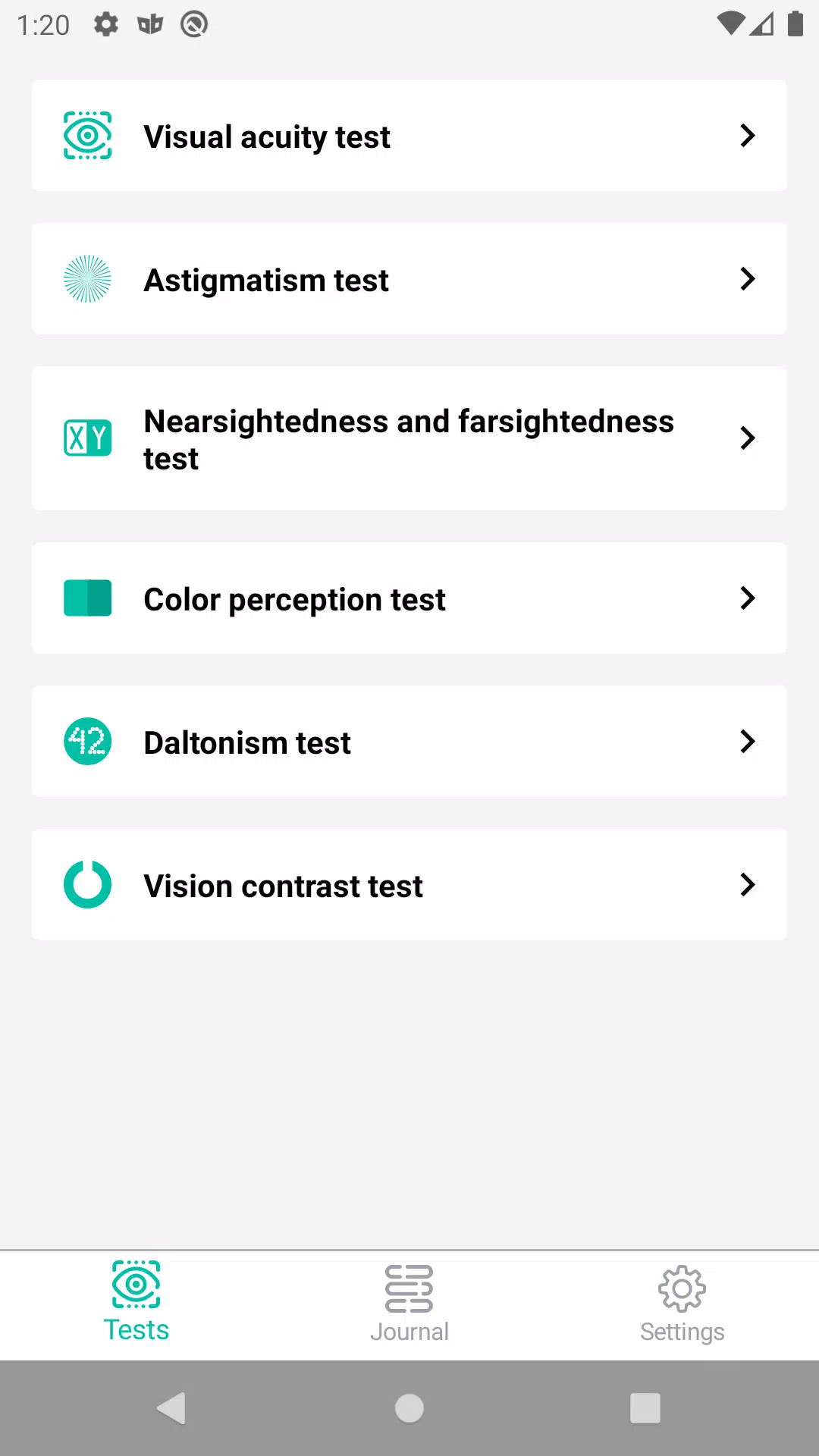
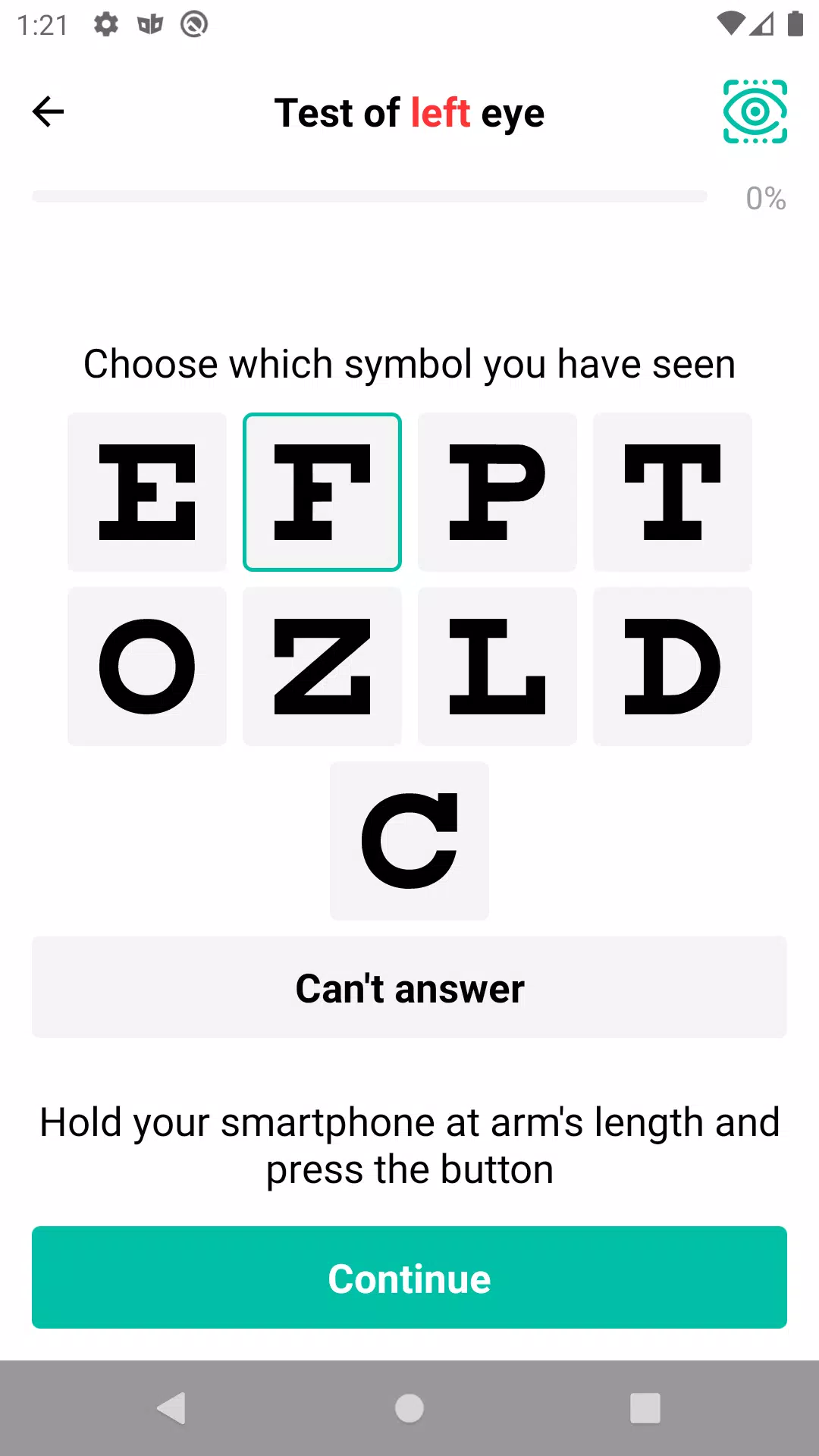
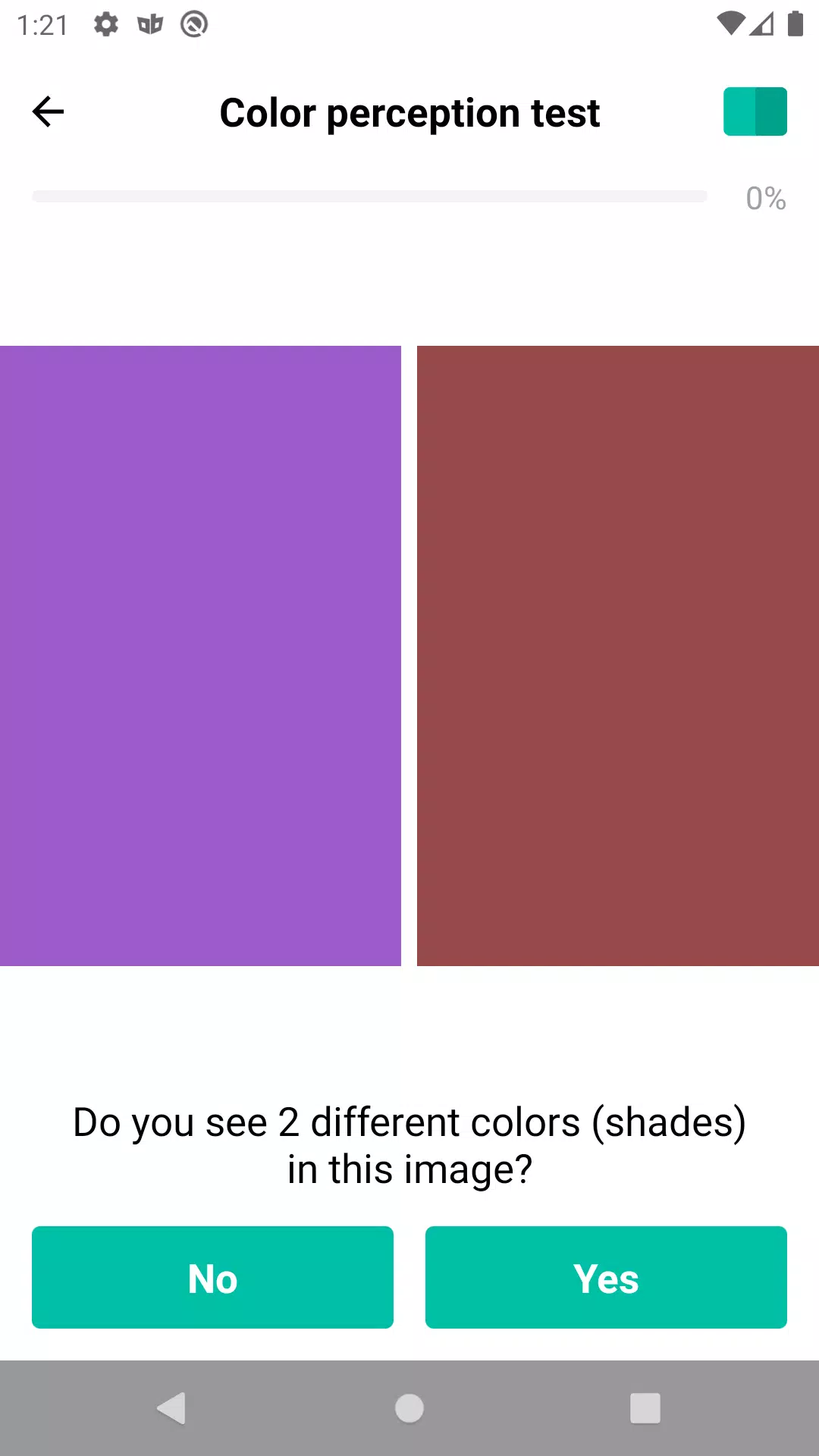
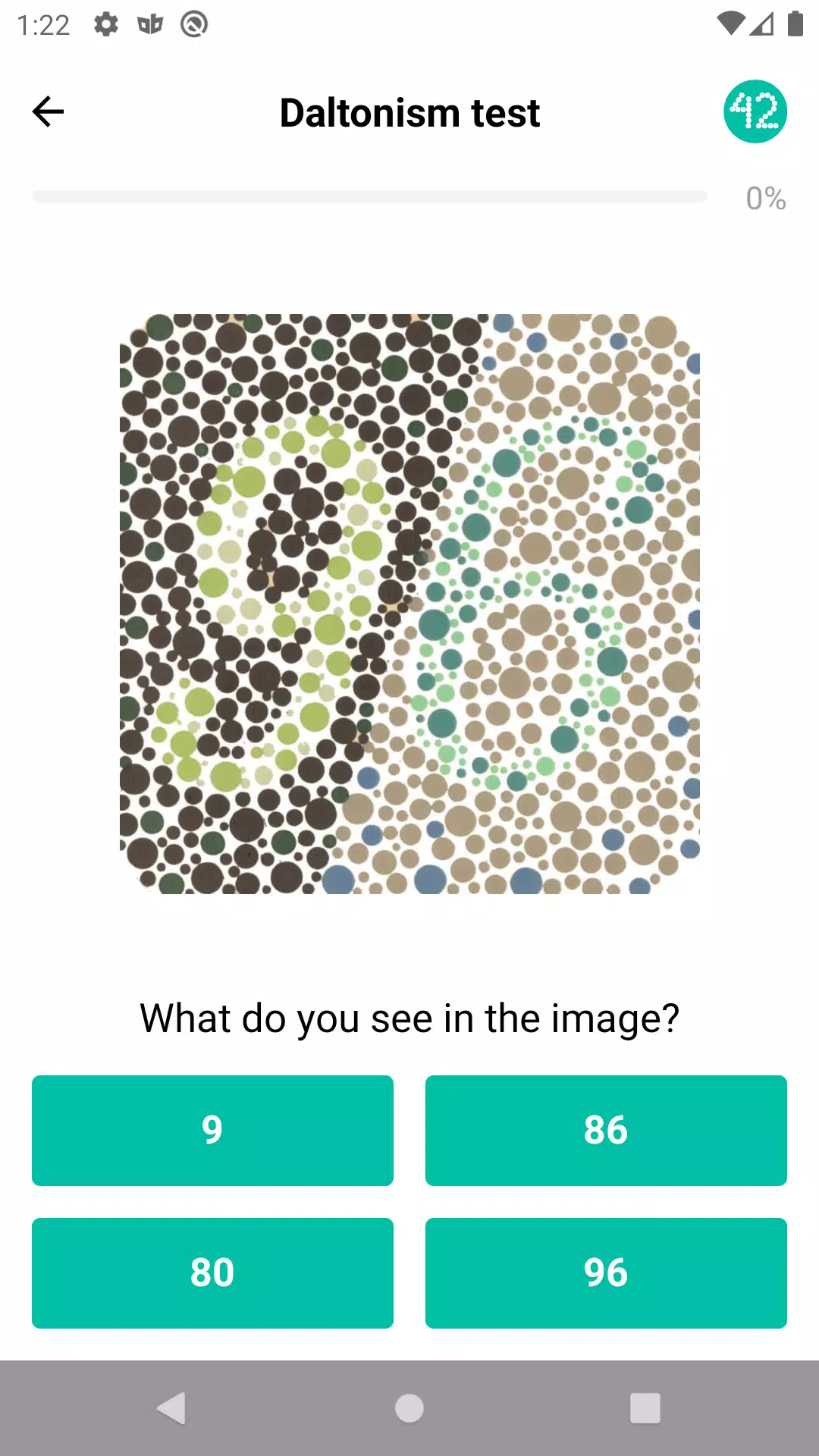
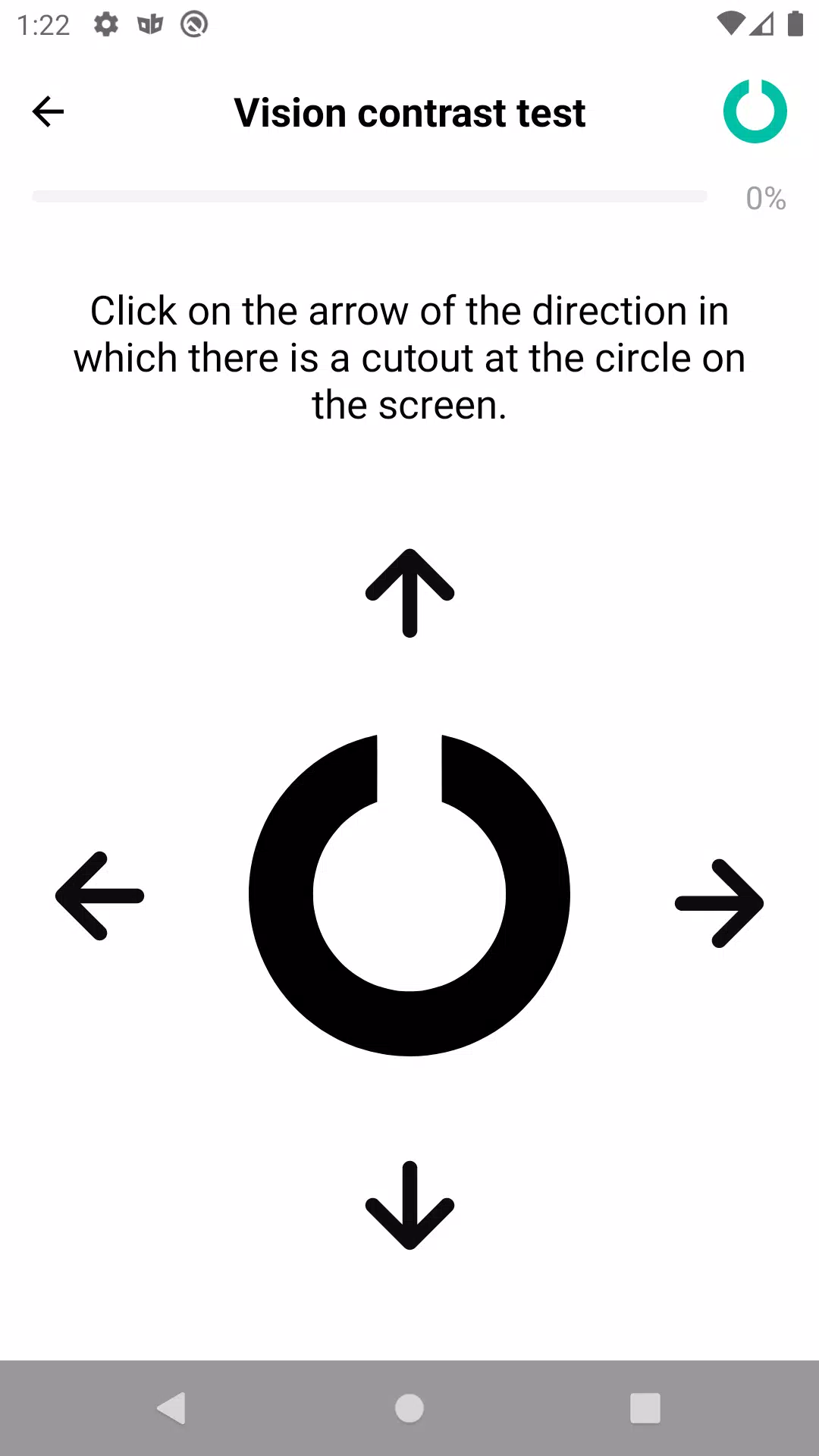
The app includes a suite of test modules that mirror commonly used screening checks: visual acuity screens for near and distance, astigmatism pattern tests, basic near/far focus comparisons, color perception tasks for common color-vision issues, and contrast sensitivity checks for detail recognition. Each module is presented with step-by-step guidance and on-screen controls that let you calibrate scale and viewing distance before you begin. Eye Health Manager also stores each result in a date-stamped journal entry and lets you attach short notes to describe symptoms or environmental context that could affect a test.
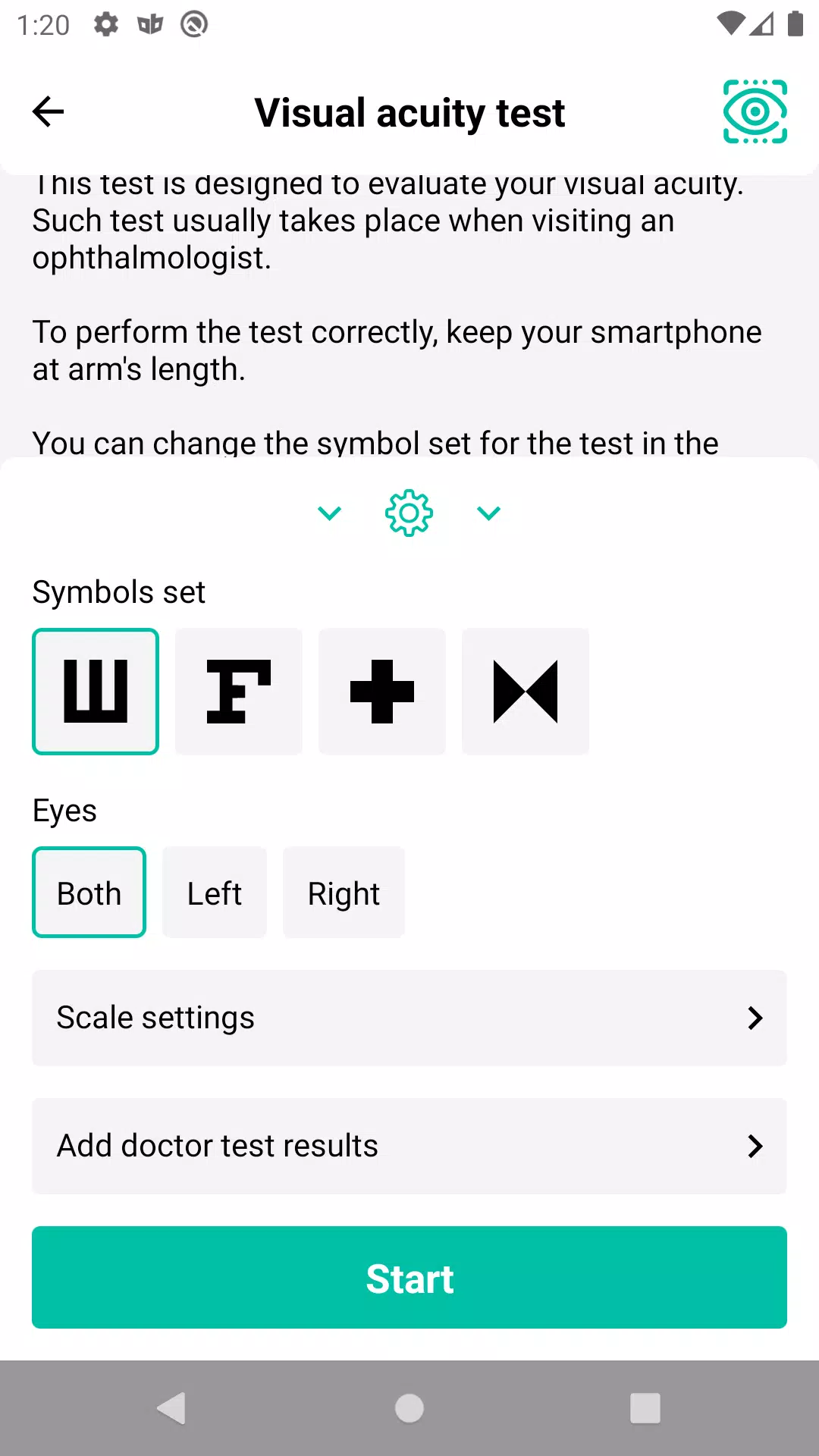
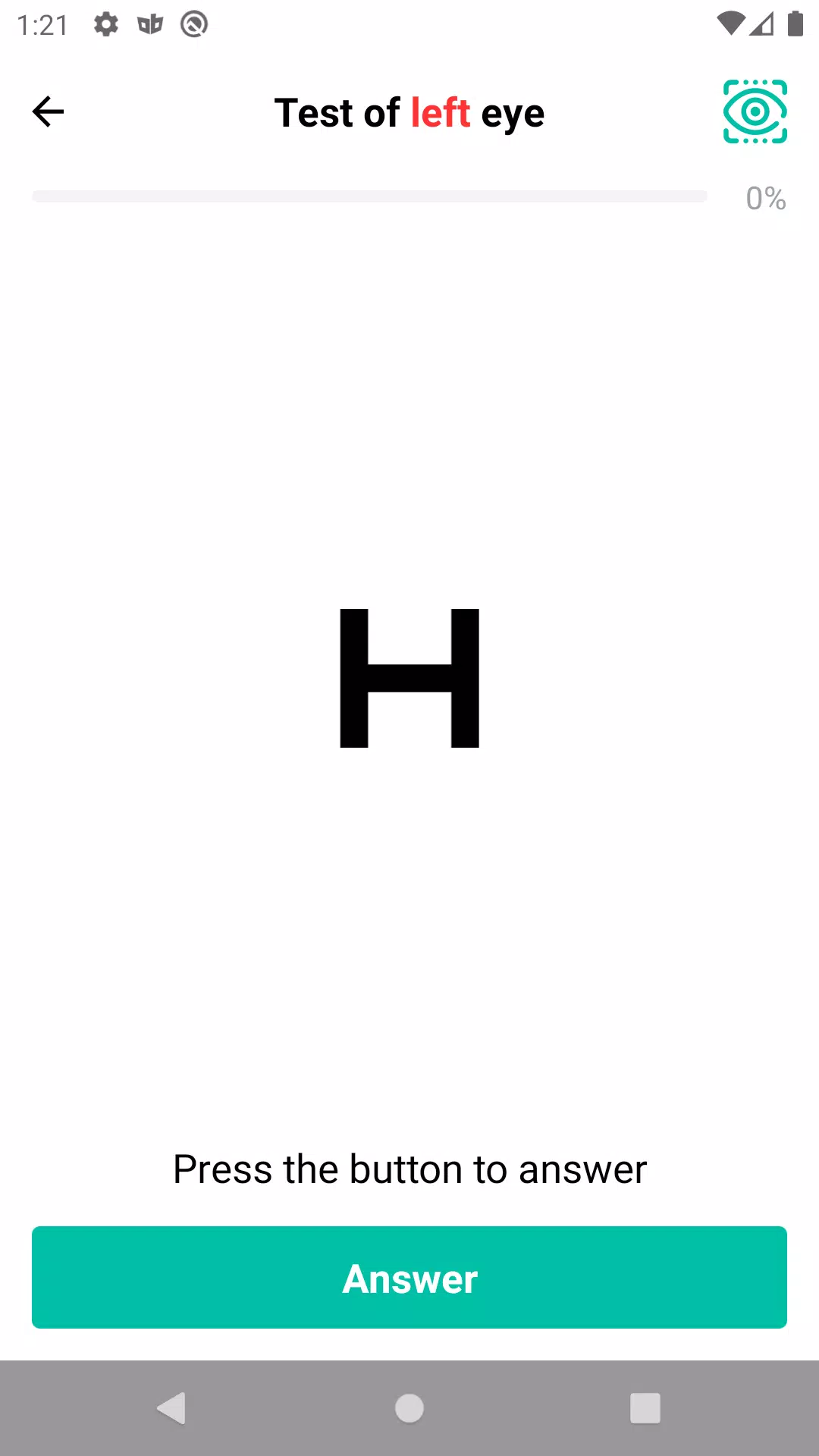
Tests rely on standard optotype-style presentations and contrast charts adapted for phone and tablet screens. Controls are deliberately simple: tap to start, swipe to advance, and use sliders to adjust image size or contrast to match your device and preferred viewing distance. Calibration helpers ask you to confirm a reference object size or set a recommended distance, which improves repeatability between sessions. Audio prompts and concise on-screen instructions keep the process straightforward and reduce the risk of setup errors.
Rather than a game-like progression, Eye Health Manager emphasizes consistent monitoring and detectable trends. The journal organizes test results by date and by test type so you can spot gradual changes across days or months. The app can generate simple progress charts and highlight deviations from your baseline measurements to make it easier to discuss changes with a clinician. Reminders and scheduled testing windows encourage repeat checks, and optional milestone notes let you mark when you first noticed a symptom or began treatment.
The visual style favors high-contrast layouts, readable type sizes, and uncluttered screens so tests are accessible on a range of devices. Adjustable display options include larger fonts, inverted color schemes, and contrast scaling to accommodate users with low vision. The app supports screen reader compatibility and clear touch targets for easier operation. Customizable settings allow you to change optotype sizes in small steps and choose between simplified or detailed instruction modes depending on your comfort level.
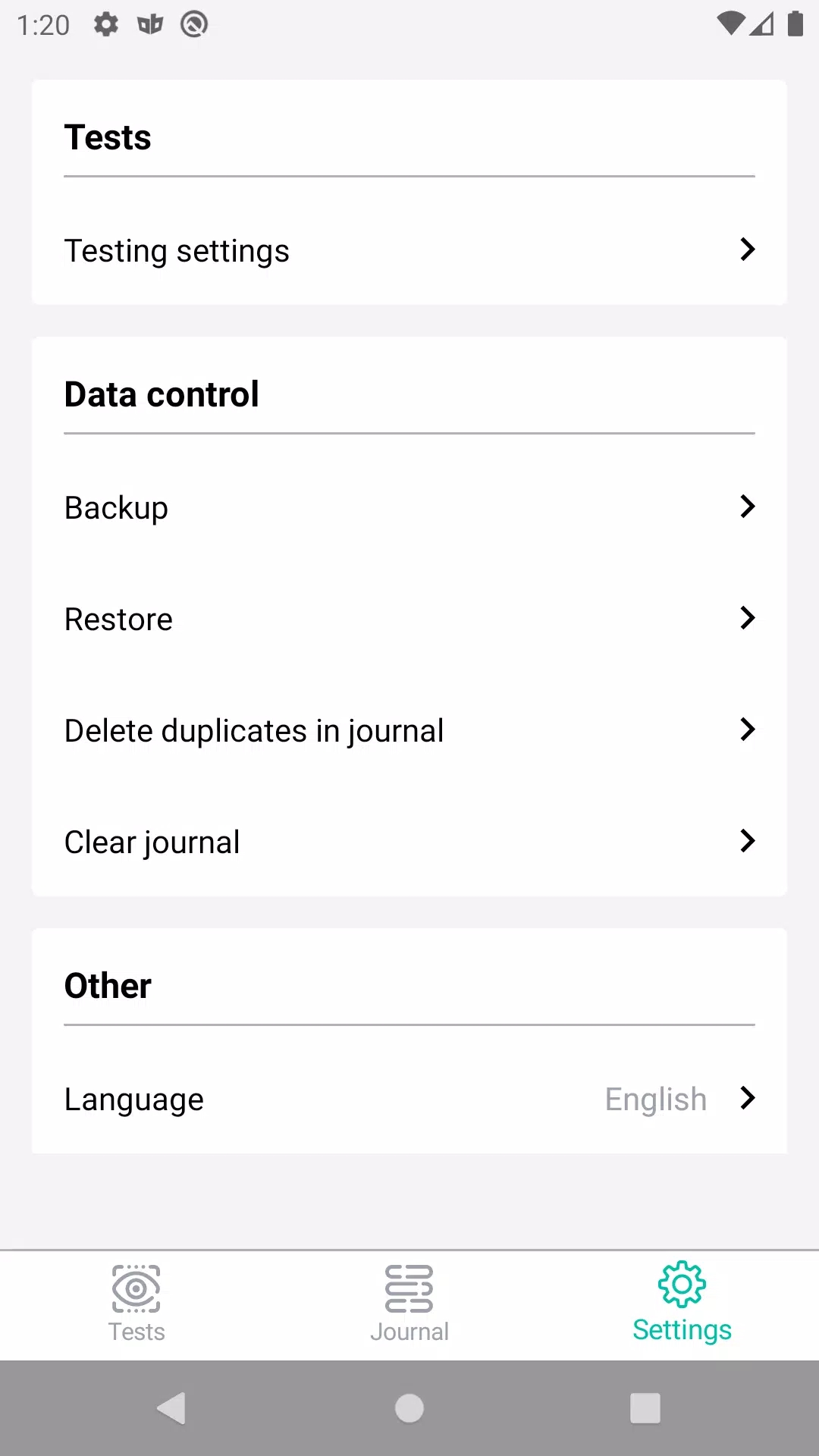
Eye Health Manager stores test logs locally by default so you can use the app offline and keep a private record of results. Export tools let you create a shareable report in common formats for printing or sending to a clinician, and import options accept previously exported logs so you can maintain a continuous history across devices. Local backups and manual export reduce dependence on cloud services, while clear labeling of each entry—including date, time, and optional notes—makes it easier to prepare for appointments.
Replay value comes from scheduled retesting, variation in test conditions, and the ongoing value of building a longitudinal record rather than from repetitive gameplay. Eye Health Manager is designed for screening and monitoring at home, not for clinical diagnosis; it cannot replace a comprehensive eye exam by a professional. Accuracy depends on consistent setup and adherence to instructions, and some conditions may not be detectable by the app's included assessments. The app encourages users to consult an eye care provider if repeated tests show change or if symptoms are concerning.
People who use screens extensively, those tracking vision changes over time, or anyone wanting a structured way to record basic vision checks will find the app useful. Eye Health Manager is practical for routine self-monitoring, preparing for clinical visits, and maintaining an exportable, dated record of visual function. If you plan to use the data in a clinical context, perform tests in consistent lighting and follow the app's calibration steps to improve reliability before sharing results with a clinician.
Pizzaria do Erick
Size:19.12M LifestyleMy Hurricane Tracker Pro
Size:4.73M LifestylePushscroll
Size:61.25M LifestyleSmartWOD Timer
Size:26.75M LifestyleMeteum Weather
Size:63.84M LifestyleBestifyMe
Size:13.80M LifestyleWeatherPro
Size:48.30M LifestyleEmpower You: Unlimited Audio
Size:80.20M LifestyleAdobe Express
Size:107.80M LifestyleGeoZilla
Size:63.92M LifestyleONEWallet - Cards Wallet
Size:15.00M LifestyleFloor Plan Creator Home Design
Size:40.91M LifestyleApril 2024 Clash of Clans Update: Unveiling a Fresh Companion, Enhanced Levels, Chat Tagging, and Be
2024-04-16Arrival of Genshin Impact 4.6 Update: 'Embers of Two Realms, Twilight of Crimson'
2024-04-16V2.2 of the Farlight 84 update introduces an overhauled Season structure, fresh in-game currency, an
2024-04-16Monster Never Cry is now accessible on both Android and iOS mobile devices.
2024-04-18PUBG Mobile Teams Up with Bentley Motors: Luxury Cars, Exclusive Collectibles, and Beyond
2024-04-18March 2024 Free Redemption Codes for Honkai: Star Rail
2024-04-18