English
Saffron Street is a convenient food-ordering app that lets you browse the full menu, place orders for delivery or collection, and follow your meal in real time from your phone. The design focuses on saving time for busy individuals and families by combining a clear, searchable menu with an ordering flow that reduces friction: find items quickly, add modifiers where available, choose delivery or pickup, and receive status updates until your food arrives. The app emphasizes freshly prepared dishes and practical convenience rather than bells and whistles, helping users move from decision to meal with a few straightforward taps.
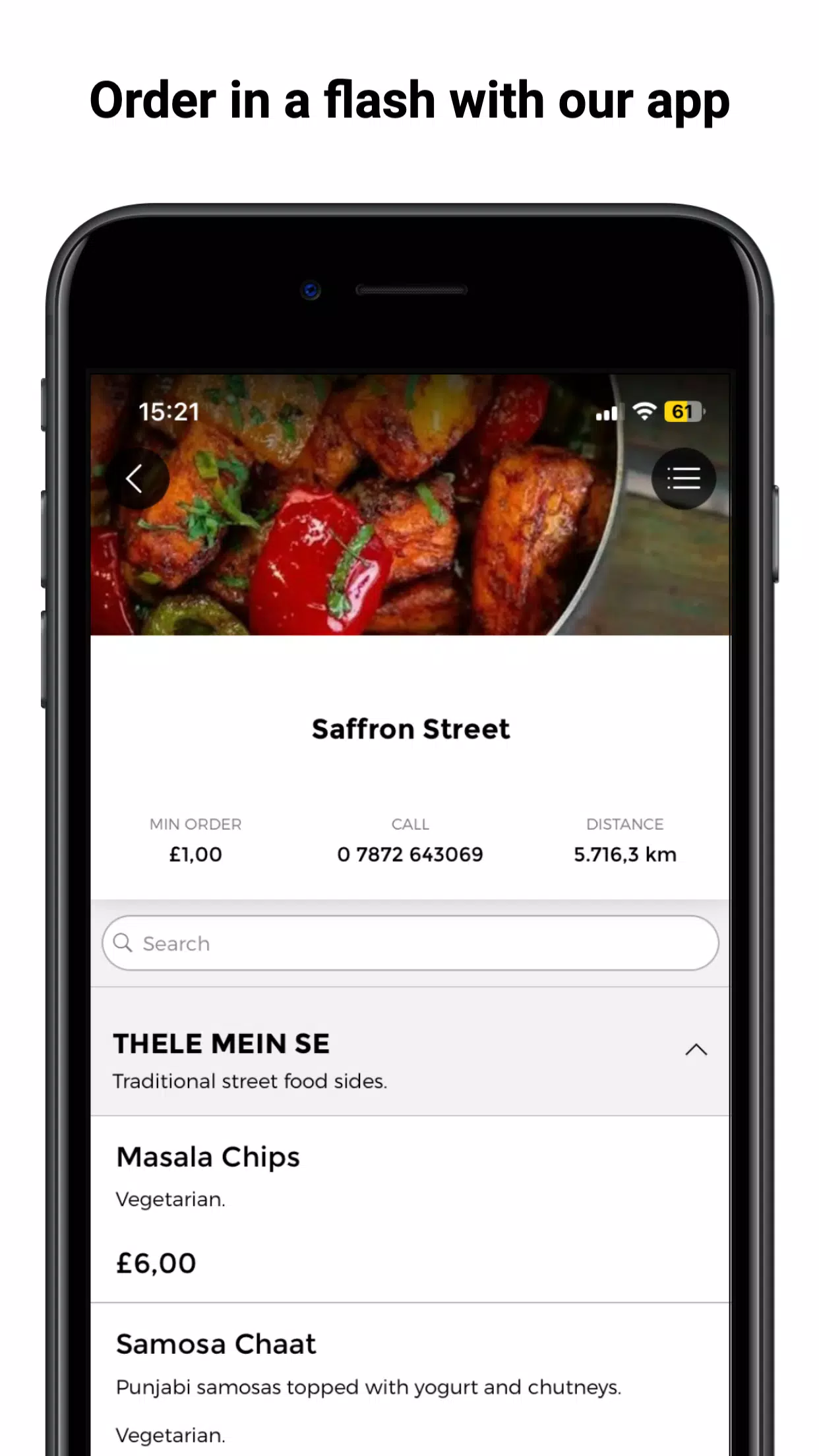
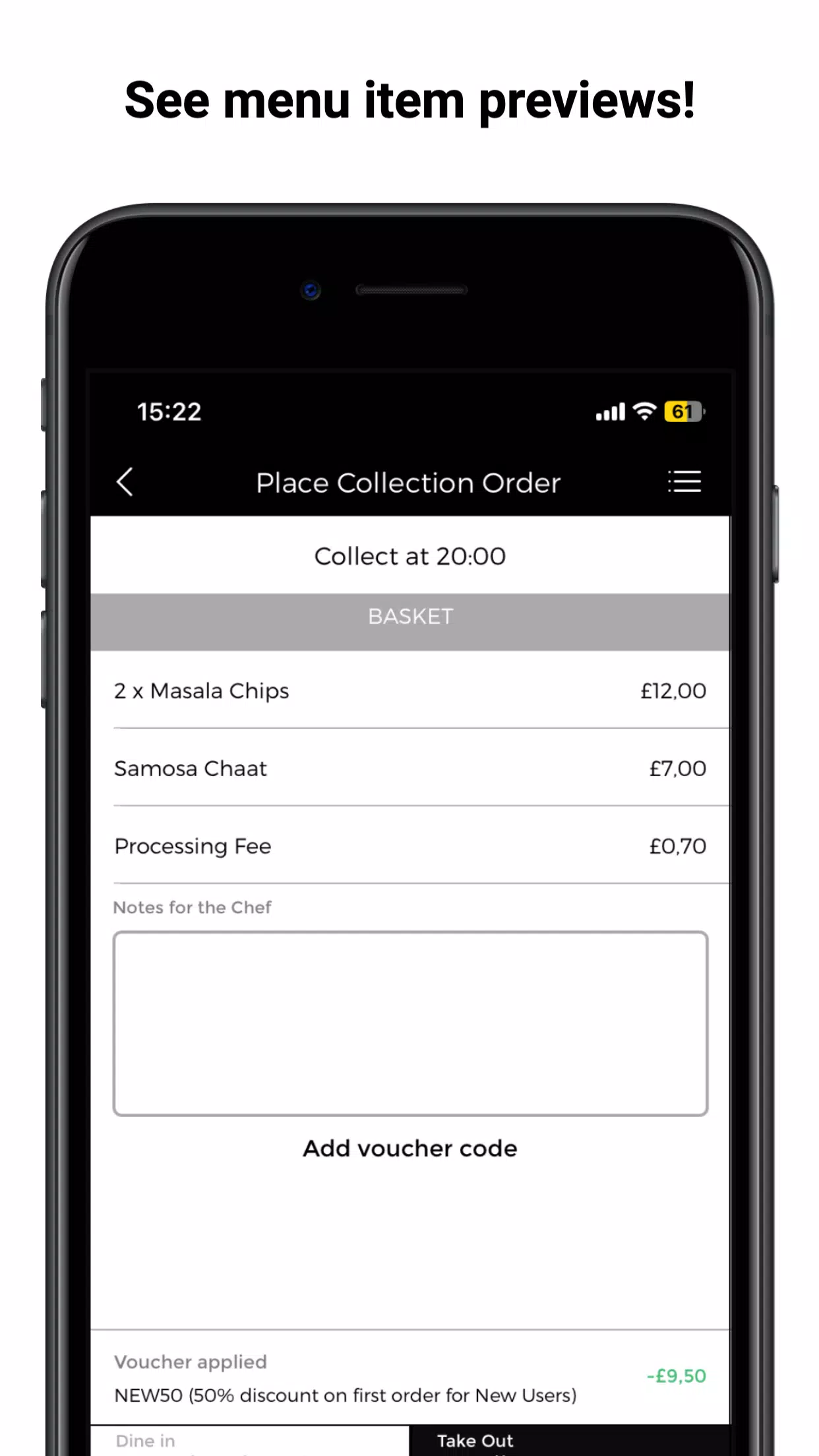
The interface is built to be intuitive for first-time and returning users alike. Menus are grouped by category with photos and brief descriptions to help you identify favorites or discover new dishes. Within the app you can view item details, choose portion sizes or common add-ons where offered, and see estimated preparation times before you commit. Clear checkout screens summarize your selections and any applicable fees so you can confirm an order without surprises. Notifications keep you informed about order acceptance, preparation milestones, and the final delivery or pickup status.
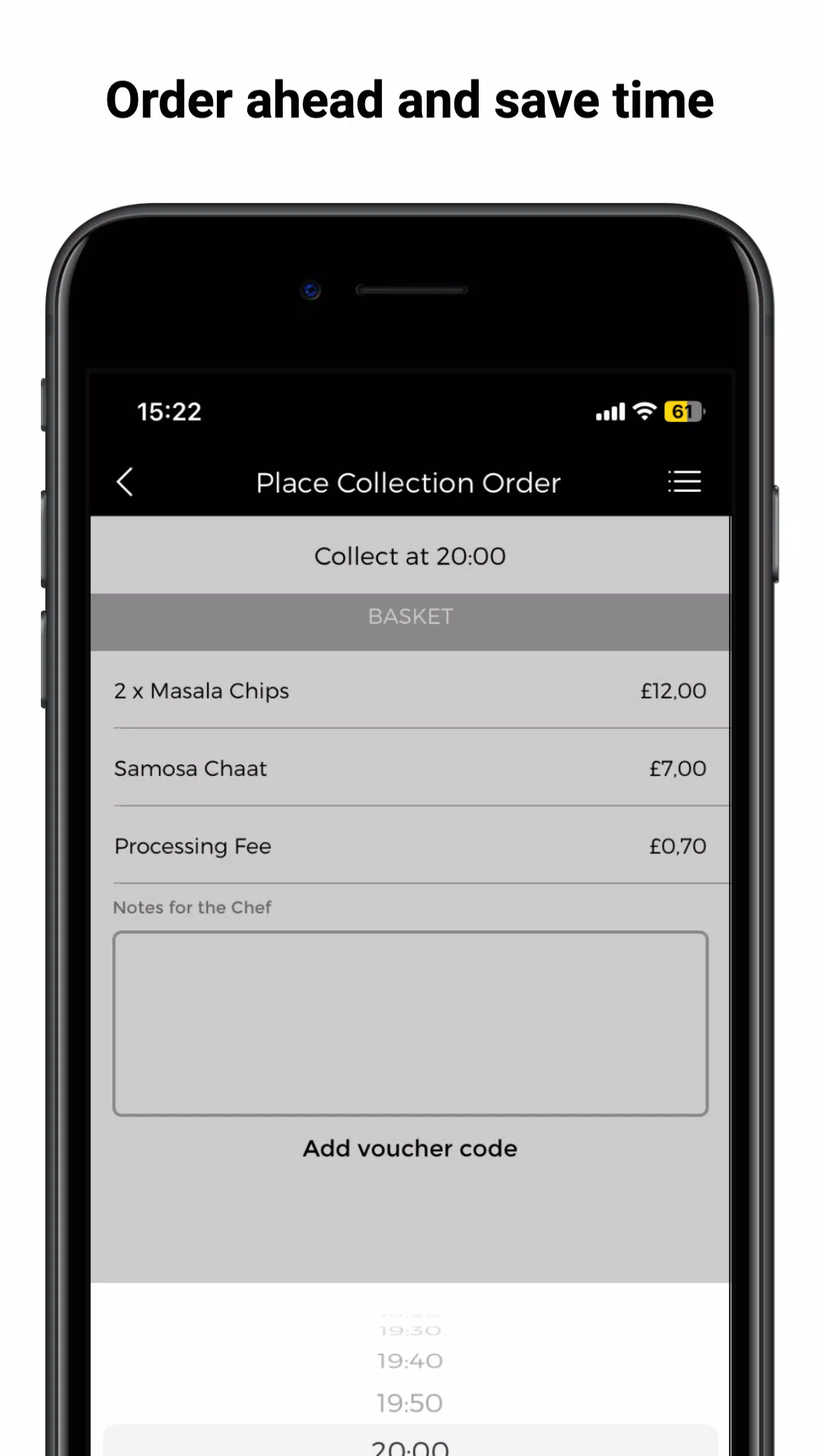
Placing an order on Saffron Street follows a predictable flow designed for quick completion: browse or search the menu, tap an item to customize it where options exist, add it to your cart, then select delivery or collection and a preferred time. Scheduling is supported so you can plan pickups or deliveries to fit a busy day; the scheduling control shows available slots based on kitchen capacity. Saved addresses and stored order summaries let you checkout faster the next time, and an order history provides a quick way to repeat past choices without rebuilding your cart from scratch.
The app organizes menu items into logical sections so that main dishes, sides, and extras are easy to find. Many listings include common customizations such as spice level, add-on items, or portion adjustments; these options appear on the item page and update the price preview as you choose. Ingredient notes and allergen indicators are visible where provided by the restaurant, helping you make informed choices. Images and short descriptions serve to set expectations for portion size and presentation rather than act as the primary decision driver.
Real-time order tracking provides step-by-step visibility from kitchen acceptance through preparation and handoff. The tracking view displays approximate preparation status and an estimated delivery or pickup window, which helps you plan other tasks while waiting. Delivery details include an approximate arrival time and any in-app messaging from the fulfillment partner when applicable. Pickup guidance supplies the expected ready time and any instructions for collection to reduce queues at the counter.
The app aims for a low-friction user experience with large touch targets, clear typography, and a simple navigation model. Controls are designed for one-handed use on phones: swipe or tap gestures move through categories, and the cart is accessible from every screen so you can review items at any point. Accessibility considerations include readable text sizes and descriptive labels to support screen readers where platform support exists. Notifications and in-app prompts are concise so users can act quickly without distracting interruptions.
Repeat value comes from features that let you save favorites, reuse recent orders, and rely on consistent preparation standards that make reordering predictable. While the app simplifies repeat purchases and planning, service is dependent on participating outlets and local operating hours. An active internet connection is required to place orders and receive live updates; without connectivity you will be unable to complete checkout or track a live order. Delivery times will vary by local demand and kitchen workload, and availability for certain items may change during peak periods.
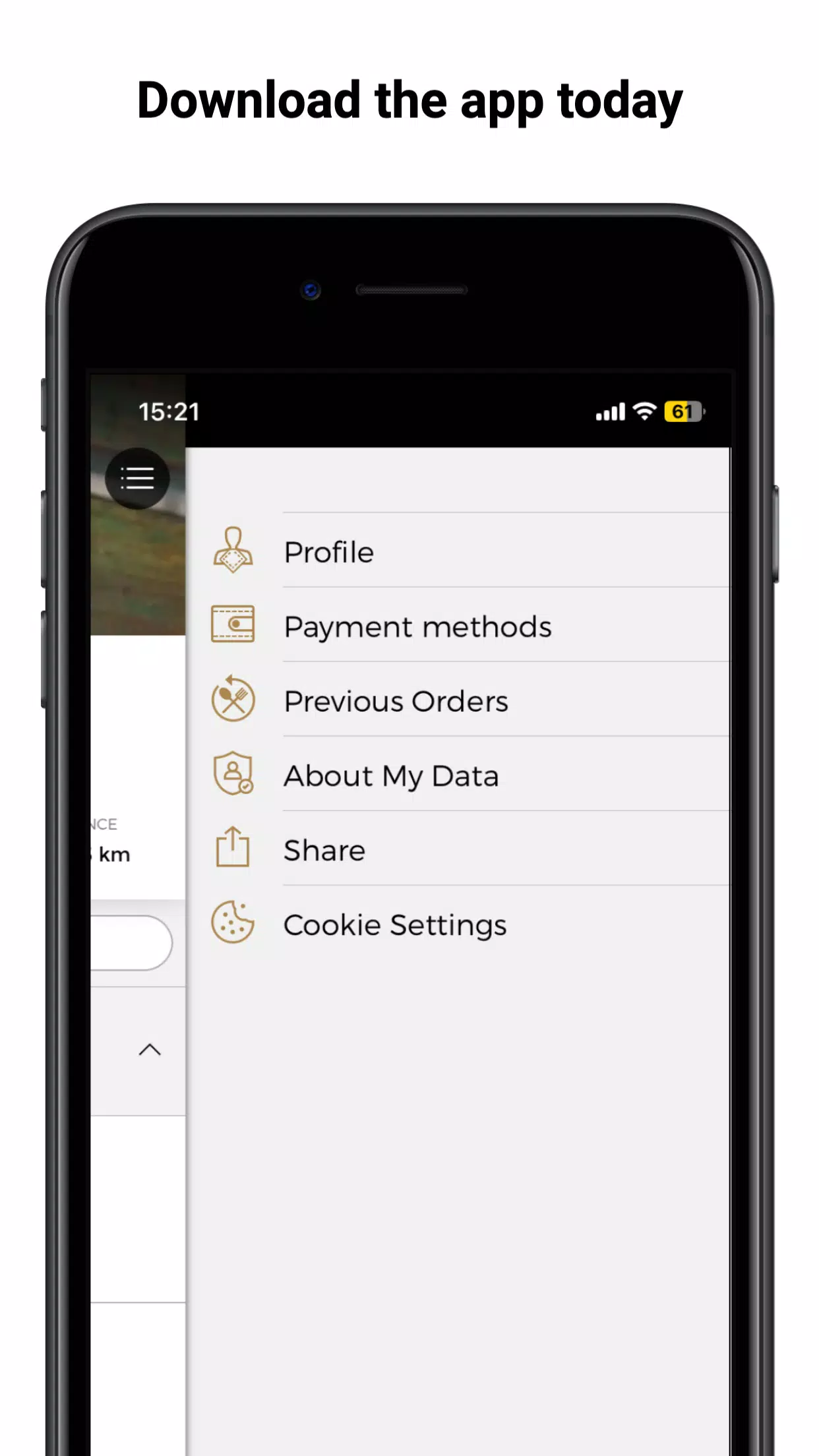
Basic account settings let you manage contact information and saved addresses used to speed checkout. In-app help provides guidance on order status terminology and common troubleshooting steps, and customer support contacts are available for questions about a specific order or app behavior. By keeping account and order details straightforward, Saffron Street aims to make daily meal ordering predictable and transparent while offering enough controls to tailor orders to personal preferences.
Pizzaria do Erick
Size:19.12M LifestyleMy Hurricane Tracker Pro
Size:4.73M LifestylePushscroll
Size:61.25M LifestyleSmartWOD Timer
Size:26.75M LifestyleMeteum Weather
Size:63.84M LifestyleBestifyMe
Size:13.80M LifestyleWeatherPro
Size:48.30M LifestyleEmpower You: Unlimited Audio
Size:80.20M LifestyleAdobe Express
Size:107.80M LifestyleGeoZilla
Size:63.92M LifestyleONEWallet - Cards Wallet
Size:15.00M LifestyleFloor Plan Creator Home Design
Size:40.91M LifestyleApril 2024 Clash of Clans Update: Unveiling a Fresh Companion, Enhanced Levels, Chat Tagging, and Be
2024-04-16Arrival of Genshin Impact 4.6 Update: 'Embers of Two Realms, Twilight of Crimson'
2024-04-16V2.2 of the Farlight 84 update introduces an overhauled Season structure, fresh in-game currency, an
2024-04-16Monster Never Cry is now accessible on both Android and iOS mobile devices.
2024-04-18PUBG Mobile Teams Up with Bentley Motors: Luxury Cars, Exclusive Collectibles, and Beyond
2024-04-18March 2024 Free Redemption Codes for Honkai: Star Rail
2024-04-18