English
Queen Pizza KKC delivers a fast, user-friendly way to order pizza, track deliveries, and manage rewards from your Android device. The app combines an intuitive menu, live order tracking, and flexible customization so you can build meals, schedule deliveries, and earn loyalty points with minimal effort.
Queen Pizza KKC is designed for people who want a seamless ordering experience without fuss. The interface highlights today's specials, popular combos, and time-limited offers while keeping navigation simple. Quick actions let you reorder favorites or repeat previous customizations in just a few taps.
The app places commonly used controls within easy reach, presenting a clear checkout flow that minimizes accidental taps. Product pages include high-resolution photos and quick info badges for vegetarian, spicy, and gluten-free options. The basket view shows applied discounts, taxes, and delivery fees before you confirm.
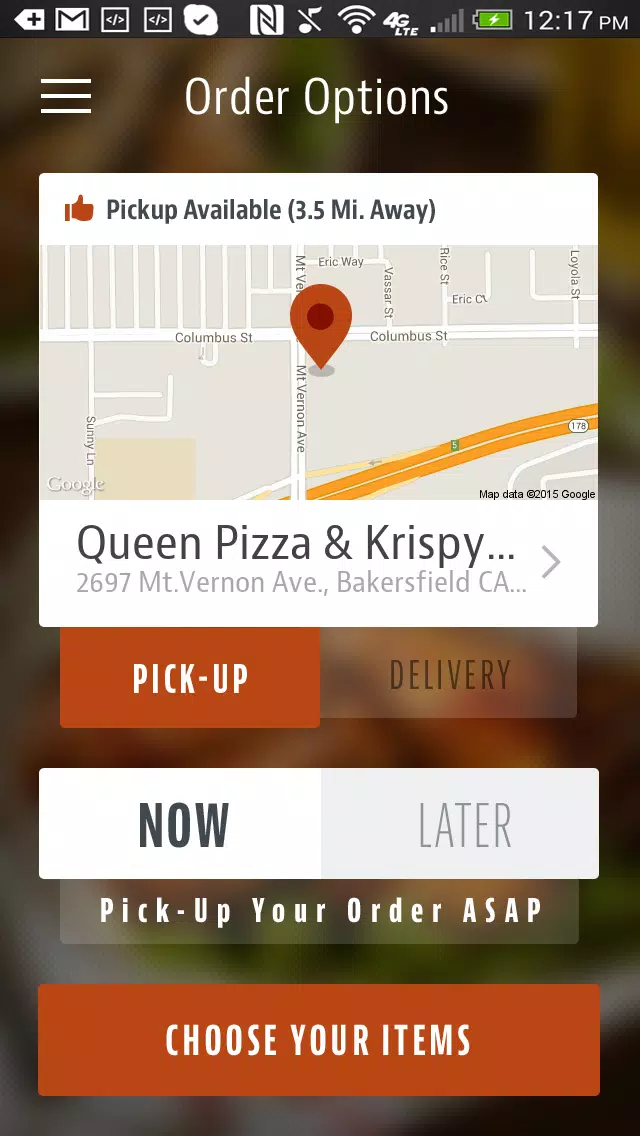
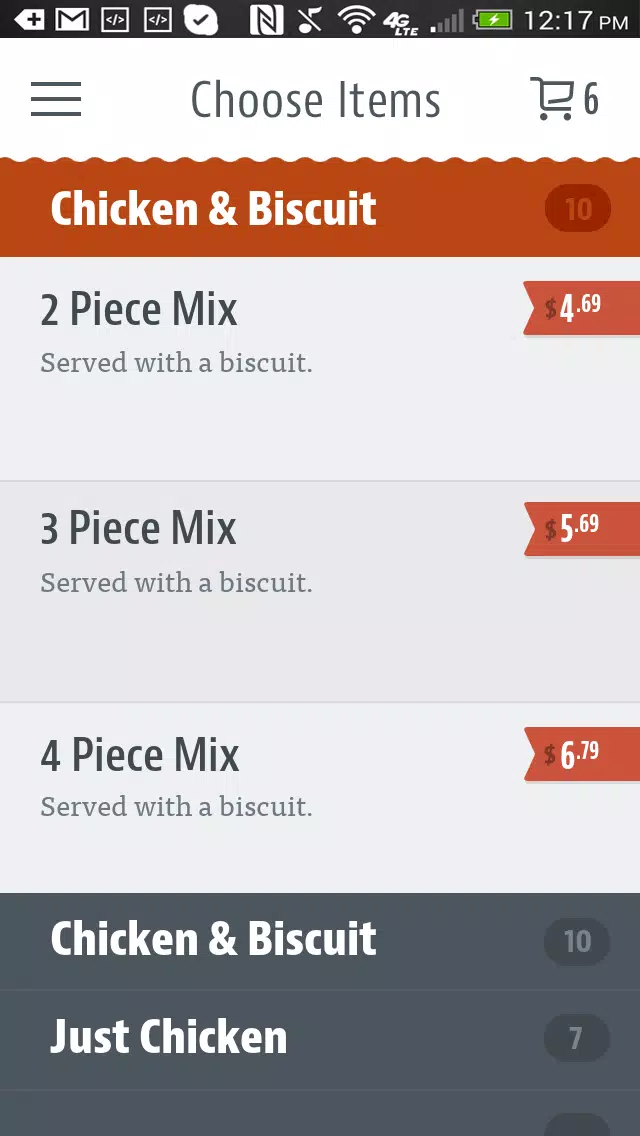
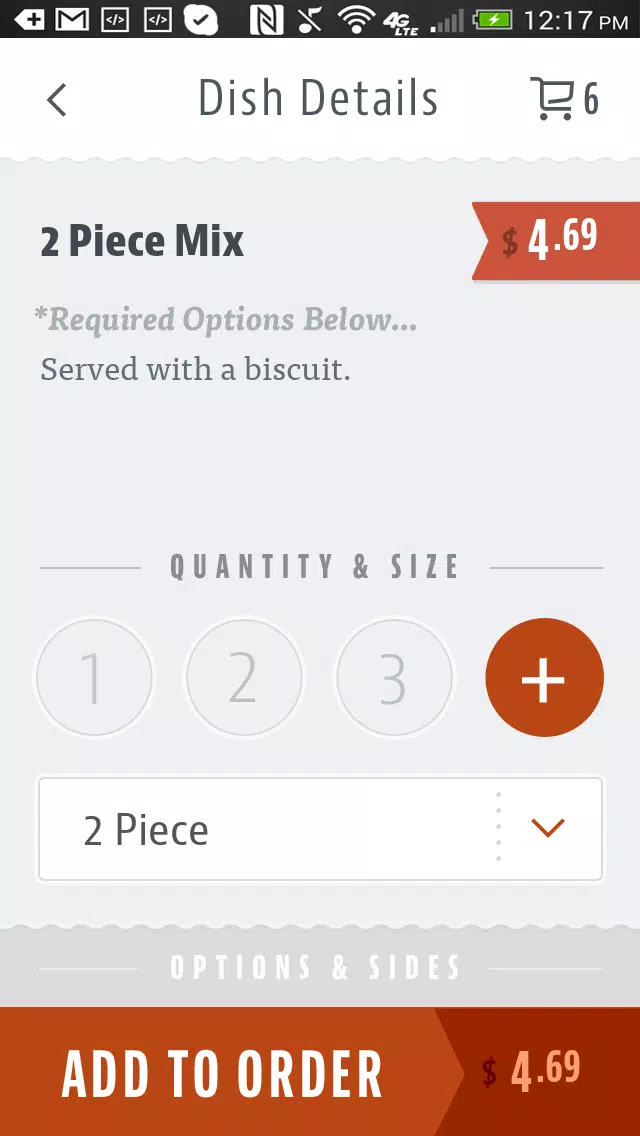
Start by selecting a category or using the search bar to find specific items. When customizing a pizza, visual previews update as you add toppings. After selecting delivery or pickup, choose your address, tip level, and payment method. Confirming an order triggers a concise summary and an order number for pickup or delivery tracking.
Queen Pizza KKC makes personalization straightforward: save dietary preferences, favorite combos, and repeated instructions (for example, "extra crispy" or "cut into squares"). The app also learns from your order history and surfaces recommended items based on previous choices and seasonal promotions.
The app is optimized for a broad range of Android devices and focuses on responsive performance even on lower-end hardware. Background syncing ensures your cart and loyalty points stay consistent across sessions. Network usage is minimized while delivering timely updates.
Payment information is encrypted and stored according to industry standards to limit exposure of sensitive data. Account privacy settings let you control notifications, saved addresses, and marketing preferences, while clear terms and a dedicated support section provide transparency about data use.
In-app support options include a chat widget, order history details for dispute resolution, and a straightforward way to report missing items or request refunds. Feedback prompts are minimal and focused on improving future recommendations rather than interrupting the ordering flow.
Download Queen Pizza KKC, create an account, and add a primary payment method to begin. New users often benefit from introductory promotions visible on the home screen. After your first order, explore the loyalty rewards section to see how quickly points accumulate.
Users appreciate Queen Pizza KKC for its clean interface, flexible customization options, and reliable tracking. Whether ordering a single meal or coordinating deliveries for a group, the app streamlines the entire process from selection to doorstep delivery.

Pizzaria do Erick
Size:19.12M LifestyleMy Hurricane Tracker Pro
Size:4.73M LifestylePushscroll
Size:61.25M LifestyleSmartWOD Timer
Size:26.75M LifestyleMeteum Weather
Size:63.84M LifestyleBestifyMe
Size:13.80M LifestyleWeatherPro
Size:48.30M LifestyleEmpower You: Unlimited Audio
Size:80.20M LifestyleAdobe Express
Size:107.80M LifestyleGeoZilla
Size:63.92M LifestyleONEWallet - Cards Wallet
Size:15.00M LifestyleFloor Plan Creator Home Design
Size:40.91M LifestyleApril 2024 Clash of Clans Update: Unveiling a Fresh Companion, Enhanced Levels, Chat Tagging, and Be
2024-04-16Arrival of Genshin Impact 4.6 Update: 'Embers of Two Realms, Twilight of Crimson'
2024-04-16V2.2 of the Farlight 84 update introduces an overhauled Season structure, fresh in-game currency, an
2024-04-16Monster Never Cry is now accessible on both Android and iOS mobile devices.
2024-04-18PUBG Mobile Teams Up with Bentley Motors: Luxury Cars, Exclusive Collectibles, and Beyond
2024-04-18March 2024 Free Redemption Codes for Honkai: Star Rail
2024-04-18