English
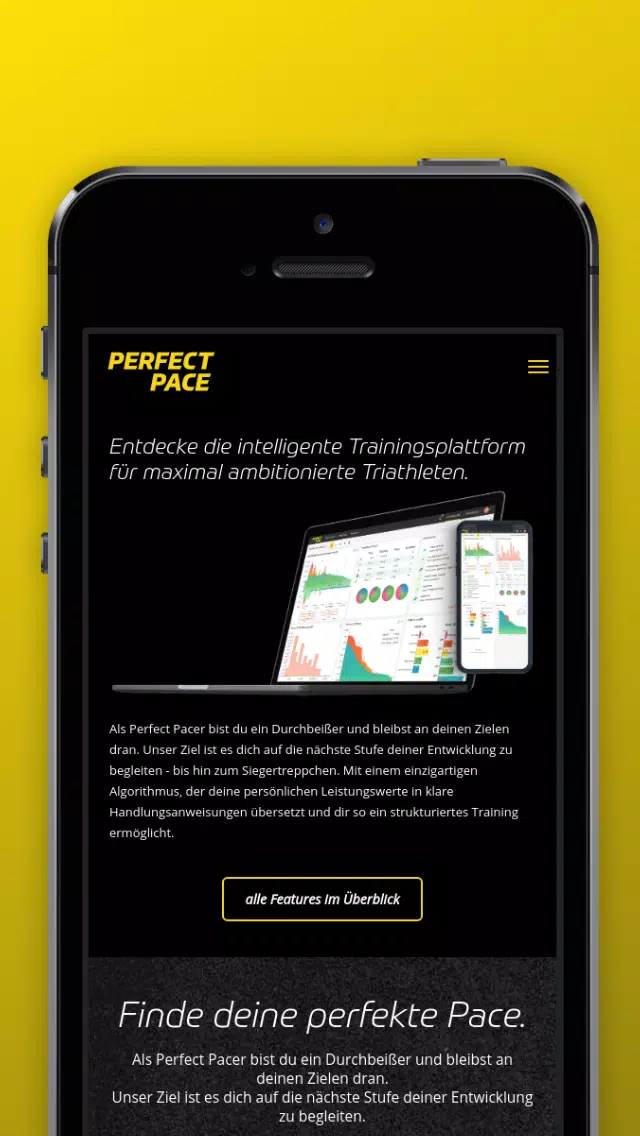
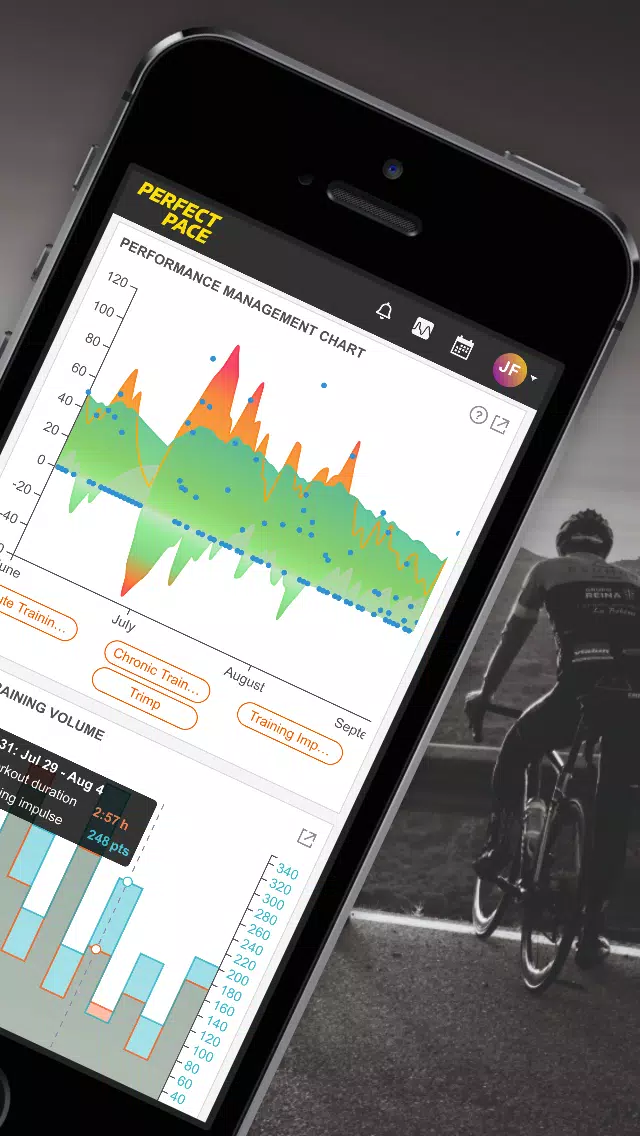
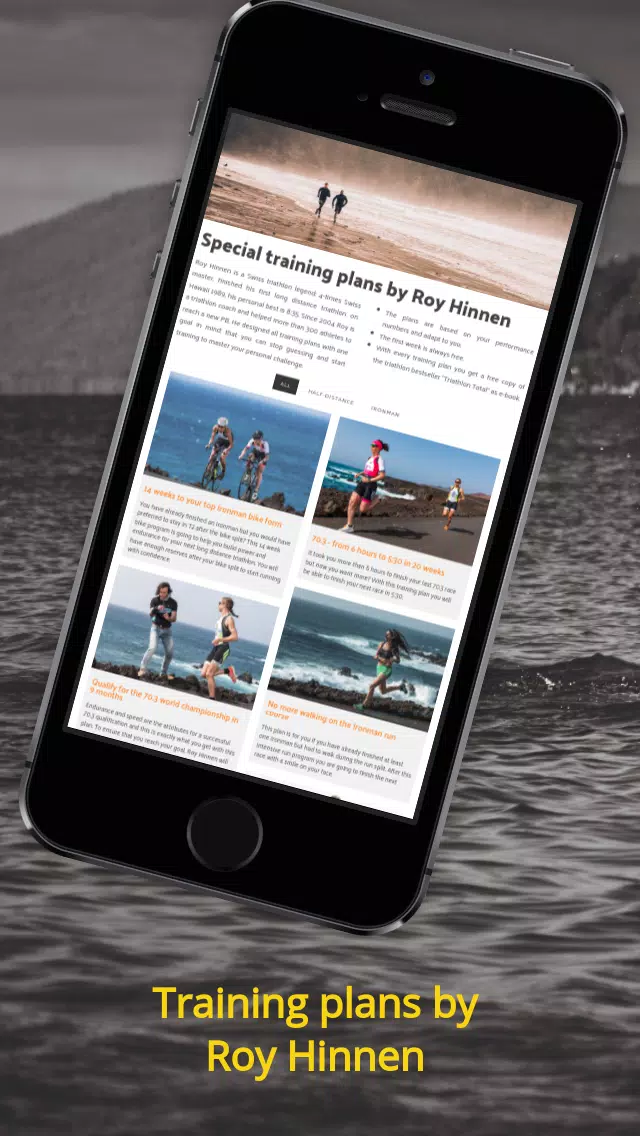
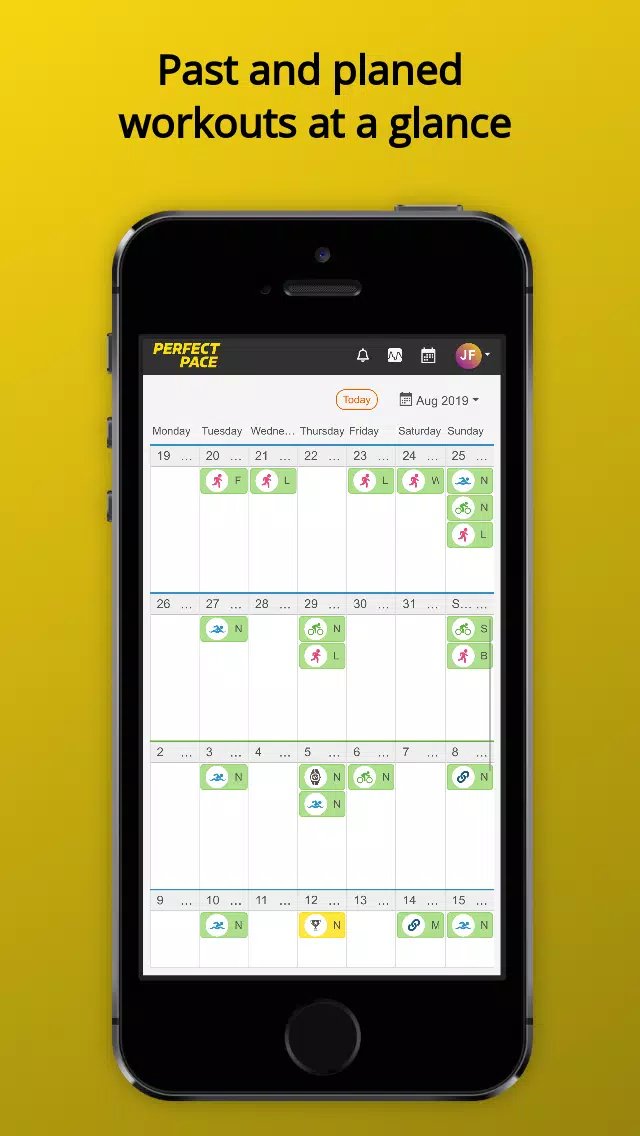
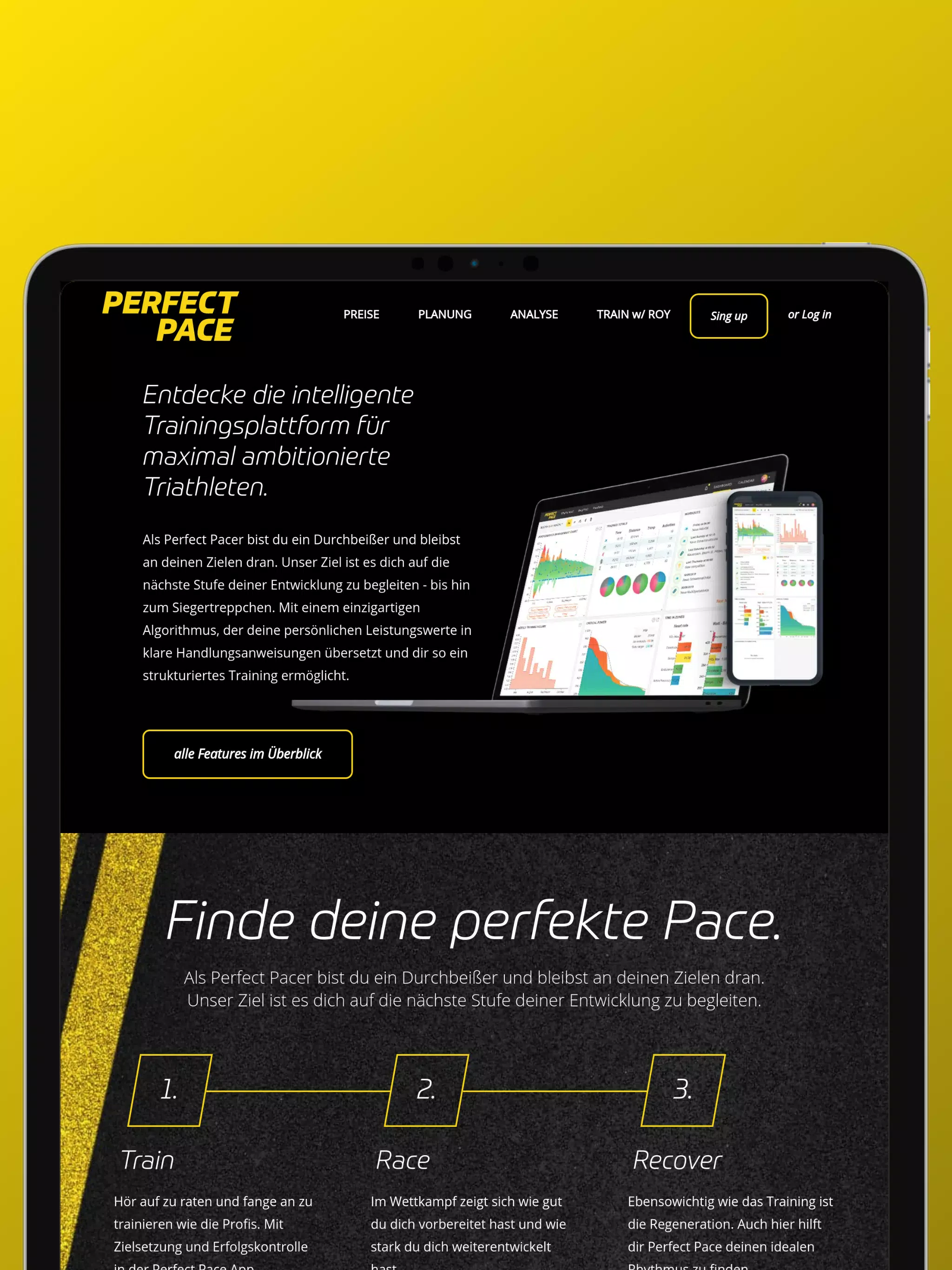
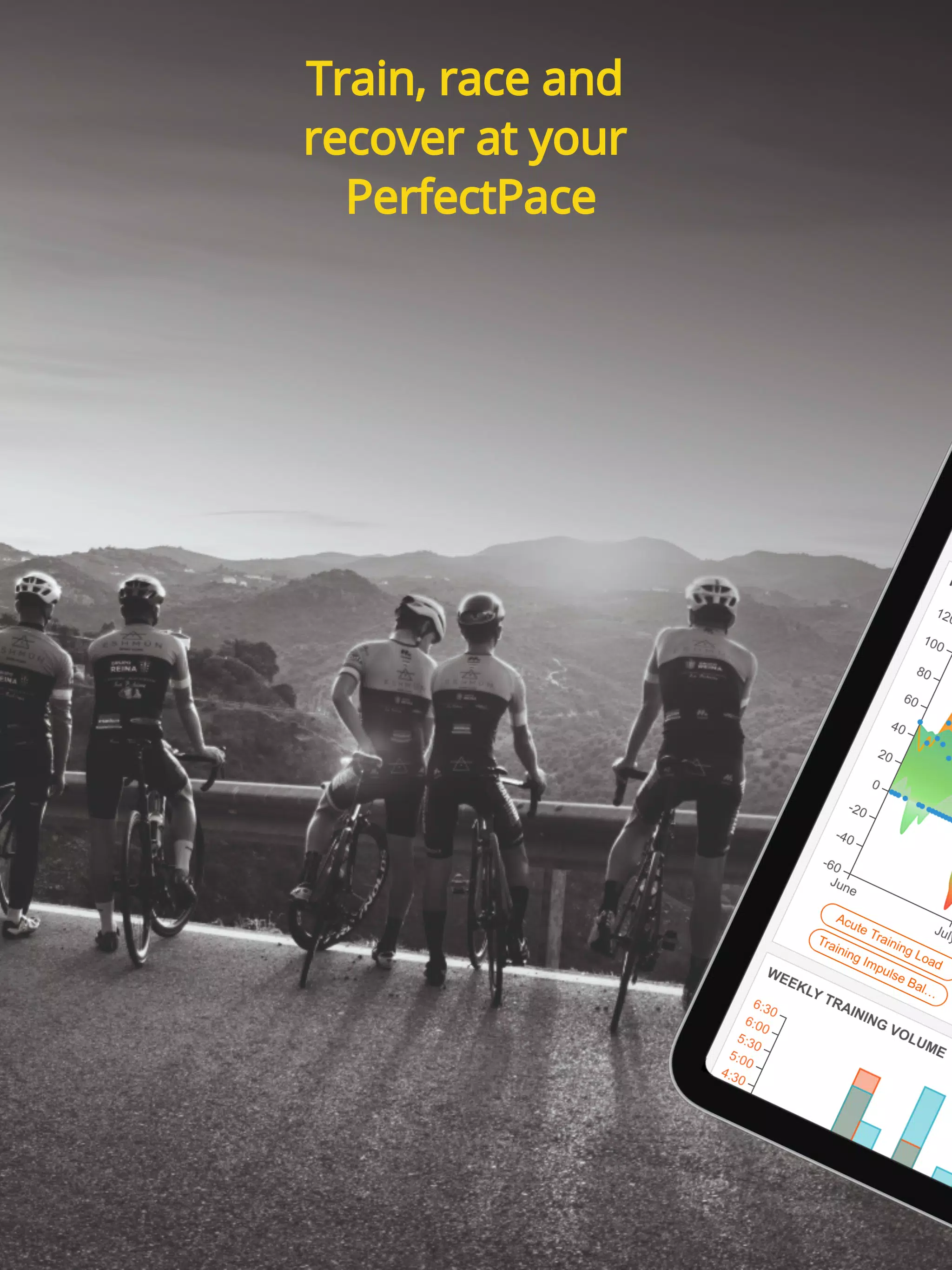
PerfectPace is a compact training and tempo management app designed to help runners, cyclists, and walkers track speed, maintain steady cadence, and plan interval workouts. It combines real-time pace monitoring, customizable interval timers, and simple analytics so users can hit performance targets and improve consistency during outdoor or treadmill sessions.
PerfectPace provides a focused toolkit for anyone aiming to control workout intensity and maintain consistent effort. The app displays current pace, average pace, distance and elapsed time in an uncluttered layout. Built-in audio cues and visual alerts keep you on target without requiring constant phone interaction, ideal for busy training days or guided sessions.
The workflow centers on selecting a target pace or building a sequence of intervals. GPS and motion sensors supply location and cadence data while an intelligent smoothing algorithm filters brief speed spikes to present a usable pace value. Audio cues are configurable by frequency and style; they can announce splits, warn when you drift outside a zone, or remain silent for minimal distraction.
Personalization is straightforward: set a weekly goal, save multiple profiles for different sports, or tailor beep cadence to match your stride. PerfectPace supports custom pace zones so you can define easy, tempo and race paces with distinct alerts. Profiles include preferred display metrics and a default interval template so your next workout is one tap away.
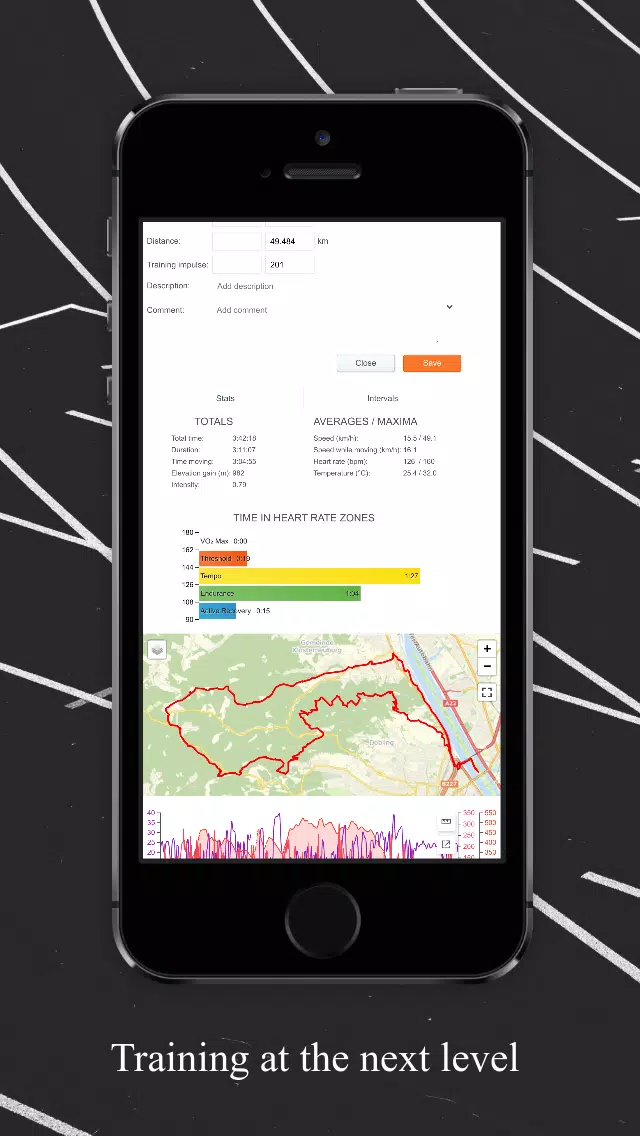
PerfectPace connects to common Bluetooth sensors for heart rate and cadence, and it pairs with many Wear OS devices for glanceable feedback. The app minimizes battery drain using adaptive GPS sampling and offers an offline mode for routes in remote areas. Compatible with most modern Android versions, it also supports exporting standard GPX or TCX files for deeper analysis in third-party platforms.
The user interface emphasizes rapid access to essential controls: start, pause, lap and end. A large central pace readout is flanked by configurable secondary panels that show cadence, heart rate or remaining interval time. Navigation is thumb-friendly, with clear icons and contextual menus for quick adjustments mid-session. New users will appreciate the streamlined setup flow that guides through sensor pairing and pace calibration.
Begin by creating a profile and selecting your primary sport. Calibrate cadence if you use a footpod or sensor, and choose whether the app should perform live pace smoothing. Next, try a basic interval template: a short warm-up, three work intervals and recovery phases. Test audio cues on a short lap to confirm volume and frequency before hitting a longer route.
With a practical feature set and straightforward controls, PerfectPace helps athletes and casual exercisers keep training consistent, measure improvements, and execute interval plans without unnecessary complexity.
Pizzaria do Erick
Size:19.12M LifestyleMy Hurricane Tracker Pro
Size:4.73M LifestylePushscroll
Size:61.25M LifestyleSmartWOD Timer
Size:26.75M LifestyleMeteum Weather
Size:63.84M LifestyleBestifyMe
Size:13.80M LifestyleWeatherPro
Size:48.30M LifestyleEmpower You: Unlimited Audio
Size:80.20M LifestyleAdobe Express
Size:107.80M LifestyleGeoZilla
Size:63.92M LifestyleONEWallet - Cards Wallet
Size:15.00M LifestyleFloor Plan Creator Home Design
Size:40.91M LifestyleApril 2024 Clash of Clans Update: Unveiling a Fresh Companion, Enhanced Levels, Chat Tagging, and Be
2024-04-16Arrival of Genshin Impact 4.6 Update: 'Embers of Two Realms, Twilight of Crimson'
2024-04-16V2.2 of the Farlight 84 update introduces an overhauled Season structure, fresh in-game currency, an
2024-04-16Monster Never Cry is now accessible on both Android and iOS mobile devices.
2024-04-18PUBG Mobile Teams Up with Bentley Motors: Luxury Cars, Exclusive Collectibles, and Beyond
2024-04-18March 2024 Free Redemption Codes for Honkai: Star Rail
2024-04-18