English
IseeU turns your smartphone into a practical family-safety hub that combines real-time location tracking, geofencing and a device-locating tool so you can quickly check on loved ones or find a misplaced phone. The app emphasizes clarity and everyday usefulness: map-based visibility, one-tap contact options and configurable alerts are arranged in a straightforward interface designed for routine coordination, meetups and non-invasive monitoring of children or elderly relatives.
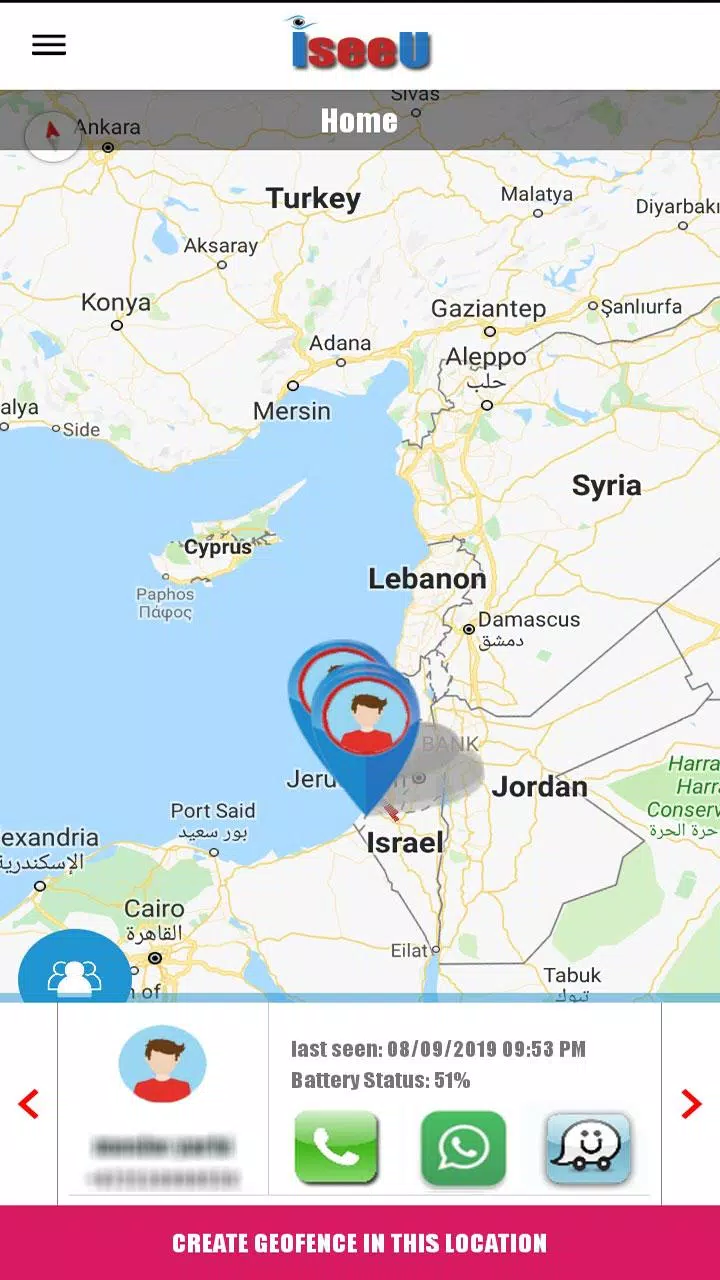
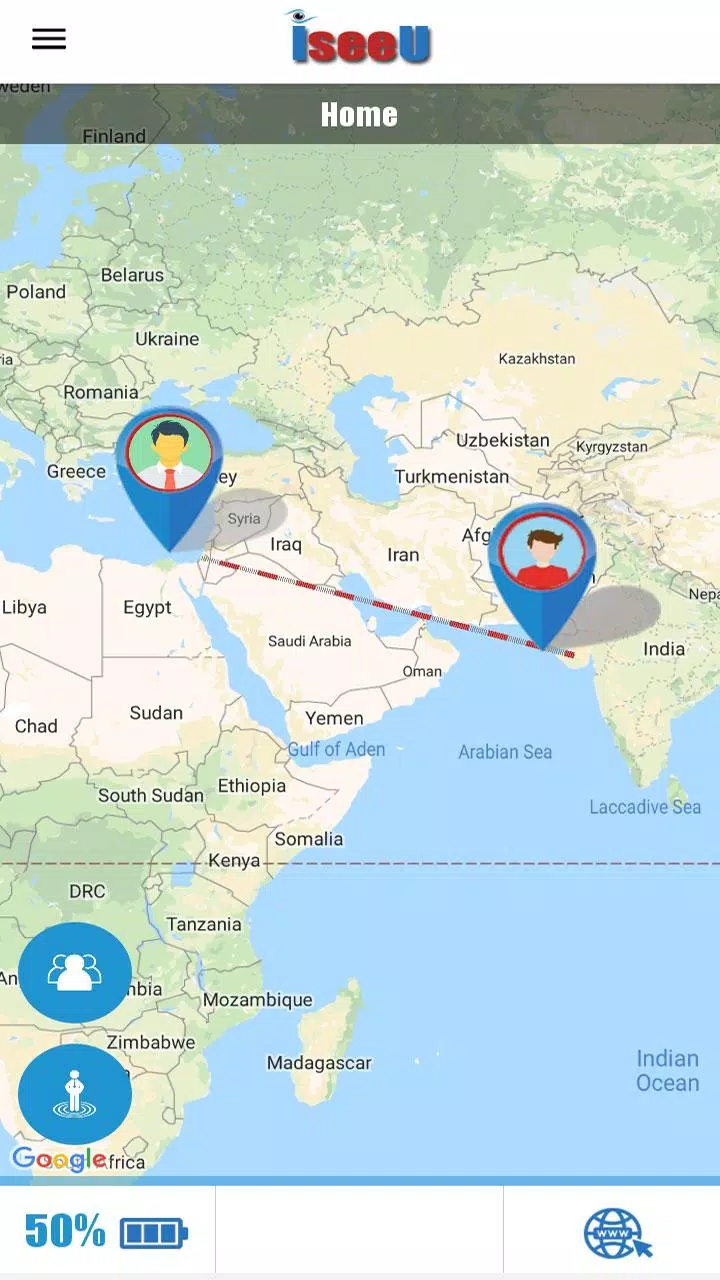
Real-time location updates show continuous movement while letting you choose an update interval that balances precision against battery use. Geofencing supports named places with adjustable radii so you can create school, home or workplace zones and receive automated notifications when someone arrives or leaves a chosen area. The built-in device locator pings a missing handset from your profile and displays last known position and battery level. Quick actions for calling, in-app messages and navigation directions shorten the path from identifying a location to taking action. Individual icons indicate transport mode and help you read the map at a glance, while per-geofence sounds and vibration patterns reduce alert fatigue and call attention to priority events. IseeU keeps these capabilities visible without overwhelming the main screen.
Onboarding guides you through profile creation and permission prompts so essential sensors and location services are enabled correctly. Controls are intentionally simple: a central map view for live tracking, a geofence editor to add or rename locations and a profile area where members and contact shortcuts are managed. Progression is non-game-like but practical: as you add family members and refine zones, the app suggests shortcuts for frequent routes and contacts and remembers common places to speed future setup. You choose update frequency from a settings panel, enable low-power mode to limit background polling and mark priority contacts who can bypass do-not-disturb for urgent calls. Regular use improves convenience rather than unlocking levels, which means everyday tasks become faster over time.
The visual design favors contrast and legibility so map pins and member icons remain readable in bright daylight or at night. Map layers adapt between standard and satellite views, and labels and traffic overlays can be toggled for trip planning. Geofences are displayed as clearly labeled rings that can be color-coded by family member or purpose, and icon sets allow you to represent users with transport or activity symbols. Audible alerts and icon choices are customizable per geofence so you can assign a scooter icon to one person and a distinct tone for school or medical appointments. The app follows a simple level structure during setup: initial profile, place setup, permissions and fine-tuning. Each stage introduces only the controls needed at that moment to avoid unnecessary complexity.
The user experience prioritizes straightforward workflows and accessibility options: readable fonts, high-contrast themes and support for large text improve usability for older family members. Voice prompts assist during initial setup and contextual labels explain permission requests in plain language. When connectivity is limited the interface shows a clear last-seen timestamp and a location accuracy indicator so you can tell whether a position is GPS-based or estimated from network data. A limited offline mode preserves the most recent locations and queued messages until connectivity returns, allowing graceful behavior in low coverage areas without implying continuous offline tracking.
Privacy is a core focus and the developer documents data protection practices, including in-transit encryption for location updates and local permission controls. Shared tracking only works with consent: everyone being monitored must install the app and grant the requested permissions for reliable visibility. Continuous background updates can increase battery and cellular usage on tracked devices, and accuracy depends on GPS reception and network availability. The app surfaces battery status and last-seen timestamps to help spot unusual inactivity and provides practical troubleshooting tips such as toggling high-accuracy mode or reviewing location permissions.
To get started, create a profile, invite family members through the in-app sharing workflow and set up your most important places with descriptive names. Use conservative update intervals for long-term battery savings and switch to more frequent updates during events or when coordinating meetups. Because routines repeat, the app earns replay value through everyday coordination: review commutes, adjust zones for seasonal schedules and save frequently used routes or contact shortcuts for quick access. If you need to locate a lost device fast, use the device-locator function from your profile and follow the map or navigation shortcut. IseeU is built for regular family coordination rather than forensic tracking, and its combination of simple controls, clear visuals and privacy-minded defaults makes it a useful tool for everyday safety and planning.

Pizzaria do Erick
Size:19.12M LifestyleMy Hurricane Tracker Pro
Size:4.73M LifestylePushscroll
Size:61.25M LifestyleSmartWOD Timer
Size:26.75M LifestyleMeteum Weather
Size:63.84M LifestyleBestifyMe
Size:13.80M LifestyleWeatherPro
Size:48.30M LifestyleEmpower You: Unlimited Audio
Size:80.20M LifestyleAdobe Express
Size:107.80M LifestyleGeoZilla
Size:63.92M LifestyleONEWallet - Cards Wallet
Size:15.00M LifestyleFloor Plan Creator Home Design
Size:40.91M LifestyleApril 2024 Clash of Clans Update: Unveiling a Fresh Companion, Enhanced Levels, Chat Tagging, and Be
2024-04-16Arrival of Genshin Impact 4.6 Update: 'Embers of Two Realms, Twilight of Crimson'
2024-04-16V2.2 of the Farlight 84 update introduces an overhauled Season structure, fresh in-game currency, an
2024-04-16Monster Never Cry is now accessible on both Android and iOS mobile devices.
2024-04-18PUBG Mobile Teams Up with Bentley Motors: Luxury Cars, Exclusive Collectibles, and Beyond
2024-04-18March 2024 Free Redemption Codes for Honkai: Star Rail
2024-04-18