English
Time Management Tips is a straightforward, editor-reviewed guide app that helps readers organize daily life and boost productivity with practical strategies and clear, actionable guidance. Time Management Tips introduces methods for prioritizing tasks, setting realistic goals, and reducing common distractions so users can try improvements quickly and measure small wins. This introduction highlights how the app presents its content, what kind of practice and progression users can expect, and why the layout and controls are designed to make time management accessible across different lifestyles.
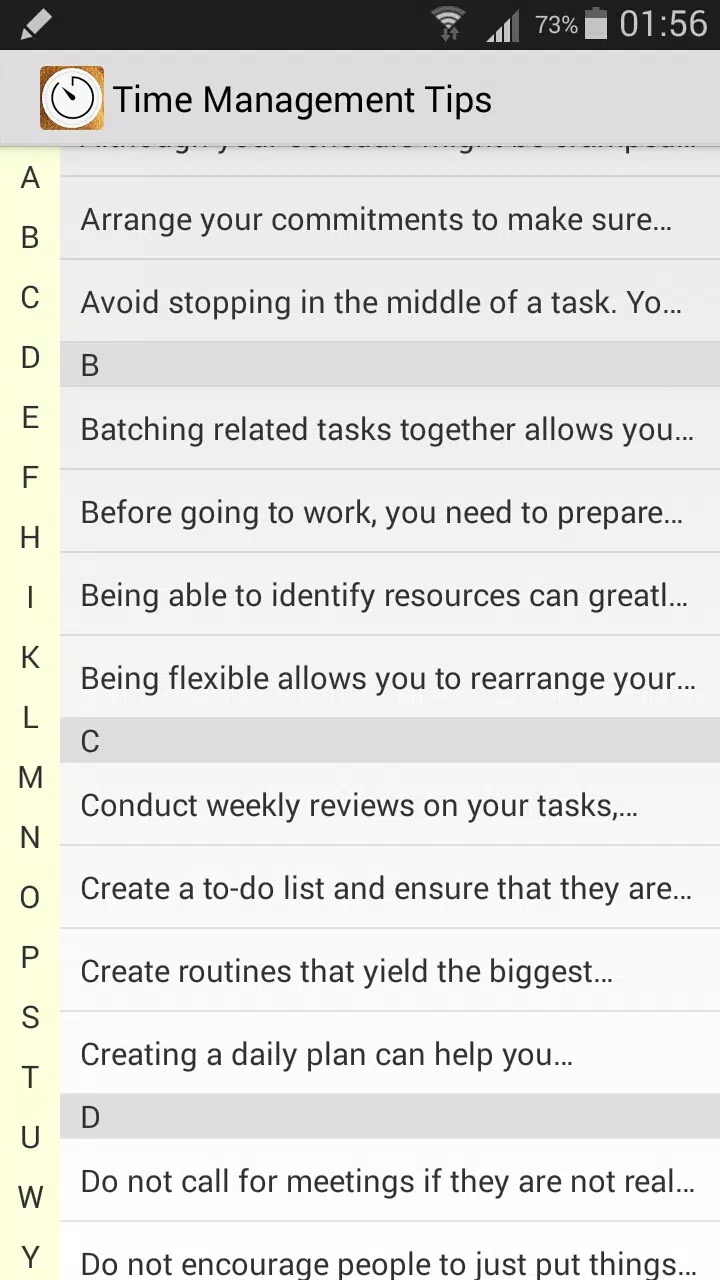
The app arranges advice into short, focused modules that are easy to browse and return to later, organized by theme such as priority setting, goal planning, focus techniques, and interruption handling. Each module includes concise explanations, sample routines, and suggested short exercises that encourage immediate application of a technique rather than long study sessions. Because the material is modular, readers can build a daily habit by working through one brief module at a time, which supports gradual progression without overwhelming new users.
Progression is intentionally simple and self-paced: users can mark modules as read, save favorites for repeat reference, and use suggested practice prompts to test a new habit over a week. The app emphasizes measurable small steps such as timing a single focus session, listing three top priorities each morning, or creating a two-step plan to tackle a recurring distraction. This practical progression helps people track steady improvements rather than promising dramatic change overnight. The structure supports repeated practice and reflection, increasing replay value as users return to old modules when new challenges arise.
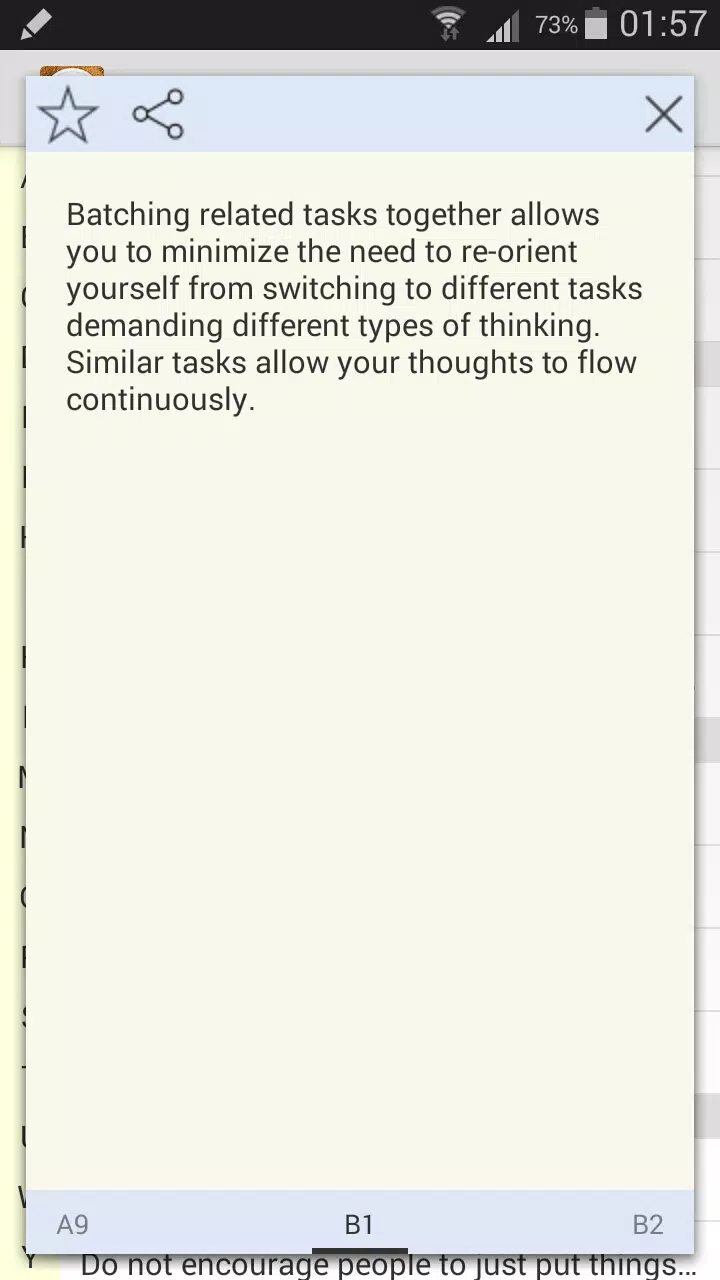
The interface is built for clarity: large readable text, consistent headings, and straightforward navigation controls let users move between topics without friction. Controls are simple and tactile; tapping a module opens the content, long press can save a tip to a personal list, and intuitive back navigation returns you to the main index. Because the app focuses on tips rather than complex tools, the control model avoids nested menus and keeps interaction time low so users can apply suggestions between tasks or during short breaks.
The visual design favors a clean, neutral palette and clear typography to reduce cognitive load while reading. Examples, step templates, and short callouts are presented with consistent spacing to make scanning easy on mobile screens. These choices support concentration by minimizing decorative elements and keeping attention on the practical content. The result is an experience that feels like a well-organized handbook rather than a dense textbook.
Time Management Tips provides simple customization options such as saving favorite tips, creating a short personal list of weekly goals, and adjusting text size for readability. Basic templates for daily planning and priority lists are included so users can copy and personalize them in their own notes or planner. Most content is available offline once downloaded, enabling review and practice without a constant internet connection and making the app useful during commutes or in low-connectivity settings.
The app was designed with broad accessibility in mind: readable fonts, clear contrast, and a minimal interaction model support users with varied needs and attention spans. Content avoids jargon and is written to be helpful for students, busy professionals, caregivers, and anyone seeking clearer routines. The tips are neutral and informational rather than prescriptive, allowing readers to adapt methods to their schedules and personal preferences.
While Time Management Tips offers practical strategies and exercises, it is primarily a tips and guidance resource rather than an advanced planning tool with automated scheduling or integrated calendars. Users looking for interactive planners or team coordination features may need to pair this app with separate productivity tools. The presence of occasional advertisements may interrupt the reading flow for some users, but the straightforward layout and modular writing keep navigation efficient and learning sessions short.
This app is best suited to people who prefer clear, concise guidance and small practical experiments over large system overhauls. It supports steady habit building with bite-sized modules, sample routines, and repeatable practice prompts that encourage measurable improvements. Time Management Tips is a compact reference for anyone wanting to improve focus, reduce stress, and make daily progress toward personal and work-related goals without a steep learning curve.
Pizzaria do Erick
Size:19.12M LifestyleMy Hurricane Tracker Pro
Size:4.73M LifestylePushscroll
Size:61.25M LifestyleSmartWOD Timer
Size:26.75M LifestyleMeteum Weather
Size:63.84M LifestyleBestifyMe
Size:13.80M LifestyleWeatherPro
Size:48.30M LifestyleEmpower You: Unlimited Audio
Size:80.20M LifestyleAdobe Express
Size:107.80M LifestyleGeoZilla
Size:63.92M LifestyleONEWallet - Cards Wallet
Size:15.00M LifestyleFloor Plan Creator Home Design
Size:40.91M LifestyleApril 2024 Clash of Clans Update: Unveiling a Fresh Companion, Enhanced Levels, Chat Tagging, and Be
2024-04-16Arrival of Genshin Impact 4.6 Update: 'Embers of Two Realms, Twilight of Crimson'
2024-04-16V2.2 of the Farlight 84 update introduces an overhauled Season structure, fresh in-game currency, an
2024-04-16Monster Never Cry is now accessible on both Android and iOS mobile devices.
2024-04-18PUBG Mobile Teams Up with Bentley Motors: Luxury Cars, Exclusive Collectibles, and Beyond
2024-04-18March 2024 Free Redemption Codes for Honkai: Star Rail
2024-04-18