English
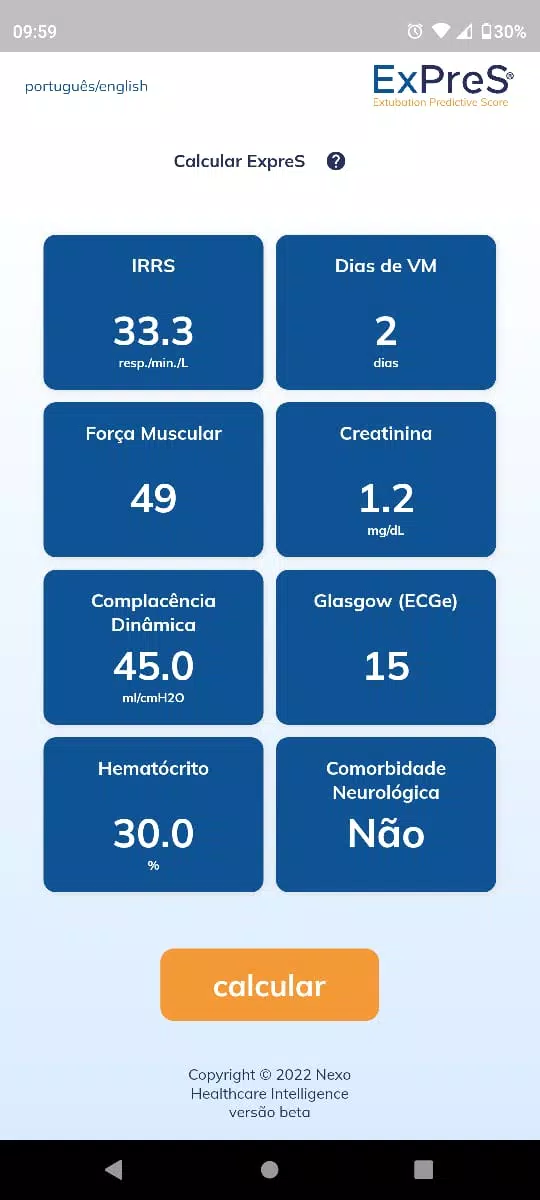
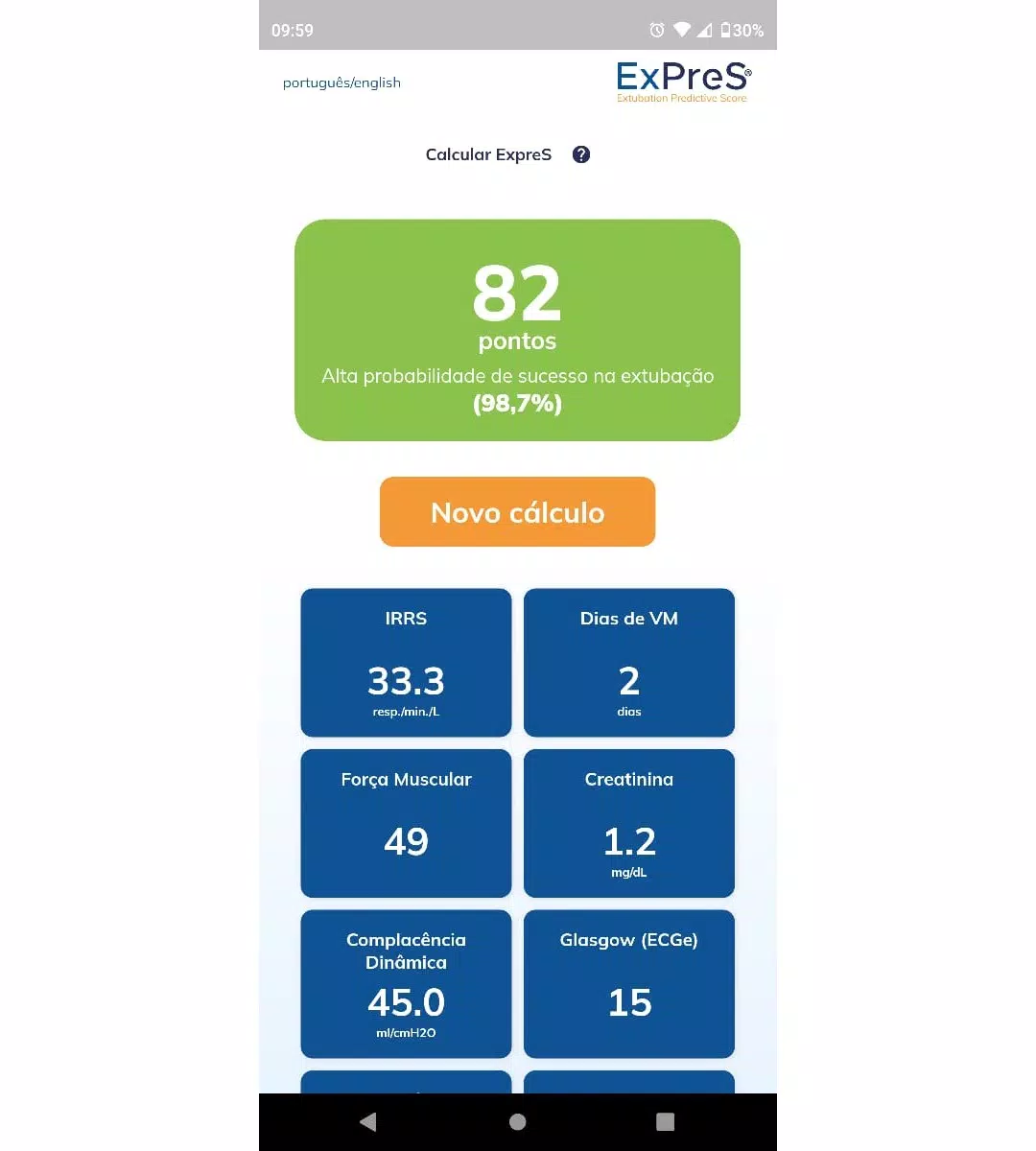
ExPreS is a compact personal finance app that combines receipt capture, automatic expense categorization, and simple budgeting in a clean mobile interface. Designed for everyday tracking and business travel alike, ExPreS helps you monitor spending, generate quick reports, and export data to common formats.
At its center, ExPreS offers a toolkit that reduces manual effort and keeps financial records organized. Key capabilities include receipt scanning with OCR, multi-currency support, automated categorization rules, and an intuitive budget builder. The app also includes quick search filters, tag-based sorting, and scheduled reminders to log recurring costs.
ExPreS streamlines everyday expense management into a few consistent steps. Capture or import a receipt, review the extracted fields, assign a category or tag, and save. If a rule applies, the app will auto-fill fields to speed future entries. For travel or client billing, you can group expenses into trips or projects and produce consolidated summaries.
The interface prioritizes speed and clarity. A dashboard highlights recent receipts, budget progress, and notable anomalies. Swipe gestures let you archive or delete entries quickly, while a persistent action button opens the camera for instant capture. Menus are designed for one-handed operation, making ExPreS suitable for busy professionals on the move.
Users can tailor categories, tags, and rule priorities to match personal or business workflows. Custom fields permit adding invoice numbers, client codes, or tax rates. Saved templates speed up repetitive entries, and color-coded categories make it simple to scan spending patterns at a glance.
ExPreS is optimized for modern Android devices and runs smoothly on mid-range hardware. Image processing is handled locally where possible for faster results, with optional cloud sync for multi-device access. The app supports multiple currencies and offline mode so entries can be collected without a network connection and synced later.
Security features are built into ExPreS to protect sensitive financial data. Local encryption guards stored files, and optional passcode or biometric locks control access. When cloud backup is enabled, transfers use encrypted channels and the app gives clear options for exporting or deleting account data to meet privacy needs.
Begin by granting camera permission and performing a sample receipt scan. The onboarding assistant walks through creating your first category and budget. Import options include forwarding email receipts or connecting popular cloud storage services. Within minutes you can capture expenses and view a categorized overview.
ExPreS balances automation with manual control, giving users a practical tool for personal finance and business expense tracking alike. With its focus on speed, clarity, and secure data handling, ExPreS can replace spreadsheets and reduce time spent on bookkeeping tasks while keeping records exportable for accountants or tax filings.




Pizzaria do Erick
Size:19.12M LifestyleMy Hurricane Tracker Pro
Size:4.73M LifestylePushscroll
Size:61.25M LifestyleSmartWOD Timer
Size:26.75M LifestyleMeteum Weather
Size:63.84M LifestyleBestifyMe
Size:13.80M LifestyleWeatherPro
Size:48.30M LifestyleEmpower You: Unlimited Audio
Size:80.20M LifestyleAdobe Express
Size:107.80M LifestyleGeoZilla
Size:63.92M LifestyleONEWallet - Cards Wallet
Size:15.00M LifestyleFloor Plan Creator Home Design
Size:40.91M LifestyleApril 2024 Clash of Clans Update: Unveiling a Fresh Companion, Enhanced Levels, Chat Tagging, and Be
2024-04-16Arrival of Genshin Impact 4.6 Update: 'Embers of Two Realms, Twilight of Crimson'
2024-04-16V2.2 of the Farlight 84 update introduces an overhauled Season structure, fresh in-game currency, an
2024-04-16Monster Never Cry is now accessible on both Android and iOS mobile devices.
2024-04-18PUBG Mobile Teams Up with Bentley Motors: Luxury Cars, Exclusive Collectibles, and Beyond
2024-04-18March 2024 Free Redemption Codes for Honkai: Star Rail
2024-04-18