English
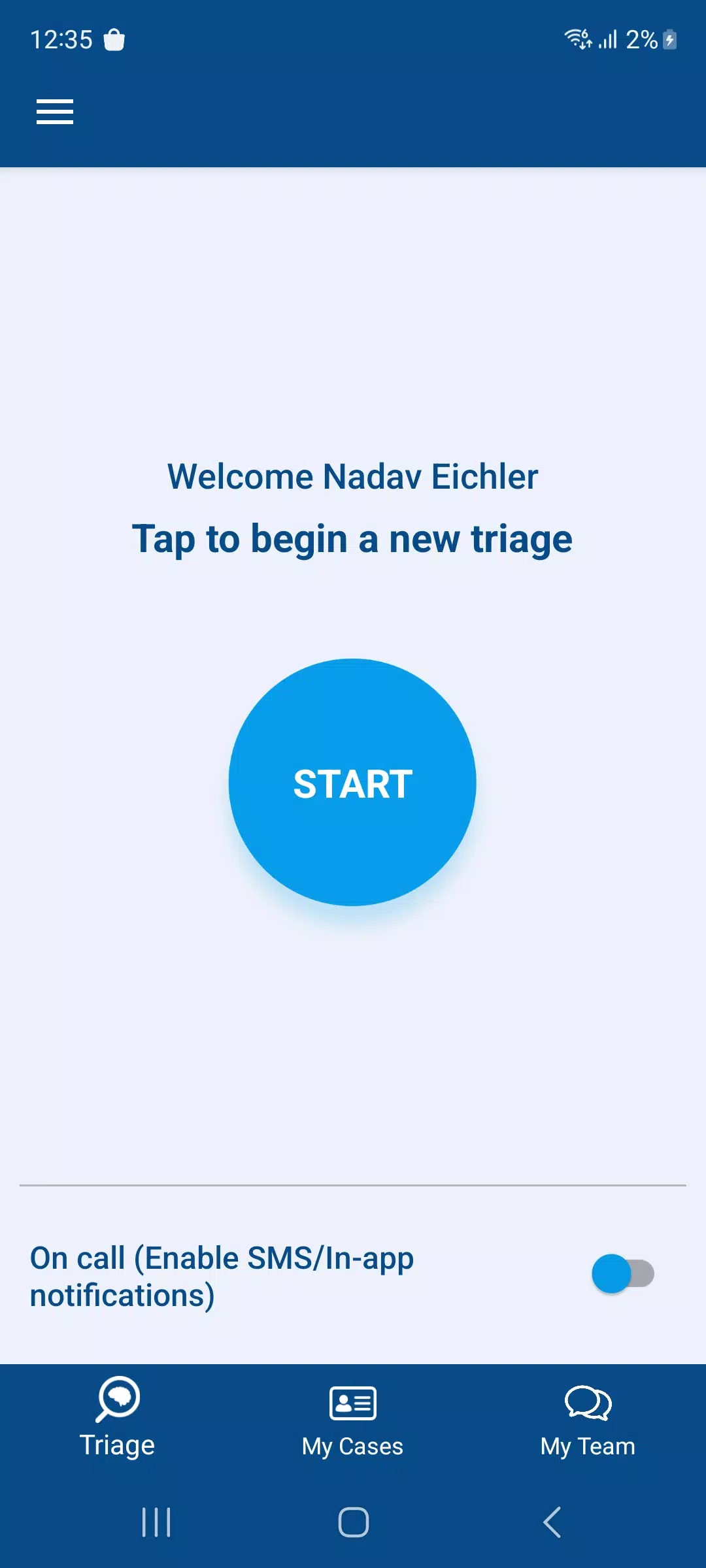
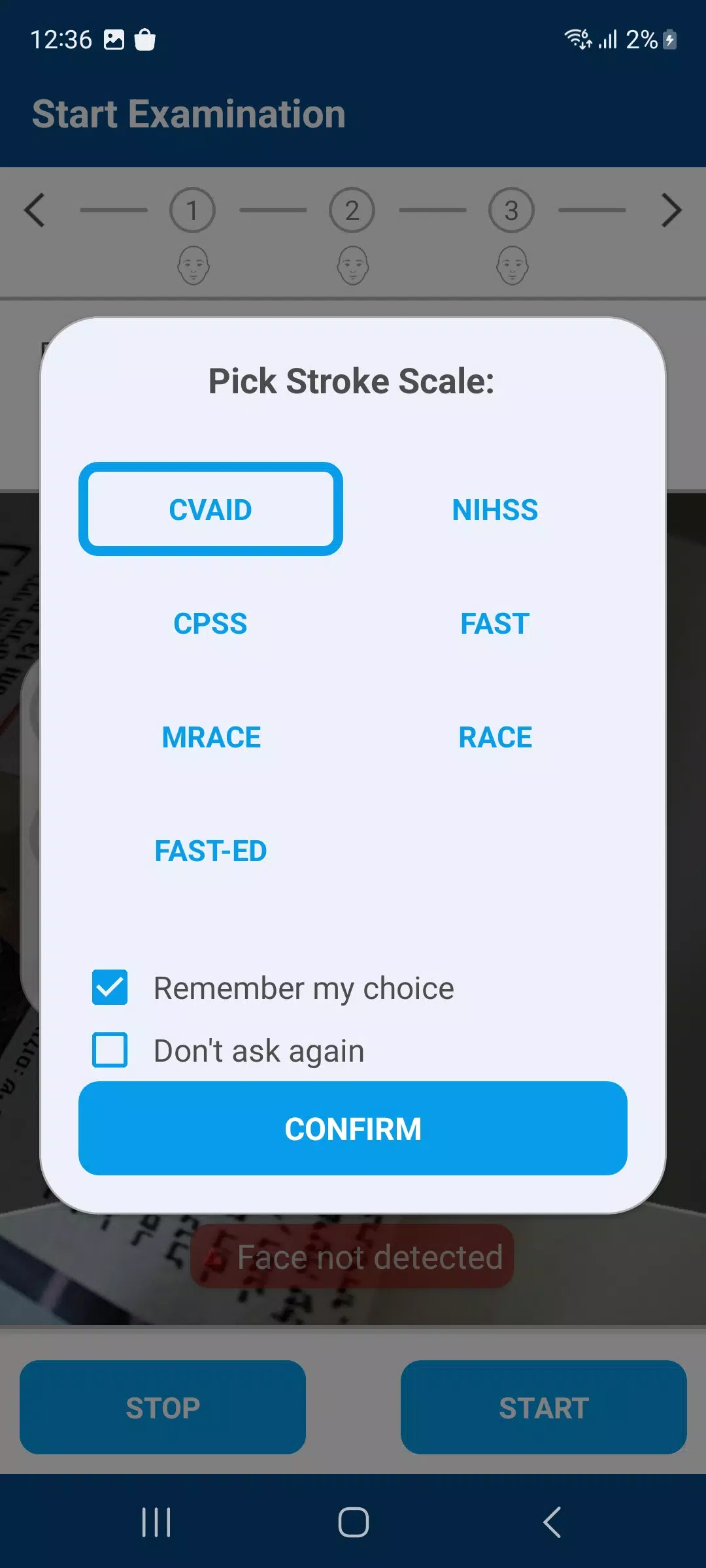
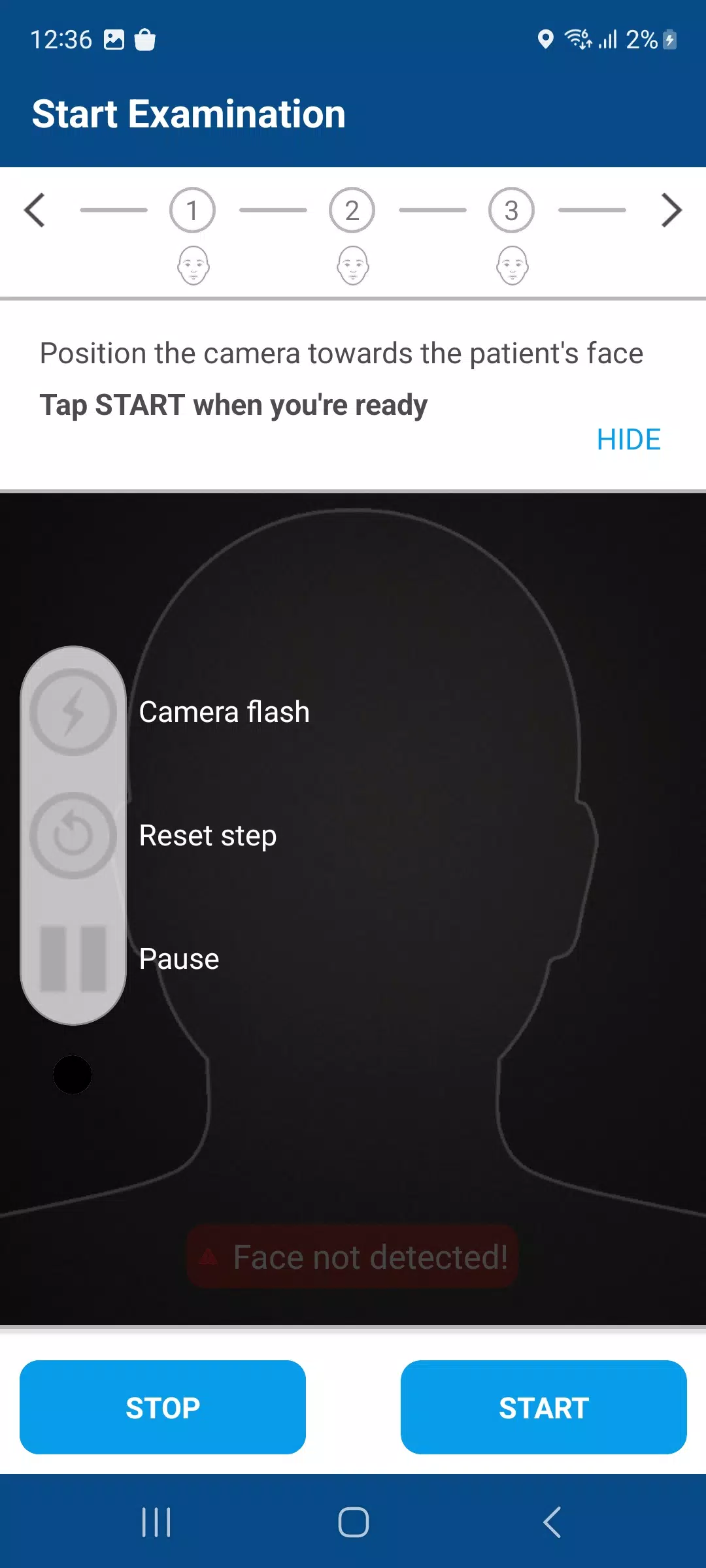
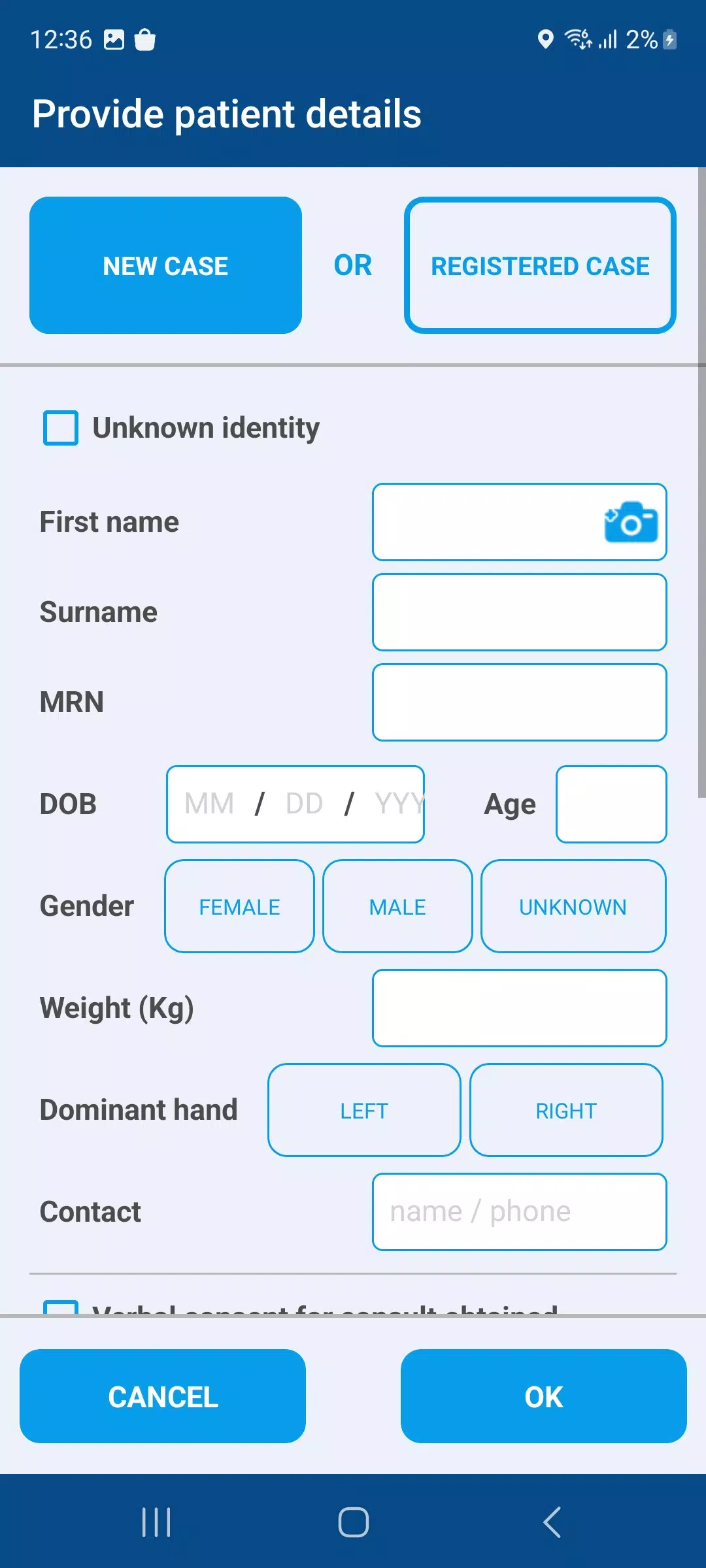
CVA Flow is a streamlined Android app designed to manage clinical workflows, capture structured data, and synchronize results securely across devices. It simplifies routine tasks with configurable forms, real-time validation, and cloud syncing, giving clinicians and field operators a compact yet powerful tool for organized, reliable data collection and review.
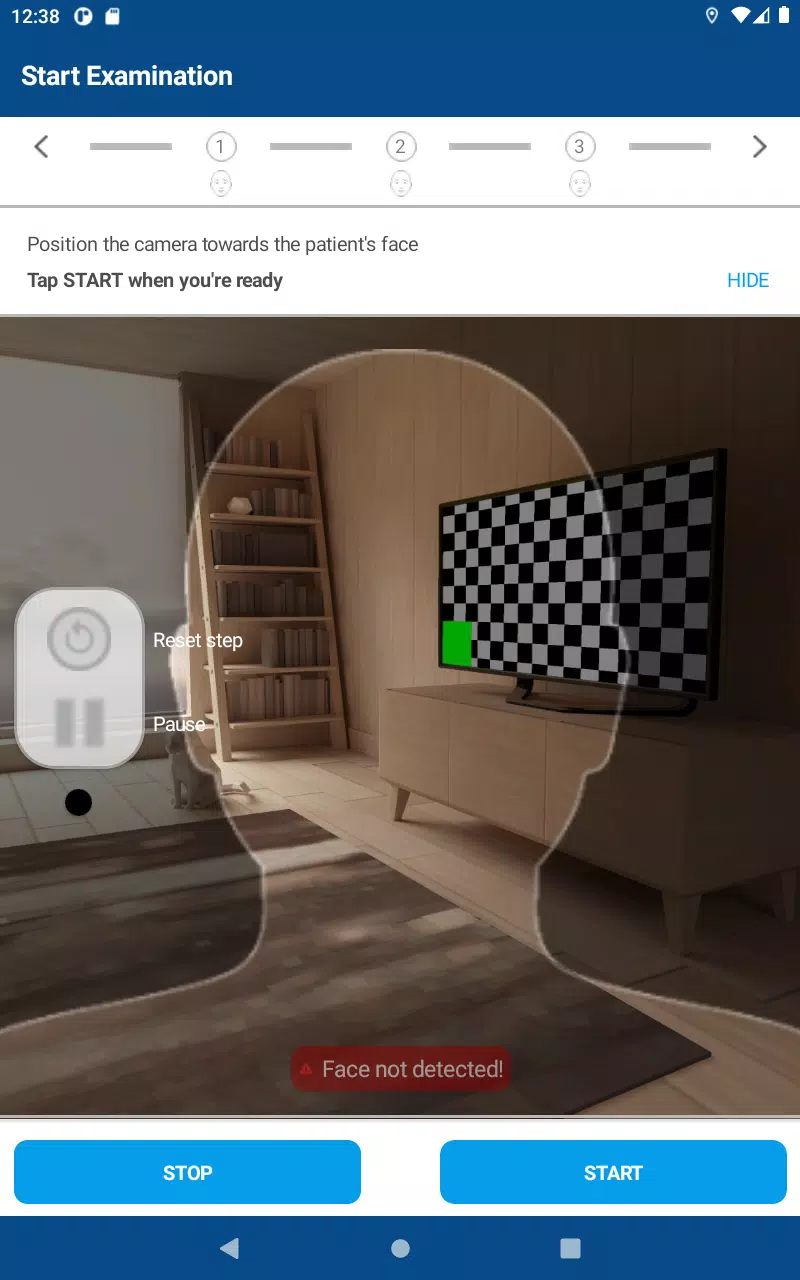
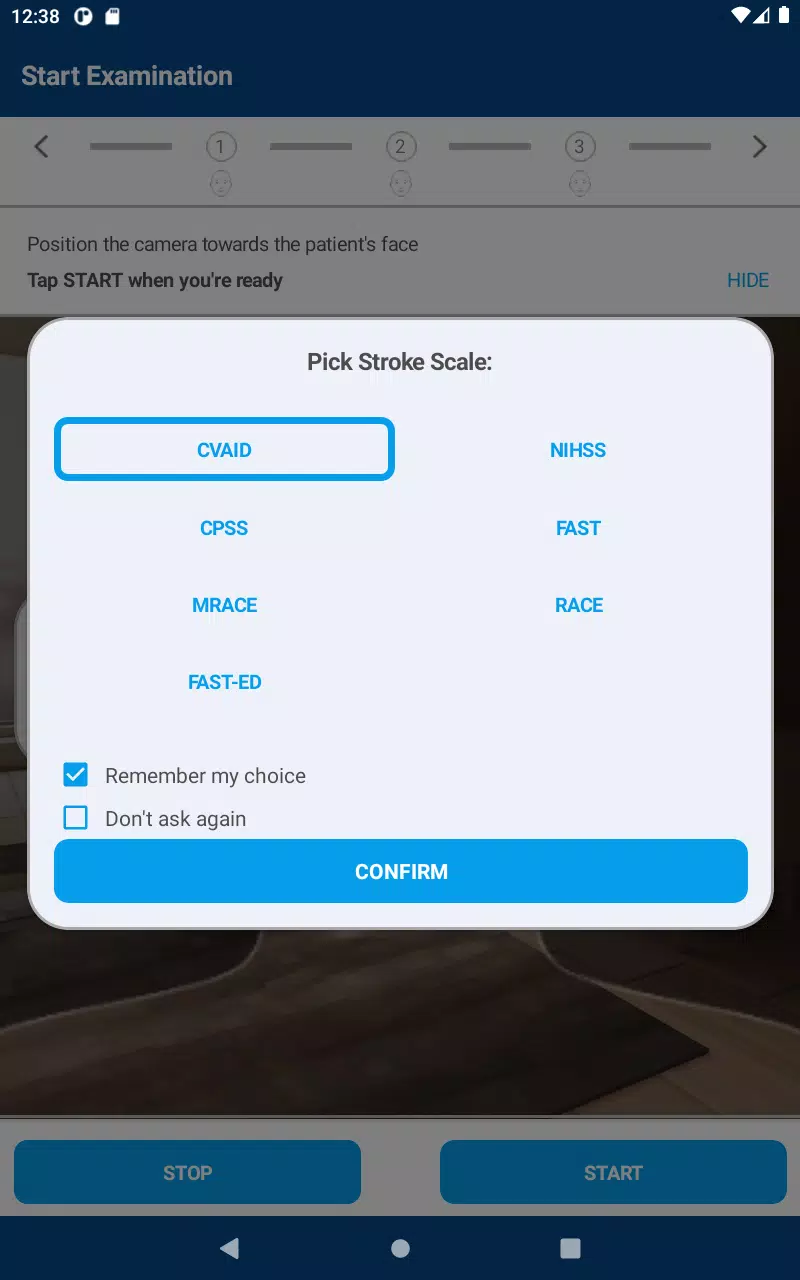
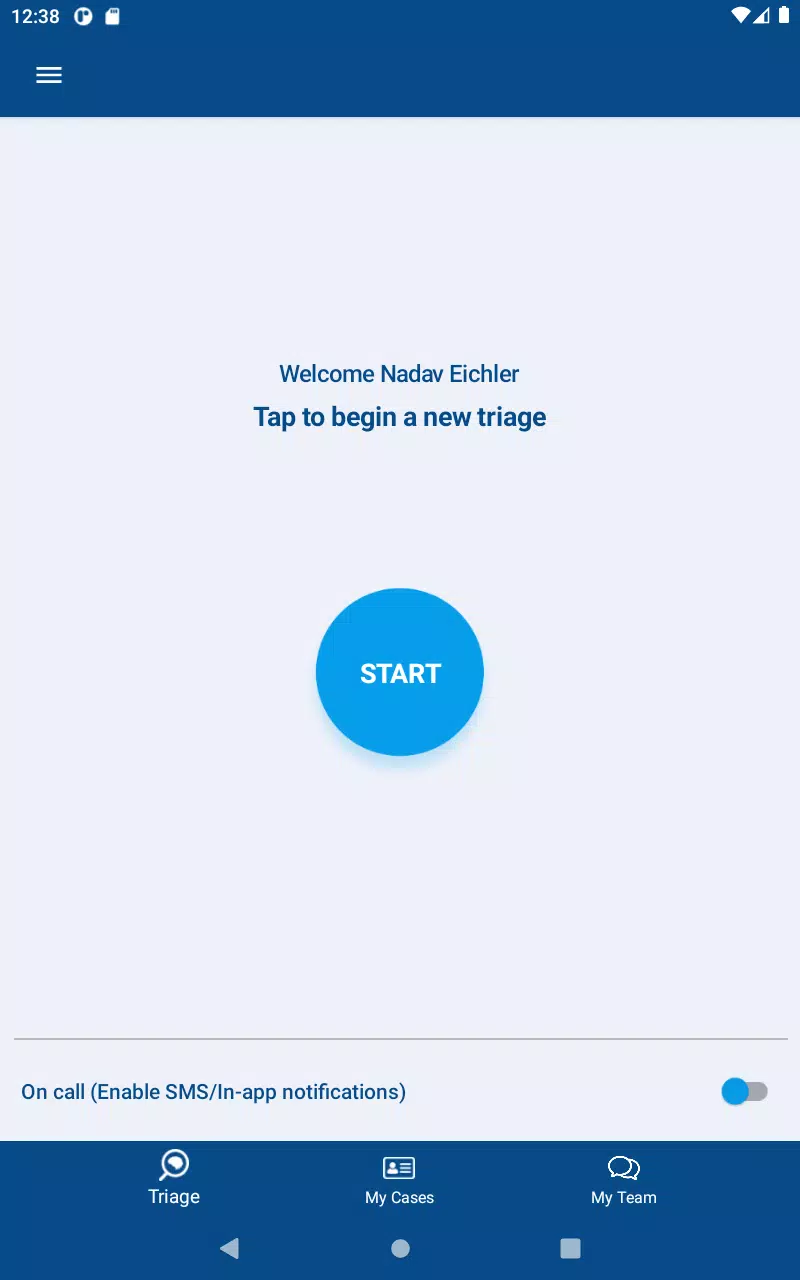
The design prioritizes clarity and speed: large touch targets, clear labels, and a minimal navigation path reduce training time. Menus are arranged around common tasks so users spend less time hunting for options. CVA Flow presents data entry as a guided sequence when needed, with optional branching logic that shows only relevant fields to reduce clutter.
Data captured on the device is validated locally, queued for upload, and then synchronized with a central repository. Administrators can review incoming records, apply filters, and export subsets for analysis. For teams that rely on other tools, the app’s API endpoints and standard export formats make it straightforward to integrate CVA Flow with reporting dashboards or electronic records.
Security is built into core operations. Authentication supports single sign-on and multi-factor methods, while role-based permissions limit access to sensitive modules. Data at rest and in transit is encrypted to meet common regulatory expectations. Audit logs track edits and uploads, enabling accountability and facilitating compliance checks.
CVA Flow is optimized to run smoothly on a wide range of Android devices, from budget handsets to enterprise tablets. The app uses an efficient local database to minimize memory usage and employs background sync processes that avoid impacting foreground tasks. Battery and bandwidth management options let teams prioritize uploads during off-peak hours to conserve resources.
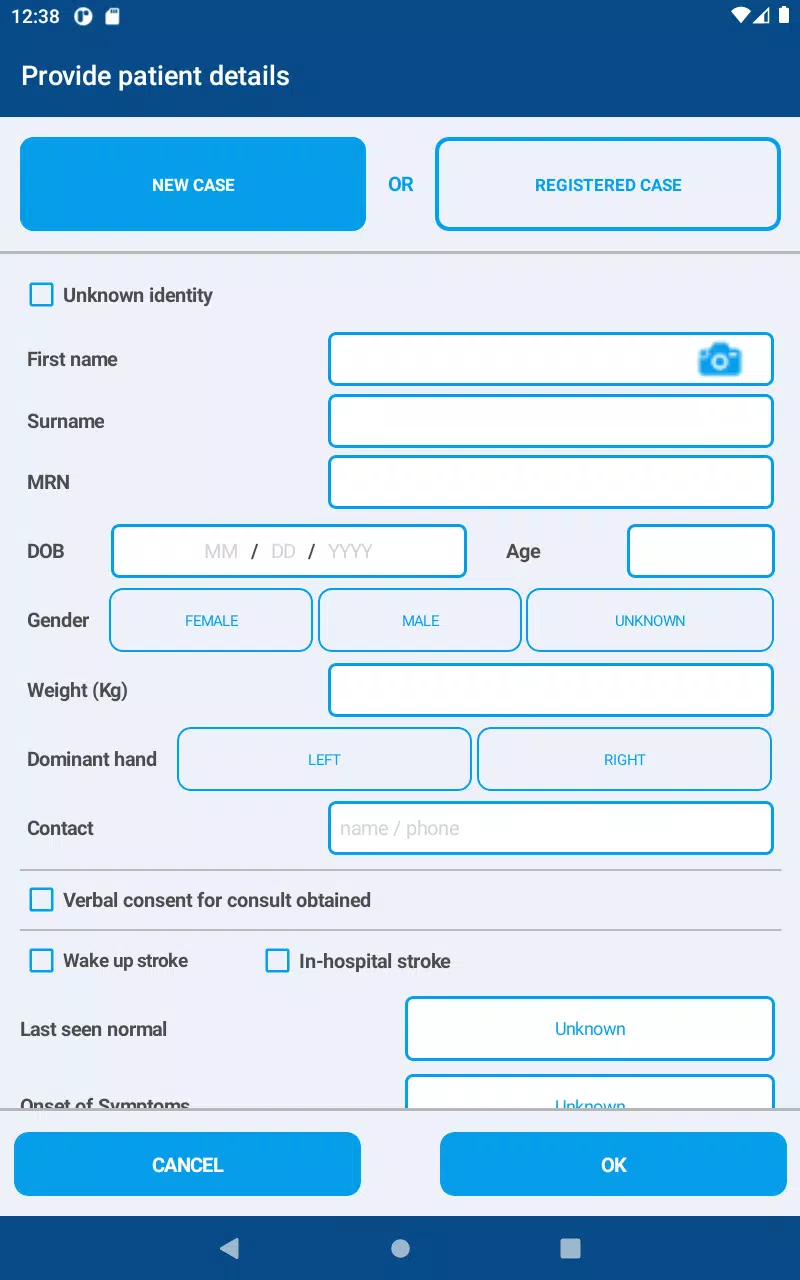
Field teams can collect inspection records, conduct patient intake, or run surveys without carrying paper. Hospital departments can standardize triage and handover checklists, while research teams benefit from timestamped, validated data ready for analysis. The app’s branching logic and conditional fields adapt to complex workflows, making it useful across many disciplines.
Administrators can create user groups, assign templates, and set access rights from a central console. Form builders include conditional rules, required fields, and custom validation scripts. Templates can be versioned so teams can audit changes and revert to previous configurations if needed. The customization model keeps the core app lean while allowing extensive adaptation.
Installation is straightforward from the Play Store or enterprise distribution. After an initial sign-in, most teams can be operational in under an hour: import or build a template, invite users, and perform a short pilot. Onboarding materials include in-app tips, a knowledge base, and downloadable guide PDFs to shorten the learning curve.
CVA Flow balances flexibility with control, offering teams a practical toolkit for structured data capture and secure synchronization. Regular updates add features based on user feedback, ensuring the app evolves with operational needs while maintaining a stable, efficient experience on Android devices.
Pizzaria do Erick
Size:19.12M LifestyleMy Hurricane Tracker Pro
Size:4.73M LifestylePushscroll
Size:61.25M LifestyleSmartWOD Timer
Size:26.75M LifestyleMeteum Weather
Size:63.84M LifestyleBestifyMe
Size:13.80M LifestyleWeatherPro
Size:48.30M LifestyleEmpower You: Unlimited Audio
Size:80.20M LifestyleAdobe Express
Size:107.80M LifestyleGeoZilla
Size:63.92M LifestyleONEWallet - Cards Wallet
Size:15.00M LifestyleFloor Plan Creator Home Design
Size:40.91M LifestyleApril 2024 Clash of Clans Update: Unveiling a Fresh Companion, Enhanced Levels, Chat Tagging, and Be
2024-04-16Arrival of Genshin Impact 4.6 Update: 'Embers of Two Realms, Twilight of Crimson'
2024-04-16V2.2 of the Farlight 84 update introduces an overhauled Season structure, fresh in-game currency, an
2024-04-16Monster Never Cry is now accessible on both Android and iOS mobile devices.
2024-04-18PUBG Mobile Teams Up with Bentley Motors: Luxury Cars, Exclusive Collectibles, and Beyond
2024-04-18March 2024 Free Redemption Codes for Honkai: Star Rail
2024-04-18