English
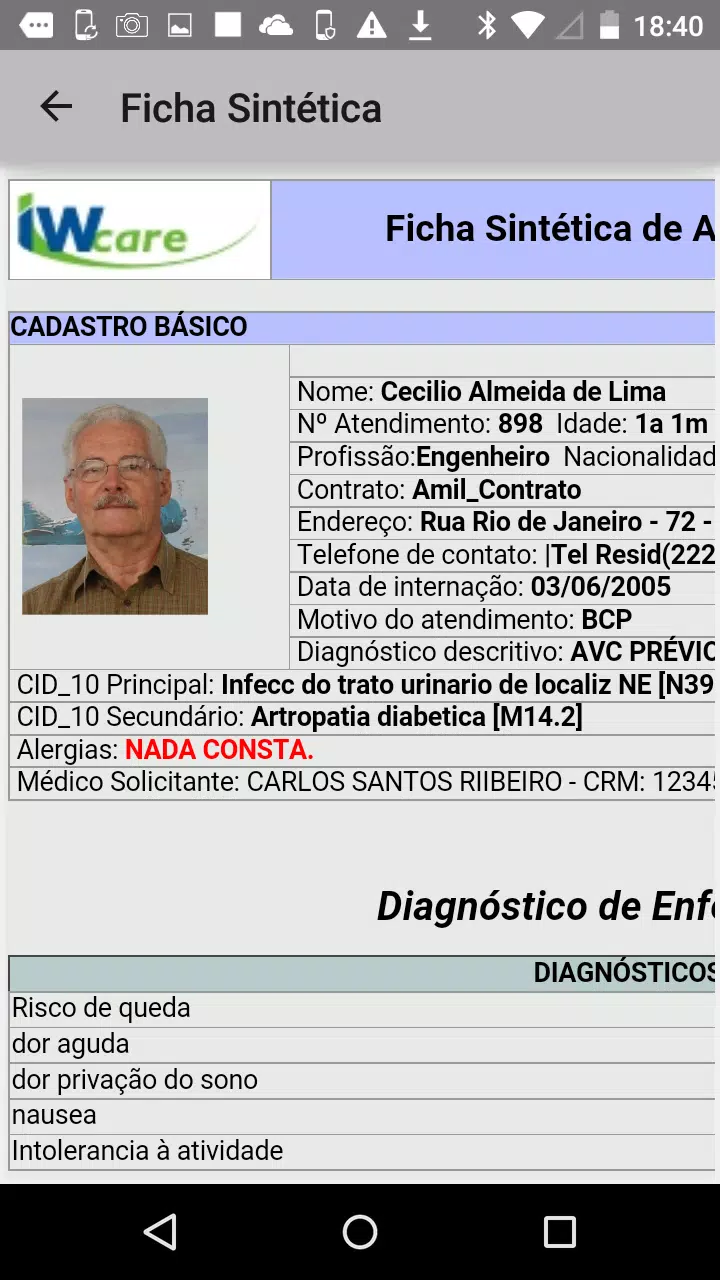
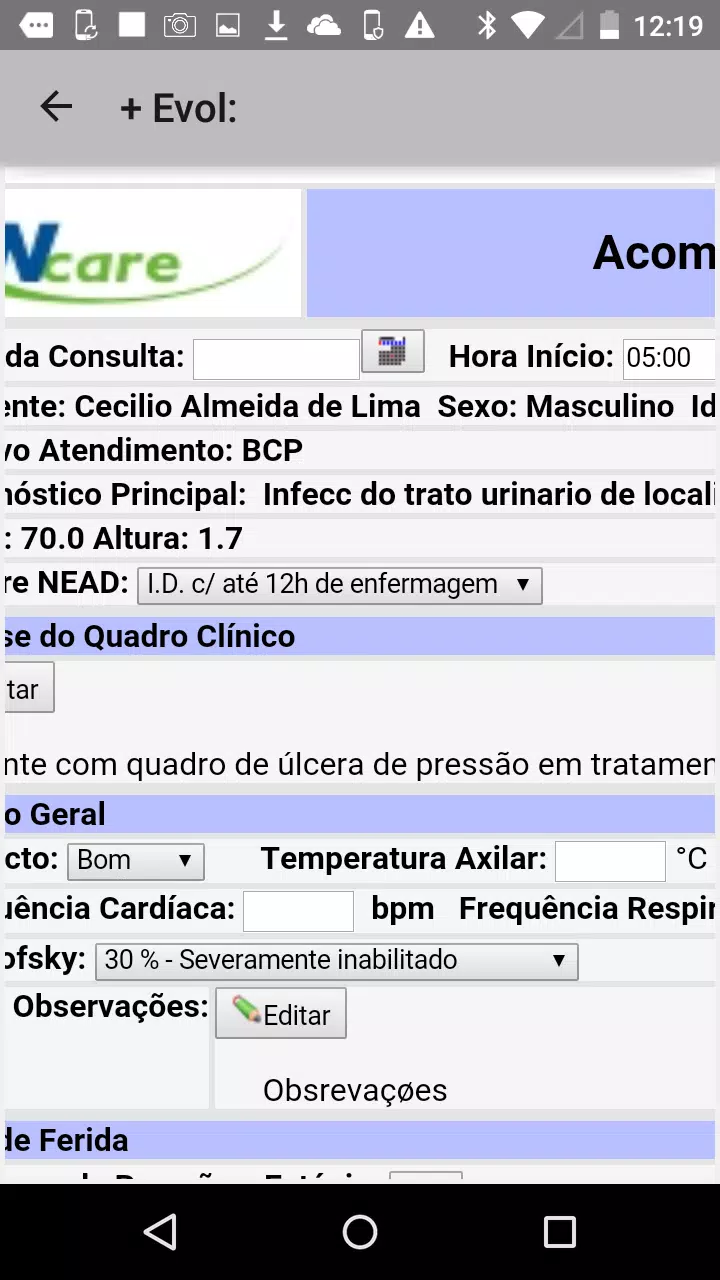
IW-Mobile is a compact productivity app designed to bring essential workplace tools to your Android device. It centralizes messaging, task tracking, and secure document access in one interface, aiming to simplify daily workflows for professionals and teams who need reliable mobile access to company resources.
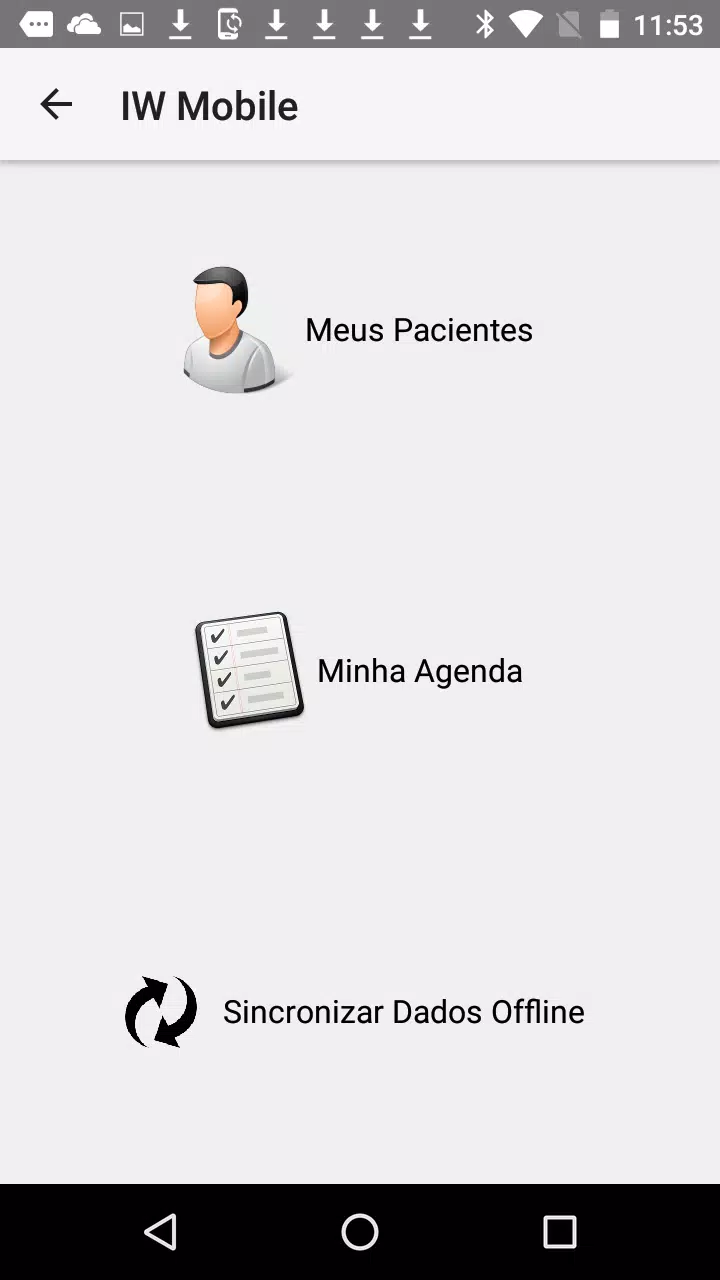
IW-Mobile acts as a single-entry hub for routine business tasks. Rather than switching between multiple apps, users get a synchronized inbox, quick task lists, and a fast document viewer. The app targets mobile-first teams and employees who require up-to-date information while away from the desk.
The interface prioritizes clarity over ornamentation. Buttons and menus are placed for rapid reach on larger phones, and the main screens follow consistent patterns so new users learn navigation quickly. IW-Mobile avoids clutter while providing shortcuts to frequently used actions, which reduces the time spent hunting for the next step.
Startup time is modest, and background synchronization is handled efficiently to minimize battery drain. The app separates lightweight operations (notifications, quick replies) from heavier tasks (file downloads, document rendering) so the experience remains fluid even on mid-range hardware.
Data protection is a practical priority. IW-Mobile supports encrypted transmission and respects organization-level access controls. Synchronization across devices is incremental: small updates propagate quickly while larger payloads synchronize when a strong connection is detected.
IW-Mobile is designed for recurring cycles of review and action. Start the day by scanning the consolidated feed, prioritize tasks, and comment on documents for teammates. The app’s notification rules can be tuned so that only relevant updates prompt immediate attention.
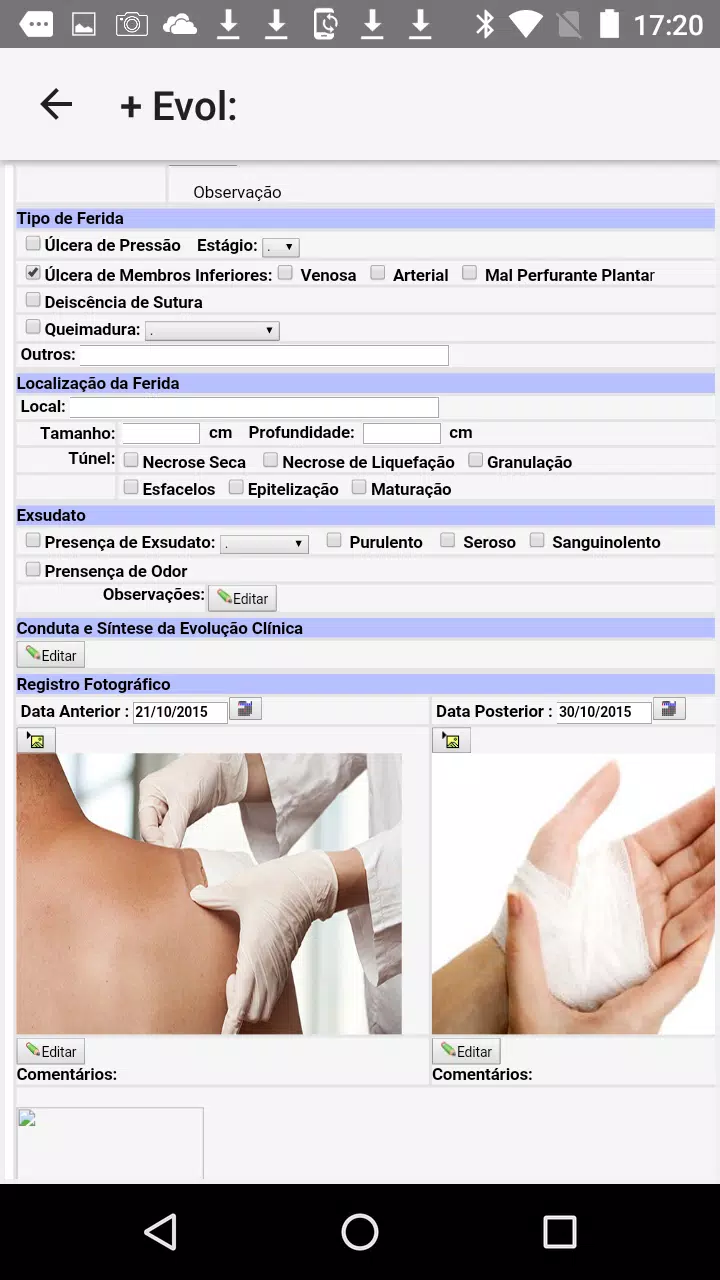
Inline comments, simple approval flows, and task handoffs are built into the app to minimize context switching. When a document requires review, the app highlights pending items and allows reviewers to mark sections or leave time-stamped notes for colleagues.
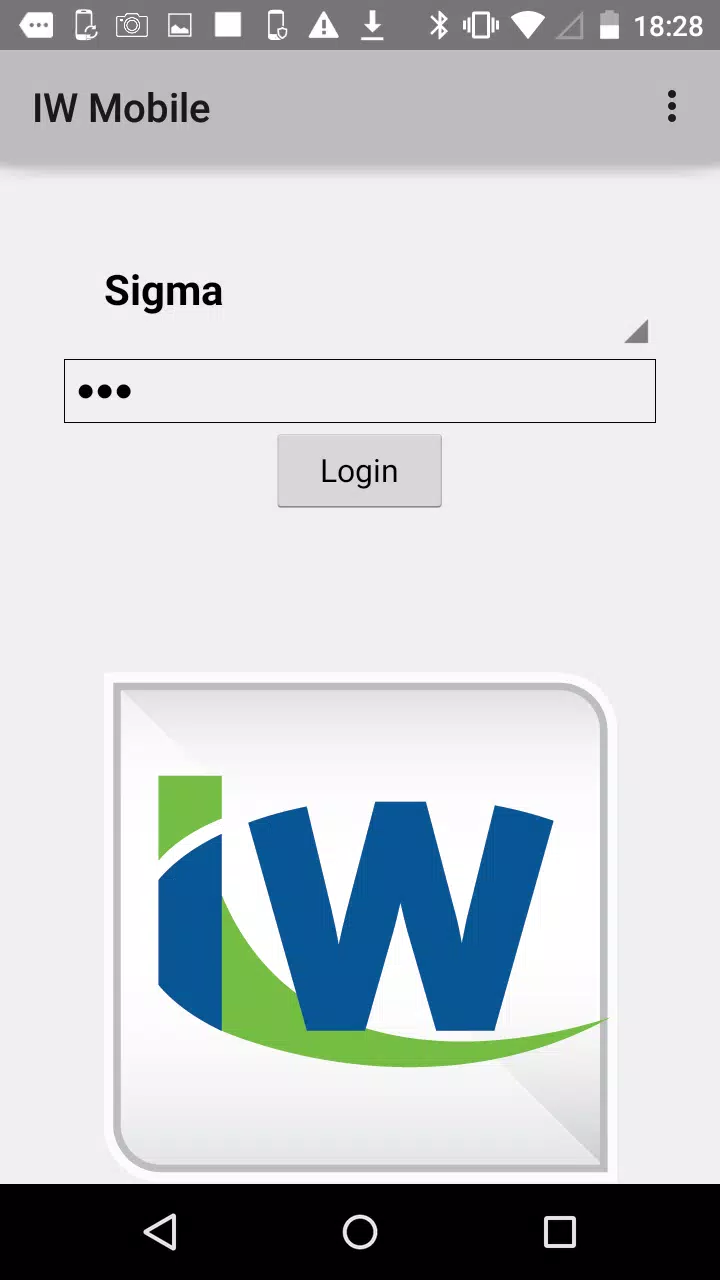
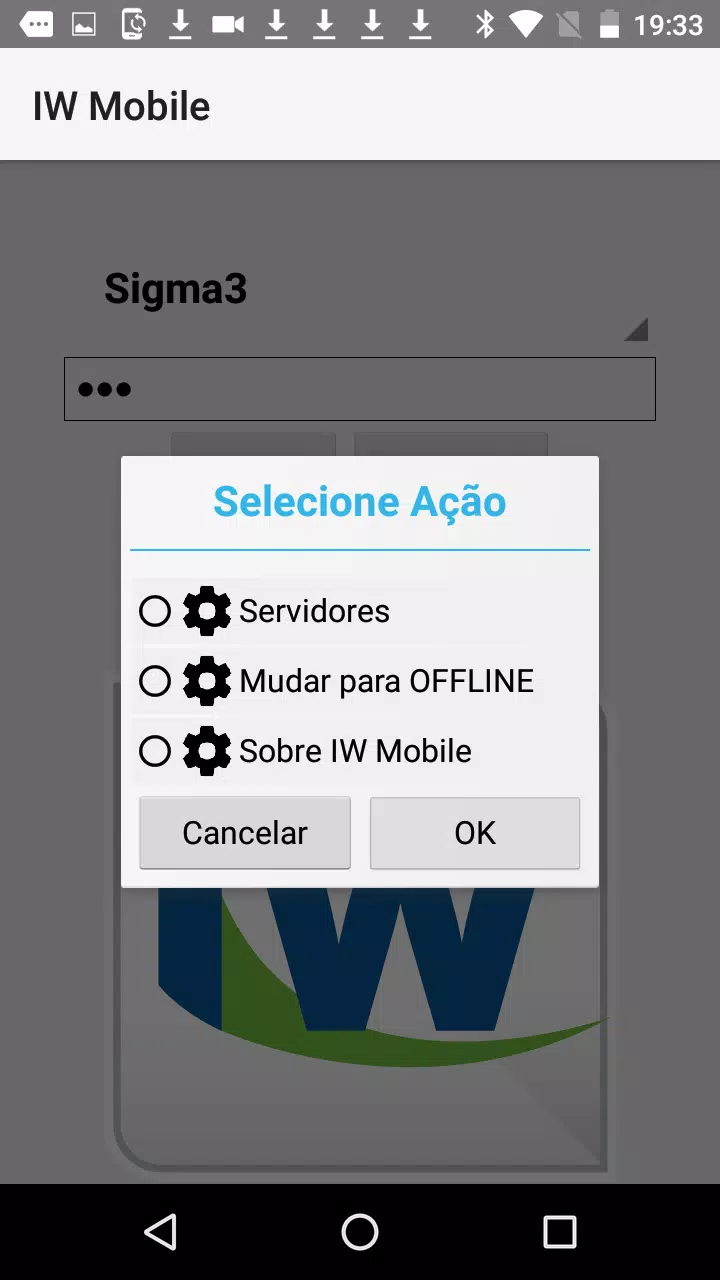
Downloading and setting up IW-Mobile requires only a few minutes. After installing from the Play Store, sign in with your organization credentials, grant required permissions, and choose your preferred sync options. An in-app walkthrough highlights core areas so you can start using key features without delay.
Teams choose IW-Mobile for its straightforward approach to connecting mobile work to core business systems. It reduces friction around communication, cuts down on app switching, and helps maintain a single source of truth for documents and tasks. For organizations that prioritize mobility without sacrificing control, the app provides a practical balance of features, security, and usability.
Pizzaria do Erick
Size:19.12M LifestyleMy Hurricane Tracker Pro
Size:4.73M LifestylePushscroll
Size:61.25M LifestyleSmartWOD Timer
Size:26.75M LifestyleMeteum Weather
Size:63.84M LifestyleBestifyMe
Size:13.80M LifestyleWeatherPro
Size:48.30M LifestyleEmpower You: Unlimited Audio
Size:80.20M LifestyleAdobe Express
Size:107.80M LifestyleGeoZilla
Size:63.92M LifestyleONEWallet - Cards Wallet
Size:15.00M LifestyleFloor Plan Creator Home Design
Size:40.91M LifestyleApril 2024 Clash of Clans Update: Unveiling a Fresh Companion, Enhanced Levels, Chat Tagging, and Be
2024-04-16Arrival of Genshin Impact 4.6 Update: 'Embers of Two Realms, Twilight of Crimson'
2024-04-16V2.2 of the Farlight 84 update introduces an overhauled Season structure, fresh in-game currency, an
2024-04-16Monster Never Cry is now accessible on both Android and iOS mobile devices.
2024-04-18PUBG Mobile Teams Up with Bentley Motors: Luxury Cars, Exclusive Collectibles, and Beyond
2024-04-18March 2024 Free Redemption Codes for Honkai: Star Rail
2024-04-18