English
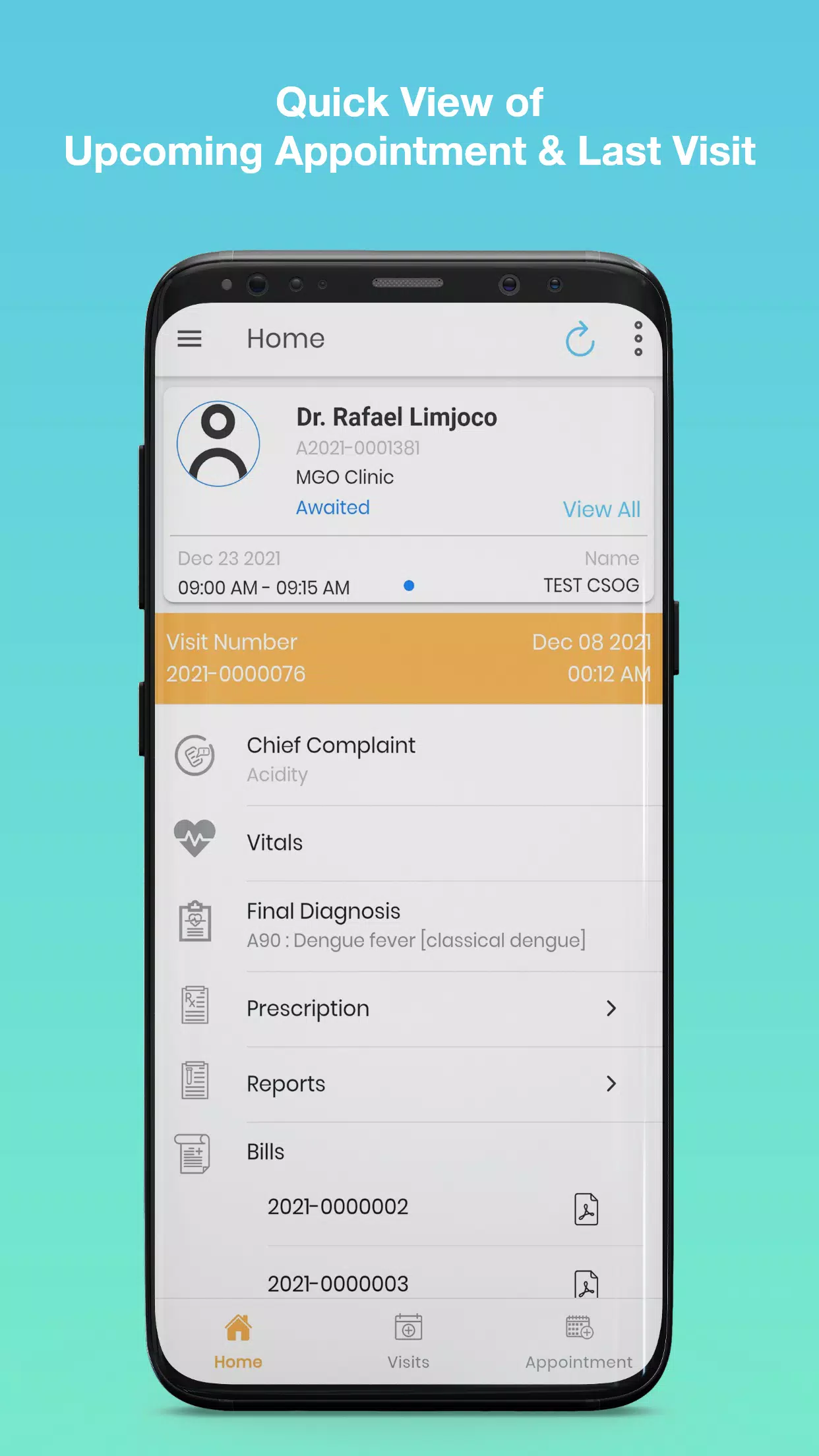
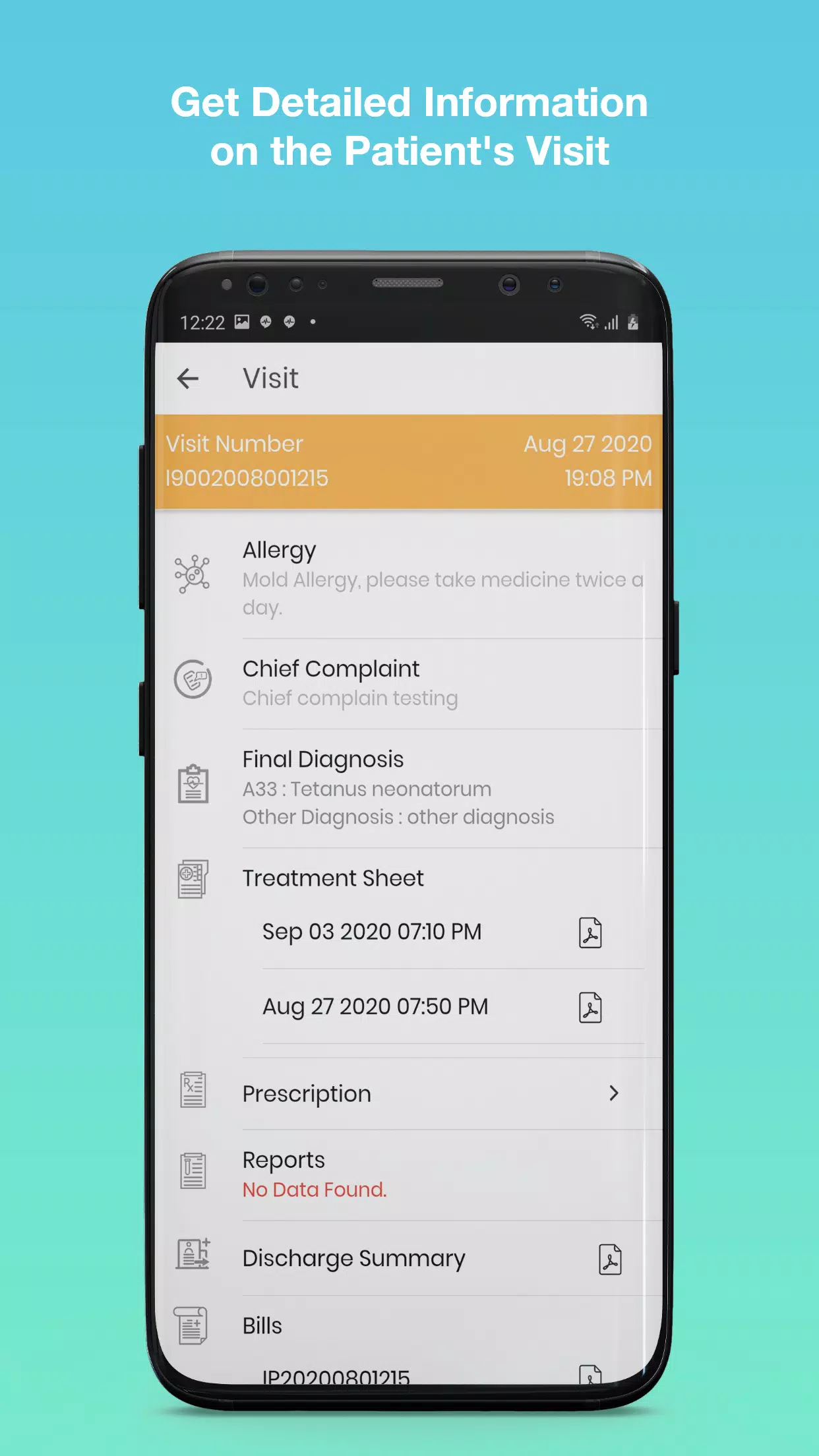
PLDT HealthCare Portal is a secure mobile application that centralizes patient records, appointment scheduling, and teleconsultation tools for healthcare providers and patients. It streamlines clinical workflows, offering quick access to lab results, prescriptions, and messages while maintaining compliance with data privacy standards across devices and network environments.
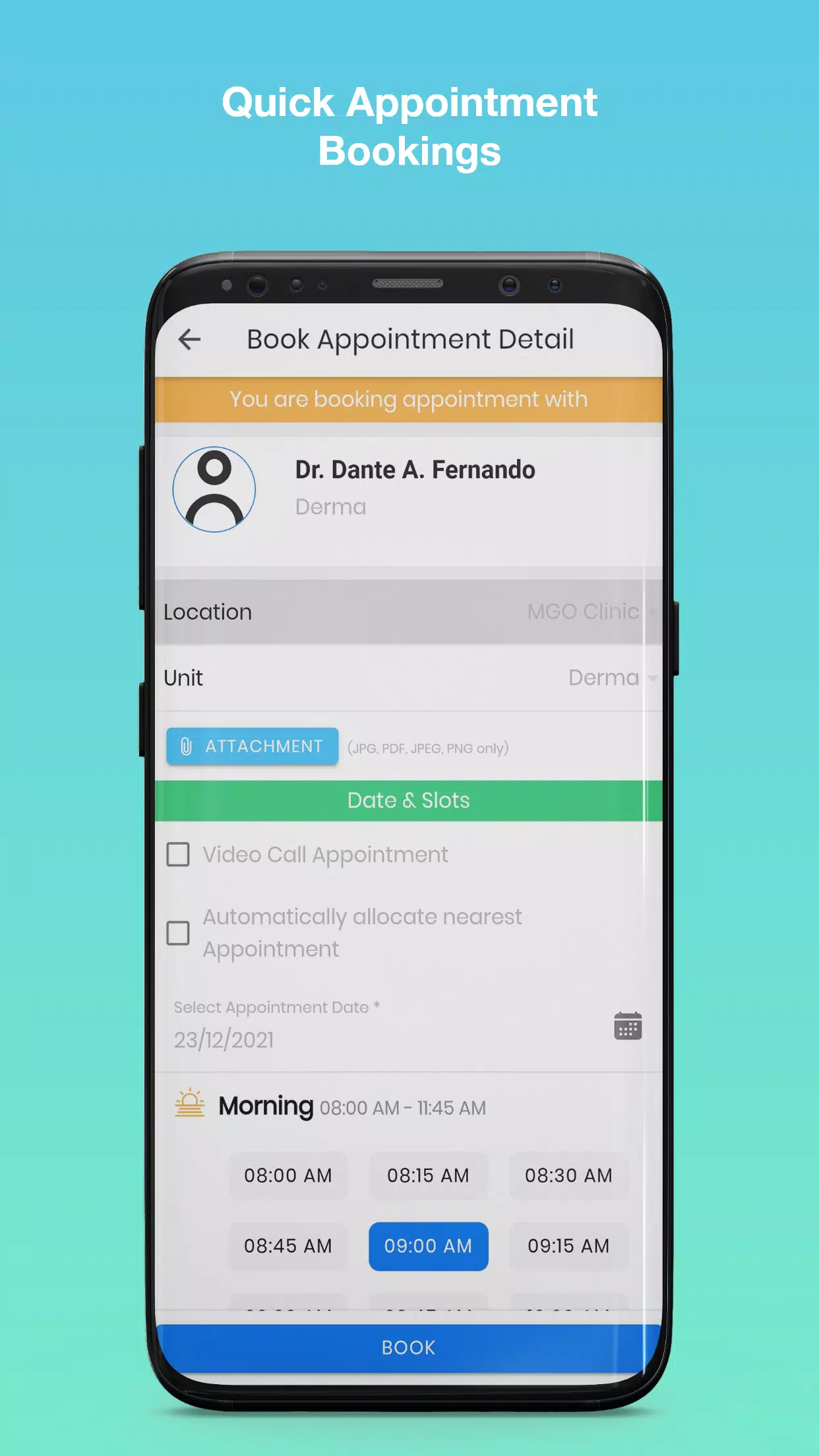
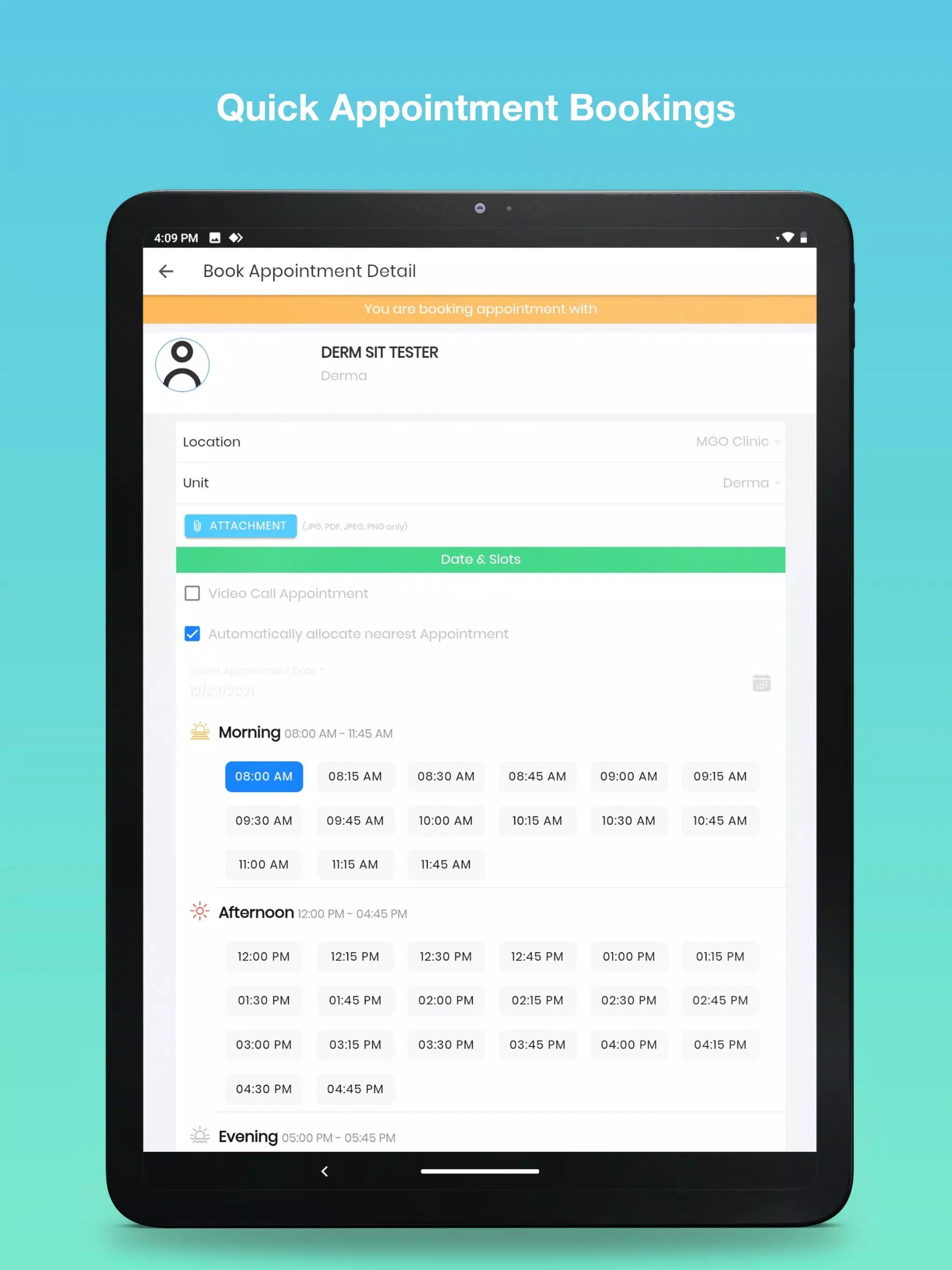
PLDT HealthCare Portal acts as a single-entry platform for everyday healthcare needs. Professionals can review clinical notes, approve orders, and communicate with colleagues, while patients can book visits, view test outcomes, request prescription refills, and join virtual consultations without switching between multiple systems.
The design of PLDT HealthCare Portal favors clarity and speed. Menus are organized by tasks rather than modules, so users find the most common functions in two taps. Dashboard widgets display upcoming appointments, unread messages, and critical lab alerts. Settings are accessible from a single profile menu, enabling quick adjustments to notification preferences and security options.
Data flows between client devices and the platform via secure APIs and encrypted channels. When a clinician updates a record, changes are synchronized across authorized devices and reflected in patient-facing views where appropriate. The portal supports role-based access controls to ensure that users see only the data needed for their responsibilities.
PLDT HealthCare Portal is built to connect with existing hospital systems and third-party services. Common integration points include laboratory information systems, radiology viewers, pharmacy management, and billing middleware. The app runs on modern Android versions and adapts to different screen sizes, delivering consistent performance on phones and tablets.
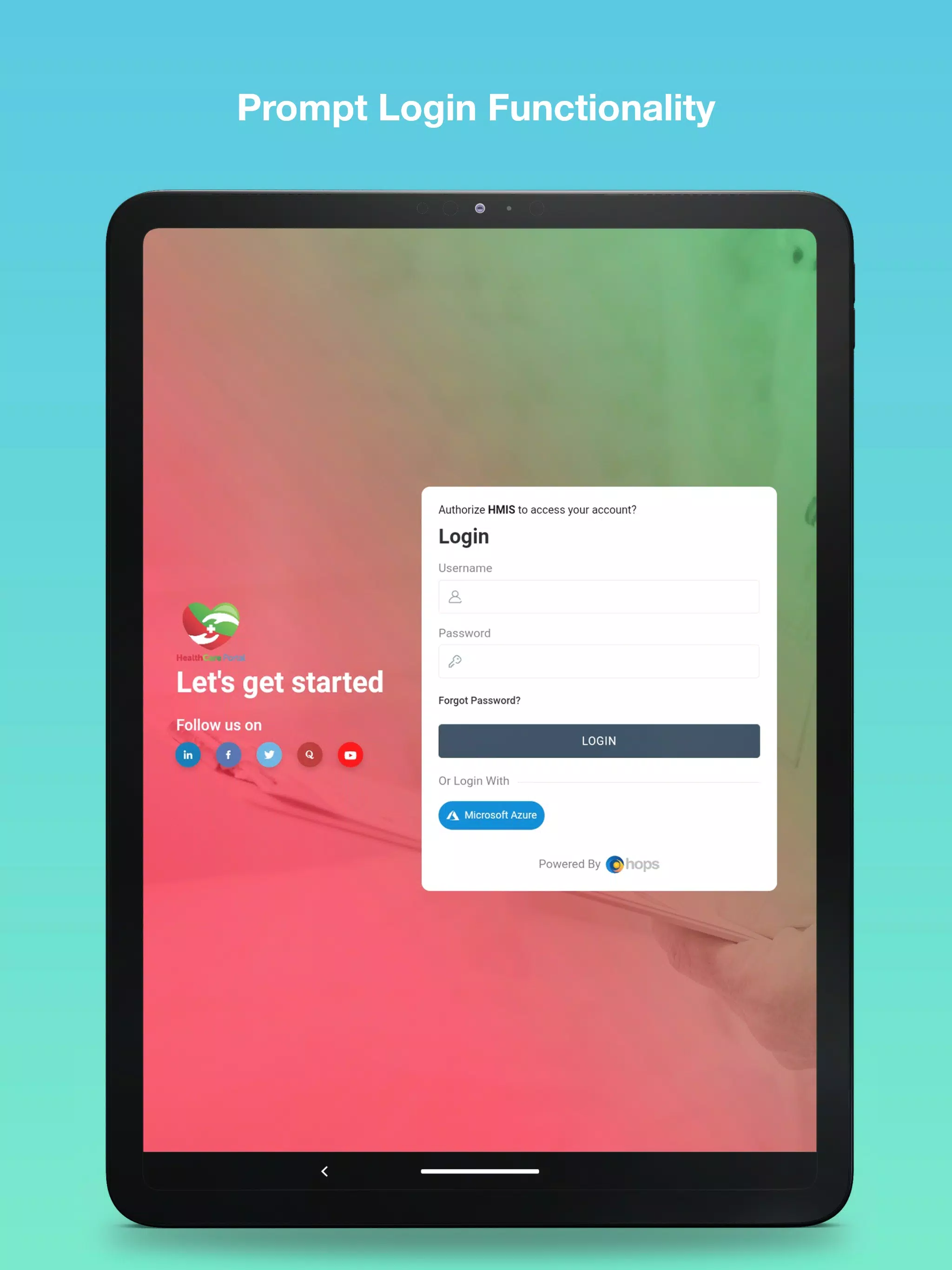
Security features are prioritized to protect sensitive health information. Multi-factor authentication, session timeout, and device registration reduce unauthorized access. Audit logs record access events for compliance and internal review. The portal adheres to applicable privacy regulations and encourages administrators to enforce strong password and access policies.
Adopting PLDT HealthCare Portal can reduce administrative burden and speed up clinical decision-making. Automated appointment reminders lower missed visits, while integrated results reduce duplicate testing. Clinical teams report fewer phone calls and faster triage when messaging and teleconsultation options are used for routine follow-ups.
Performance depends on network conditions and backend configuration. The app is optimized to cache essential data for quick loading and to retry operations in the background when connections are intermittent. Administrators can monitor uptime and performance metrics through the management console to identify bottlenecks or scaling needs.
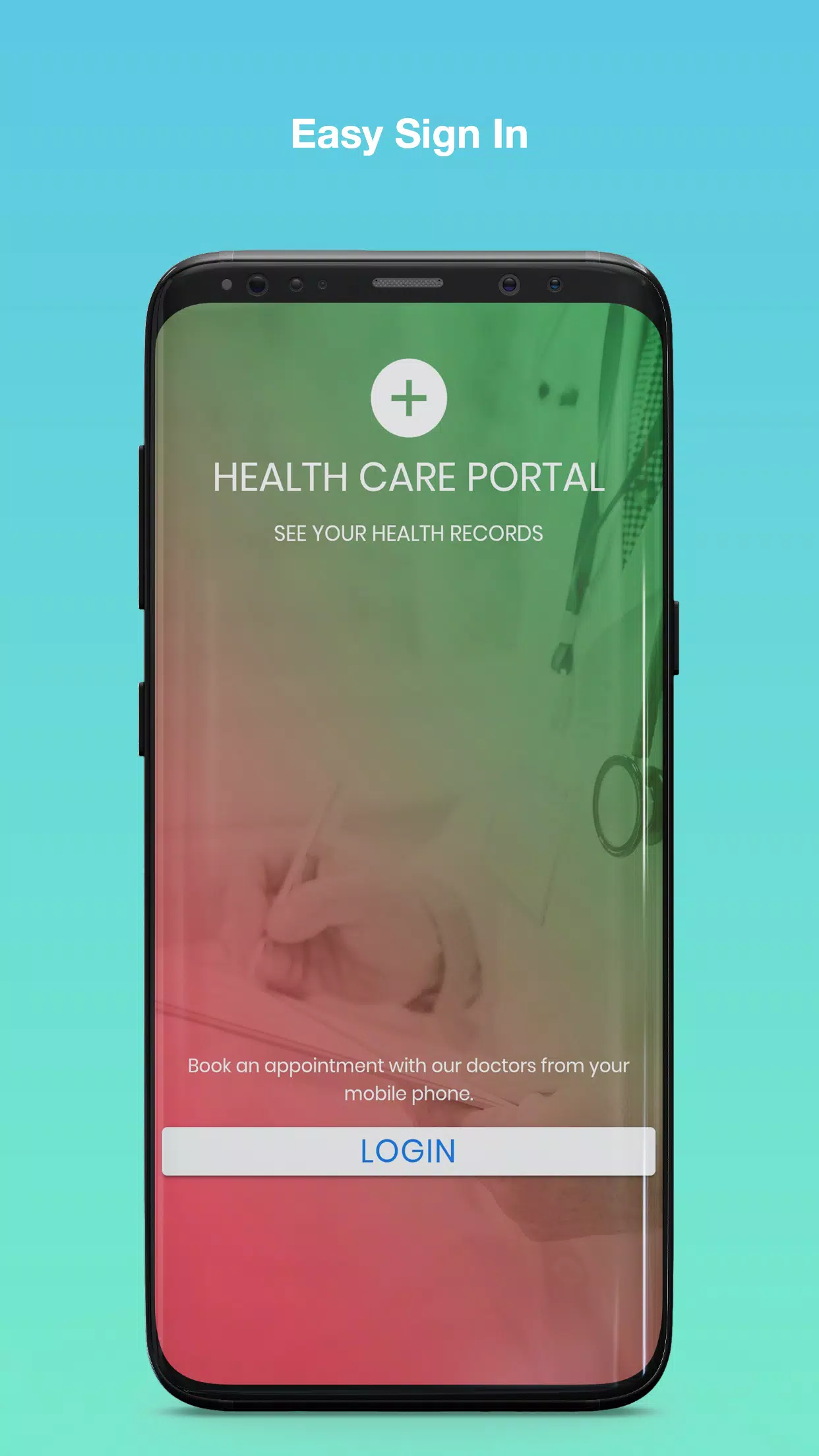
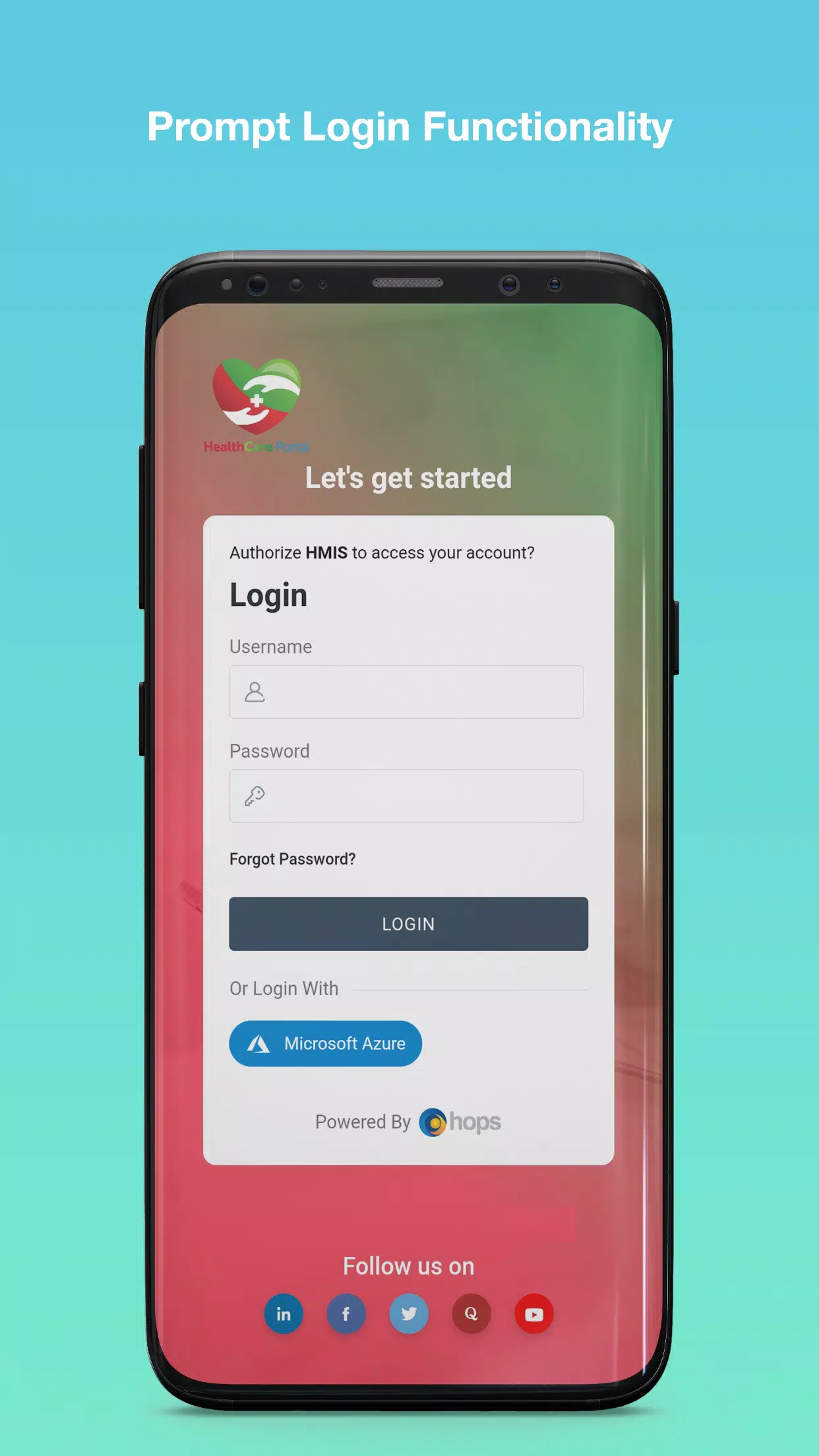
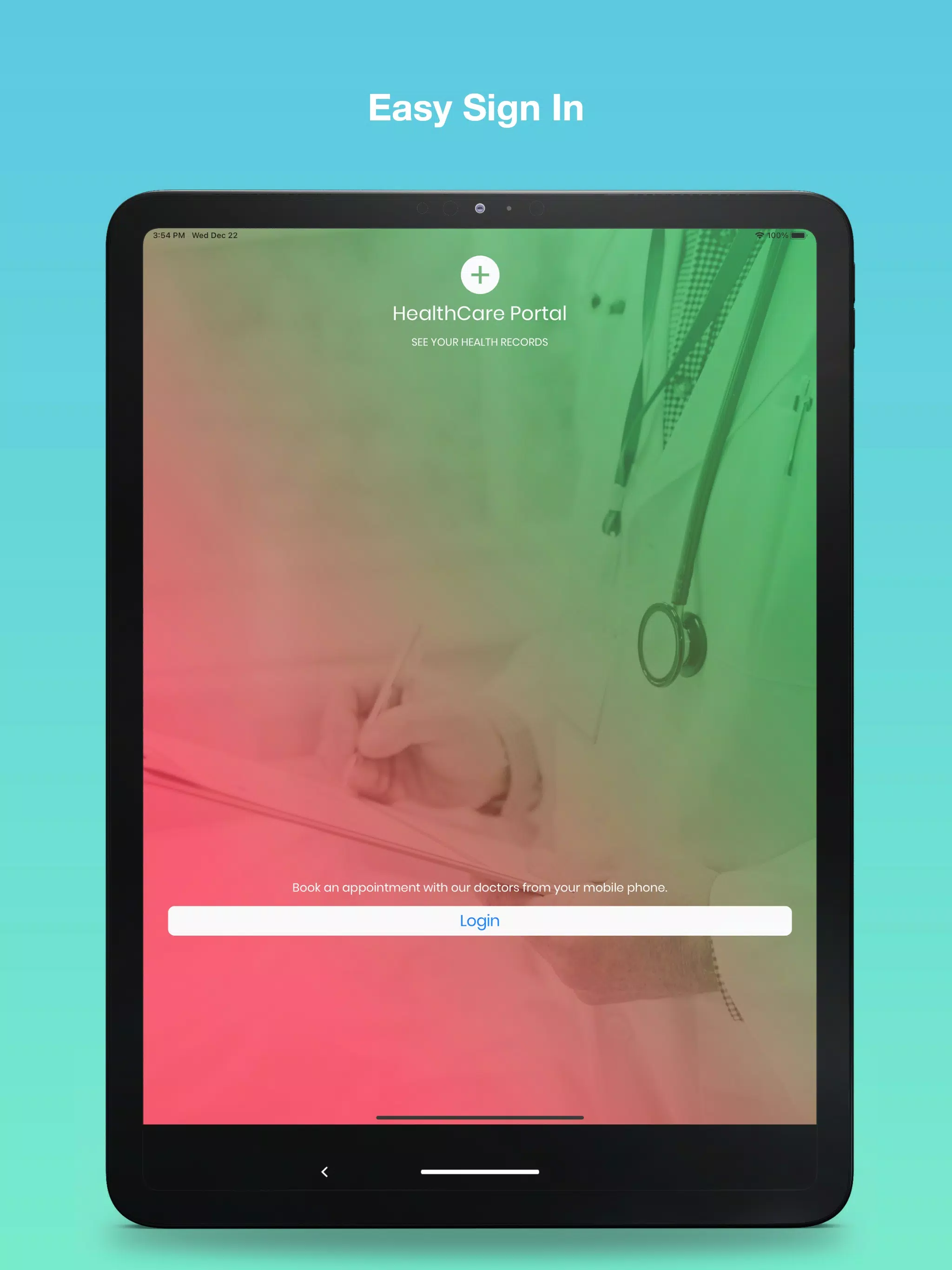
To begin using PLDT HealthCare Portal, download and install the app, then register with your organization credentials or follow the invite workflow provided by your care provider. New users should complete profile setup, enable notifications, and review privacy settings. Training materials and help resources are typically available from the service administrator.
Support channels include in-app help, email, and administrator-driven ticket systems. Regular updates deliver feature enhancements, security patches, and performance improvements. Users are encouraged to keep the app updated to benefit from the latest integrations and safeguards.
PLDT HealthCare Portal balances practical clinical tools with patient-centered features, helping health teams coordinate care more efficiently while giving patients easier access to their health information and providers.
Pizzaria do Erick
Size:19.12M LifestyleMy Hurricane Tracker Pro
Size:4.73M LifestylePushscroll
Size:61.25M LifestyleSmartWOD Timer
Size:26.75M LifestyleMeteum Weather
Size:63.84M LifestyleBestifyMe
Size:13.80M LifestyleWeatherPro
Size:48.30M LifestyleEmpower You: Unlimited Audio
Size:80.20M LifestyleAdobe Express
Size:107.80M LifestyleGeoZilla
Size:63.92M LifestyleONEWallet - Cards Wallet
Size:15.00M LifestyleFloor Plan Creator Home Design
Size:40.91M LifestyleApril 2024 Clash of Clans Update: Unveiling a Fresh Companion, Enhanced Levels, Chat Tagging, and Be
2024-04-16Arrival of Genshin Impact 4.6 Update: 'Embers of Two Realms, Twilight of Crimson'
2024-04-16V2.2 of the Farlight 84 update introduces an overhauled Season structure, fresh in-game currency, an
2024-04-16Monster Never Cry is now accessible on both Android and iOS mobile devices.
2024-04-18PUBG Mobile Teams Up with Bentley Motors: Luxury Cars, Exclusive Collectibles, and Beyond
2024-04-18March 2024 Free Redemption Codes for Honkai: Star Rail
2024-04-18