English
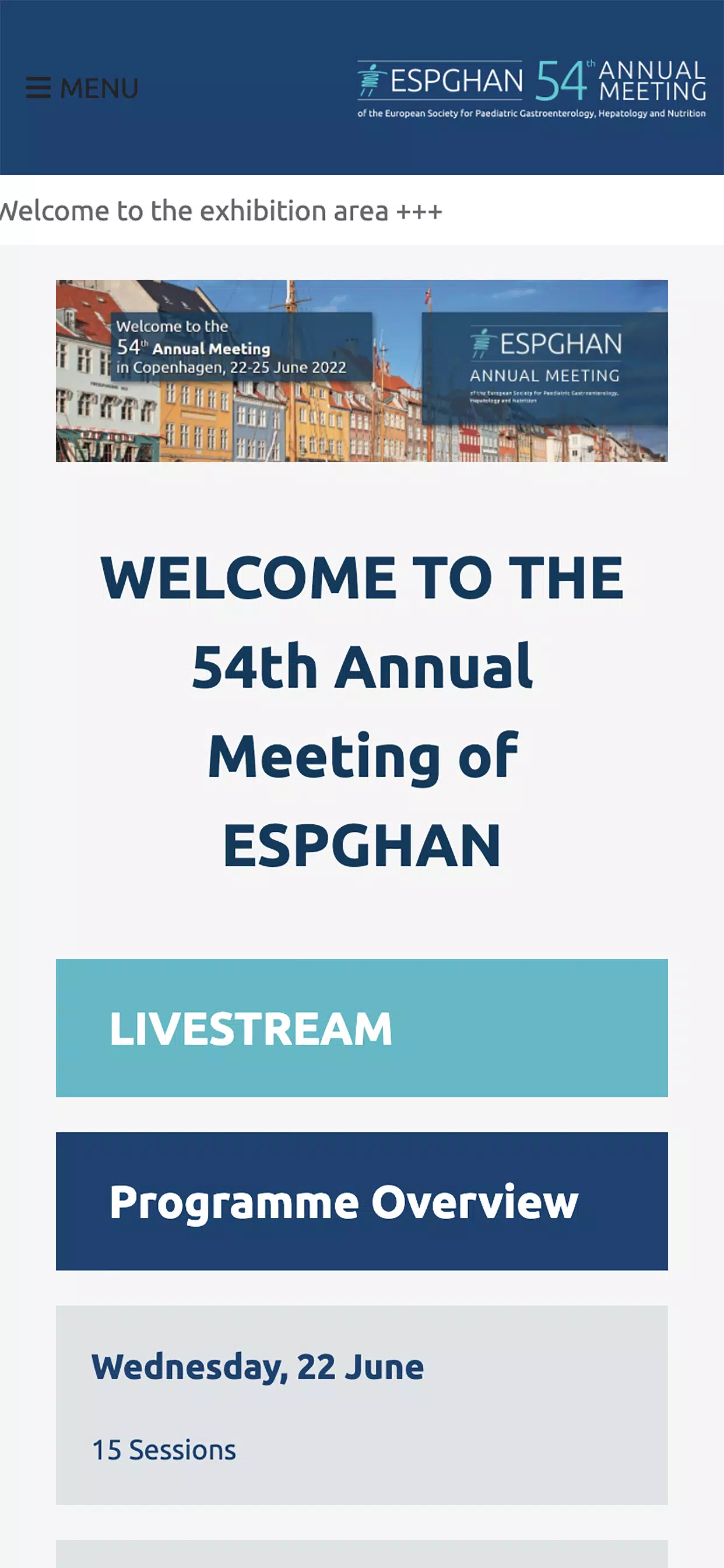
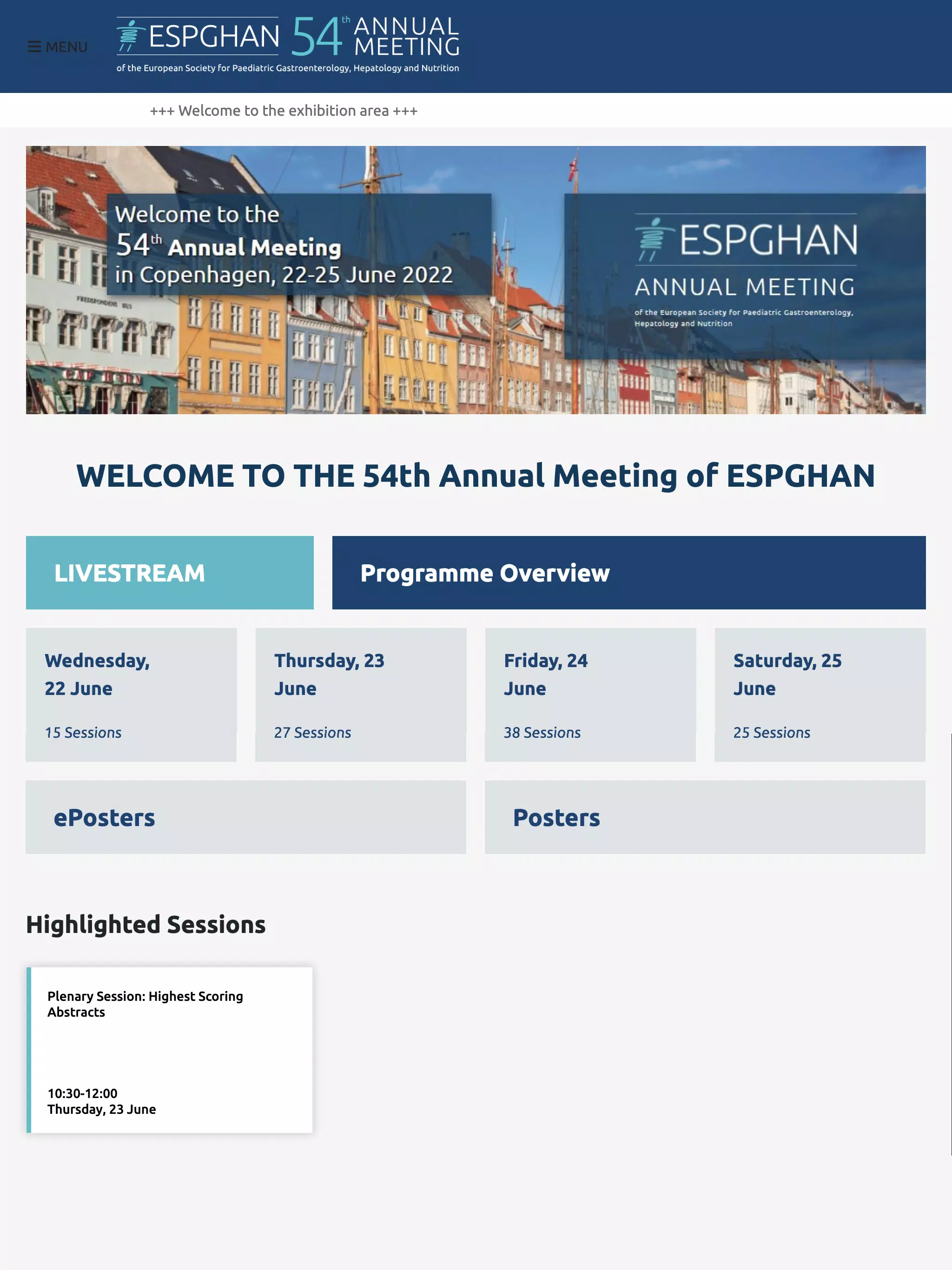
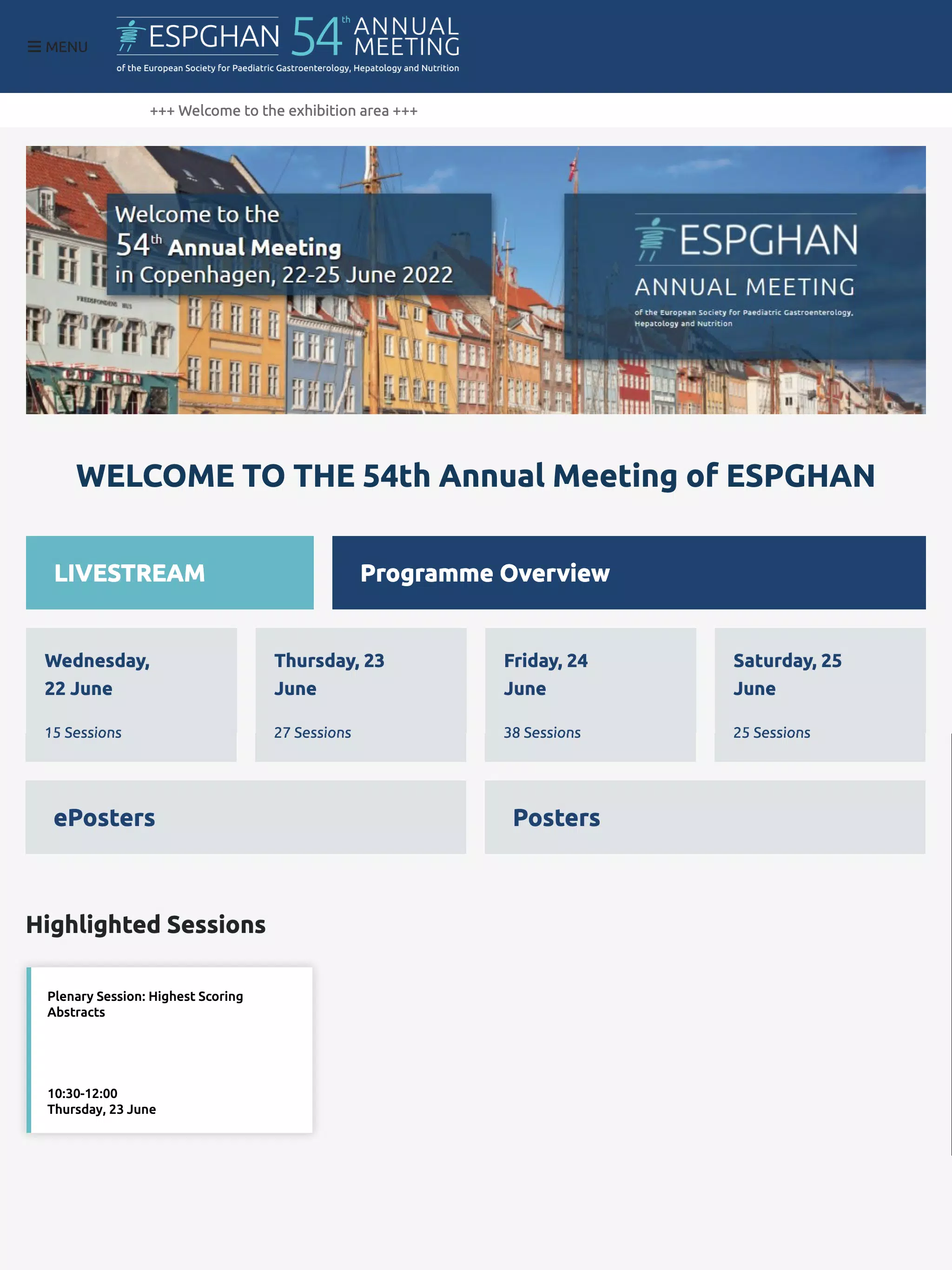
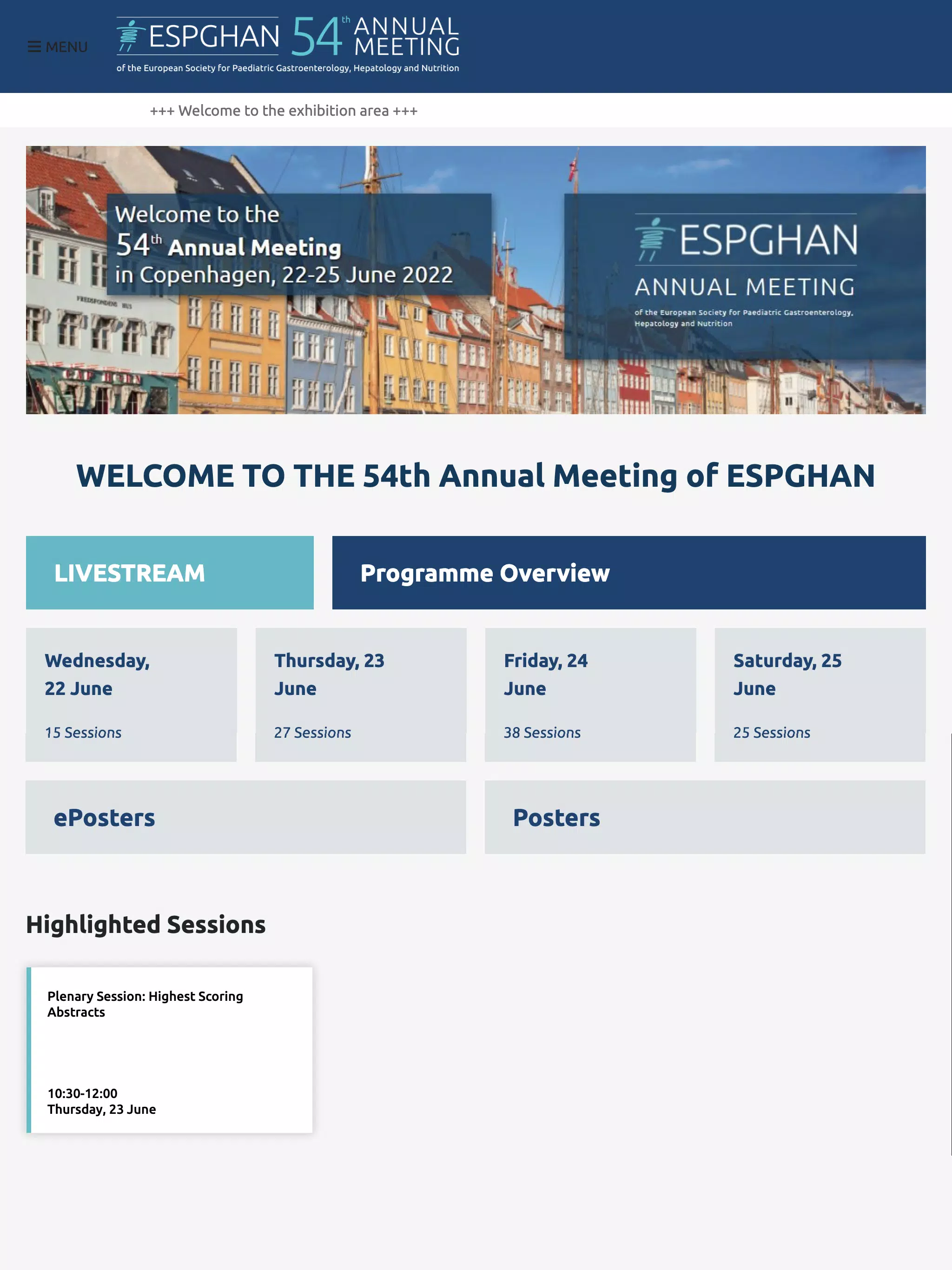
ESPGHAN 2022 is the official mobile companion for attendees of the ESPGHAN 2022 conference, built to consolidate schedules, speaker profiles, abstracts and practical on-site tools into a single, easy-to-navigate interface. The app helps delegates plan sessions across multiple days, access poster content and downloadable materials, receive live updates and manage a personalised agenda so they can focus on learning and networking rather than logistics.
The app places practical conference resources in your pocket with a clear, touch-first interaction model: tap to open session pages, swipe between days, and use search and filters to narrow results. Core functions include a searchable programme, speaker bios, downloadable PDFs of abstracts, interactive venue maps and timed session reminders. Built for both in-person and remote participation, the interface surfaces live-stream links, session polling and moderated Q&A so attendees can engage with presentations in real time or follow up afterward.
Session navigation is designed like a progressive schedule: days and tracks form the structural levels, each session page contains an abstract, learning objectives and related resources, and users can add notes or bookmarks to create a personal learning path. The app’s planning tools act like a simple progression system — as you bookmark and attend sessions your agenda fills out, conflicts are highlighted and smart suggestions help resolve overlapping commitments. Export options let you sync your personalised timetable to calendar apps to ensure reminders work across devices.
Controls are intentionally familiar and lightweight: single-tap to add or remove sessions from your agenda, long-press to preview abstracts, pinch-to-zoom on poster PDFs and swipe gestures for day-to-day navigation. Search supports natural terms, speaker names or keywords and contextual filters let you refine by track, topic or session type. These interaction mechanics keep the learning curve minimal for users of different technical comfort levels while enabling fast access to content during a busy conference day.
Speaker profiles aggregate biographical notes, presentation history and contact options so you can follow up after talks. Poster and abstract libraries are indexed and searchable with metadata such as keywords, institutions and related sessions. Full-text abstracts and downloadable slides permit offline reading, and bookmarks create a short list of items to revisit, improving long-term research value beyond the live event.
Networking features help attendees cultivate relevant contacts without exposing private details by default. Create a profile indicating professional interests and availability windows, opt into in-app messaging and receive suggested connections based on overlapping interests or session attendance. Meeting requests and scheduled meetups are presented within the app’s calendar view so coordination is straightforward and tied to the agenda you already manage.
Integrated venue maps show session rooms, poster halls and exhibition areas with search-by-room and visual floor plans to guide movement between talks. Important logistics such as Wi-Fi access, emergency contacts and service points are grouped in a single information hub. Step-by-step room navigation and nearby amenities listings reduce the time spent locating sessions and help attendees remain on schedule.
The application is optimised for current Android versions and runs efficiently across a wide range of devices. Downloadable materials provide robust offline access: save abstracts, slides and session details before travel and read them later without network connectivity. Privacy settings are transparent and user-controlled, letting attendees choose which profile details to share and whether to participate in recommendation features; data handling adheres to the event’s stated policy.
Design emphasizes clarity with a clean layout, readable typography and consistent iconography to reduce cognitive load during busy conference days. Accessibility options include scalable text, high-contrast themes and straightforward navigation paths that support users with differing needs. Onboarding walks new users through key controls and preferences so the app can be tailored quickly to individual schedules and notification preferences.
To start, install ESPGHAN 2022 and sign in with the credentials provided at registration, complete your profile and sync your notification preferences. Use bookmarks to pre-plan sessions, download materials for offline review and participate in live polls and Q&A to increase visibility. If you encounter issues, the support section includes troubleshooting tips and a contact form for conference staff assistance.
Even after sessions end, saved abstracts, recordings and bookmarked posters preserve the value of your attendance and encourage follow-up study. The app’s structure—days, tracks and personalised agendas—supports repeated use across multiple conferences, offering a consistent experience for returning attendees who want to quickly rebuild an agenda, revisit materials or follow up with contacts discovered during the event. ESPGHAN 2022 aims to be a durable reference for research and connections well beyond the conference days.
Pizzaria do Erick
Size:19.12M LifestyleMy Hurricane Tracker Pro
Size:4.73M LifestylePushscroll
Size:61.25M LifestyleSmartWOD Timer
Size:26.75M LifestyleMeteum Weather
Size:63.84M LifestyleBestifyMe
Size:13.80M LifestyleWeatherPro
Size:48.30M LifestyleEmpower You: Unlimited Audio
Size:80.20M LifestyleAdobe Express
Size:107.80M LifestyleGeoZilla
Size:63.92M LifestyleONEWallet - Cards Wallet
Size:15.00M LifestyleFloor Plan Creator Home Design
Size:40.91M LifestyleApril 2024 Clash of Clans Update: Unveiling a Fresh Companion, Enhanced Levels, Chat Tagging, and Be
2024-04-16Arrival of Genshin Impact 4.6 Update: 'Embers of Two Realms, Twilight of Crimson'
2024-04-16V2.2 of the Farlight 84 update introduces an overhauled Season structure, fresh in-game currency, an
2024-04-16Monster Never Cry is now accessible on both Android and iOS mobile devices.
2024-04-18PUBG Mobile Teams Up with Bentley Motors: Luxury Cars, Exclusive Collectibles, and Beyond
2024-04-18March 2024 Free Redemption Codes for Honkai: Star Rail
2024-04-18