English
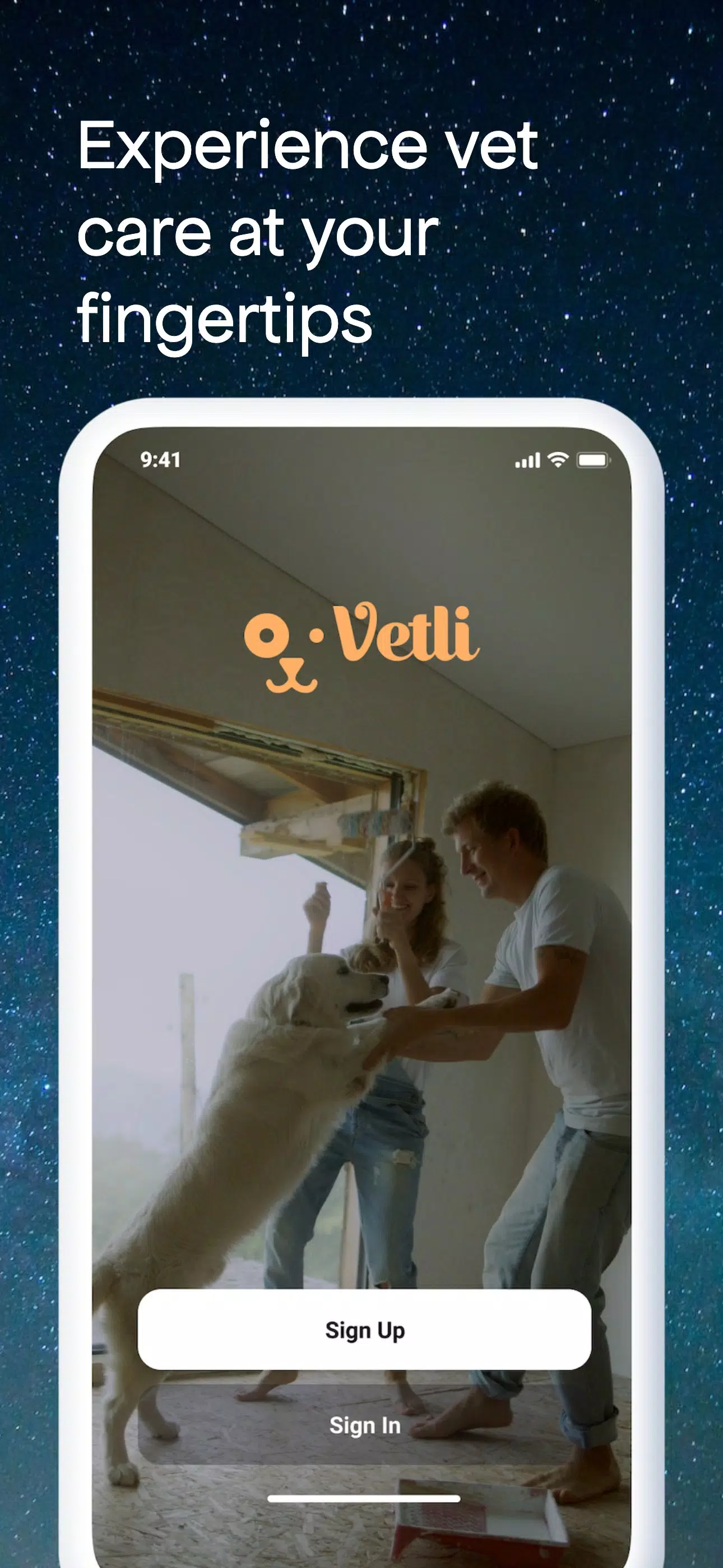
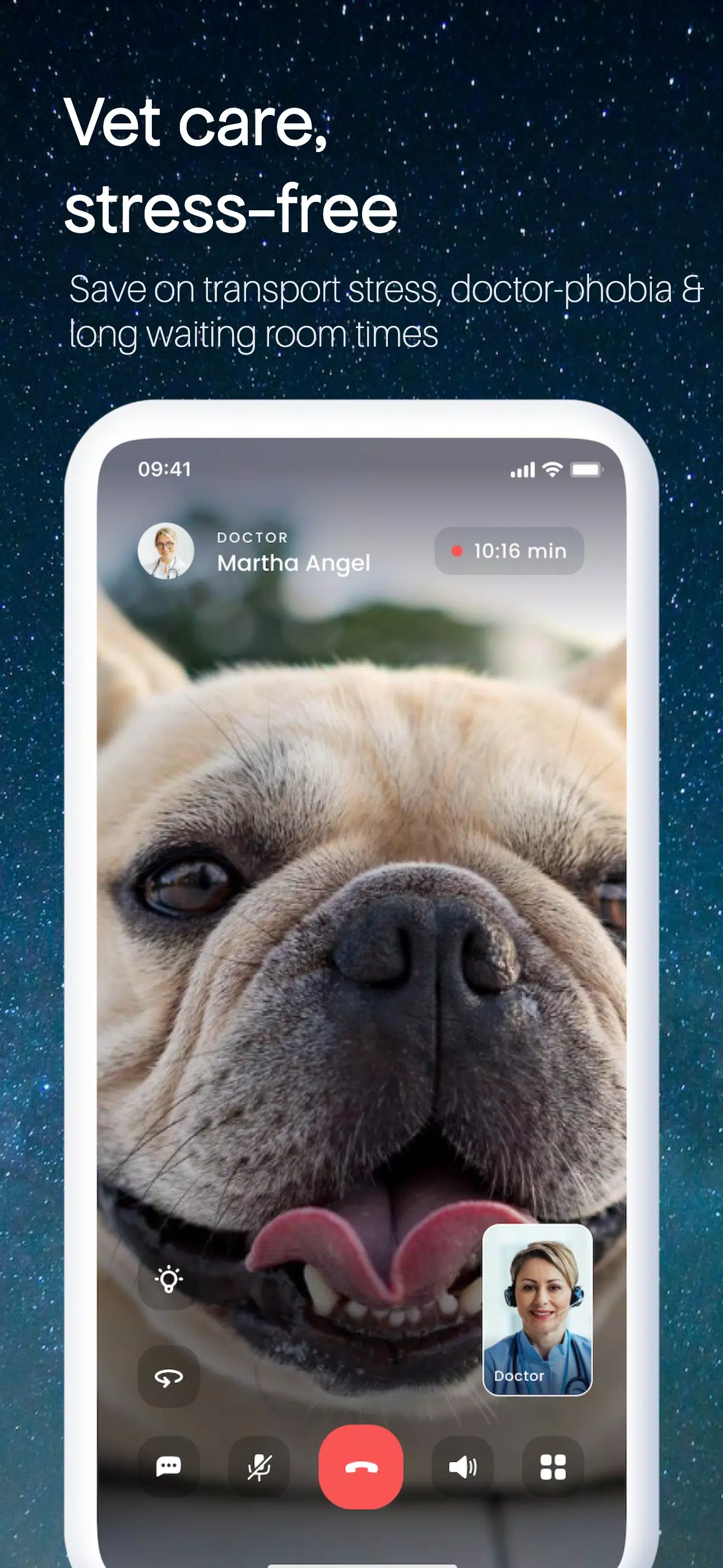
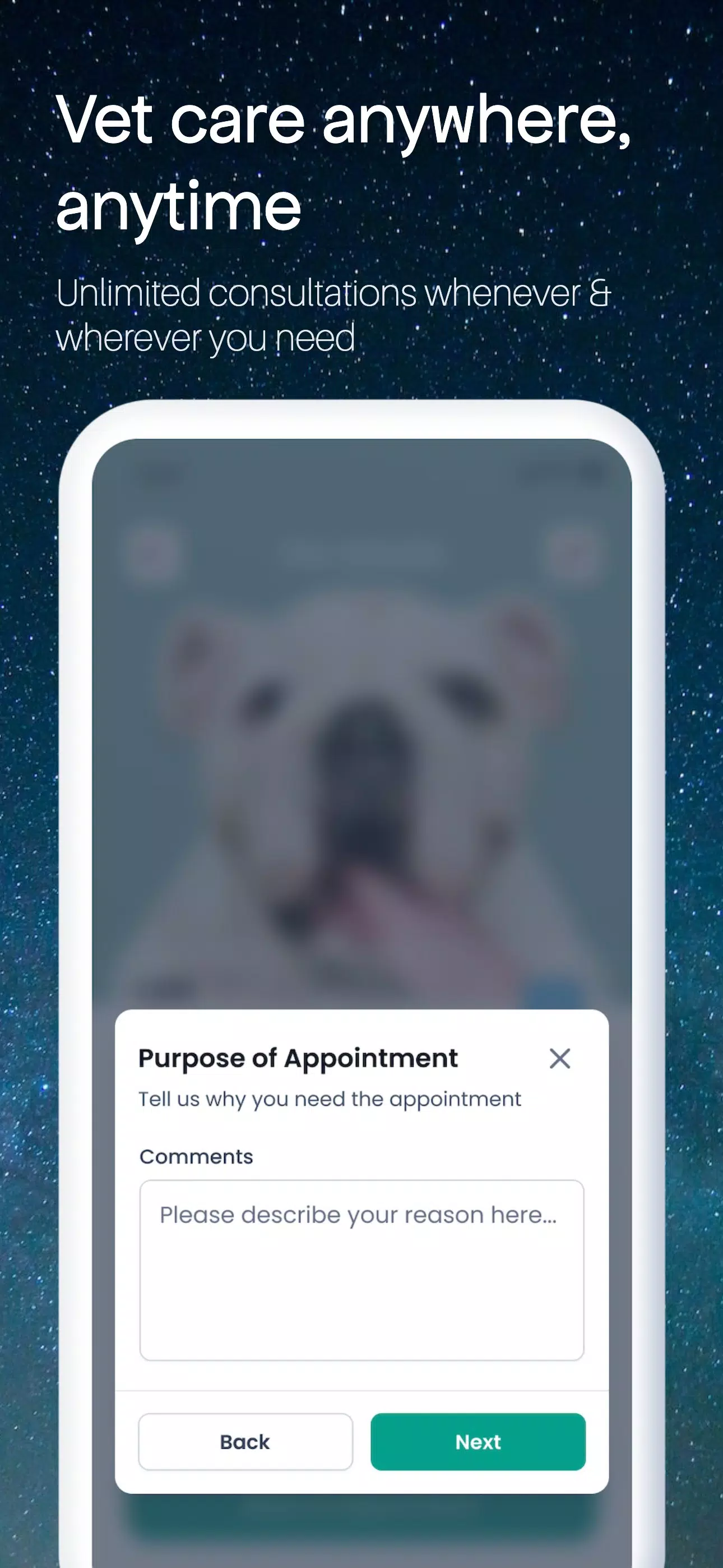
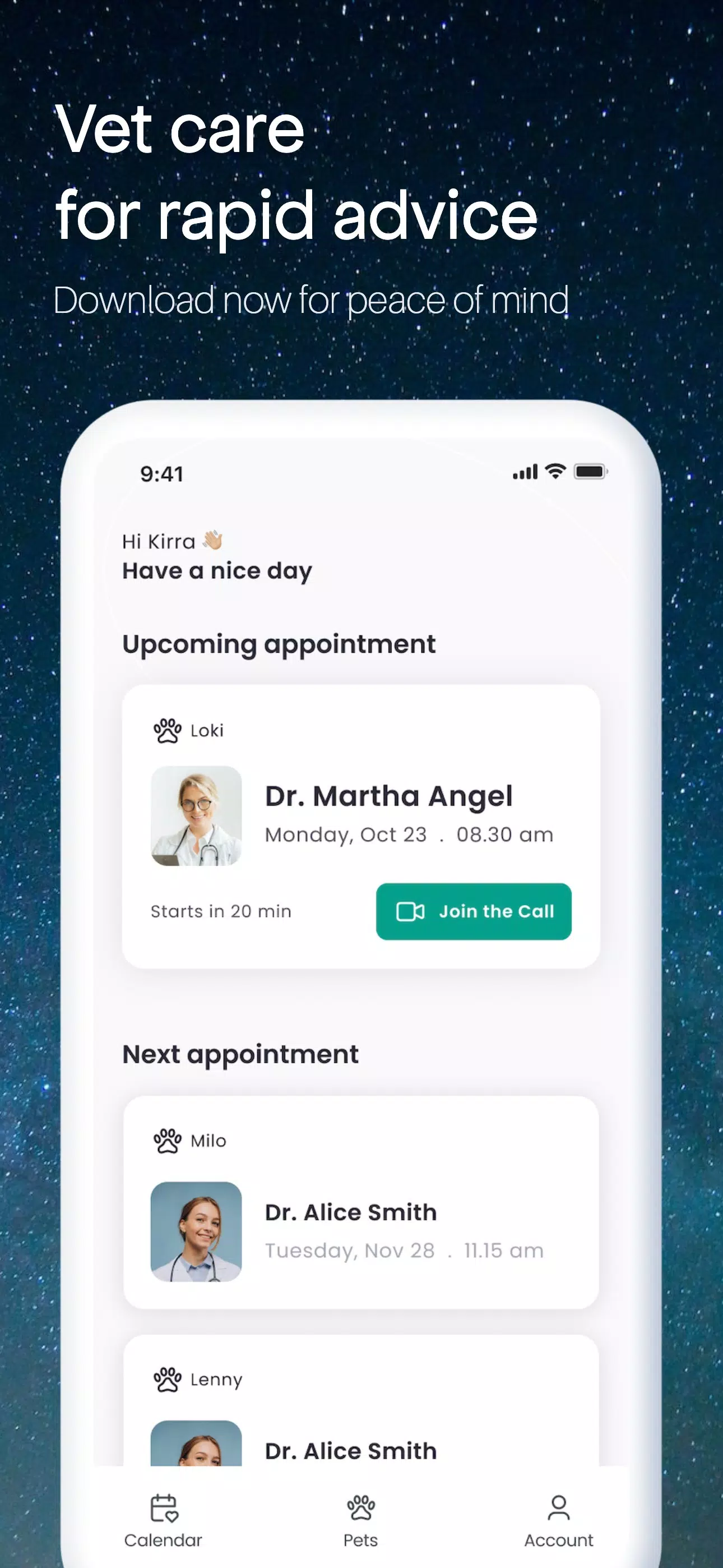
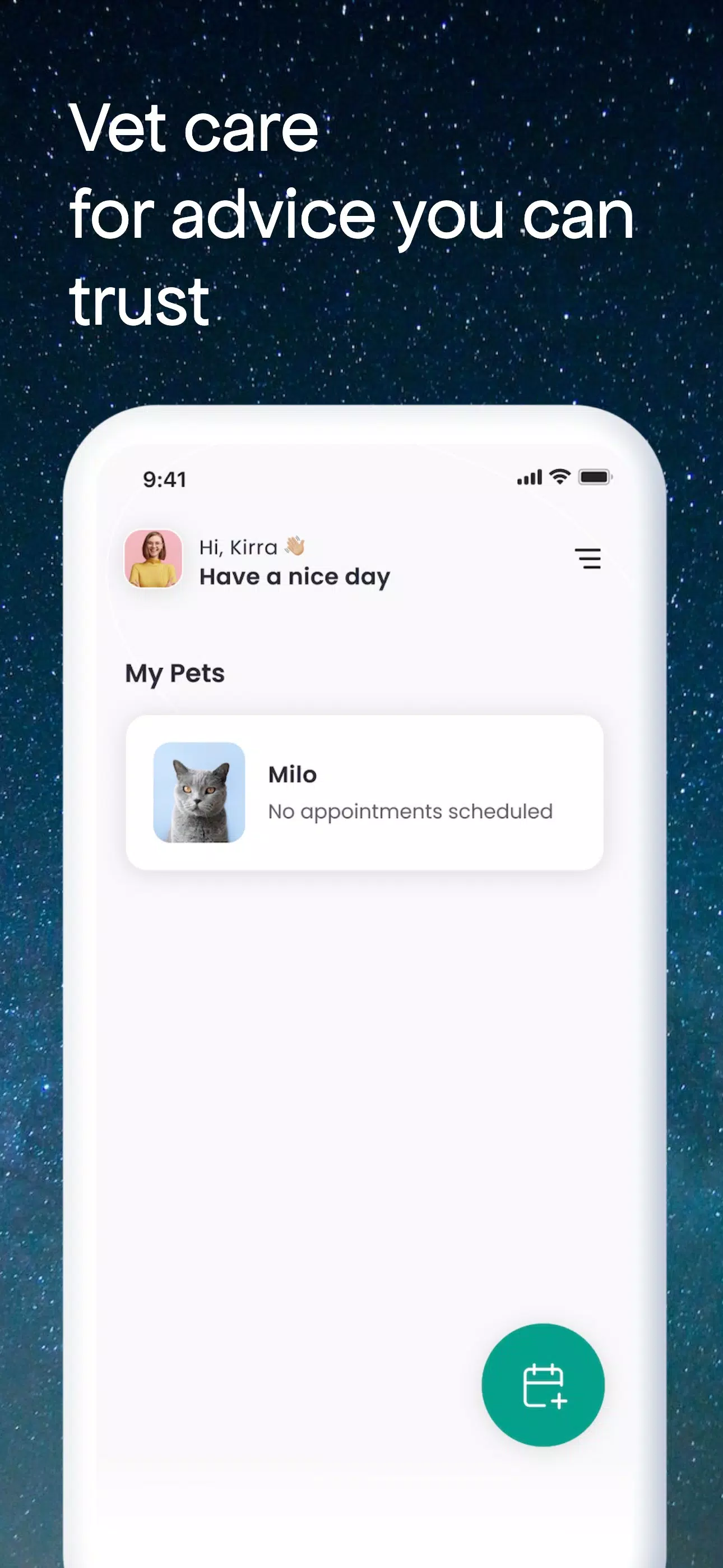
Vetli is a streamlined mobile application that centralizes task management, document scanning, and team communication into a single interface for professionals on the go. It helps users organize schedules, capture receipts, and coordinate workspaces with quick tools designed for speed and minimal setup.
Vetli packs a concise set of tools aimed at reducing friction in everyday workflows. Core features include a task board with drag-and-drop prioritization, an integrated document scanner that creates searchable PDFs, shared checklists for team coordination, and quick templates for repetitive tasks. Offline mode keeps essential data available when connectivity is spotty, while cloud sync updates changes across devices as soon as a connection is restored.
Start with a project, add task cards, and assign responsibilities in seconds. Vetli’s workflow focuses on minimizing taps: create items from voice notes, convert receipts into expense entries with automatic categorization, and link related files to specific tasks. Notifications are granular, so only the most relevant updates interrupt your day. Automation rules can move items between lists or notify teammates based on simple triggers, letting routine steps run without manual oversight.
The app’s layout emphasizes clarity. A bottom navigation bar gives quick access to Home, Projects, Scanner, and Inbox. Project views switch between list, board, and calendar layouts with one tap. Contextual actions appear inline, reducing the need to open separate screens. Visual indicators — like colored labels and progress bars — make it easy to scan status at a glance. Accessibility options include adjustable text sizes and high-contrast themes for improved readability.
Vetli offers flexible configuration to match different workflows. Create custom fields, set recurring schedules, and build templates to start new projects in seconds. Integrations connect Vetli with popular calendar services, cloud storage providers, and messaging platforms so information flows where teams already work. Webhooks and a lightweight API allow developers to automate cross-platform tasks or pull data into analytics dashboards.
Designed for responsiveness, Vetli keeps animations subtle and operations fast even on mid-range devices. Data encryption protects content both in transit and at rest. Role-based permissions help administrators control who can view, edit, or share sensitive items. Local backups and export options ensure you retain control over your information, and an optional two-factor authentication layer adds another safeguard for accounts with elevated access.
Collaboration tools in Vetli emphasize clarity and accountability. Comment threads attach directly to tasks, and mentions alert the right teammate without cluttering the main activity feed. Shared inboxes let groups manage incoming requests together, assigning owners and tracking resolution time. Read receipts and status markers show when items are being handled, helping reduce duplicate work and missed follow-ups.
Vetli runs on a wide range of Android devices and is optimized for both phones and tablets. The app supports multiple user accounts and fast account switching for professionals who manage separate personal and work environments. Sync performance scales with connection quality, and lightweight caching keeps startup times short. Regular updates improve device compatibility and add features requested by users.
Setting up Vetli takes only a few minutes: install, sign in, import contacts or projects if needed, and choose a template to begin. Built-in tutorials guide first-time users through the most common tasks, while a searchable help center offers step-by-step instructions for advanced features. For teams, an onboarding checklist helps standardize project setup so everyone starts from the same playbook.
Vetli is well suited for freelancers, small teams, and busy professionals who want a compact toolset without an overwhelming feature list. It scales to larger groups by offering administrative controls and integrations that reduce manual overhead. If you need a practical app to manage tasks, capture paperwork, and keep team communication organized in a single place, Vetli provides an efficient, reliable option.
With focused tools, clear navigation, and robust sync and security features, Vetli aims to streamline work routines and reduce time spent switching between apps. Regular updates and user-driven improvements keep the experience current and adaptable to changing workflows.

Pizzaria do Erick
Size:19.12M LifestyleMy Hurricane Tracker Pro
Size:4.73M LifestylePushscroll
Size:61.25M LifestyleSmartWOD Timer
Size:26.75M LifestyleMeteum Weather
Size:63.84M LifestyleBestifyMe
Size:13.80M LifestyleWeatherPro
Size:48.30M LifestyleEmpower You: Unlimited Audio
Size:80.20M LifestyleAdobe Express
Size:107.80M LifestyleGeoZilla
Size:63.92M LifestyleONEWallet - Cards Wallet
Size:15.00M LifestyleFloor Plan Creator Home Design
Size:40.91M LifestyleApril 2024 Clash of Clans Update: Unveiling a Fresh Companion, Enhanced Levels, Chat Tagging, and Be
2024-04-16Arrival of Genshin Impact 4.6 Update: 'Embers of Two Realms, Twilight of Crimson'
2024-04-16V2.2 of the Farlight 84 update introduces an overhauled Season structure, fresh in-game currency, an
2024-04-16Monster Never Cry is now accessible on both Android and iOS mobile devices.
2024-04-18PUBG Mobile Teams Up with Bentley Motors: Luxury Cars, Exclusive Collectibles, and Beyond
2024-04-18March 2024 Free Redemption Codes for Honkai: Star Rail
2024-04-18