English
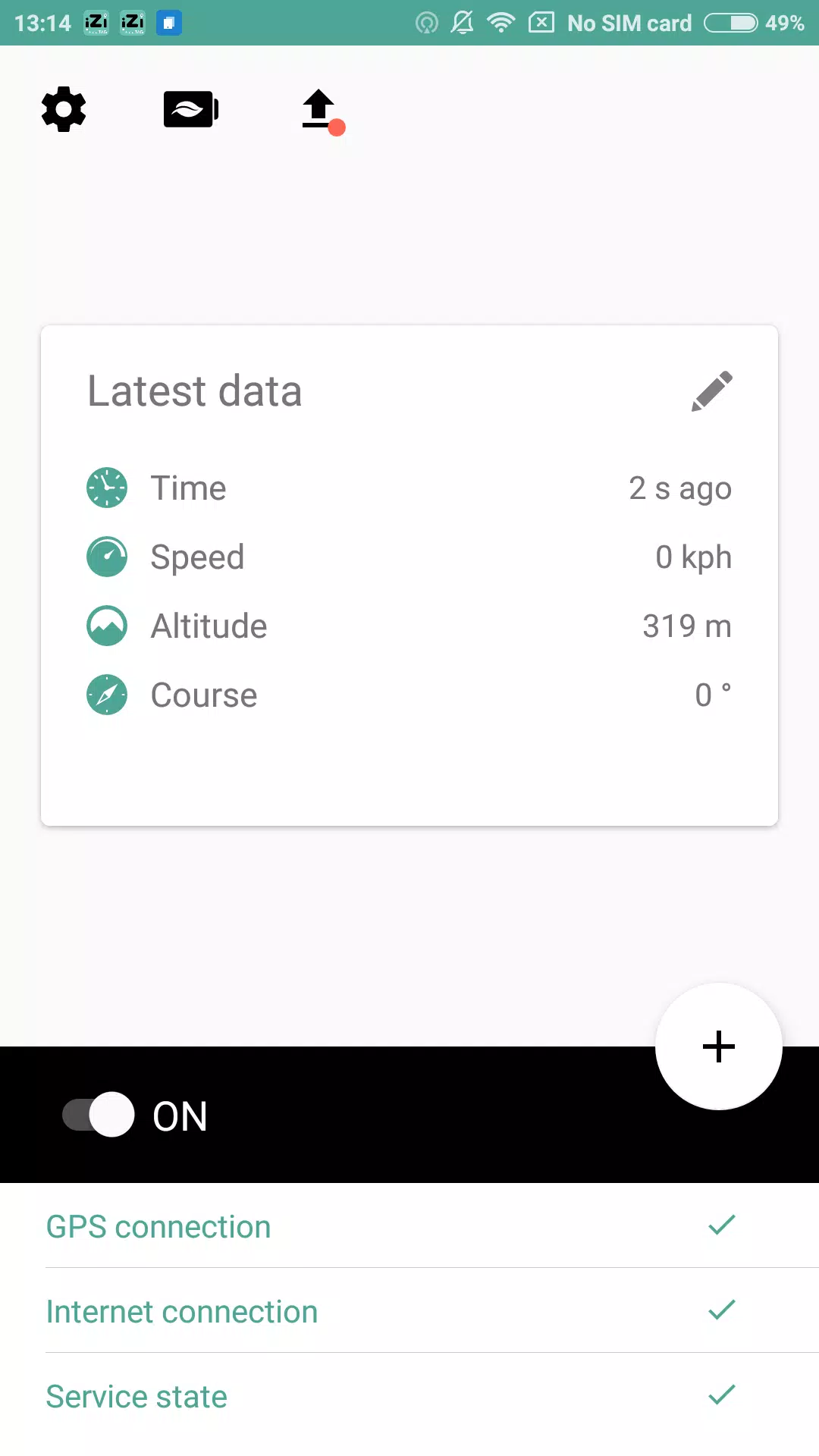
iZi TAG is a lightweight tagging and labeling tool designed to organize digital assets, notes, and links with minimal setup. It streamlines categorization through quick tag creation, smart suggestions, and cross-device syncing, making it easy to find and group information for personal use or team collaboration.
At its core, iZi TAG helps you attach descriptive labels to files, messages, bookmarks, and small projects so you can retrieve them instantly. Instead of relying on nested folders, the app uses flexible tag sets and tag collections to reflect how you actually think. Search results combine tags, date ranges, and content previews to reduce time spent hunting for items.
iZi TAG treats every item as an object that can carry multiple tags. You can apply tags directly from the share menu or from within the app. Tags are indexed locally for speed, while optional cloud sync preserves structure between devices. The search engine supports Boolean queries and fuzzy matching so imperfect memories still return relevant results.
Create a tag, apply it to items, and optionally pin favorites for quick access. Tag hierarchies aren’t rigid; instead, you can group tags into sets for projects, clients, or personal topics. That flexibility helps the tool adapt to different workflows without forcing a single organizational model.
The interface emphasizes speed and clarity. iZi TAG uses a clean, minimal layout with a prominent search bar and customizable quick-access chips. Animations are subtle and responsive, and the app is optimized to keep indexing light on battery and CPU. Even large libraries remain searchable thanks to efficient indexing algorithms.
The designers focused on small details: readable typography, consistent spacing, and contrast options for different lighting conditions. Touch targets are sized for one-handed use, while keyboard and mouse controls are supported for power users on larger devices.
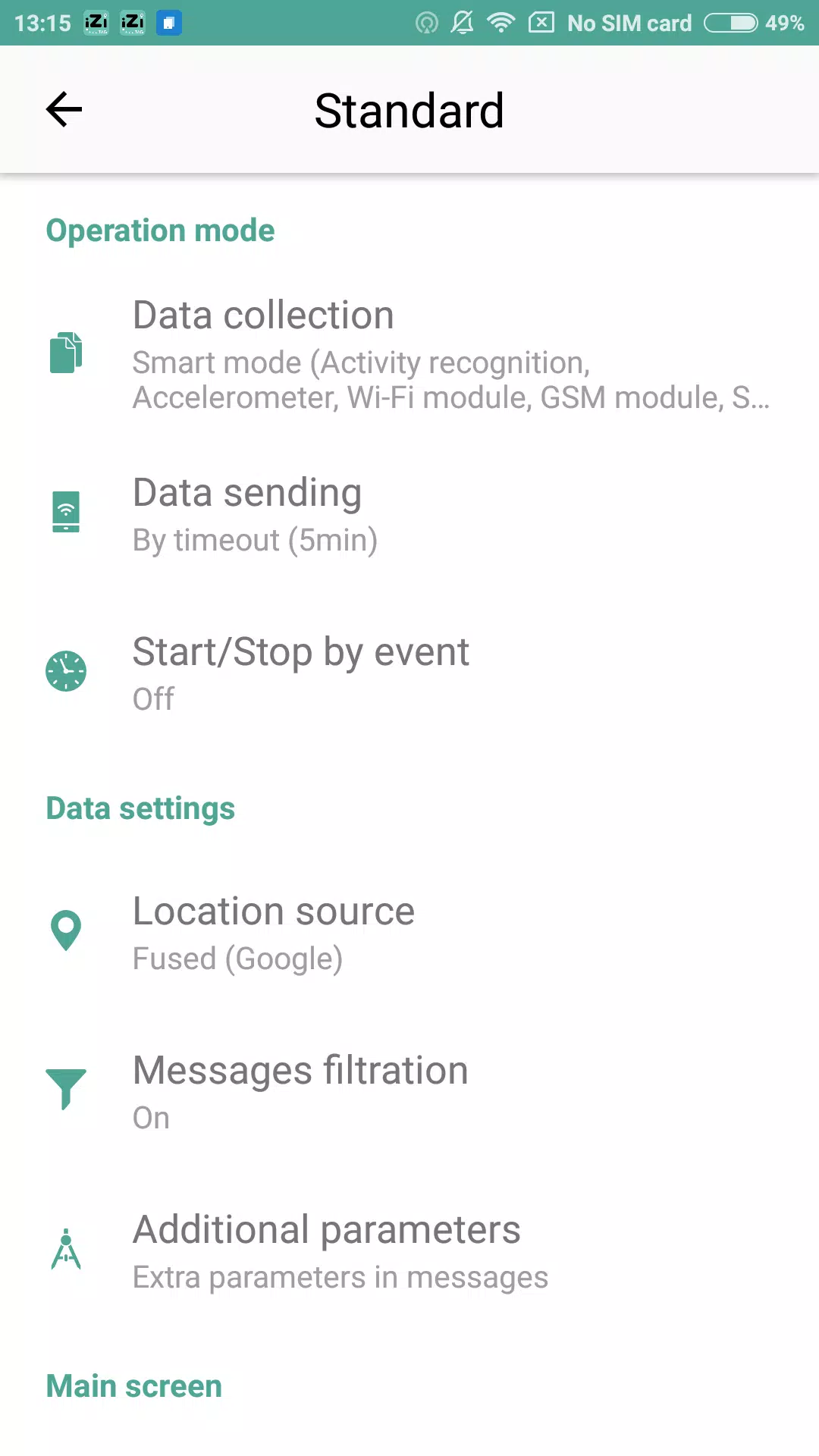
You can tailor iZi TAG to match your routine. Create color-coded tag groups, set default tags for certain file types, and build automated rules that tag items based on name patterns or content. Integration points include system share extensions, file manager support, and export formats so tags can travel with your data.
Start with a few high-level tags and avoid creating too many tiny categories at first. Use smart suggestions to build a tag vocabulary gradually. Regularly merge or remove seldom-used tags to keep the system tidy. Take advantage of bulk operations when reorganizing old items.
Set a weekend session to tag backlog items and then rely on quick tagging for new content. Experiment with tag sets for distinct areas like work, research, and personal projects. Once your tags reflect real priorities, search and retrieval become noticeably faster.
Installation is straightforward from your device’s app store, and onboarding guides show common workflows. Professionals use iZi TAG to manage research notes and client files, while students and hobbyists find it handy for organizing reading lists and media. With minimal friction, it becomes a central part of daily information management.
Whether you need a simple way to find things quickly or a scalable tagging system that grows with your needs, iZi TAG delivers a practical, efficient approach to organizing digital life.
Pizzaria do Erick
Size:19.12M LifestyleMy Hurricane Tracker Pro
Size:4.73M LifestylePushscroll
Size:61.25M LifestyleSmartWOD Timer
Size:26.75M LifestyleMeteum Weather
Size:63.84M LifestyleBestifyMe
Size:13.80M LifestyleWeatherPro
Size:48.30M LifestyleEmpower You: Unlimited Audio
Size:80.20M LifestyleAdobe Express
Size:107.80M LifestyleGeoZilla
Size:63.92M LifestyleONEWallet - Cards Wallet
Size:15.00M LifestyleFloor Plan Creator Home Design
Size:40.91M LifestyleApril 2024 Clash of Clans Update: Unveiling a Fresh Companion, Enhanced Levels, Chat Tagging, and Be
2024-04-16Arrival of Genshin Impact 4.6 Update: 'Embers of Two Realms, Twilight of Crimson'
2024-04-16V2.2 of the Farlight 84 update introduces an overhauled Season structure, fresh in-game currency, an
2024-04-16Monster Never Cry is now accessible on both Android and iOS mobile devices.
2024-04-18PUBG Mobile Teams Up with Bentley Motors: Luxury Cars, Exclusive Collectibles, and Beyond
2024-04-18March 2024 Free Redemption Codes for Honkai: Star Rail
2024-04-18