English
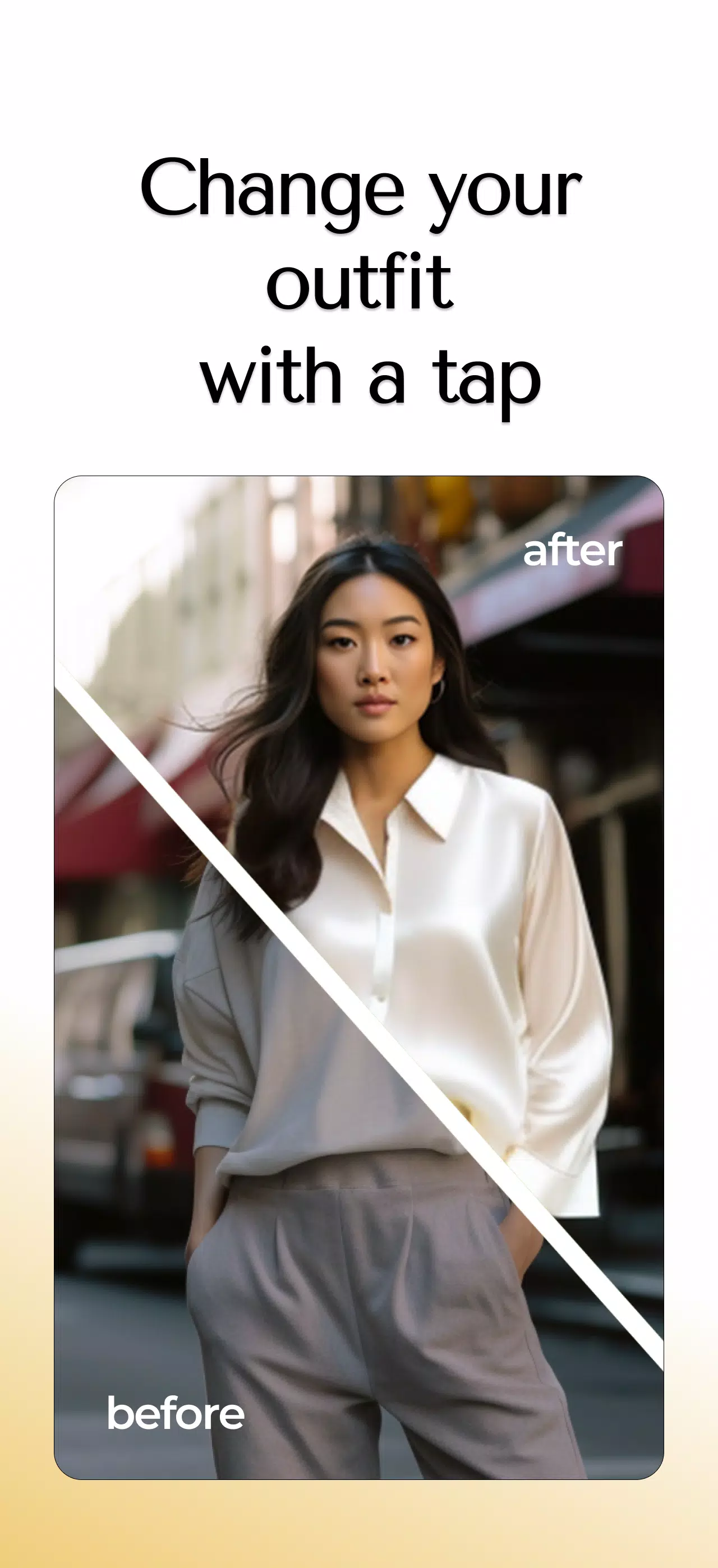
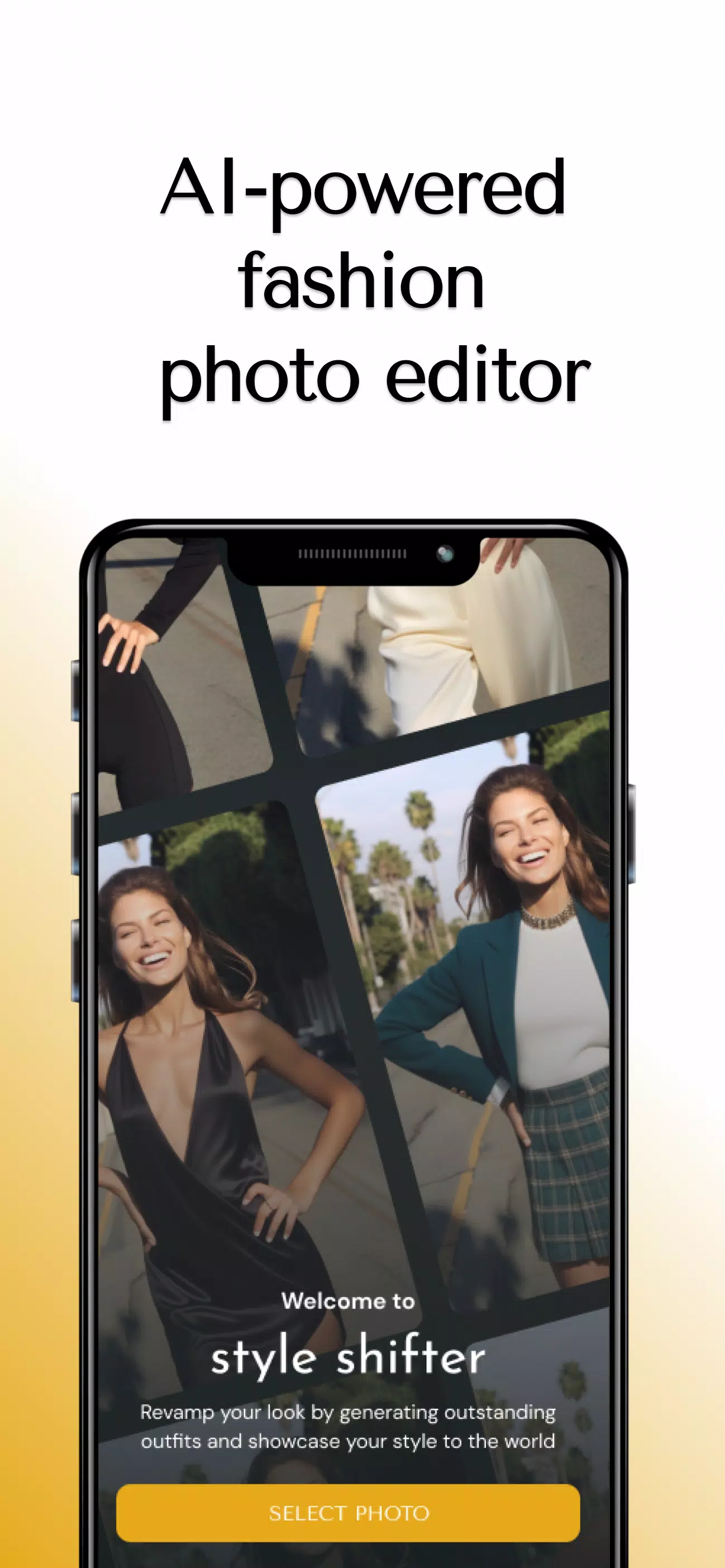
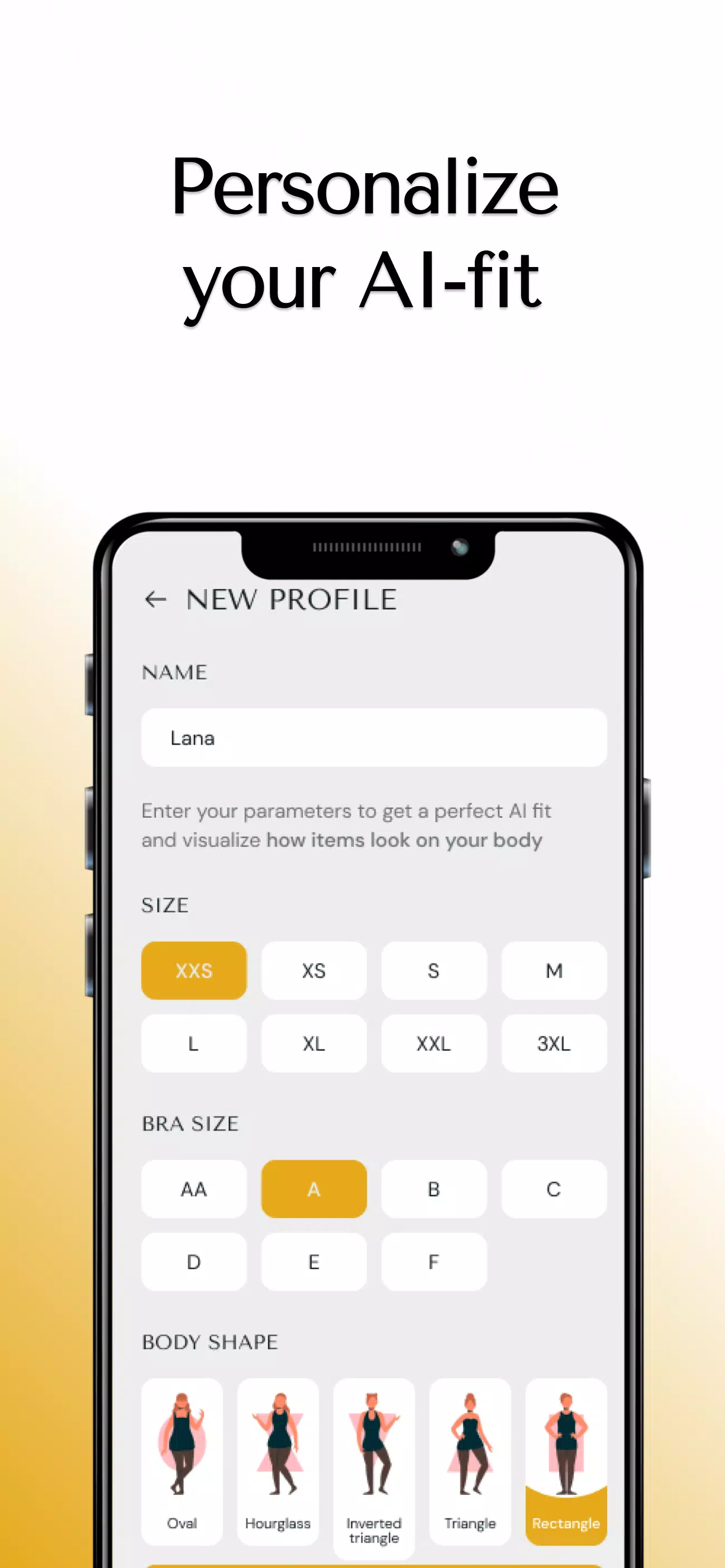
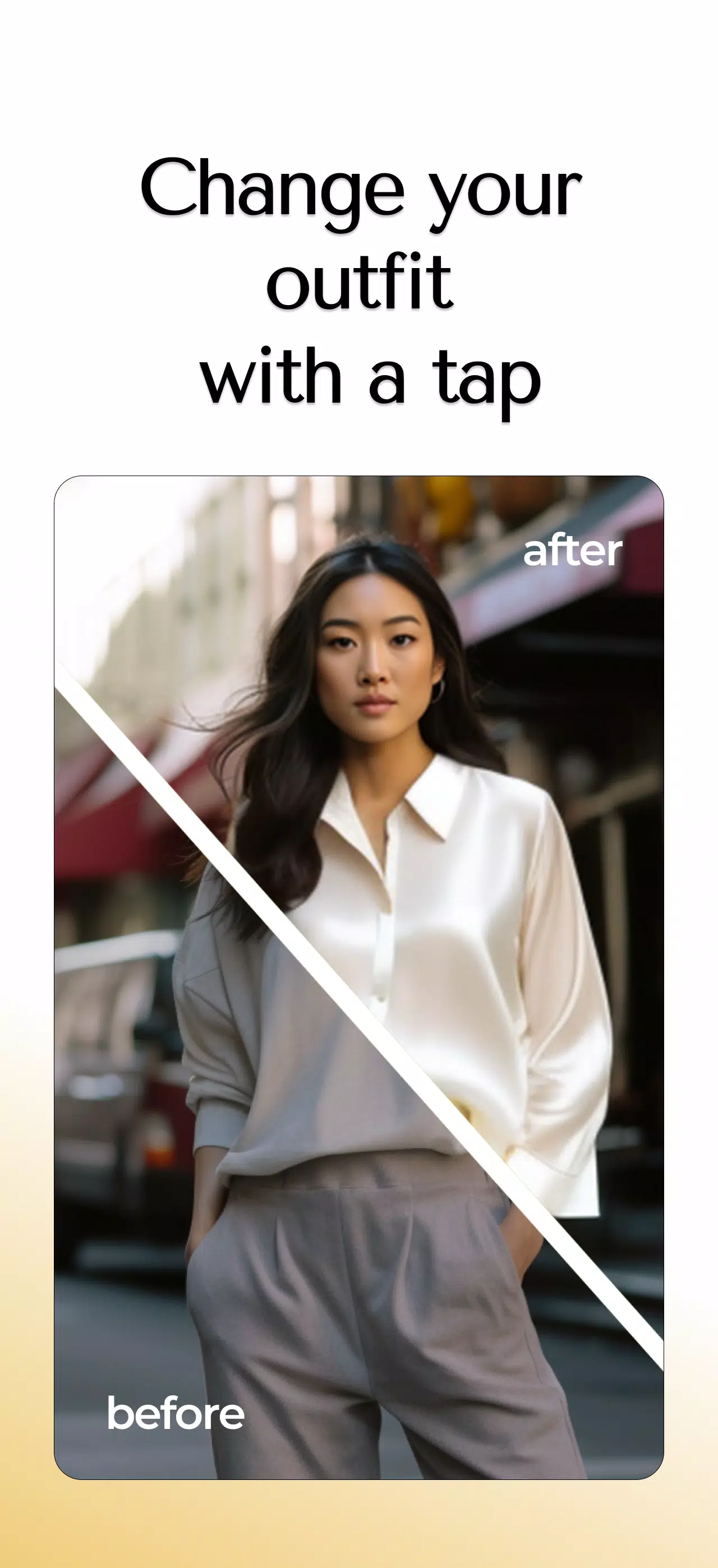
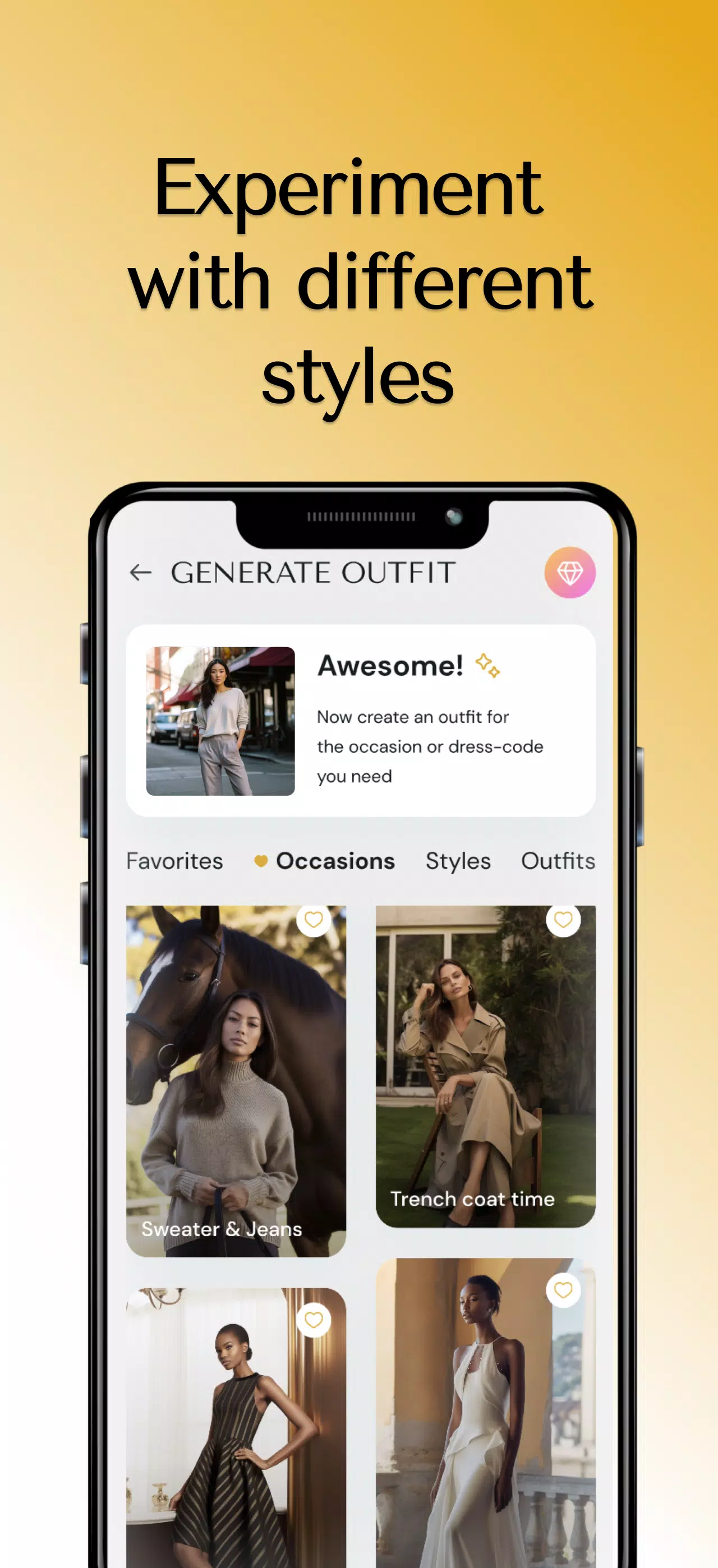
Style Shifter is a smart wardrobe and outfit planning app that helps users mix, match, and refine their personal look with AI-powered suggestions and a clean visual calendar. It streamlines outfit creation, manages clothing inventory, and offers virtual try-on tools so you can plan looks confidently for any occasion.
Style Shifter centralizes your wardrobe by letting you catalog garments with photos, tags, and notes. The main tools include AI outfit generation, a drag-and-drop closet organizer, outfit scheduling, and compatibility scoring that rates combinations based on color, silhouette, and occasion. Built-in filters let you sort by season, formality, and frequency of wear.
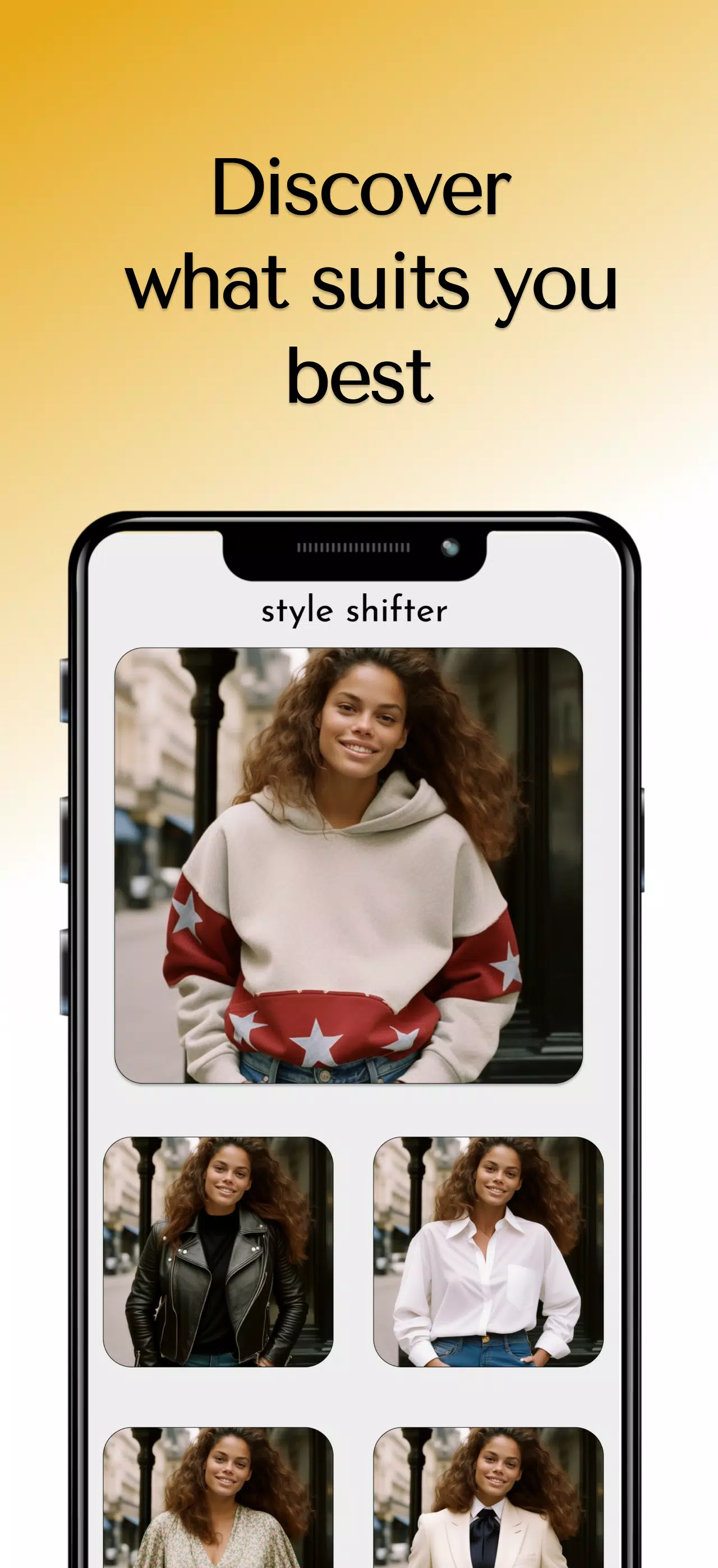
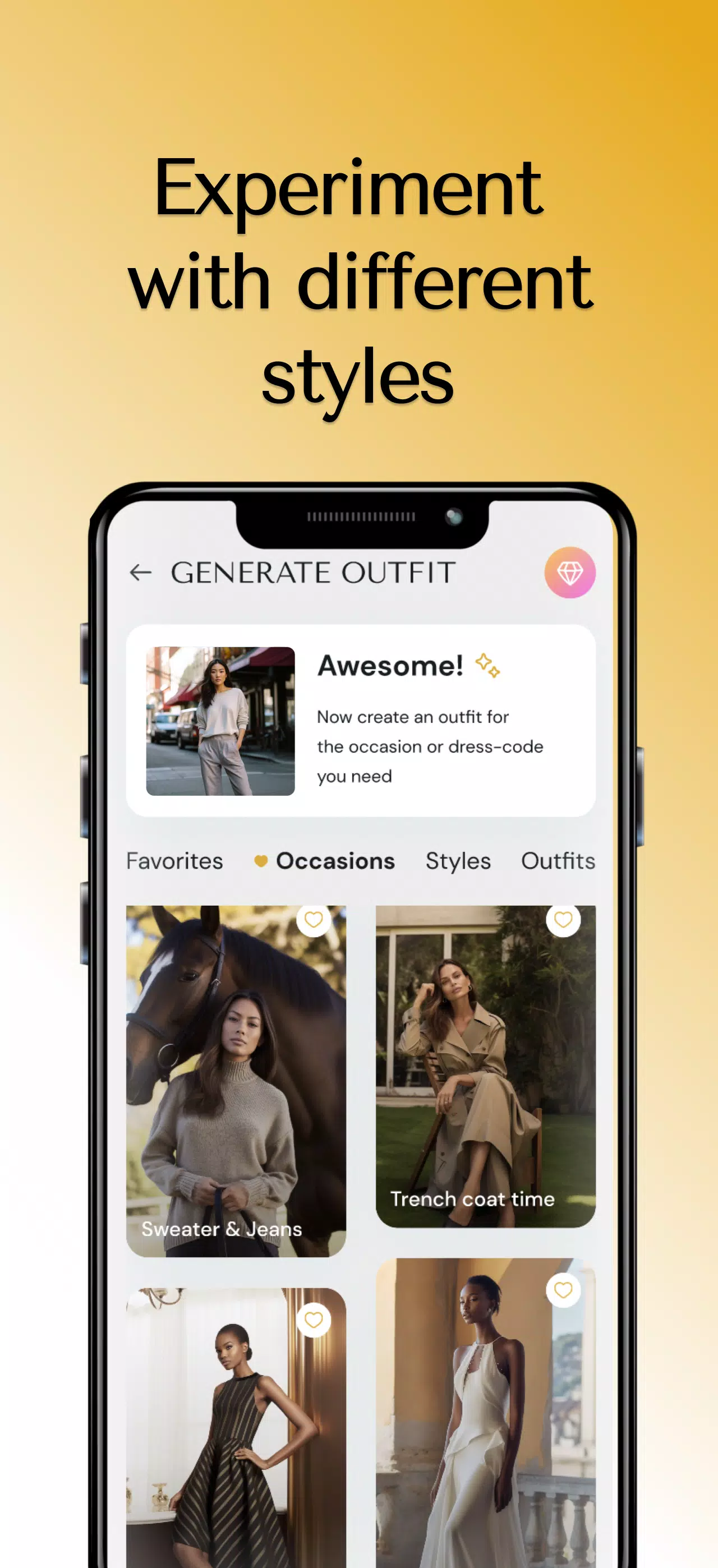
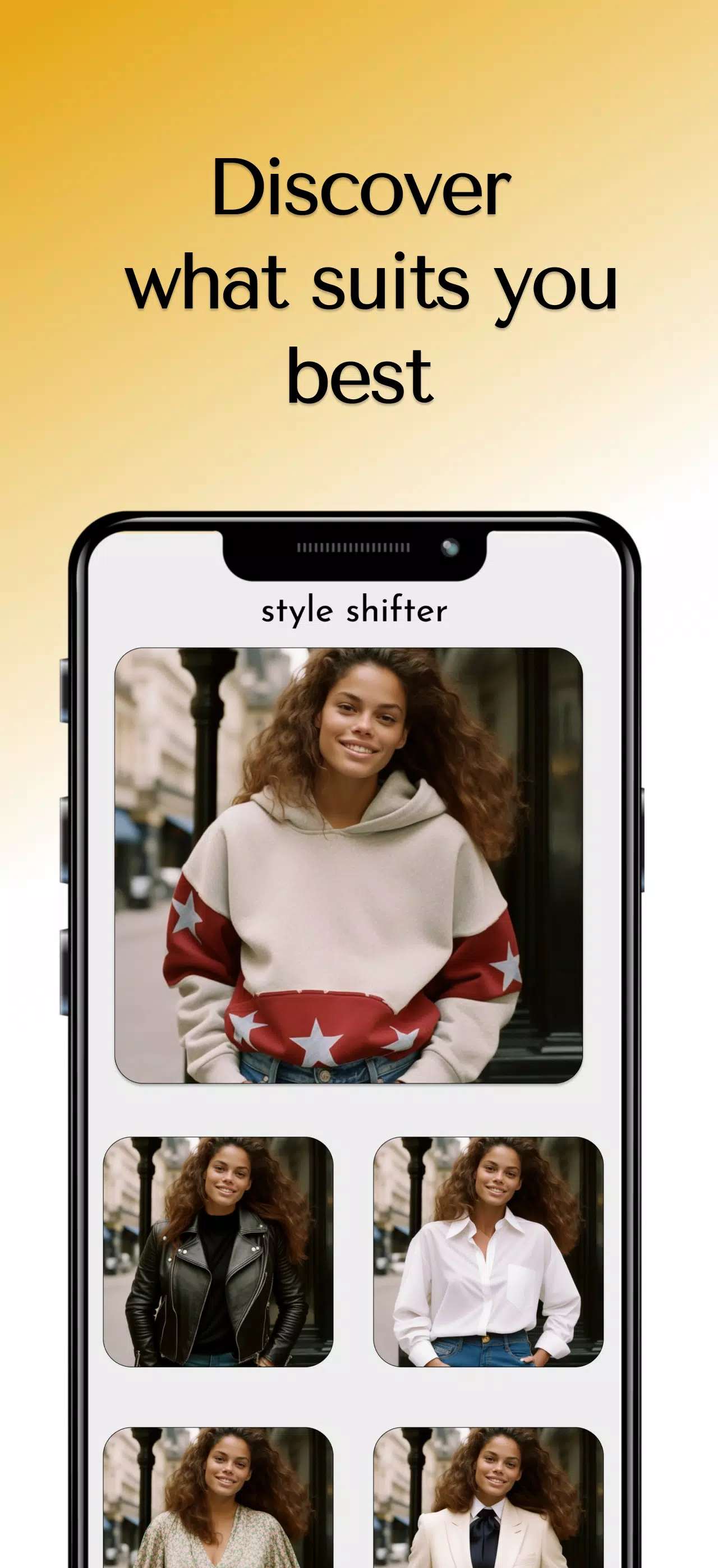
Outfit recommendations in Style Shifter use visual analysis and contextual rules to propose ensembles. After you add items, the engine evaluates color harmony, pattern balance, and garment type to assemble cohesive looks. Suggestions can be tailored for weather, dress codes, or personal style profiles, and the app learns from your likes to improve future recommendations.
Your closet in Style Shifter is fully editable: crop images, assign custom tags, and set garment attributes like material and care instructions. The outfit editor enables manual tweaks—swap items, adjust accessories, or substitute shoes—so you can fine-tune every look. Saved outfits can be grouped into collections for travel, workweek planning, or special events.
The interface focuses on visual clarity and quick interactions. A grid-style closet view and swipeable outfit cards make browsing efficient, while a calendar view helps you plan looks days or weeks in advance. Batch actions let you update multiple items at once, and intuitive gestures reduce time spent on organization.
Style Shifter supports export and sharing features so you can send outfit suggestions to friends or save them to cloud storage. It integrates with calendar apps to remind you which outfit is scheduled on a given day. For travel, there’s a packing list generator that groups outfits by trip length and weather.
Designed for mobile efficiency, Style Shifter balances image quality with storage use and runs smoothly on a broad range of Android devices. Background sync keeps your closet backed up without draining battery, and offline access ensures you can view saved outfits even without a connection. The app also includes adjustable image resolution to minimize space use.
Style Shifter stores your wardrobe data locally with optional encrypted backups to cloud services. Photo handling settings let you control where images are stored and whether they’re uploaded for AI processing. Clear permission prompts explain access requests, and you can delete items or entire closets at any time.
Begin by photographing a handful of staple pieces to train the app’s suggestion engine. Tag items with basic attributes and create an initial outfit to see how the recommendation system adapts. Use the calendar to plan a week of looks, then refine preferences by marking favorite combinations to improve personalized suggestions.
Style Shifter delivers a practical, visually driven way to manage clothing, experiment with looks, and make dressing faster and more intentional. Regular updates add refinements to suggestions and interface convenience, keeping your digital closet aligned with evolving style needs.
Pizzaria do Erick
Size:19.12M LifestyleMy Hurricane Tracker Pro
Size:4.73M LifestylePushscroll
Size:61.25M LifestyleSmartWOD Timer
Size:26.75M LifestyleMeteum Weather
Size:63.84M LifestyleBestifyMe
Size:13.80M LifestyleWeatherPro
Size:48.30M LifestyleEmpower You: Unlimited Audio
Size:80.20M LifestyleAdobe Express
Size:107.80M LifestyleGeoZilla
Size:63.92M LifestyleONEWallet - Cards Wallet
Size:15.00M LifestyleFloor Plan Creator Home Design
Size:40.91M LifestyleApril 2024 Clash of Clans Update: Unveiling a Fresh Companion, Enhanced Levels, Chat Tagging, and Be
2024-04-16Arrival of Genshin Impact 4.6 Update: 'Embers of Two Realms, Twilight of Crimson'
2024-04-16V2.2 of the Farlight 84 update introduces an overhauled Season structure, fresh in-game currency, an
2024-04-16Monster Never Cry is now accessible on both Android and iOS mobile devices.
2024-04-18PUBG Mobile Teams Up with Bentley Motors: Luxury Cars, Exclusive Collectibles, and Beyond
2024-04-18March 2024 Free Redemption Codes for Honkai: Star Rail
2024-04-18