English
AnkoConnect is a lightweight Android utility that centralizes device connectivity, file sharing, and remote control in a single app. Designed for professionals and casual users, it simplifies syncing between phones, tablets, and PCs while offering secure transfers and quick setup tools for everyday workflows.
AnkoConnect focuses on removing friction from moving data and controlling remote devices. It combines a fast file transfer engine with remote screen access, simple network discovery, and session history so users can reconnect without reconfiguring settings. The app aims to replace several niche tools by providing a compact, reliable hub for common connectivity tasks.
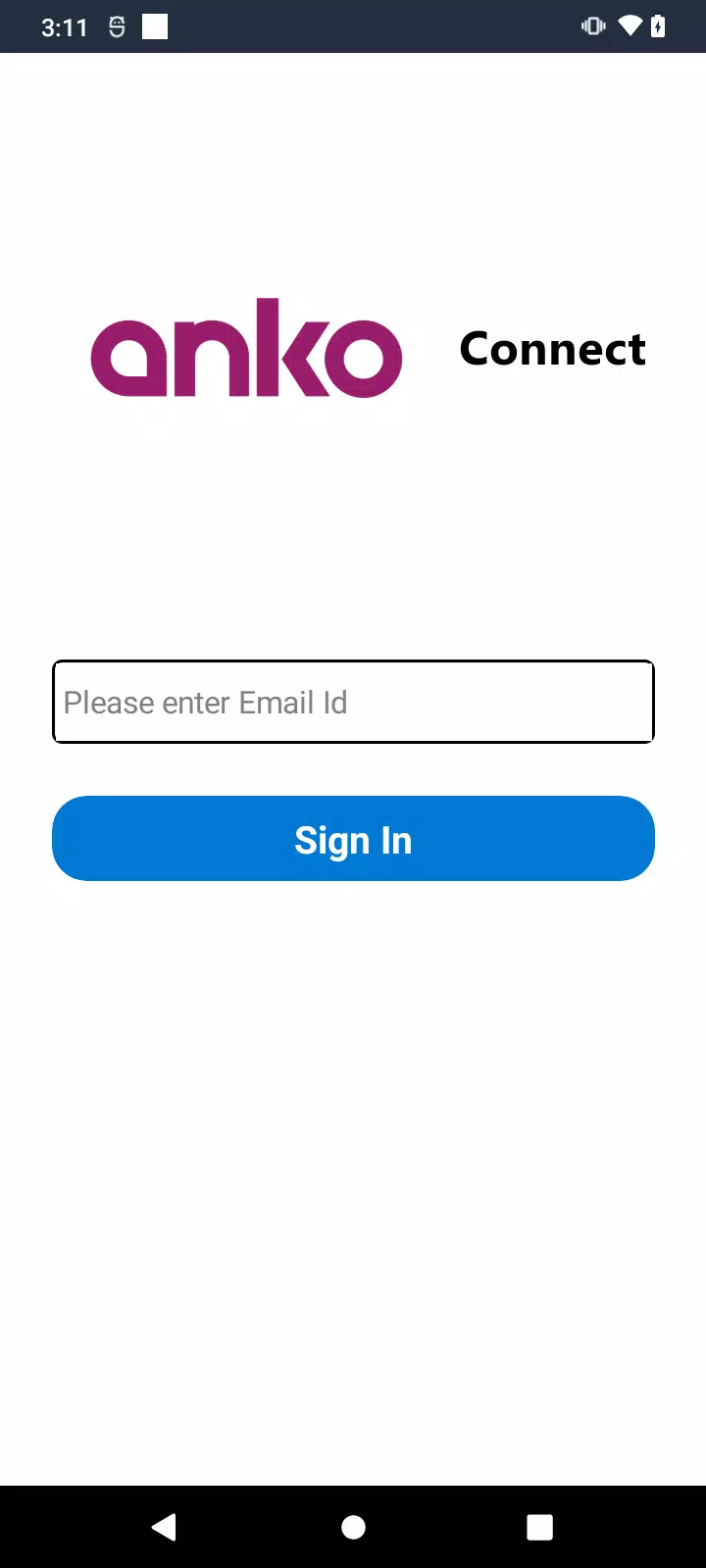
Getting things done with AnkoConnect is straightforward. Launch the app, pick a destination device from the list that appears, and choose a transfer or control action. Transfers run in the background and resume when the connection returns. Remote sessions can be permissioned per action, so you stay in control of what gets shared.
Privacy is built into the workflow: connections use end‑to‑end encryption and short‑lived session tokens to prevent unwanted access. AnkoConnect keeps a local activity log rather than uploading metadata to external servers, giving users visibility into what was shared and when. For corporate environments, device whitelisting and PIN protection are available to tighten access.
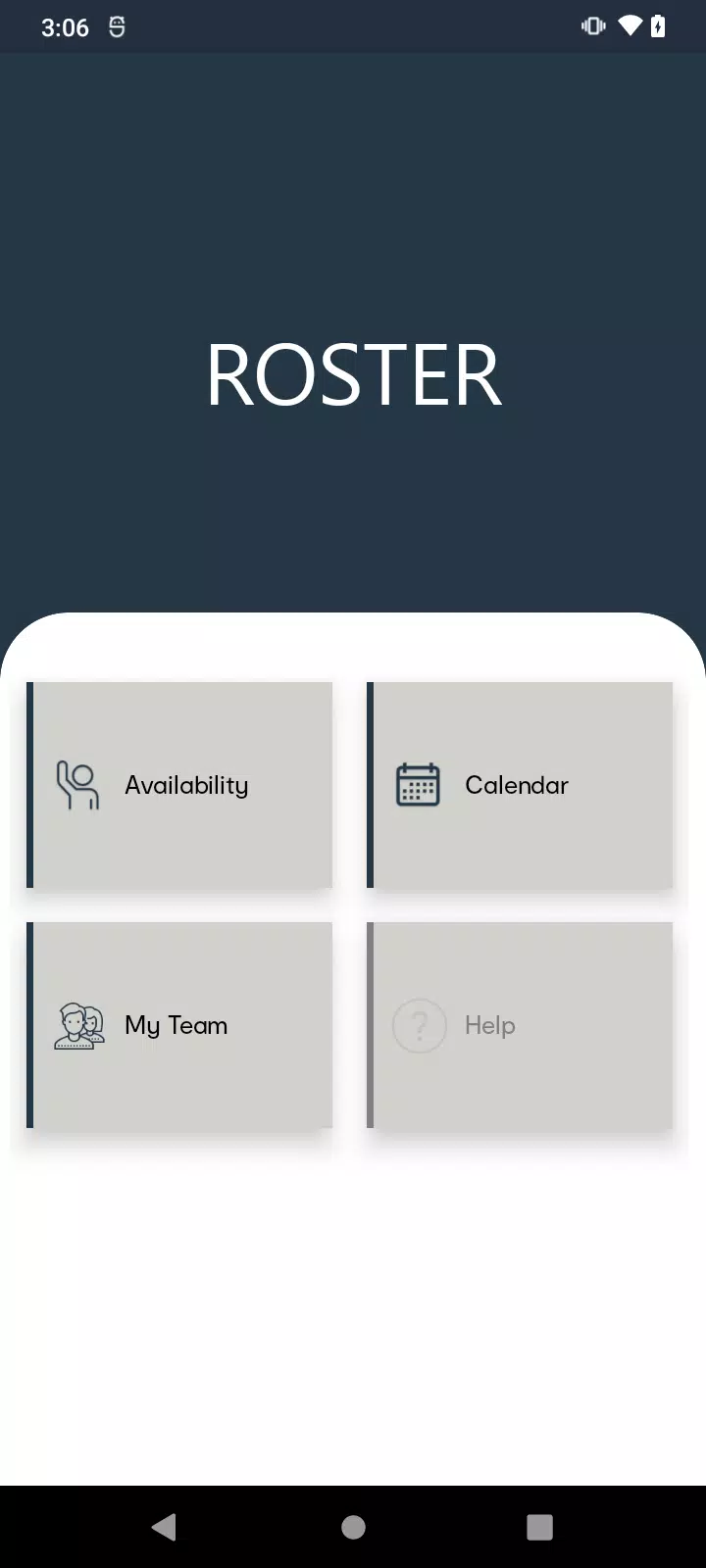
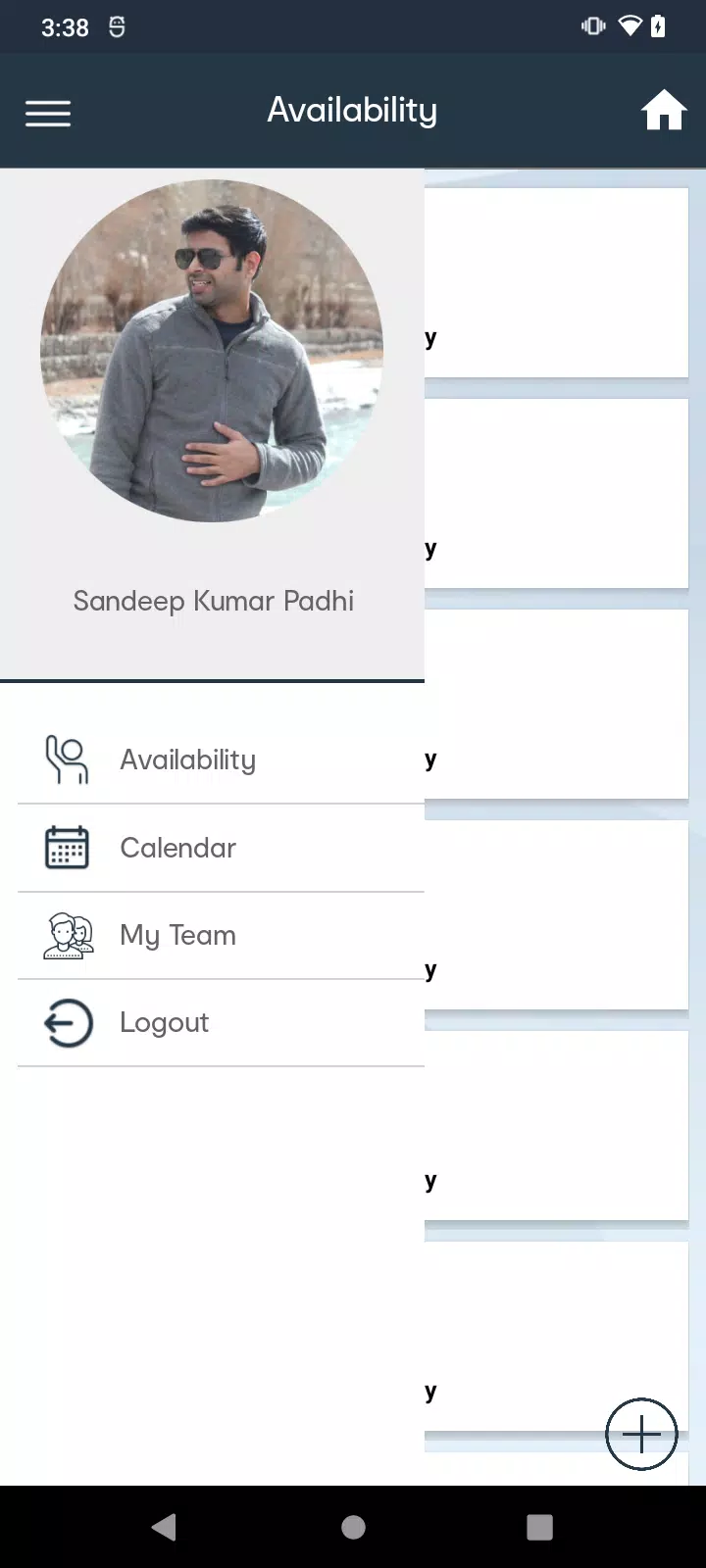
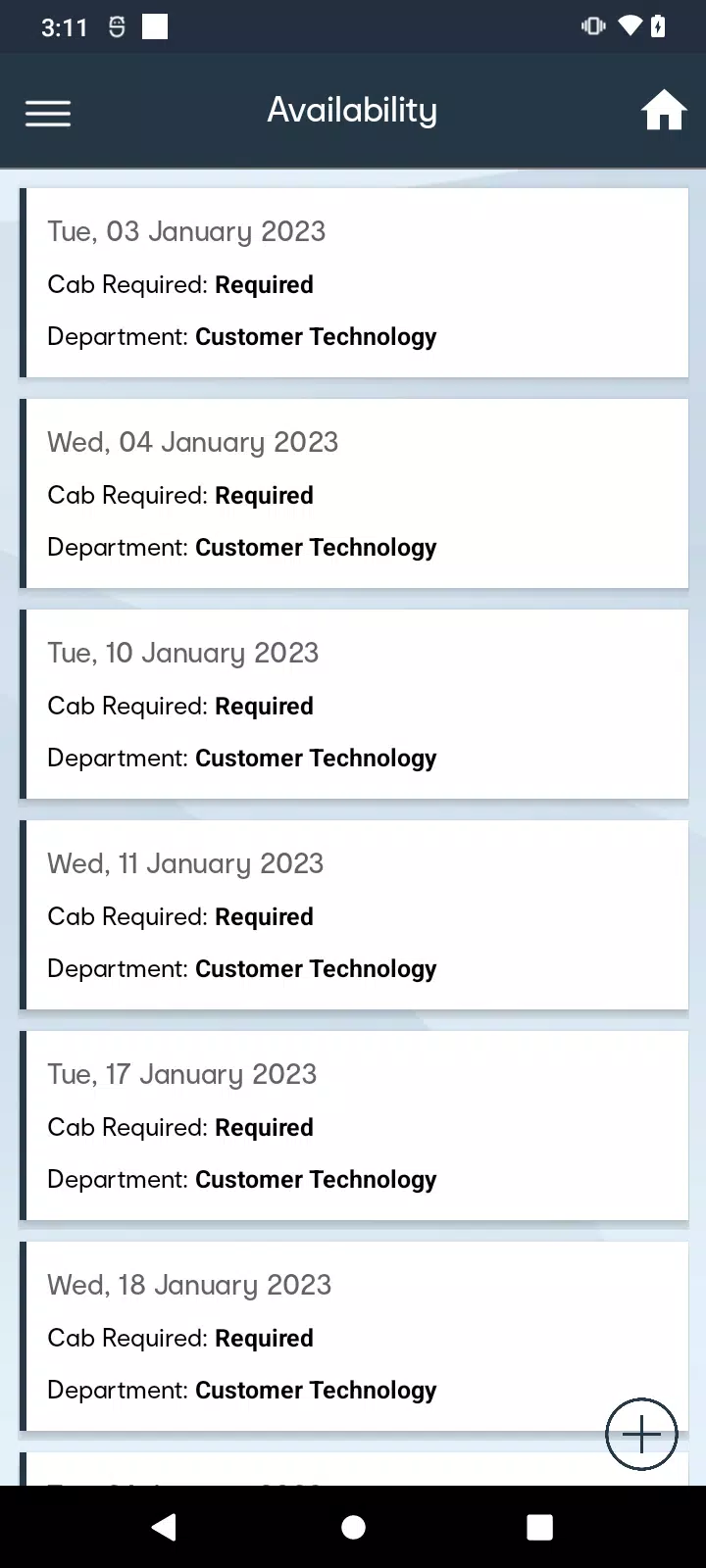
The interface prioritizes speed and clarity. A compact dashboard lists paired devices, recent transfers, and recommended actions. Animations are minimal, which helps the app run smoothly on older hardware while keeping the UX predictable for power users. Transfers are optimized for local networks and fall back to secure relay servers only when direct paths are blocked.
Advanced users can tweak transfer chunk sizes, set auto‑accept rules for trusted devices, and configure wake‑on‑LAN behavior for remote booting. Notifications are granular, so background syncs do not interrupt meetings or drain battery. These options make AnkoConnect flexible for both personal and workplace setups.
Start by pairing just two devices to learn the transfer flow, then enable trusted‑device rules once you’re comfortable. Test remote access in a private space first to confirm permissions are set correctly. If you frequently move large files, increase the transfer buffer in settings to improve throughput on stable Wi‑Fi.
For professionals, the appeal is predictability and control. AnkoConnect reduces context switching: it replaces web upload steps and ad‑filled file share services with a streamlined local workflow. IT teams appreciate the ability to enforce PINs and audit transfers without invasive monitoring.
Installation is quick: download the APK, grant the requested permissions, and follow the pairing guide on first launch. For cross‑platform setups, download the companion desktop client and accept the pairing code shown on both ends. With a short learning curve and flexible settings, AnkoConnect becomes a practical tool for managing device connectivity in everyday work.
Speedometer: GPS Speed Tracker
Size:15.02M TravelSygic Travel
Size:31.00M TravelFamily Locator
Size:32.23M TravelBusBondhu – Where is my bus?
Size:45.00M TravelZambrone
Size:25.00M TravelNY POPS
Size:69.00M TravelBAE –AI Travel Agent & Flights
Size:0.00M TravelTide & Tee: Ostfriesland - App
Size:44.00M TravelSalzburg Verkehr Shuttle neu
Size:0.00M TravelHubert Drive
Size:17.00M TravelJewar Airport Info
Size:22.00M TravelXpressRide
Size:25.00M TravelApril 2024 Clash of Clans Update: Unveiling a Fresh Companion, Enhanced Levels, Chat Tagging, and Be
2024-04-16Arrival of Genshin Impact 4.6 Update: 'Embers of Two Realms, Twilight of Crimson'
2024-04-16V2.2 of the Farlight 84 update introduces an overhauled Season structure, fresh in-game currency, an
2024-04-16Monster Never Cry is now accessible on both Android and iOS mobile devices.
2024-04-18PUBG Mobile Teams Up with Bentley Motors: Luxury Cars, Exclusive Collectibles, and Beyond
2024-04-18March 2024 Free Redemption Codes for Honkai: Star Rail
2024-04-18