English
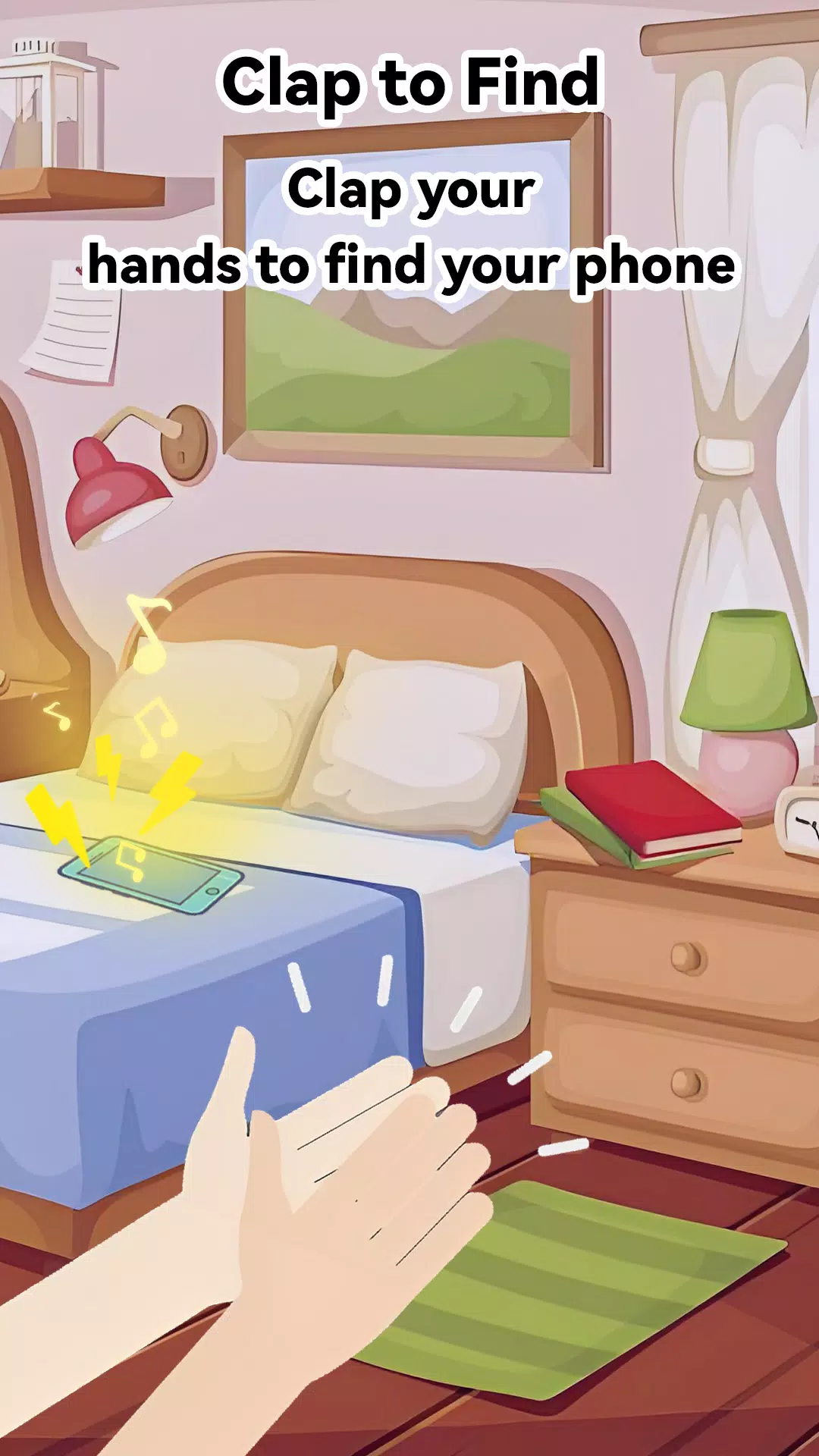
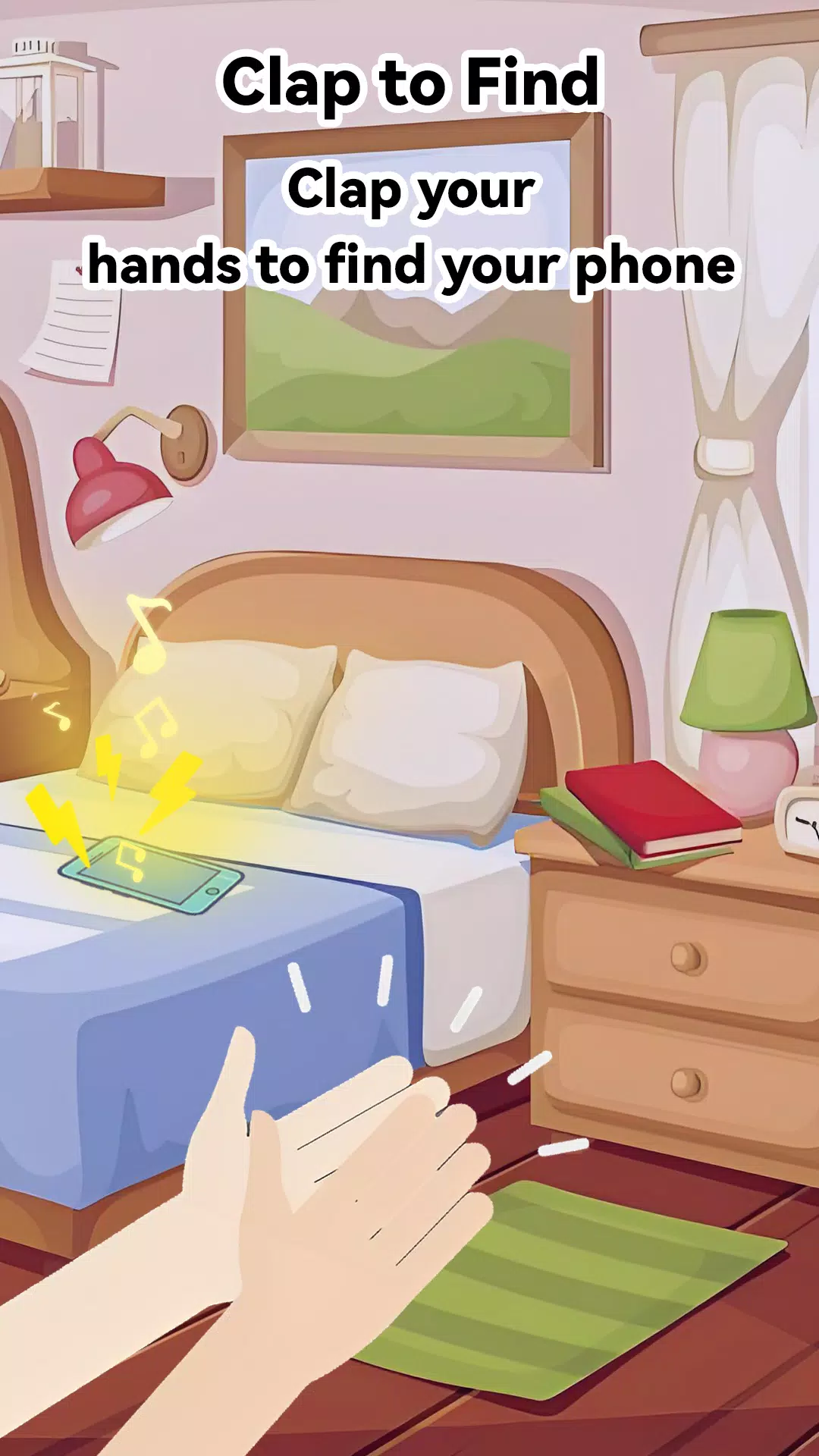
Clap to Find Phone is a simple utility that helps you locate a misplaced Android device by listening for claps or other sharp sounds. It runs quietly in the background, triggers an audible alarm when it detects your cue, and offers adjustable sensitivity and modes for everyday use.
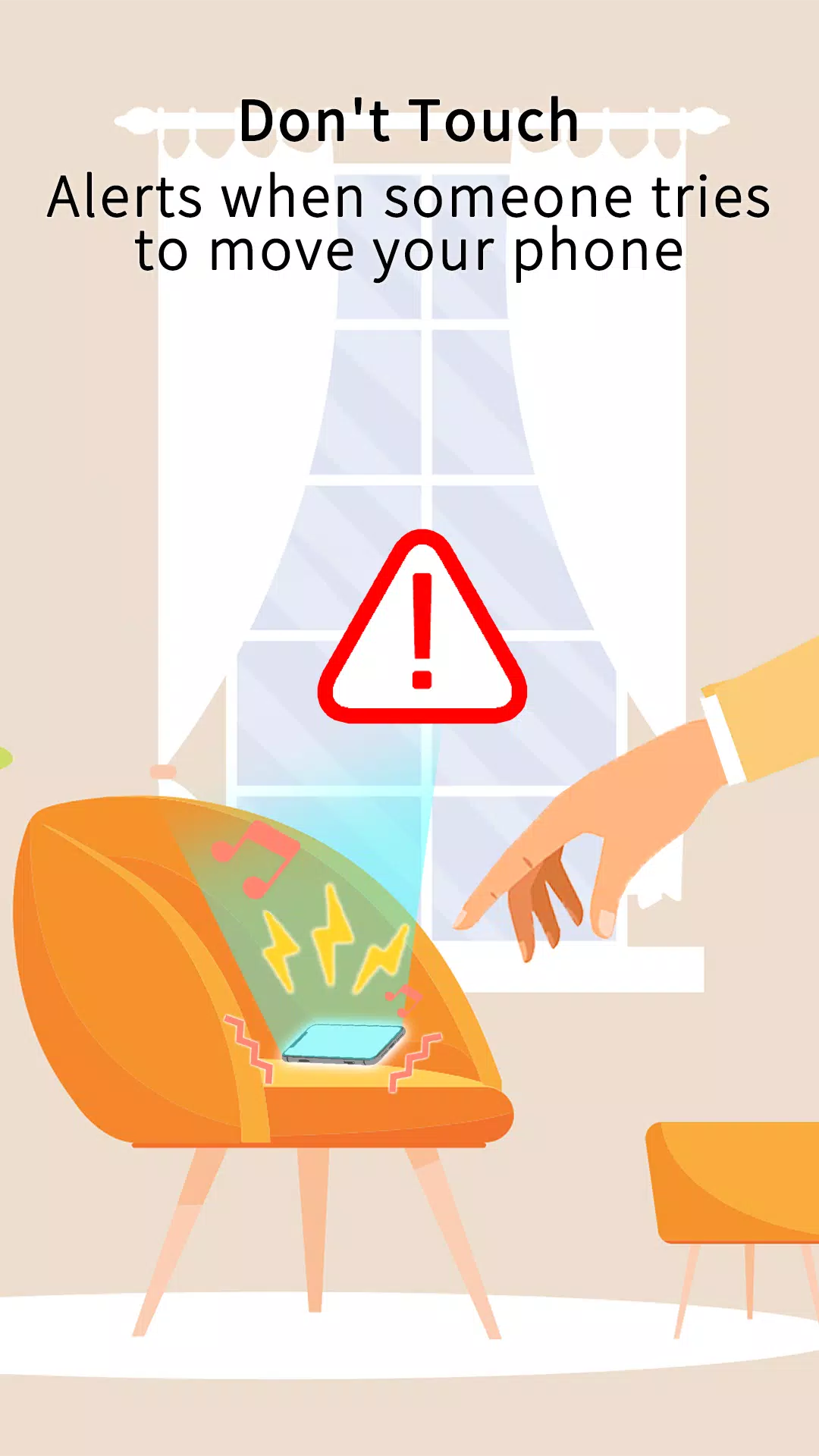
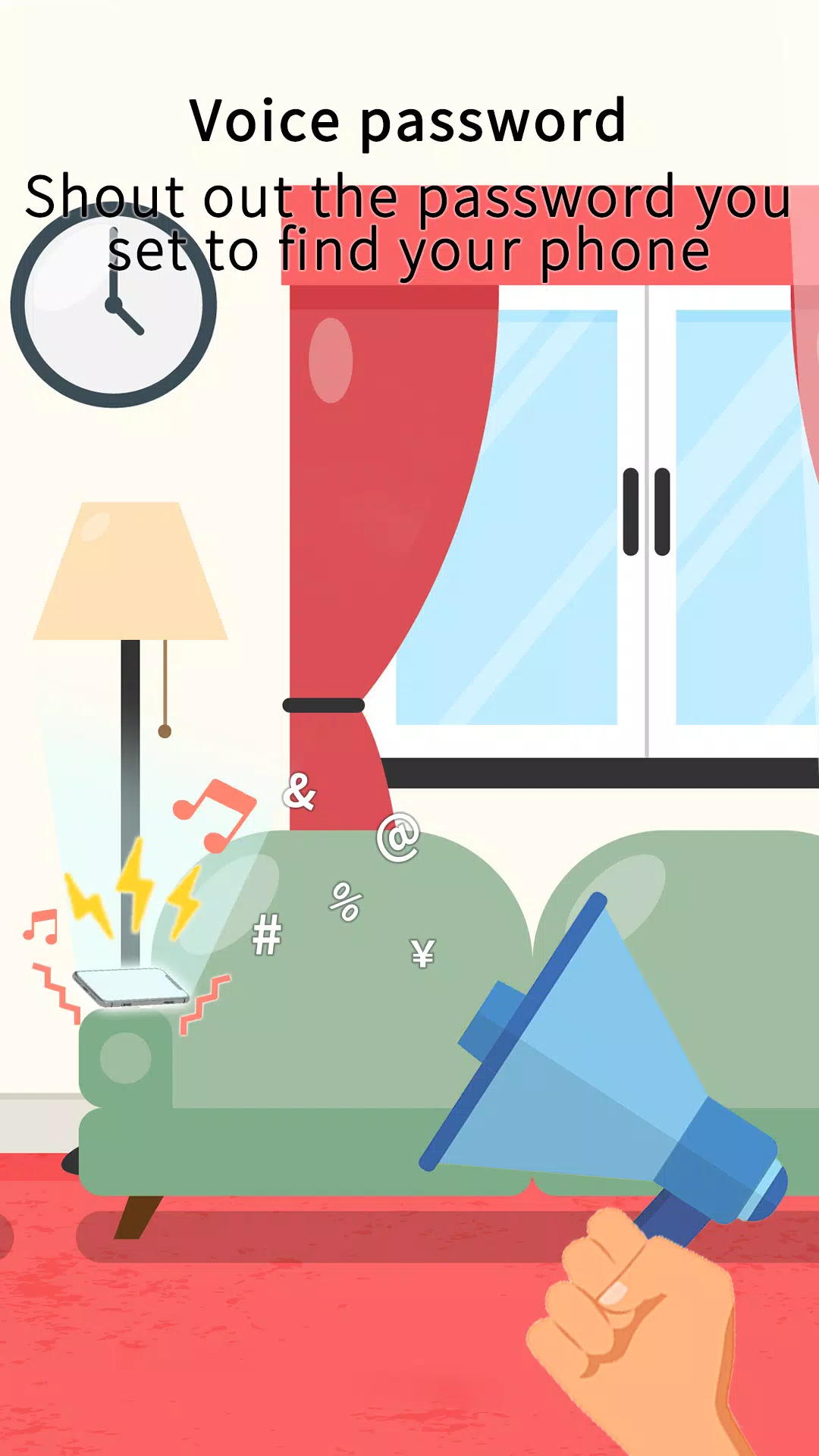
Clap to Find Phone focuses on doing one job well: finding your phone fast. The app listens for configurable sound patterns such as single claps, double claps, or whistles, then responds by ringing at maximum volume and flashing the screen. Other features include scheduled active periods, a battery-friendly standby mode, and a quick disable option for times when you don’t want detection enabled.
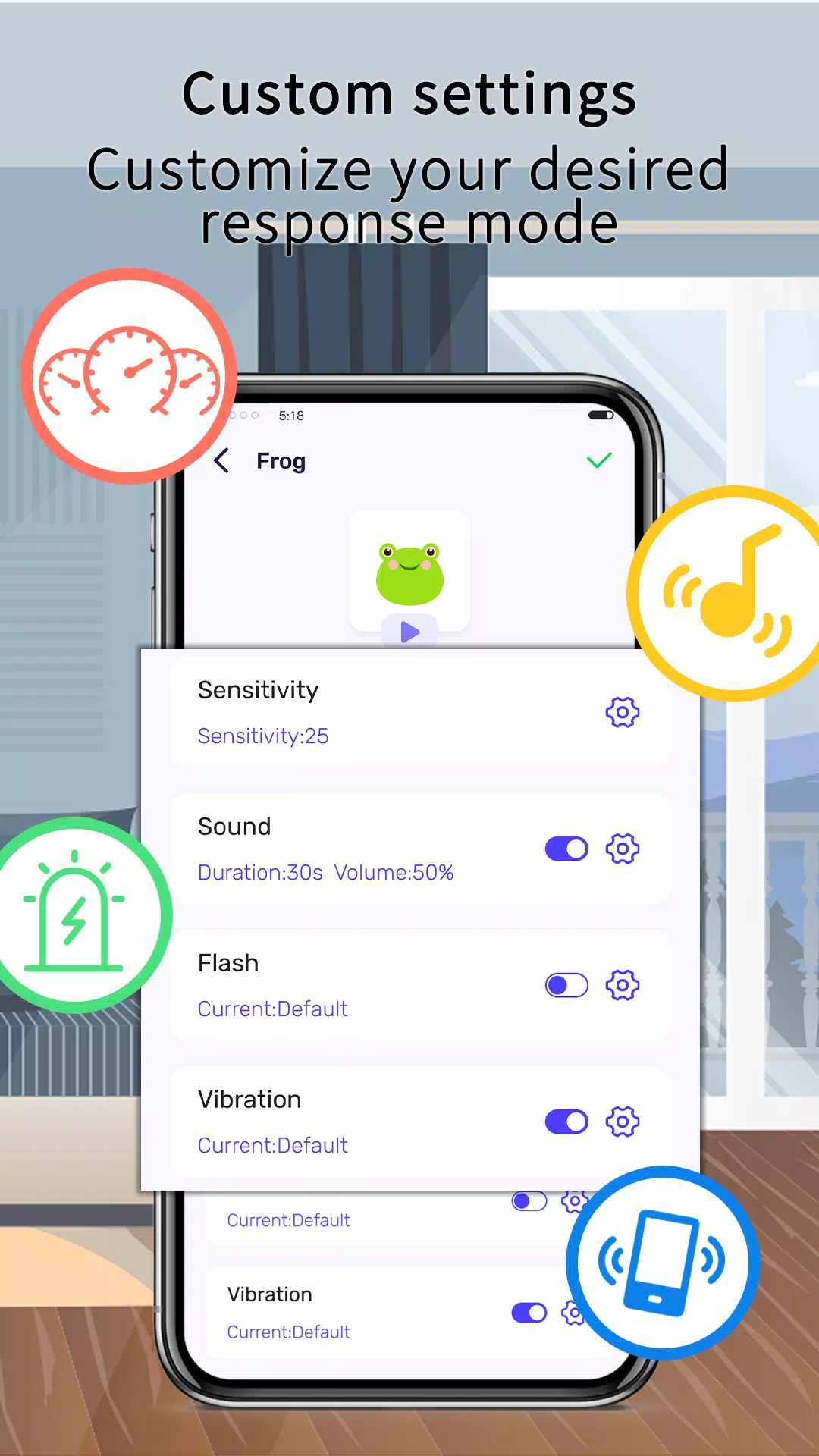
Detection relies on the device microphone and a lightweight signal-processing routine that filters background noise. You can set sensitivity levels to avoid false alarms in busy places, and the app adapts to typical ambient noise through a simple calibration step. When a matching sound pattern is recognized, Clap to Find Phone wakes the device and plays a loud ringtone or a custom sound you choose.
Flexibility is central to the user experience. You can choose between single-clap and multi-clap triggers, set the interval allowed between claps, and pick from a selection of alarm tones. A do-not-disturb schedule prevents the app from activating at night or during meetings. For power users there’s an option to exclude certain locations via geofencing so the listener stays off when you are at home or at work.
The interface is straightforward and designed for quick setup. Large toggle switches control listening state and an intuitive slider adjusts sensitivity instantly. A test mode lets you simulate claps to confirm settings without repeatedly losing the phone. The layout groups related options together, reducing the learning curve for new users while keeping advanced controls accessible.
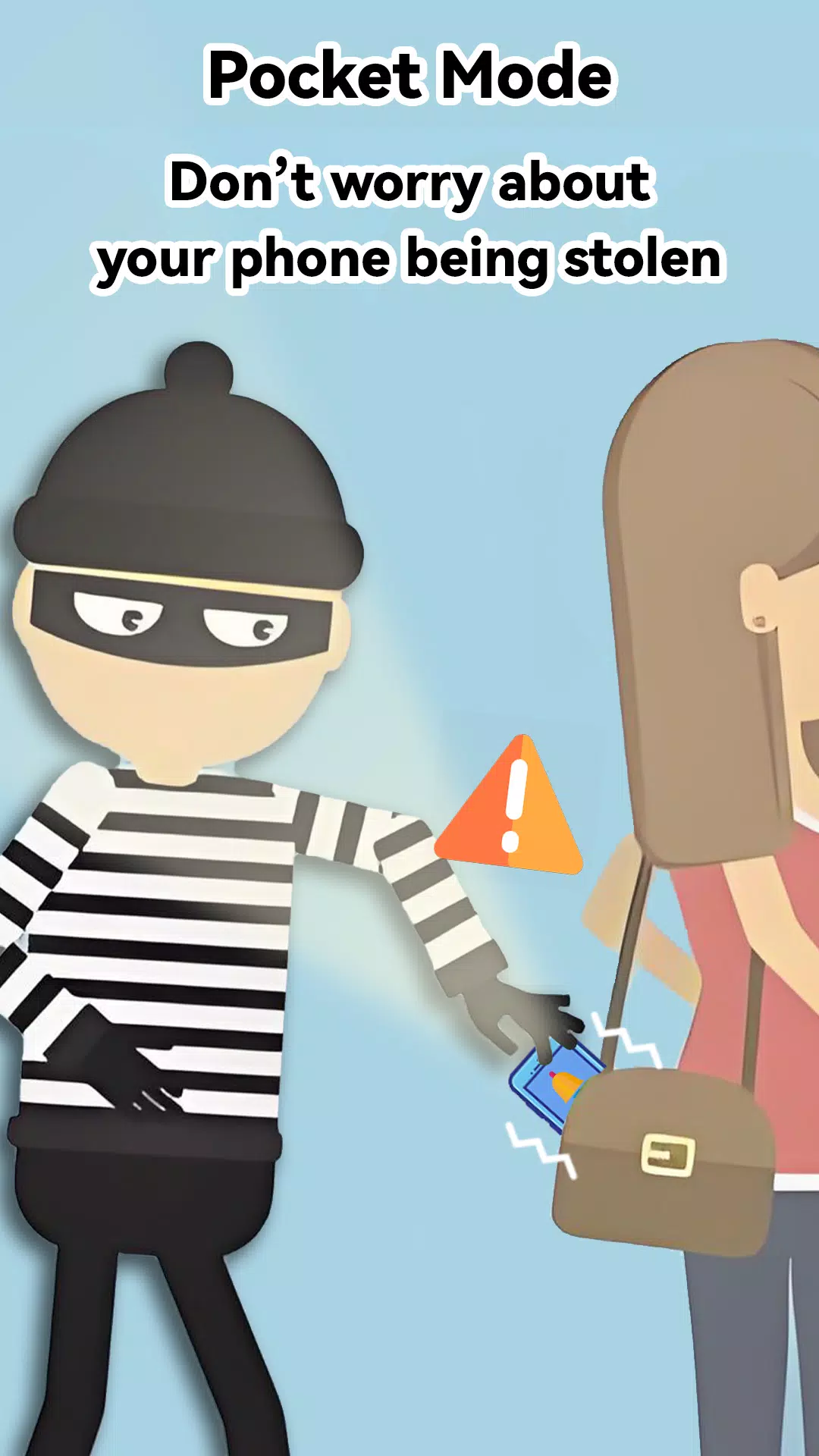
Clap to Find Phone proves useful in common everyday situations: when keys are rattling in a couch crease, when pockets are scattered across a café table, or when you need to find a device in dim light. It also assists housemates and family members who frequently misplace devices. Because activation can be tailored, the app works for small apartments and larger homes alike.
The app is optimized to minimize power draw by switching the microphone into a low-power listening mode and by allowing timed active periods. You can define listening windows (for example, 8am–10pm) so the app doesn’t run continuously. On modern phones the additional battery impact is typically minor, but the app reports estimated consumption so you can adjust settings if needed.
Clap to Find Phone requires microphone access to detect sounds and may request permission to override Do Not Disturb when triggering a loud alarm. It supports a broad range of Android versions and handles permission prompts with clear explanations so users understand why each access is needed. The app also works with common accessibility settings and integrates smoothly with system sound profiles.
Clap to Find Phone provides a practical, low-friction solution for locating a lost Android device. By combining adjustable detection, clear settings, and thoughtful battery-saving measures, it offers a reliable alternative to digging under couch cushions or retracing every step. Try it configured to your routine and reduce the time spent hunting for your phone each day.
Lines Gold Pro - Icon Pack
Size:65.13M PersonalizationFlight Dark Pro - Icon Pack
Size:48.36M PersonalizationAres Light: Pastel Icon Pack
Size:79.87M PersonalizationDots Live Wallpaper - Battery
Size:8.44M PersonalizationChroma - Icon Pack
Size:51.41M PersonalizationOne UI Fluffy Icon Pack
Size:79.19M PersonalizationPixly Limitless Fluo Icon Pack
Size:110.46M PersonalizationPixly Professional Dark
Size:77.11M PersonalizationPixly Paint - Icon Pack
Size:125.78M PersonalizationWatch Faces by Watch Base
Size:9.40M PersonalizationPixly Dark 3D - Icon Pack
Size:106.58M PersonalizationLena Black - Glyph Icon Pack
Size:17.59M PersonalizationApril 2024 Clash of Clans Update: Unveiling a Fresh Companion, Enhanced Levels, Chat Tagging, and Be
2024-04-16Arrival of Genshin Impact 4.6 Update: 'Embers of Two Realms, Twilight of Crimson'
2024-04-16V2.2 of the Farlight 84 update introduces an overhauled Season structure, fresh in-game currency, an
2024-04-16Monster Never Cry is now accessible on both Android and iOS mobile devices.
2024-04-18PUBG Mobile Teams Up with Bentley Motors: Luxury Cars, Exclusive Collectibles, and Beyond
2024-04-18March 2024 Free Redemption Codes for Honkai: Star Rail
2024-04-18