
English
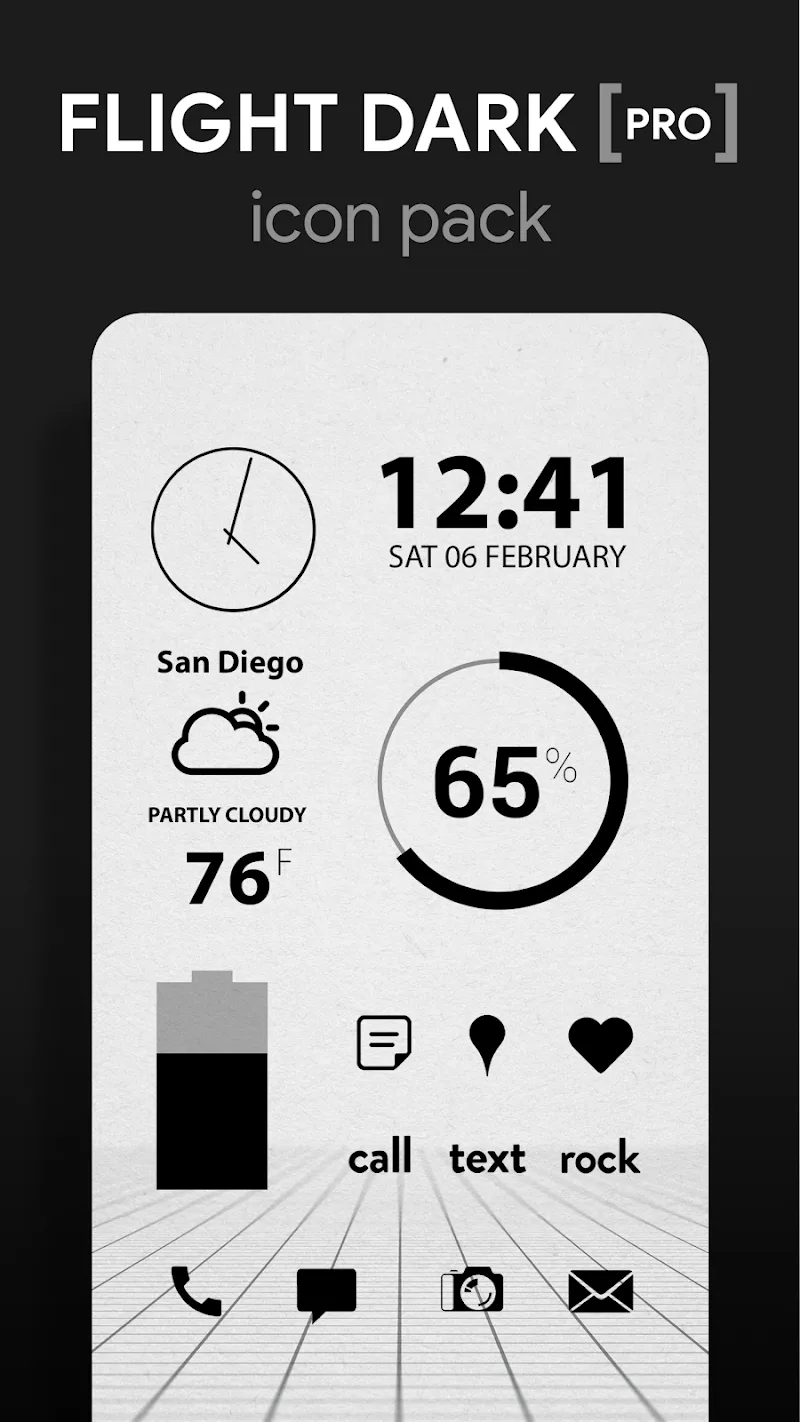
Flight Dark Pro - Icon Pack refines your Android home screen with a cohesive set of dark-themed icons, wallpapers, and accents. Built for clarity and consistency, Flight Dark Pro - Icon Pack streamlines app identification while delivering a modern aesthetic across launchers and devices.
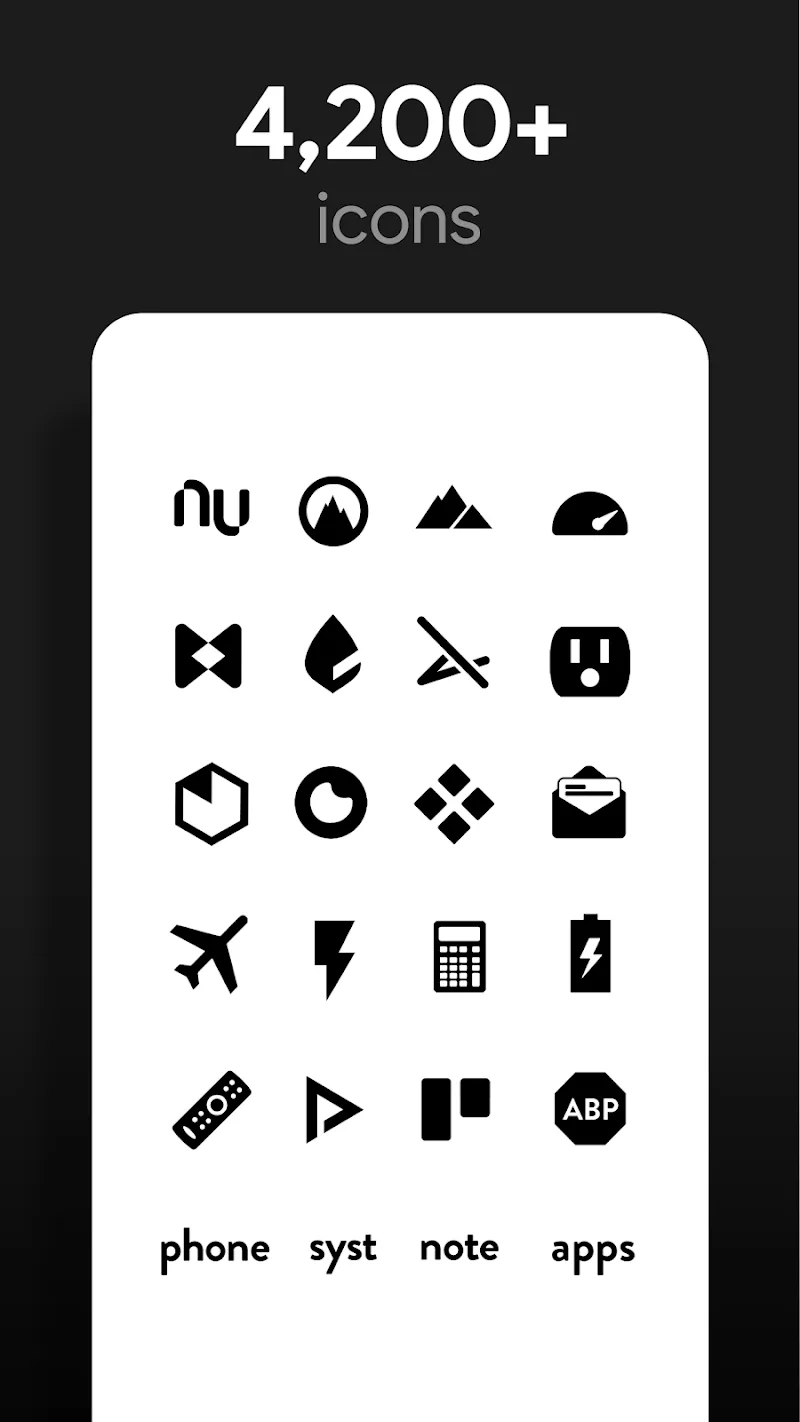
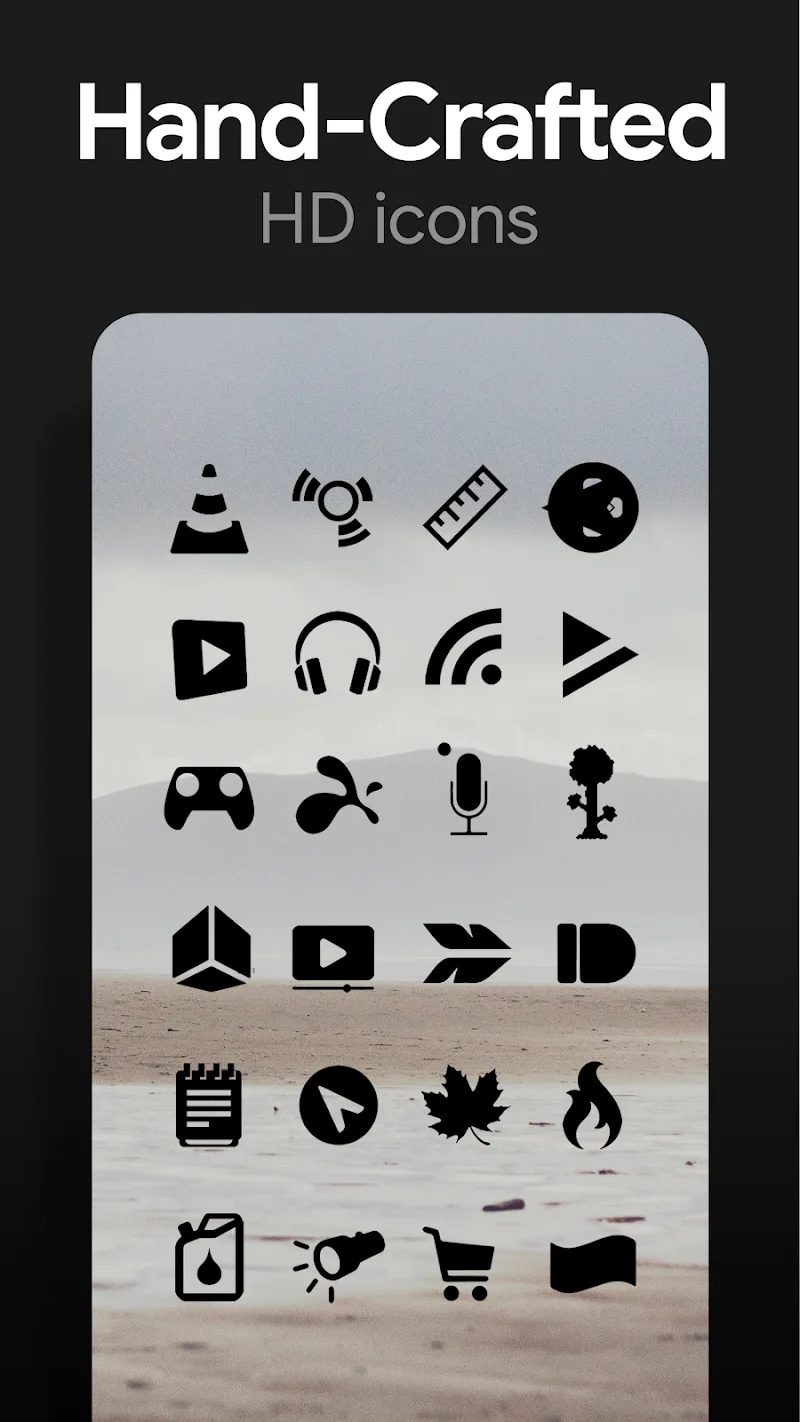
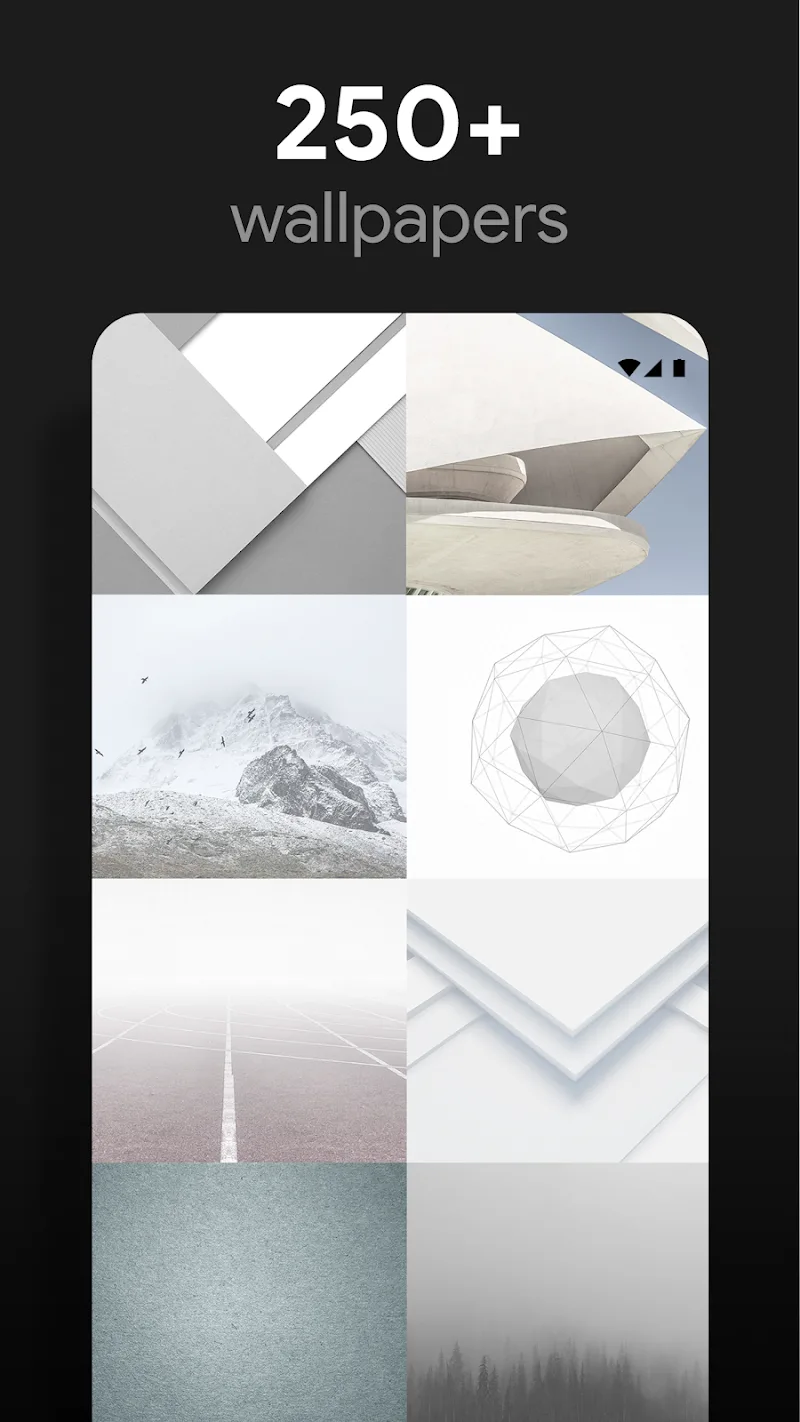
The package bundles thousands of meticulously crafted icons, a selection of high-resolution dark wallpapers, dynamic mask support for unthemed apps, and a dashboard for quick application. Icons are optimized for clarity at smaller sizes and designed to maintain visual harmony across different categories of apps.
Rather than relying on bright gradients or gaudy embellishments, the set emphasizes subtle contrast, muted color accents, and refined shapes. This creates a uniform look that reduces visual clutter and makes app labels easier to read. Designers focused on consistent stroke widths, balanced negative space, and palette cohesion so each icon reads well on OLED and LCD panels.
Flight Dark Pro - Icon Pack offers multiple customization layers. Users can:
The icon pack is compatible with the most popular launchers on Android. Support typically includes Nova, Lawnchair, Action Launcher, Apex, ADW, and more. It also works with many custom ROMs and some OEM launchers that permit icon packs. For launchers without native icon pack handling, the bundled dashboard includes guidance and shortcuts to apply icons manually.
Because the pack emphasizes flat, low-detail designs and dark backgrounds, it can be more battery-friendly on OLED displays than bright, full-color themes. The icons are packaged efficiently to minimize storage overhead and the dashboard runs lightweight processes only when making changes. Applying or switching themes is immediate and doesn't require a device reboot.
Getting Flight Dark Pro - Icon Pack running is straightforward. Open the app, grant the minimal permissions requested, then choose your launcher from the list. Tap the apply button for a full-theme change or pick individual icons to swap. If an icon is missing, use the request tool inside the app to suggest a replacement icon for future updates.
For a clean, unified home screen, pair the icon pack with a minimalist launcher layout: reduce grid spacing, hide labels where appropriate, and use a matching wallpaper from the pack. For smaller screens, reduce icon size slightly to preserve the crisp edges of each glyph. If you prefer occasional color highlights, use the alternate glyphs sparingly to draw attention to frequently used apps.
Flight Dark Pro - Icon Pack receives periodic updates that add new icons, improve masking rules, and expand wallpaper options. The developer provides an in-app request feature and release notes with each update. Support channels are listed in the dashboard for troubleshooting or to report mismatches.
Many users appreciate the balance between elegance and utility: the interface remains readable, icons feel cohesive, and the darker palette reduces glare during night-time use. The icon pack is aimed at people seeking a polished, understated visual experience without sacrificing recognizability or performance.
Install the pack, open the dashboard, and apply the default theme to see the overall effect immediately. Experiment with selective application or wallpaper swaps to make the look your own. If you value consistency and a modern, dark interface, Flight Dark Pro - Icon Pack provides a practical and stylish way to refresh your device.
MIUl Circle - Icon Pack
Size:134.98M PersonalizationLines Gold Pro - Icon Pack
Size:65.13M PersonalizationFlight Dark Pro - Icon Pack
Size:48.36M PersonalizationAres Light: Pastel Icon Pack
Size:79.87M PersonalizationDots Live Wallpaper - Battery
Size:8.44M PersonalizationChroma - Icon Pack
Size:51.41M PersonalizationOne UI Fluffy Icon Pack
Size:79.19M PersonalizationPixly Limitless Fluo Icon Pack
Size:110.46M PersonalizationPixly Professional Dark
Size:77.11M PersonalizationPixly Paint - Icon Pack
Size:125.78M PersonalizationWatch Faces by Watch Base
Size:9.40M PersonalizationPixly Dark 3D - Icon Pack
Size:106.58M PersonalizationApril 2024 Clash of Clans Update: Unveiling a Fresh Companion, Enhanced Levels, Chat Tagging, and Be
2024-04-16Arrival of Genshin Impact 4.6 Update: 'Embers of Two Realms, Twilight of Crimson'
2024-04-16V2.2 of the Farlight 84 update introduces an overhauled Season structure, fresh in-game currency, an
2024-04-16Monster Never Cry is now accessible on both Android and iOS mobile devices.
2024-04-18PUBG Mobile Teams Up with Bentley Motors: Luxury Cars, Exclusive Collectibles, and Beyond
2024-04-18March 2024 Free Redemption Codes for Honkai: Star Rail
2024-04-18

















