
English
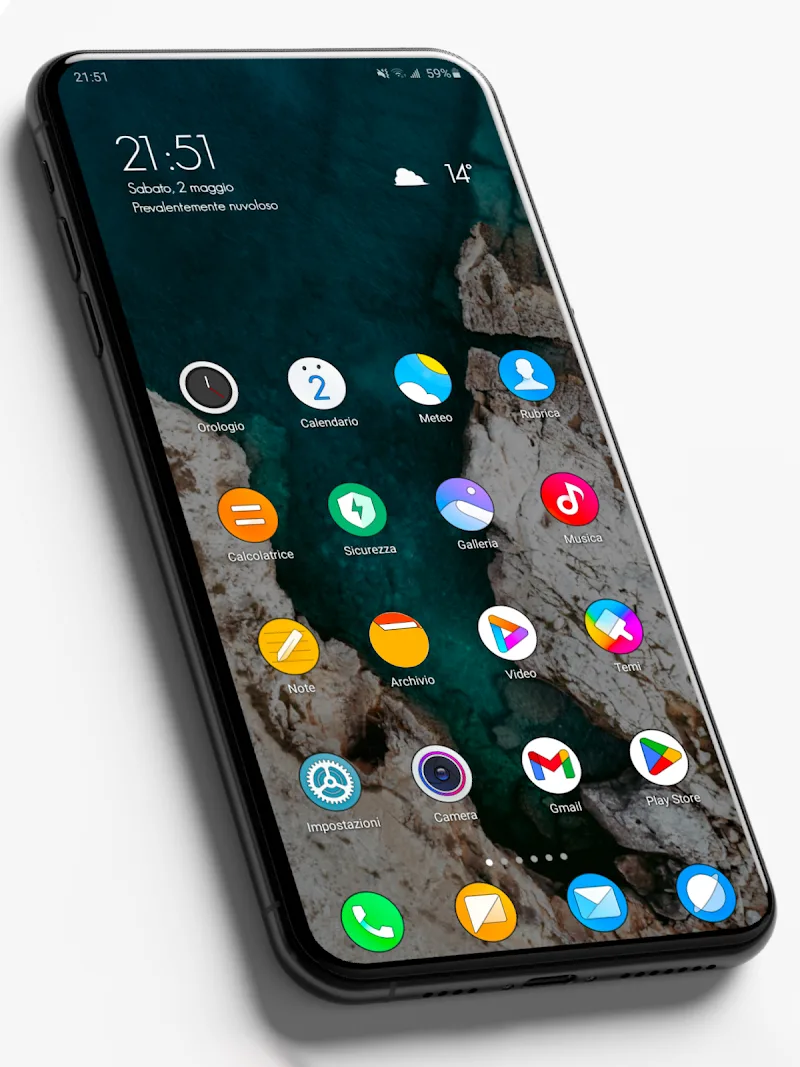
MIUl Circle - Icon Pack delivers a polished collection of circular icons and matching wallpapers to give your Android home screen a cohesive, modern appearance. It includes high-resolution variants, regular updates, and wide launcher support so users can refresh app visuals without changing system behavior.
MIUl Circle - Icon Pack focuses on visual consistency and ease of use. The package contains hundreds of handcrafted circular icons designed to blend with minimalist and material-inspired setups. Alongside the icon set there is a curated wallpaper gallery that complements the palette, plus alternate icon choices for select apps to suit different tastes.
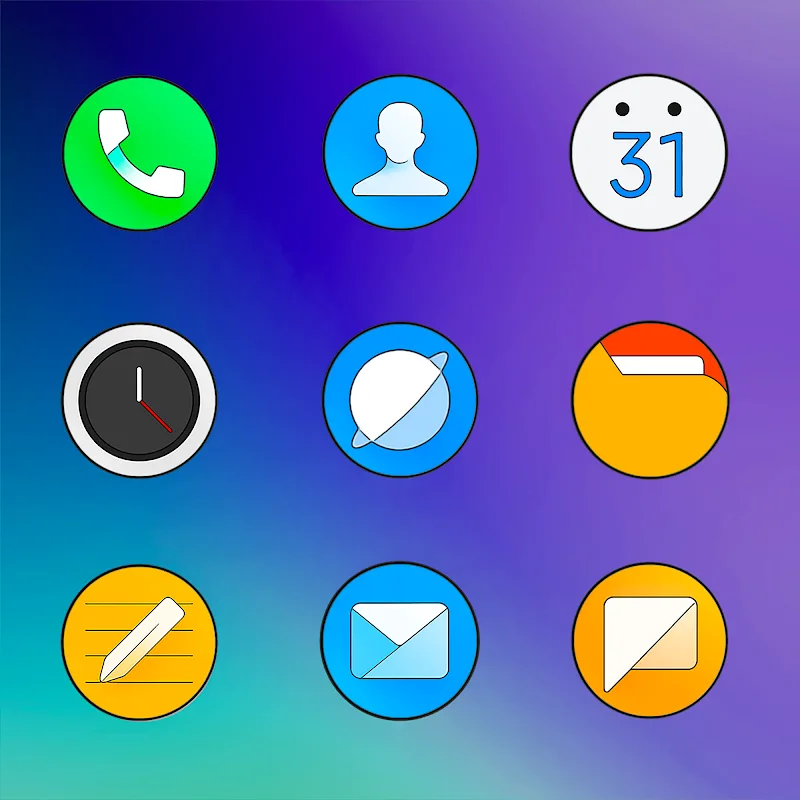
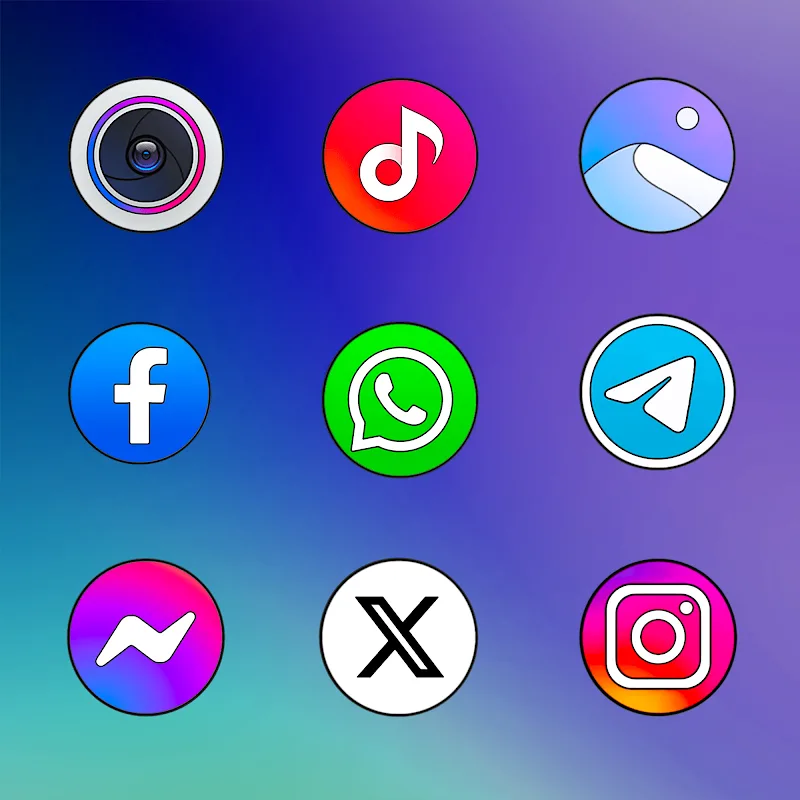
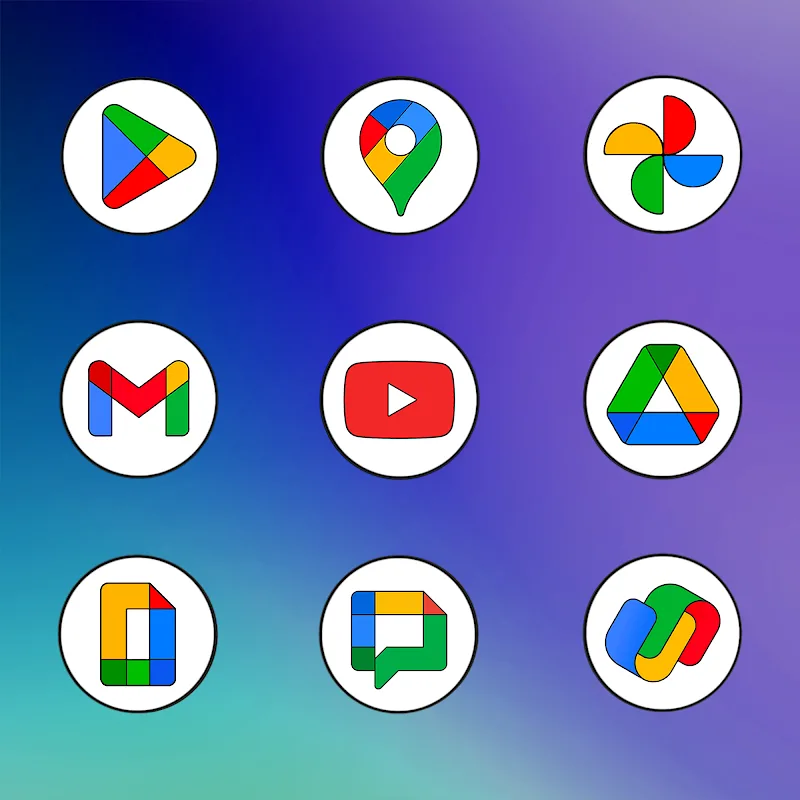
Design is central to MIUl Circle. Each icon follows a circular motif that brings uniformity to home screen grids and folders. The pack uses subtle shadows, soft gradients, and consistent stroke widths to maintain balance between playful color and restrained elegance. Designers aimed for clarity at different icon sizes, so symbols remain recognizable on compact widgets and large home screens alike.
Applying MIUl Circle - Icon Pack is simple across most third-party launchers. Open the app, choose your preferred launcher from the list, and tap apply; many launchers will update icons instantly. If a launcher does not support automatic application, the app provides manual instructions and a built-in preview so you can replace icons one at a time. The icon request feature helps fill gaps by letting users submit sample apps for future updates.
MIUl Circle is built to be lightweight and efficient. It supports the majority of popular Android launchers and adapts to various grid configurations. Because icons are vector-based or high-resolution bitmaps, they scale well without introducing jagged edges. The app is designed to leave system functionality untouched, focusing exclusively on visual assets so battery and performance impact remains minimal.
Beyond a single static pack, MIUl Circle offers customization hooks that let users personalize their experience. Choose alternative icons where available, mix and match backgrounds, and adjust icon size through your launcher settings. For users who prefer a more hands-on approach, the app exposes a gallery with easy copy and save options so wallpapers and icons can be used in other customization workflows.
The development approach emphasizes responsiveness to user feedback. MIUl Circle - Icon Pack includes an icon request system and contact information for reporting issues or suggesting improvements. Regular icon additions and seasonal wallpaper drops keep the pack feeling fresh. Update notes highlight which apps received new icons, helping users track changes quickly.
Before installing MIUl Circle, ensure your launcher supports third-party icon packs. After installation, grant any requested permissions following on-screen instructions. If an icon does not update automatically, try clearing the launcher cache or reapplying the pack from within the app. For the best visual result, pair the icons with one of the built-in wallpapers and adjust your launcher grid to achieve even spacing.
MIUl Circle - Icon Pack is well suited for users who want a neat, consistent home screen without intensive setup. The circular motif creates a uniform look across diverse app sets, and the availability of alternative icons and a wallpaper gallery makes quick, attractive customization straightforward. With regular updates and a low-friction application process, it’s a practical choice for users focused on aesthetics and usability.
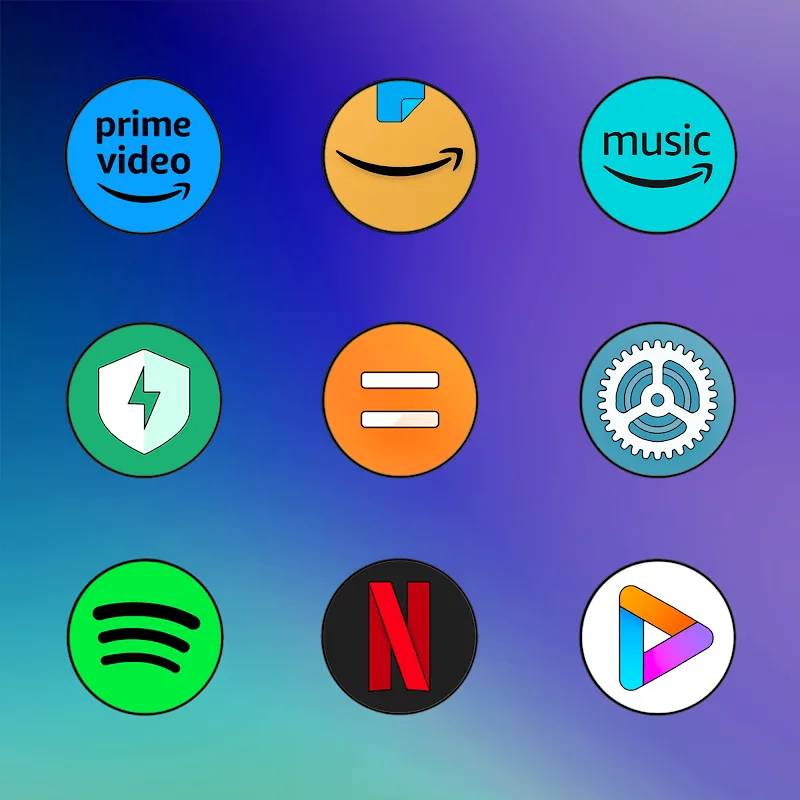
MIUl Circle - Icon Pack
Size:134.98M PersonalizationLines Gold Pro - Icon Pack
Size:65.13M PersonalizationFlight Dark Pro - Icon Pack
Size:48.36M PersonalizationAres Light: Pastel Icon Pack
Size:79.87M PersonalizationDots Live Wallpaper - Battery
Size:8.44M PersonalizationChroma - Icon Pack
Size:51.41M PersonalizationOne UI Fluffy Icon Pack
Size:79.19M PersonalizationPixly Limitless Fluo Icon Pack
Size:110.46M PersonalizationPixly Professional Dark
Size:77.11M PersonalizationPixly Paint - Icon Pack
Size:125.78M PersonalizationWatch Faces by Watch Base
Size:9.40M PersonalizationPixly Dark 3D - Icon Pack
Size:106.58M PersonalizationApril 2024 Clash of Clans Update: Unveiling a Fresh Companion, Enhanced Levels, Chat Tagging, and Be
2024-04-16Arrival of Genshin Impact 4.6 Update: 'Embers of Two Realms, Twilight of Crimson'
2024-04-16V2.2 of the Farlight 84 update introduces an overhauled Season structure, fresh in-game currency, an
2024-04-16Monster Never Cry is now accessible on both Android and iOS mobile devices.
2024-04-18PUBG Mobile Teams Up with Bentley Motors: Luxury Cars, Exclusive Collectibles, and Beyond
2024-04-18March 2024 Free Redemption Codes for Honkai: Star Rail
2024-04-18

















