English
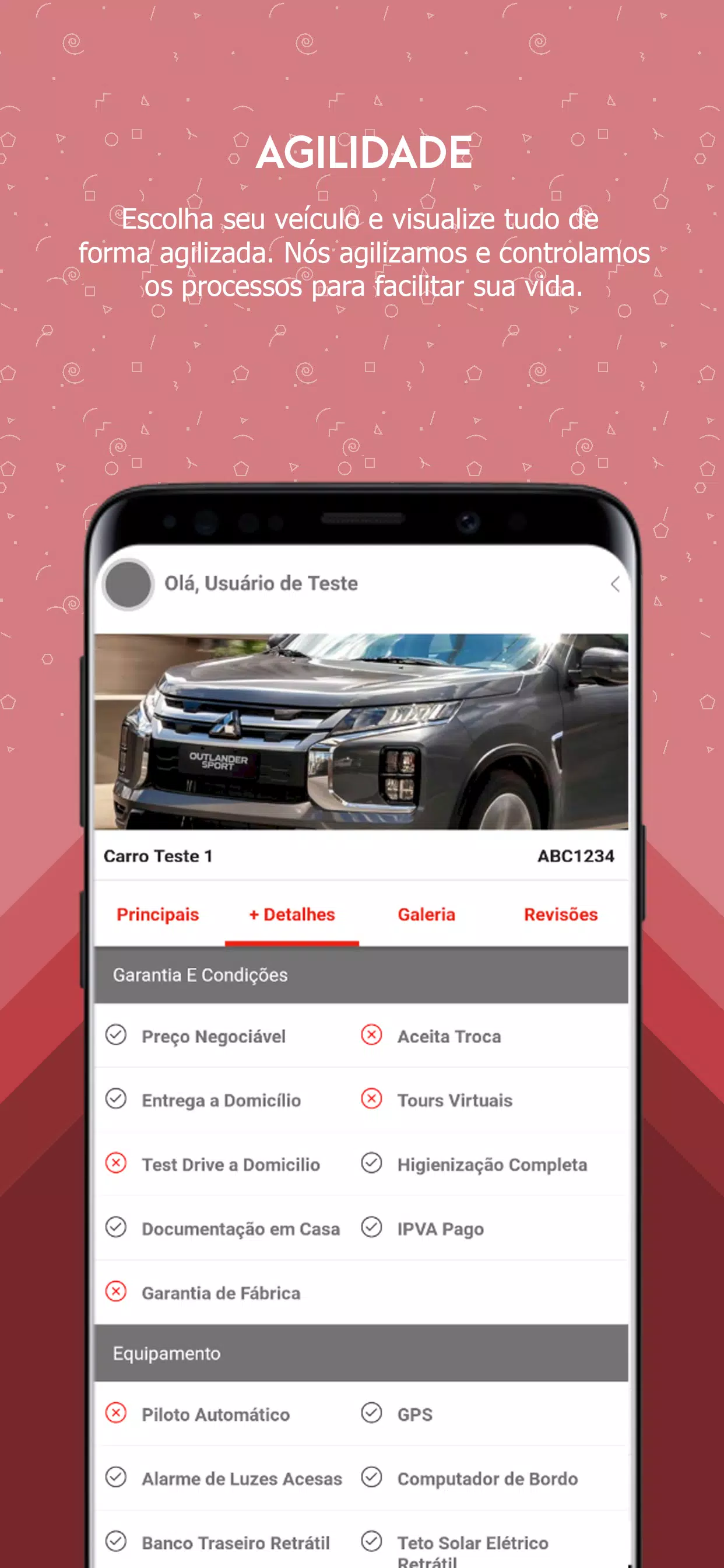
Auto Pop puts your vehicle's dealership records and services in the palm of your hand, making it simple to gather recalls, service orders, invoices and accessories from a single, dealer-connected app. Auto Pop is designed for vehicle owners who value clear communication and centralized documentation: you can view a complete history of visits, issued NF-e invoices, estimates and sales proposals, receive chassis-linked recall alerts and schedule necessary repairs directly from the app.
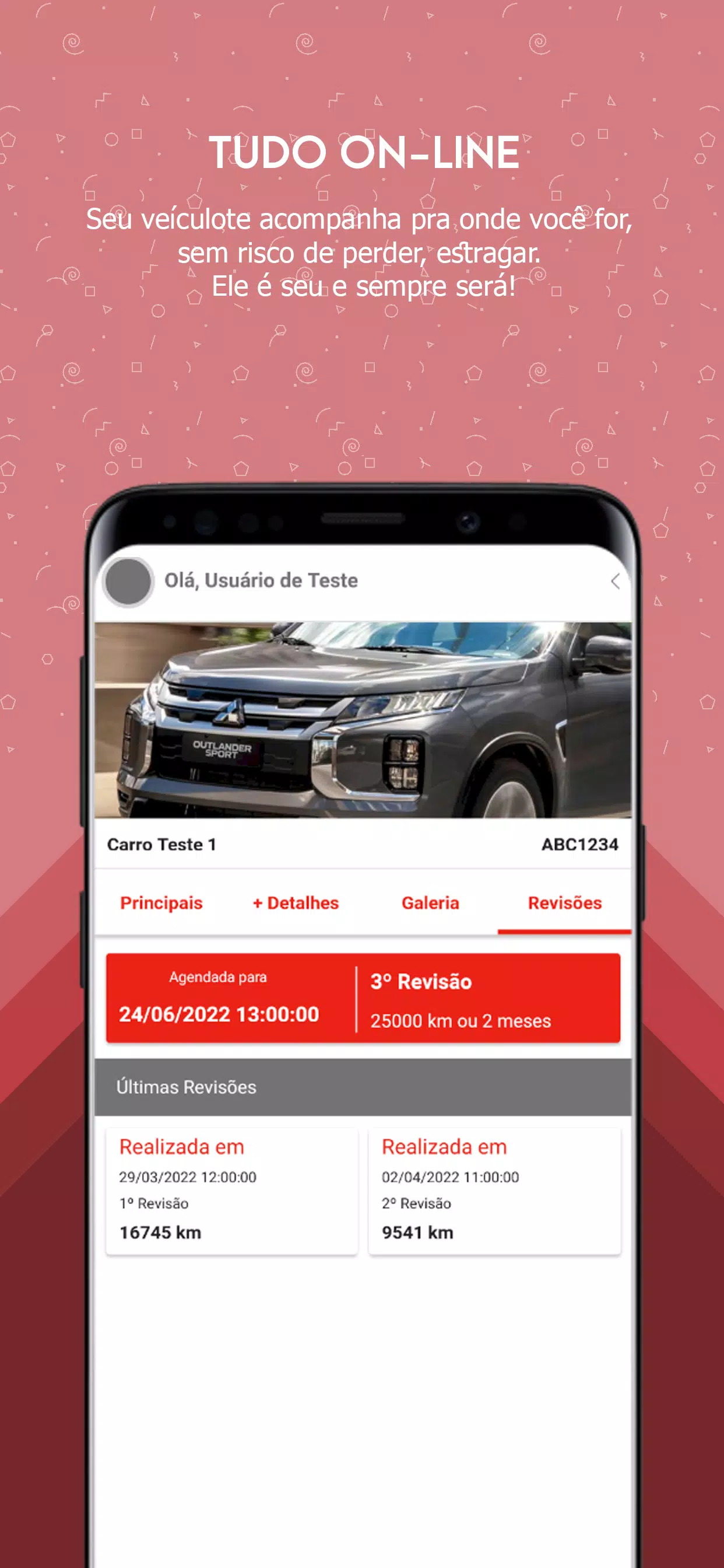
Comprehensive service history: Auto Pop stores visit records, service orders (OS), budgets and issued NF-e documents so you can review past maintenance, inspections and billing in one place. Each record includes dates, service descriptions and technician notes when available.
Chassis and recall management: The app connects recalls to your vehicle’s chassis number. When an automaker issues a recall that applies to your vehicle, Auto Pop surfaces the alert, explains the issue in plain language and gives the option to request a repair appointment with your dealer.
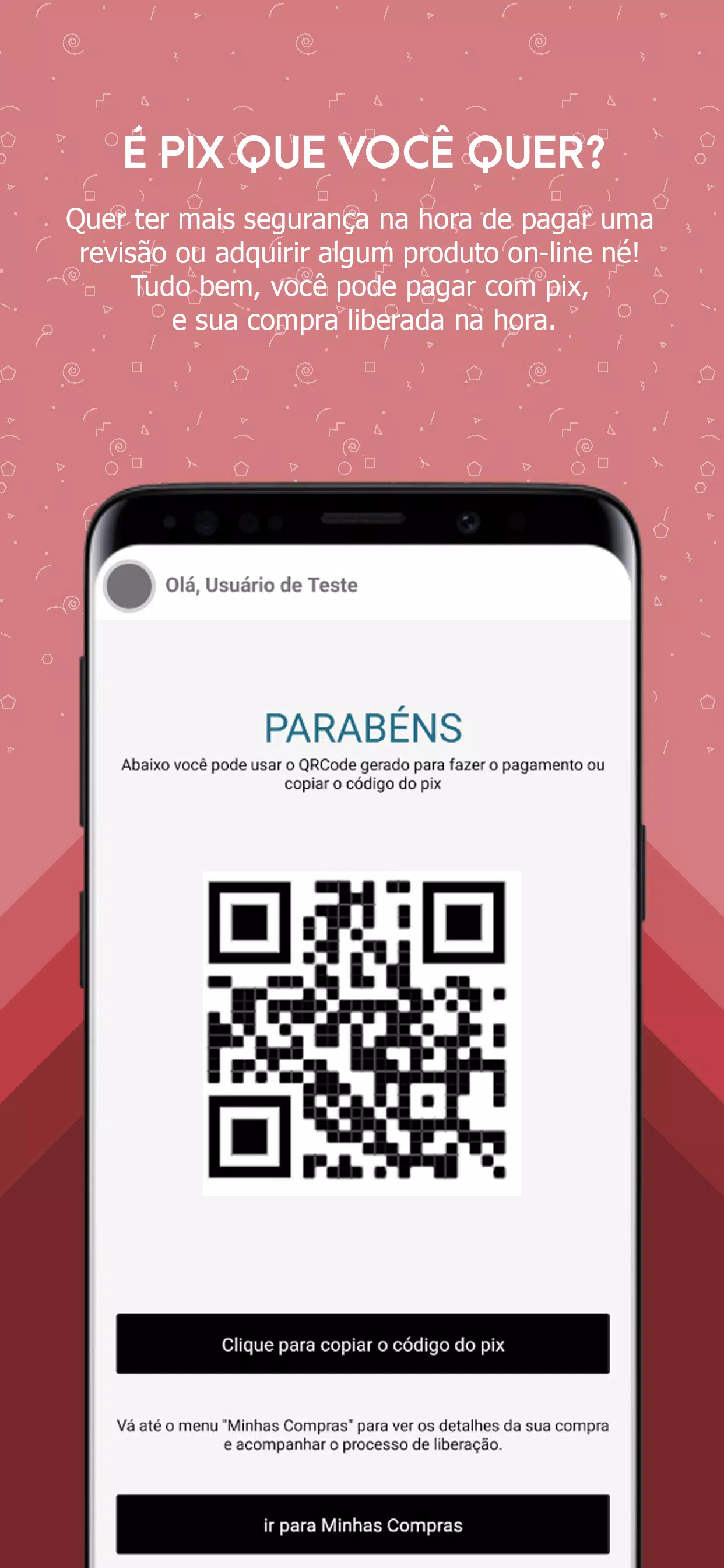
Service order tracking and payments: Service orders are tracked through stages like inspection, approval, repair and completion. When dealers support it, you can receive progress notifications and complete payments in-app for approved services or parts.
Accessories catalog and scheduling: Browse a dealer’s accessories inventory, check stock availability and submit purchase requests. If installation is required, you can propose dates and reserve an installation slot with the service department from within the app.
Direct dealer communication: Auto Pop provides secure contact channels to your consultant, parts seller and dealership manager. Messages and call links are organized by vehicle and by service order so conversations remain tied to the relevant record.
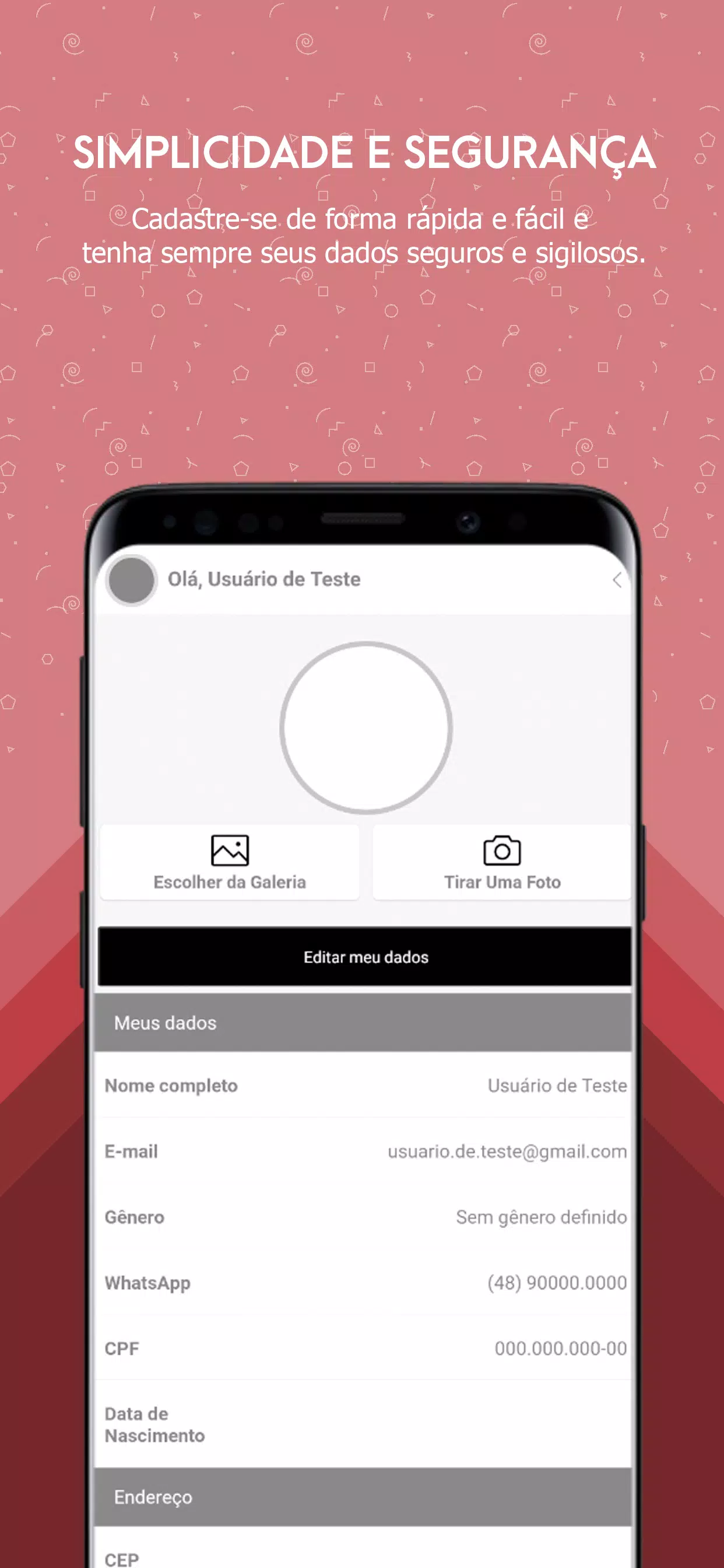
Getting started with Auto Pop begins with a short setup: create or link your account, add one or more vehicles by entering the chassis (VIN) and confirm ownership according to dealer procedures. Once a vehicle is associated, the app synchronizes available documents and service history from the dealership’s system.
Navigation is based on a few clear sections: Dashboard for recent activity and alerts, Vehicles for per-vehicle records, Service Orders for active and past jobs, Accessories for catalog browsing, and Messages to contact your dealer. Controls are optimized for touch devices and include simple taps to open records, swipe gestures to move through history, and form-driven dialogs to schedule services and submit approvals.
Progression in Auto Pop is non-gamified but structured: you move from vehicle registration to receiving history and then to managing current and future services. Each step produces new information—approved budgets, scheduled appointments, completed invoices—so the more you use the app the richer your vehicle’s digital file becomes.
The interface favors clarity over clutter, with dealer-branded color accents, readable typography and a layout that places critical actions—schedule, approve, pay—within easy reach. Accessibility features include adjustable text sizes and compatibility with common screen readers to support users with visual impairments.
Auto Pop caches recently synchronized documents and notifications so you can access the most recent records even when offline or on limited connectivity. Offline access is intended for viewing cached items and preparing scheduling requests; live functions such as booking or payment require network connectivity and dealer confirmation.
Notification preferences let you choose how and when you are alerted about recalls, service progress and offers. You can set a preferred consultant or default dealership for new requests, and filter the parts and accessories catalog by vehicle model to see only compatible items. Multi-vehicle households benefit from separate timelines and folders for each chassis.
Auto Pop supports practical continuity: store warranty documents, add photos of vehicle conditions, export invoices for personal records and set reminder schedules for routine maintenance. These recurrent activities encourage repeated use and make the app useful throughout a vehicle’s ownership lifecycle.
Full functionality depends on the level of integration your dealership has deployed. Some features—real-time stock updates, in-app payment processing and automatic invoice uploads—may be limited or unavailable if the dealer has not adopted those capabilities. Recall notification timeliness also depends on automaker and dealer data feeds.
Privacy and security are handled according to dealer policies and the app's authentication procedures. If you need assistance, use the in-app contact options to reach your dealership’s support team. Auto Pop is a tool for organizing and interacting with dealer-provided services; it consolidates information to make scheduling, tracking and payment more transparent and convenient for vehicle owners.



Pizzaria do Erick
Size:19.12M LifestyleMy Hurricane Tracker Pro
Size:4.73M LifestylePushscroll
Size:61.25M LifestyleSmartWOD Timer
Size:26.75M LifestyleMeteum Weather
Size:63.84M LifestyleBestifyMe
Size:13.80M LifestyleWeatherPro
Size:48.30M LifestyleEmpower You: Unlimited Audio
Size:80.20M LifestyleAdobe Express
Size:107.80M LifestyleGeoZilla
Size:63.92M LifestyleONEWallet - Cards Wallet
Size:15.00M LifestyleFloor Plan Creator Home Design
Size:40.91M LifestyleApril 2024 Clash of Clans Update: Unveiling a Fresh Companion, Enhanced Levels, Chat Tagging, and Be
2024-04-16Arrival of Genshin Impact 4.6 Update: 'Embers of Two Realms, Twilight of Crimson'
2024-04-16V2.2 of the Farlight 84 update introduces an overhauled Season structure, fresh in-game currency, an
2024-04-16Monster Never Cry is now accessible on both Android and iOS mobile devices.
2024-04-18PUBG Mobile Teams Up with Bentley Motors: Luxury Cars, Exclusive Collectibles, and Beyond
2024-04-18March 2024 Free Redemption Codes for Honkai: Star Rail
2024-04-18