English
WeatherLink is a streamlined weather monitoring app that delivers real-time forecasts, customizable alerts, and detailed radar visualizations for Android devices. It consolidates local observations, hourly and extended forecasts, and interactive maps into a clean, easy-to-navigate interface, helping users plan their day with confidence.
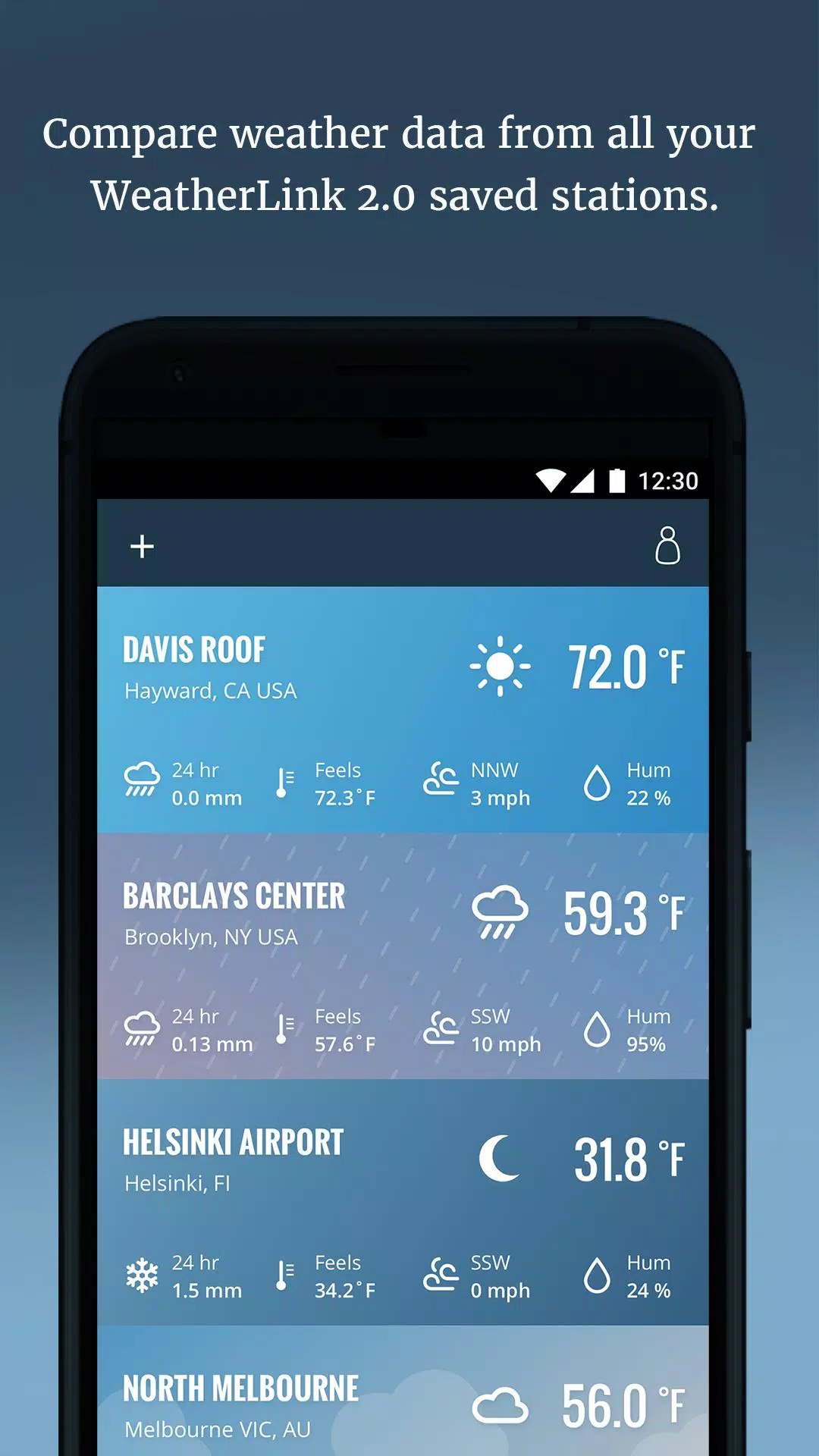
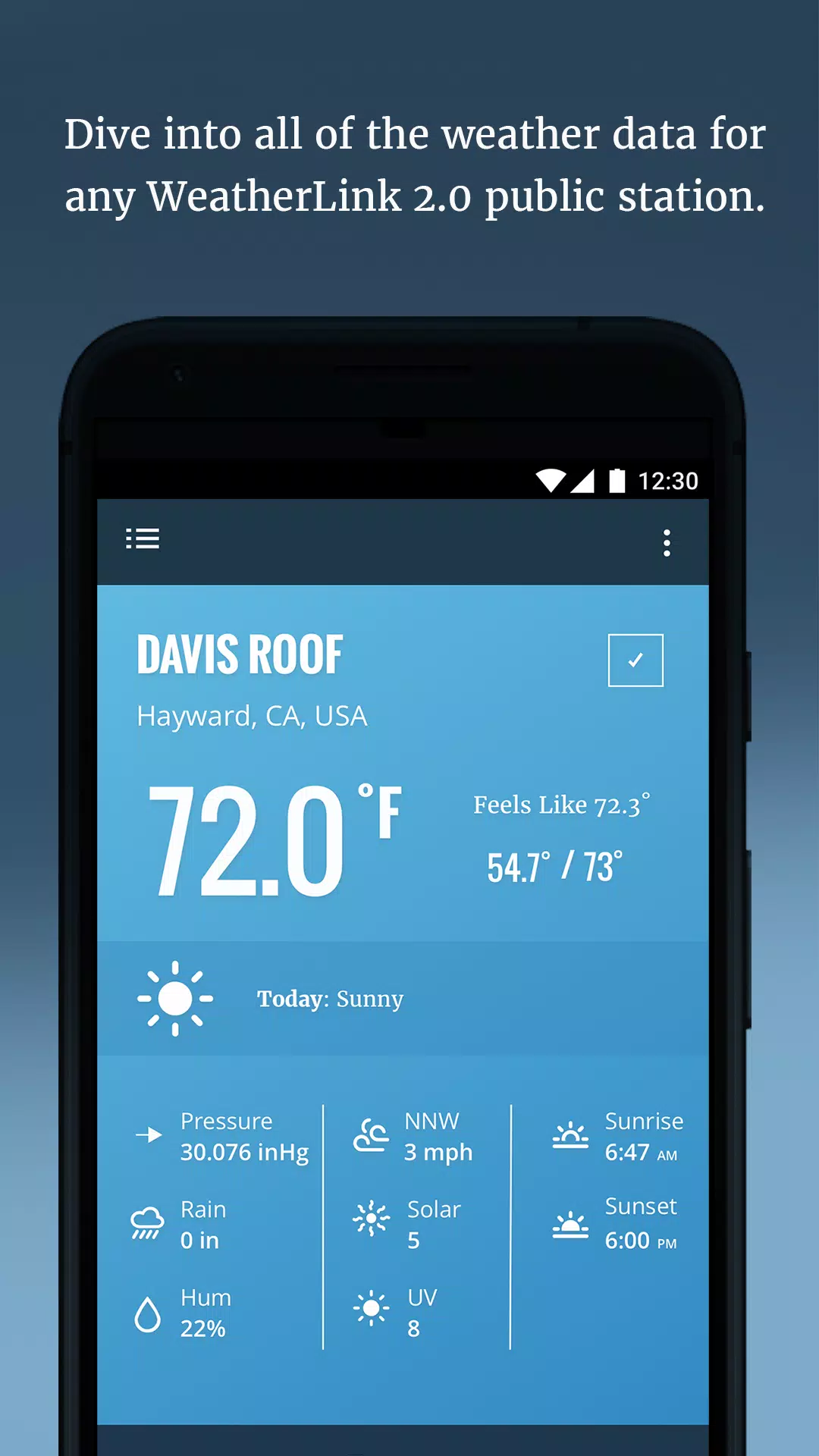
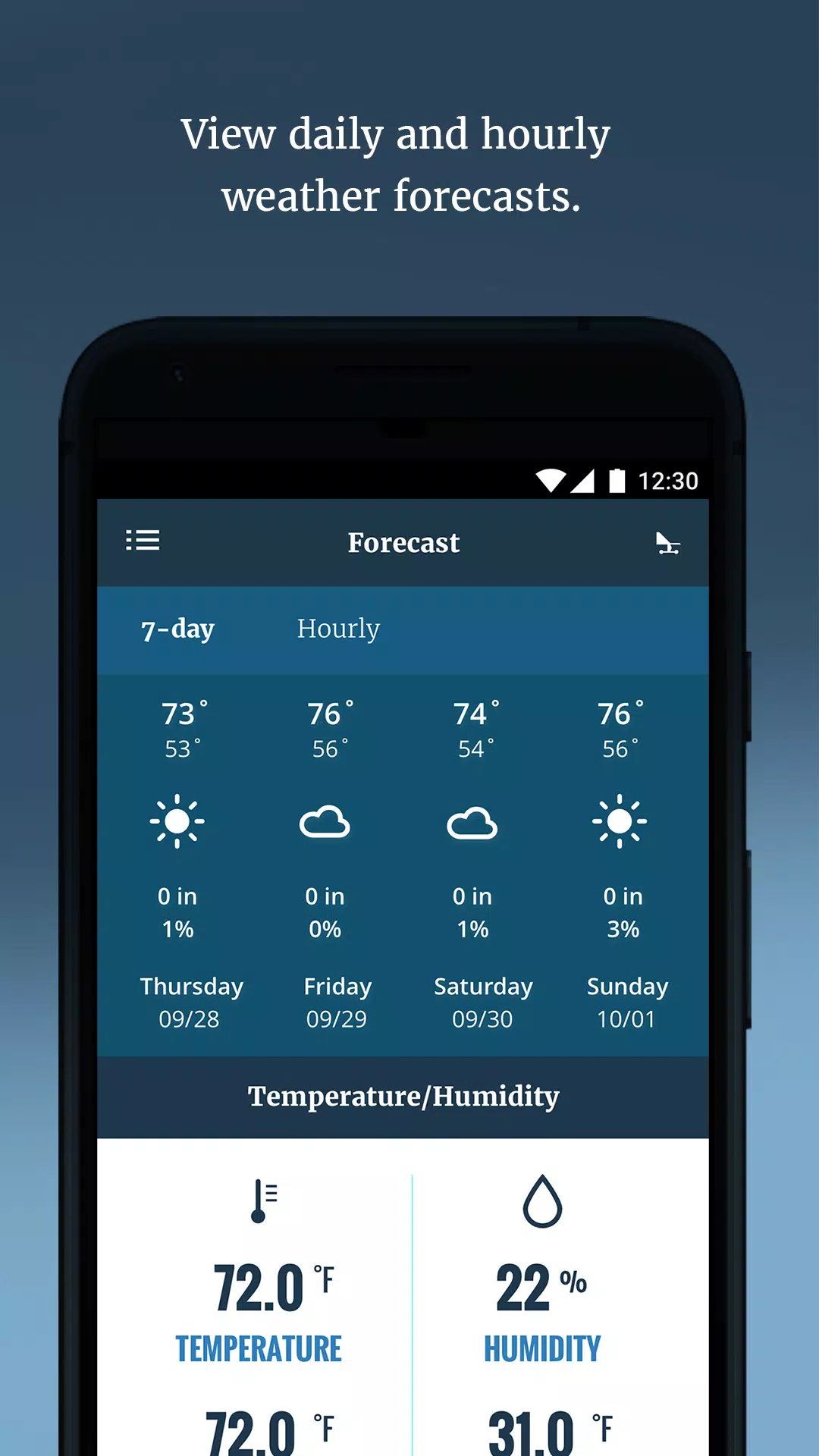
WeatherLink combines precise meteorological data with practical tools for everyday use. The app offers current conditions, minute-by-minute precipitation updates, multi-day forecasts, live radar and satellite overlays, and a suite of alert options for severe weather. It also supports multiple saved locations so you can monitor home, work, or travel destinations from a single dashboard.
The design emphasizes clarity: large icons, readable typography, and swipe-based navigation make it simple to move between the forecast, radar, and settings screens. Customizable widgets let you place essential information on the Android home screen, and a compact notification summary keeps key updates visible without opening the full app. WeatherLink’s layout balances detail with accessibility, so both casual users and weather enthusiasts find relevant data quickly.
Set up tailored notifications for temperature thresholds, wind gusts, precipitation, or severe weather advisories. WeatherLink allows you to define alert sensitivity and quiet hours, reducing unnecessary interruptions while ensuring you receive critical warnings. The app also supports custom units (Celsius/Fahrenheit, km/h or mph), language preferences, and a dark mode for battery-friendly night viewing.
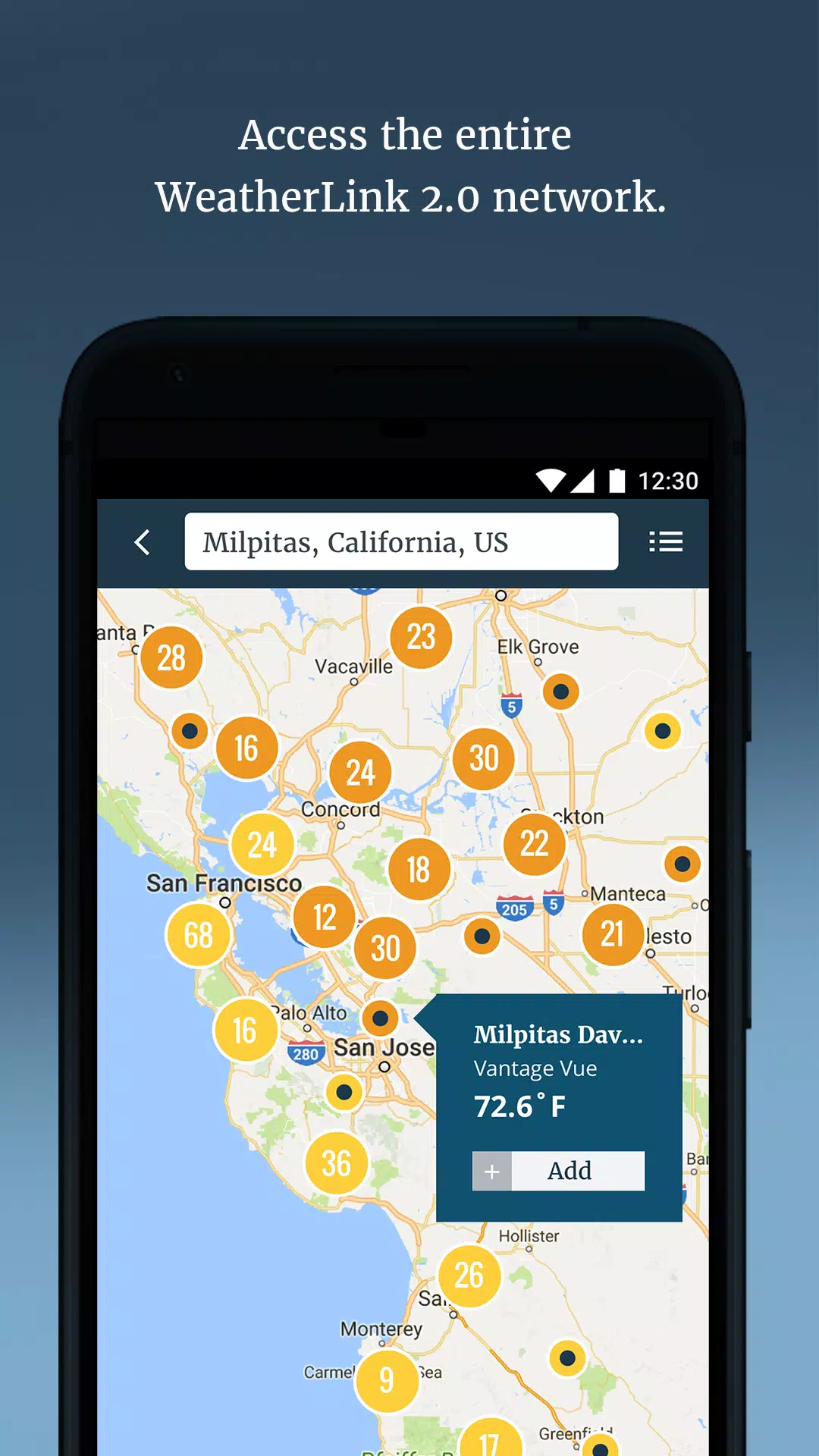
Interactive maps are a core part of WeatherLink’s utility. Choose from radar, satellite, cloud cover, and precipitation intensity layers, then zoom and pan to examine approaching systems. Advanced layering lets you overlay wind vectors, lightning strikes, and temperature gradients to build a fuller picture of local conditions. Animated playback shows storm movement over time, useful for short-term planning and travel decisions.
WeatherLink is optimized to minimize battery and data use while keeping information current. Background updates are configurable with options for interval syncs, updates only on Wi-Fi, or push-based alerts that trigger minimal network activity. On modern Android devices the app runs smoothly even with live radar enabled; older devices can disable intensive features to preserve performance.
The app supports a wide range of Android versions and scales effectively across phones and tablets. WeatherLink integrates with calendar apps to suggest weather-aware scheduling and can export simple forecast summaries for widgets or shareable snapshots. It also works with select smart home platforms to trigger automations—such as closing windows or retracting awnings—based on specified weather events.
WeatherLink aggregates information from reputable meteorological services and local observation networks. The app provides transparent sourcing for forecast models and radar feeds, and offers clear controls for location sharing and data collection. Users can choose precise GPS tracking, coarse location, or manual location entry to match privacy preferences.
After installation, add your primary locations and enable the alert types you care about. Use the widget configuration to place a concise forecast on your home screen, and experiment with map layers to discover which overlays provide the clearest insights for your area. Enable push alerts for sudden weather changes if you commute, plan outdoor activities, or manage property during storm seasons.
Users appreciate WeatherLink for its combination of timely data, flexible alerts, and readable displays. Whether you need a quick check before leaving the house or a deeper view into incoming systems, the app is built to provide actionable weather intelligence without overwhelming the user. Regular updates refine model accuracy and add features based on user feedback, keeping the experience practical and responsive.
Pizzaria do Erick
Size:19.12M LifestyleMy Hurricane Tracker Pro
Size:4.73M LifestylePushscroll
Size:61.25M LifestyleSmartWOD Timer
Size:26.75M LifestyleMeteum Weather
Size:63.84M LifestyleBestifyMe
Size:13.80M LifestyleWeatherPro
Size:48.30M LifestyleEmpower You: Unlimited Audio
Size:80.20M LifestyleAdobe Express
Size:107.80M LifestyleGeoZilla
Size:63.92M LifestyleONEWallet - Cards Wallet
Size:15.00M LifestyleFloor Plan Creator Home Design
Size:40.91M LifestyleApril 2024 Clash of Clans Update: Unveiling a Fresh Companion, Enhanced Levels, Chat Tagging, and Be
2024-04-16Arrival of Genshin Impact 4.6 Update: 'Embers of Two Realms, Twilight of Crimson'
2024-04-16V2.2 of the Farlight 84 update introduces an overhauled Season structure, fresh in-game currency, an
2024-04-16Monster Never Cry is now accessible on both Android and iOS mobile devices.
2024-04-18PUBG Mobile Teams Up with Bentley Motors: Luxury Cars, Exclusive Collectibles, and Beyond
2024-04-18March 2024 Free Redemption Codes for Honkai: Star Rail
2024-04-18