English
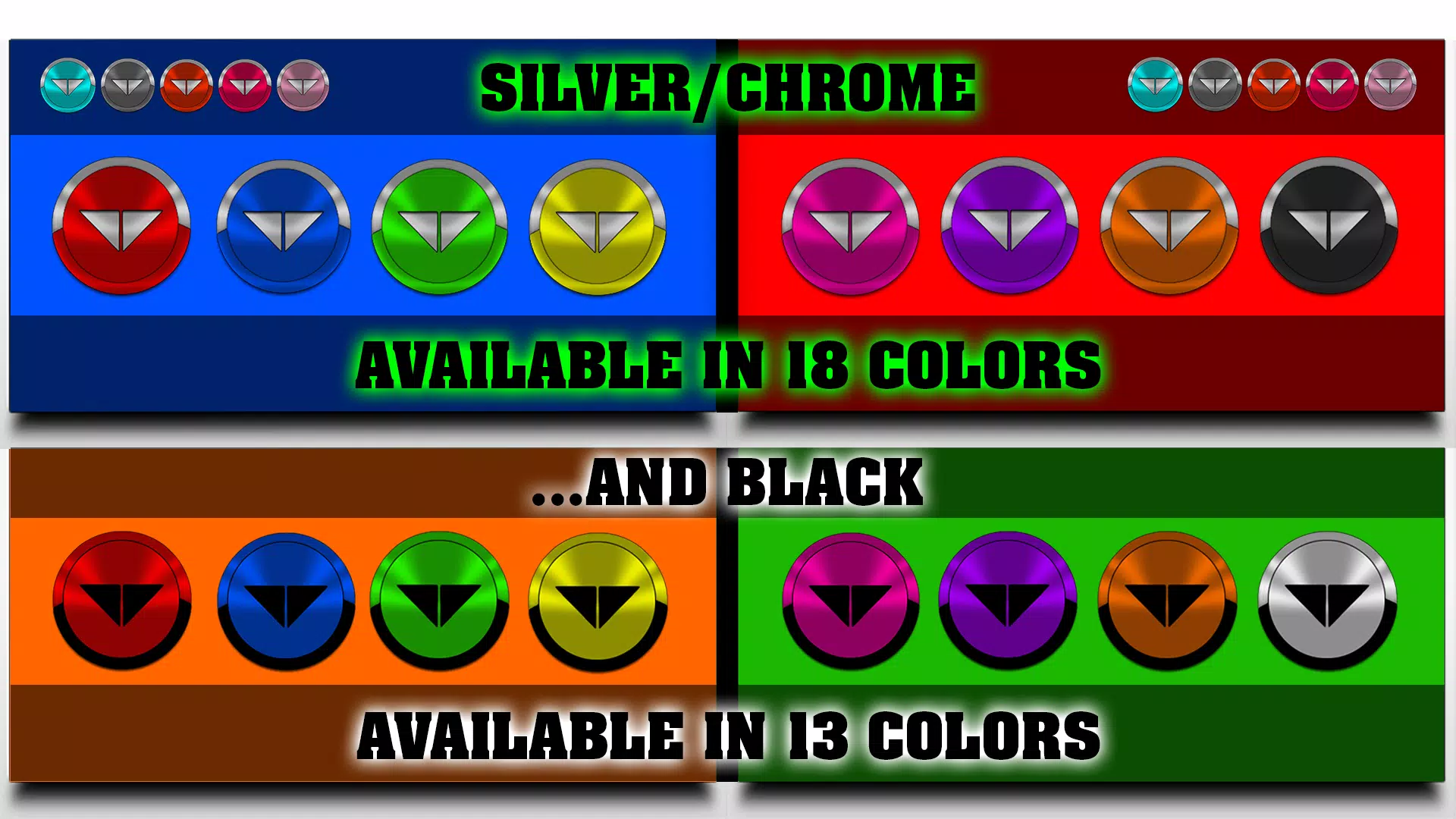
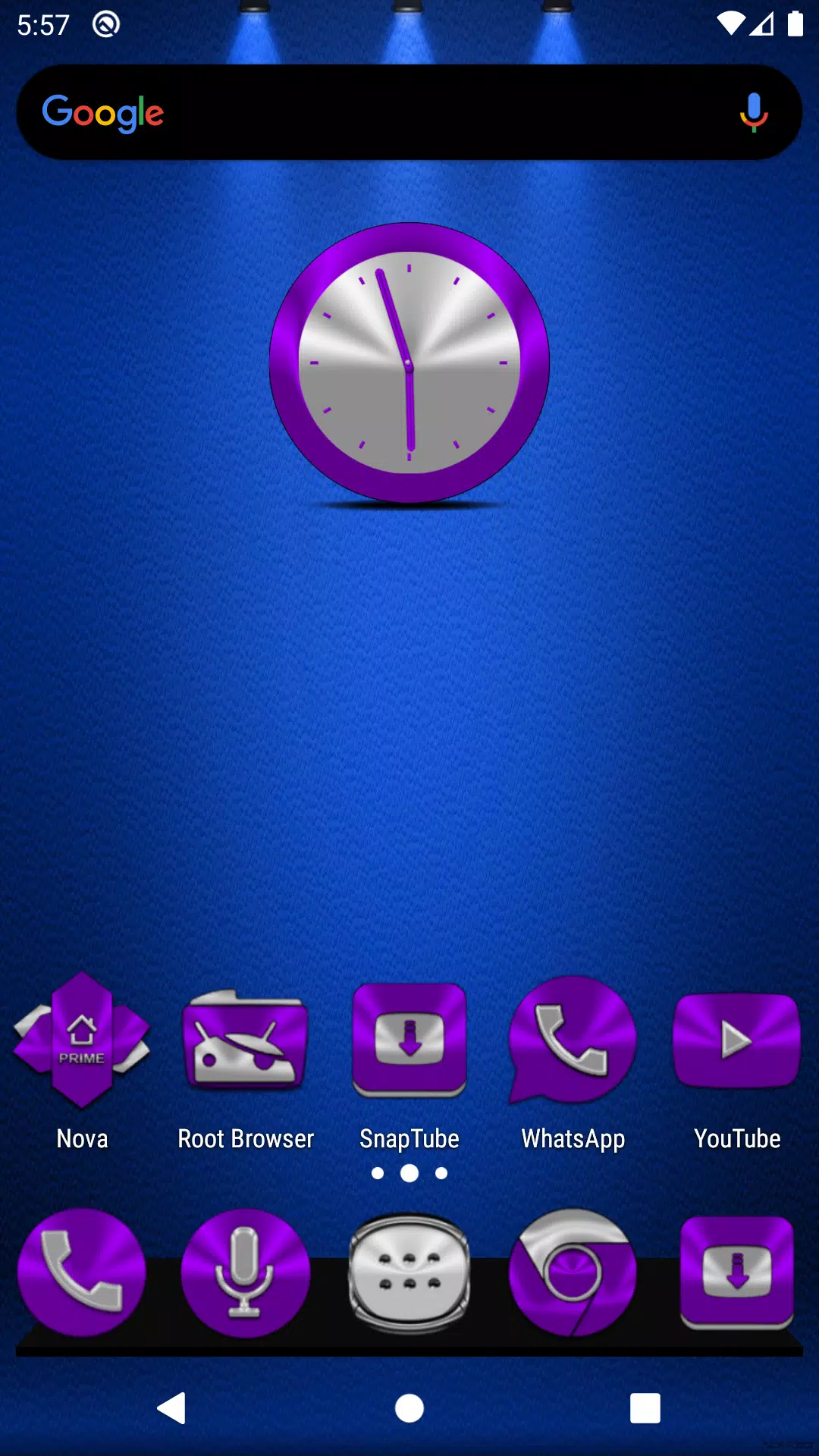
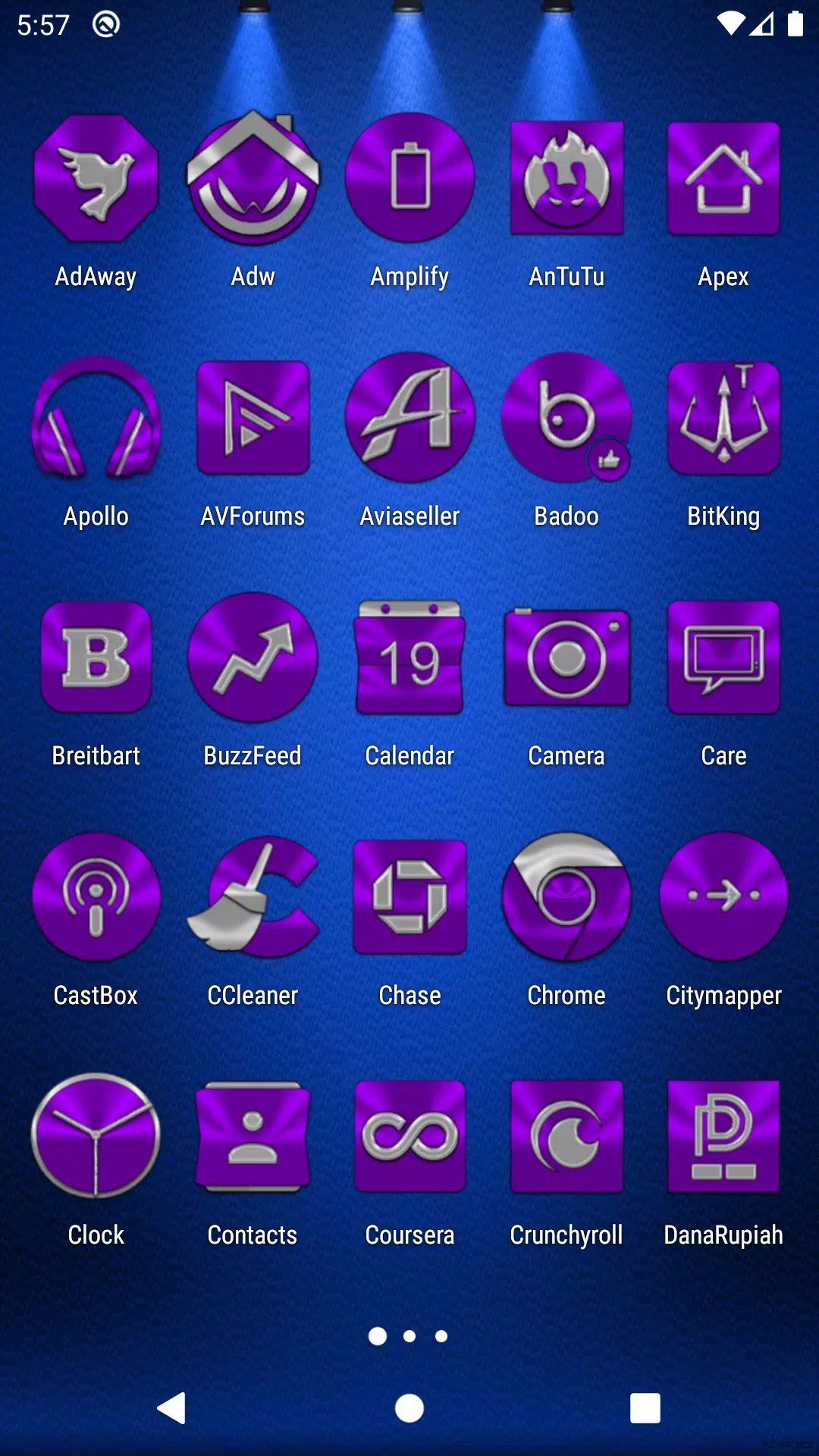
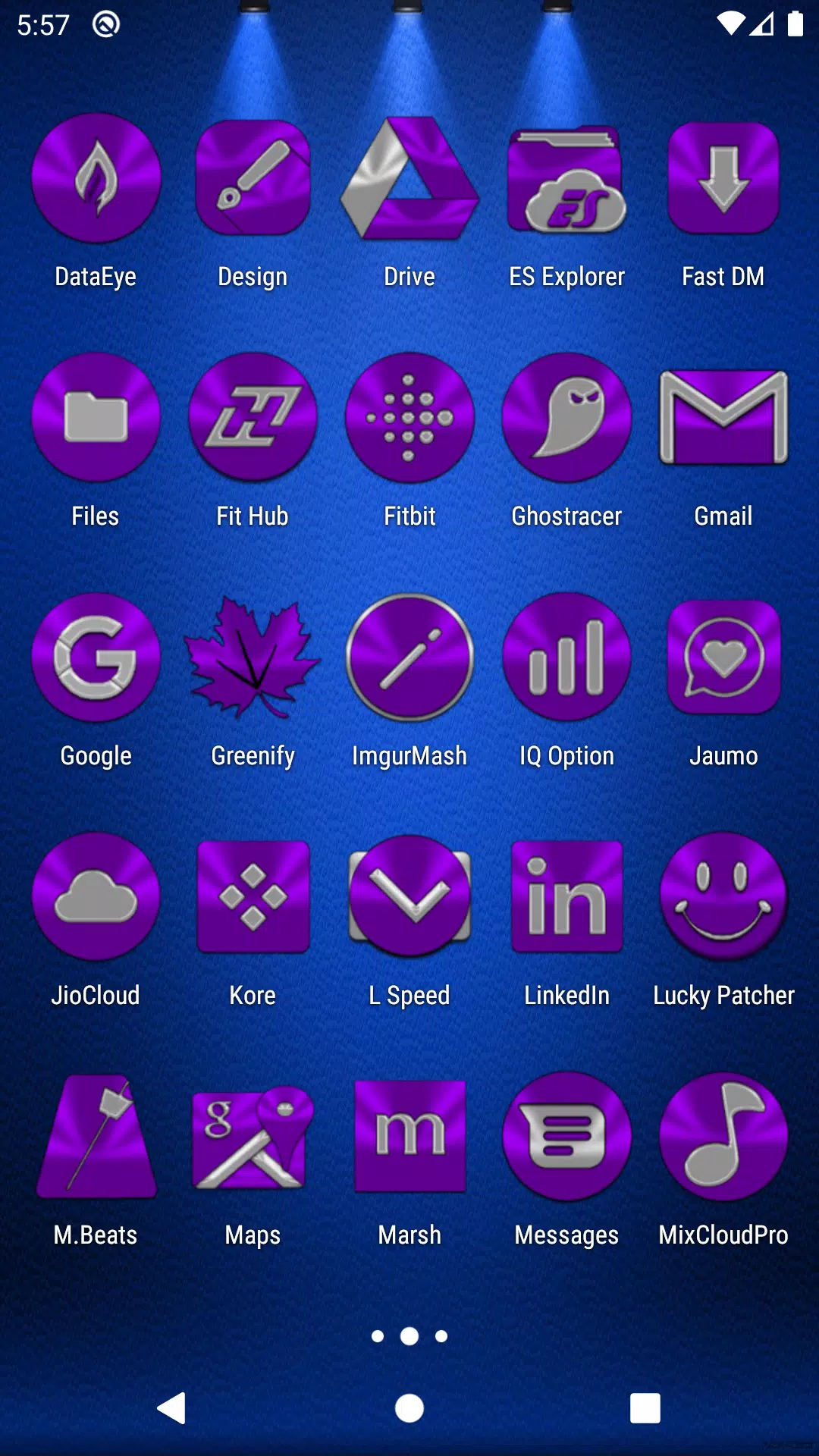
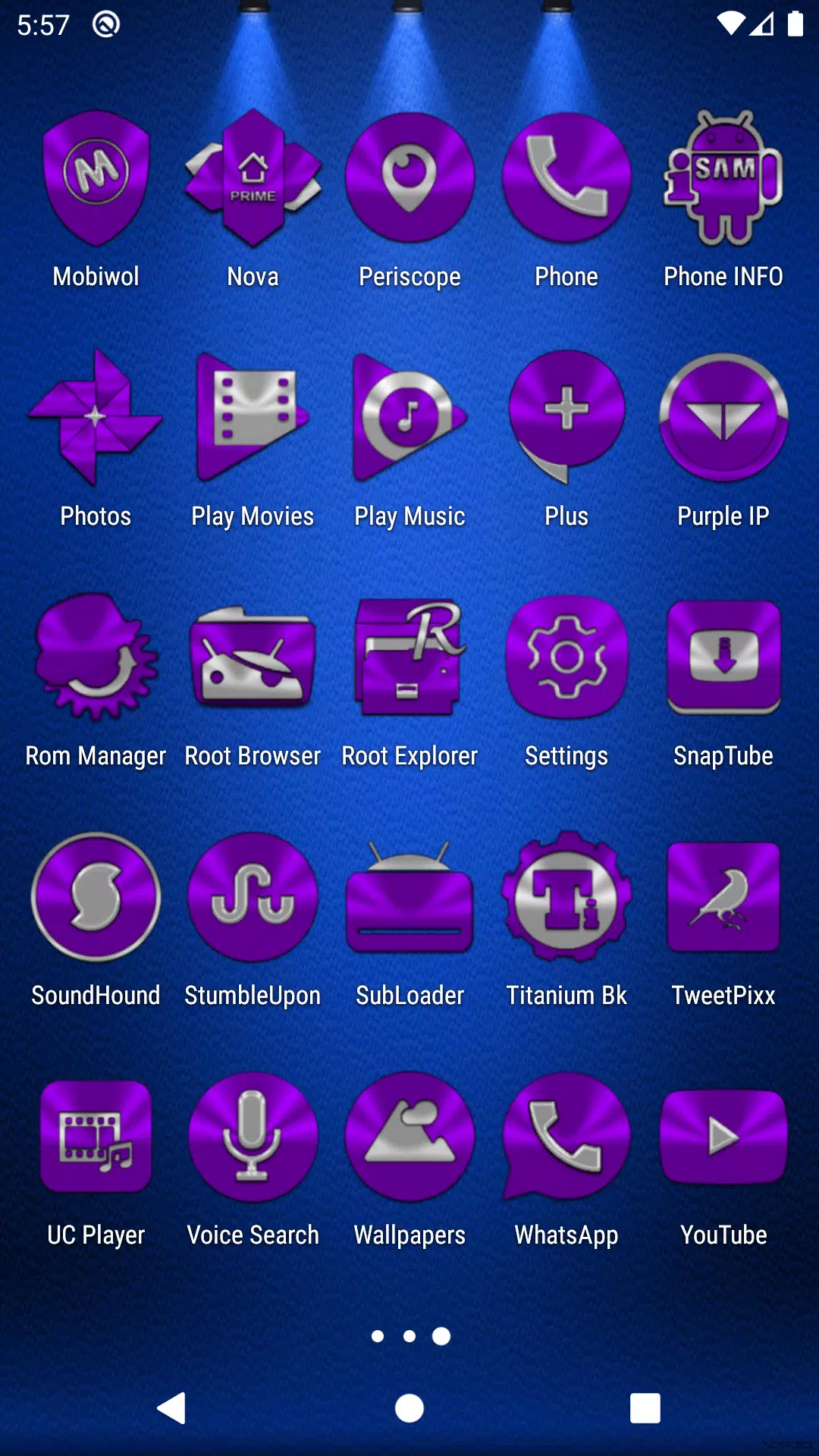
Purple Icon Pack transforms your Android home screen with a cohesive purple-themed icon set and matching accents. It provides high-resolution glyphs, adaptive shapes, and a consistent color palette to upgrade visual harmony across apps. The pack is lightweight, launcher-friendly, and designed for users seeking a sleek purple aesthetic.
Purple Icon Pack focuses on a unified visual language that blends muted purples with crisp white details. Icons are handcrafted to preserve recognizability while applying a modern, minimal twist. The result is an interface that feels curated rather than chaotic, helping users maintain a stylish home screen without sacrificing clarity.
Purple Icon Pack is compatible with the most popular third-party Android launchers. Apply icons through your launcher settings or use the built-in apply tool inside the pack. The icon metadata is structured to support manual assignment when a launcher does not automatically replace certain system or third-party icons.
Beyond replacing app icons, Purple Icon Pack provides small but useful customization tools. Choose wallpapers from a curated cloud collection that keep the purple palette consistent across wallpaper, icons, and widgets. The pack also respects dynamic icon masking so your system UI stays cohesive even with different icon shapes.
Designed to be lightweight, Purple Icon Pack minimizes memory and storage impact. Icons are vector or high-resolution raster assets compressed for size without visible quality loss on common display types. Apply operations are near-instant on modern devices and the app avoids persistent background services to keep battery use low.
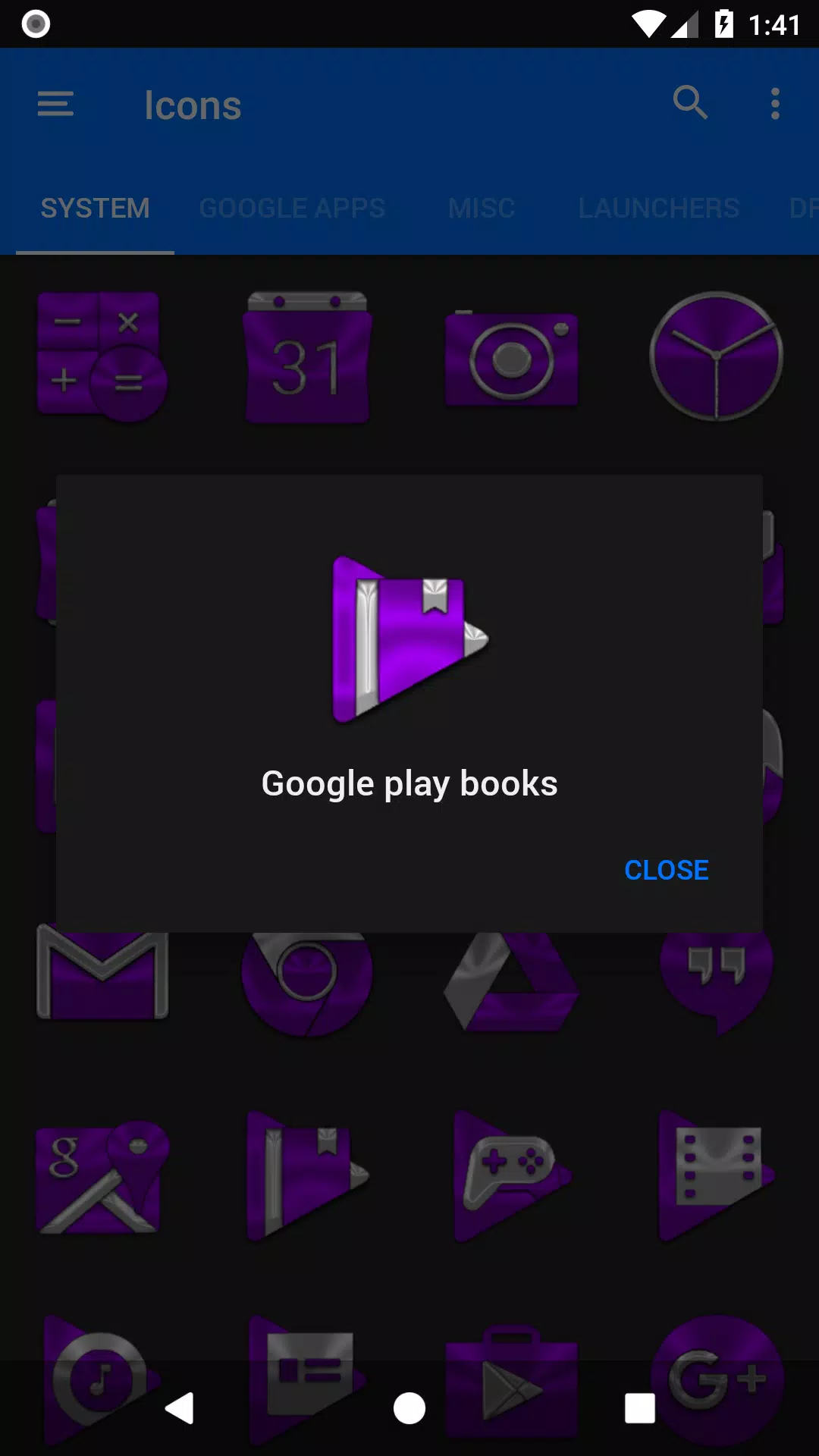
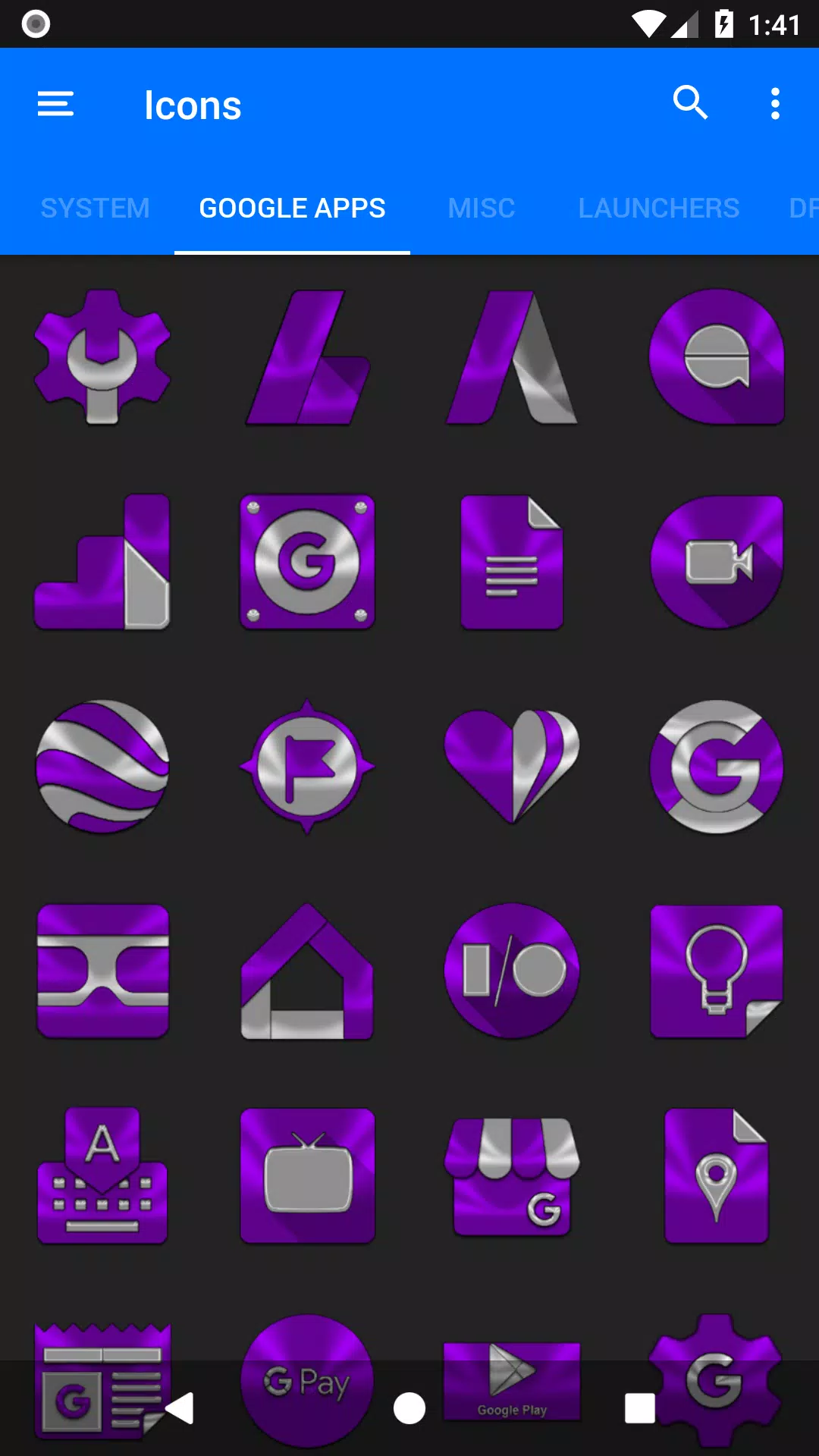
The app UI is organized for quick browsing and application. Categories and a search function help find specific icons fast. The icon request workflow is straightforward: select an app, pick a recommended icon, and submit a request that the developer can fulfill in a future update.
For the cleanest result, set a neutral or low-contrast wallpaper from the included selection and apply a consistent icon grid in your launcher. Back up your current homepage layout before applying the pack so you can revert easily. If an icon looks off, try manually assigning the custom glyph from the icon browser.
Many users pick Purple Icon Pack because it simplifies a home screen refresh with a single coherent palette. The balance between subtlety and personality keeps the interface modern without drawing attention away from app content. Regular updates and responsive developer support also contribute to a reliable experience.
Lines Gold Pro - Icon Pack
Size:65.13M PersonalizationFlight Dark Pro - Icon Pack
Size:48.36M PersonalizationAres Light: Pastel Icon Pack
Size:79.87M PersonalizationDots Live Wallpaper - Battery
Size:8.44M PersonalizationChroma - Icon Pack
Size:51.41M PersonalizationOne UI Fluffy Icon Pack
Size:79.19M PersonalizationPixly Limitless Fluo Icon Pack
Size:110.46M PersonalizationPixly Professional Dark
Size:77.11M PersonalizationPixly Paint - Icon Pack
Size:125.78M PersonalizationWatch Faces by Watch Base
Size:9.40M PersonalizationPixly Dark 3D - Icon Pack
Size:106.58M PersonalizationLena Black - Glyph Icon Pack
Size:17.59M PersonalizationApril 2024 Clash of Clans Update: Unveiling a Fresh Companion, Enhanced Levels, Chat Tagging, and Be
2024-04-16Arrival of Genshin Impact 4.6 Update: 'Embers of Two Realms, Twilight of Crimson'
2024-04-16V2.2 of the Farlight 84 update introduces an overhauled Season structure, fresh in-game currency, an
2024-04-16Monster Never Cry is now accessible on both Android and iOS mobile devices.
2024-04-18PUBG Mobile Teams Up with Bentley Motors: Luxury Cars, Exclusive Collectibles, and Beyond
2024-04-18March 2024 Free Redemption Codes for Honkai: Star Rail
2024-04-18