English
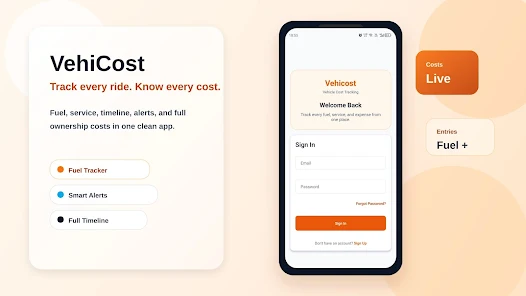
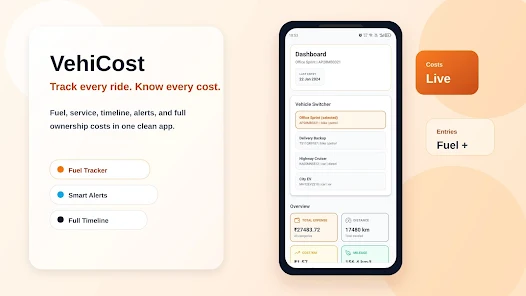
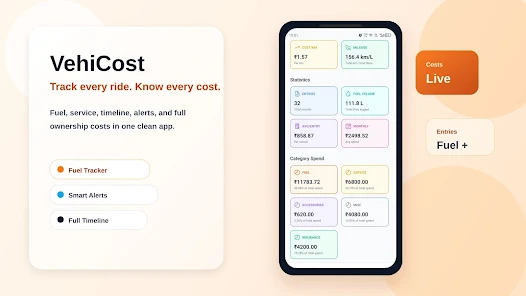
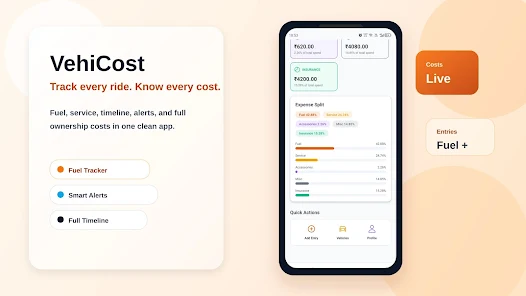
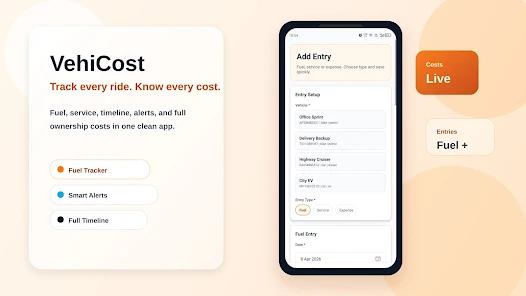
VehiCost is a practical vehicle cost manager designed to track fuel, maintenance, and ownership expenses with clear charts and per-trip breakdowns. It helps drivers estimate total cost of ownership, compare vehicles, and plan budgets using simple inputs and exportable reports suitable for both personal and small-fleet use.
Modern drivers need fast, reliable tools to understand what a car really costs. VehiCost targets that gap by combining mileage logs, fuel economy calculators, and maintenance trackers into a compact app. The goal is to turn scattered receipts and vague memories into clear monthly and annual summaries that support smarter decisions about driving, servicing, or replacing a vehicle.
The app focuses on measurable outcomes. Core capabilities include:
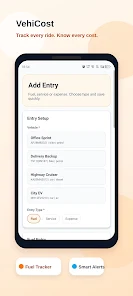
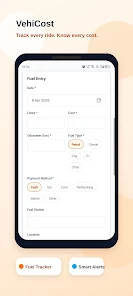
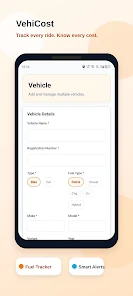
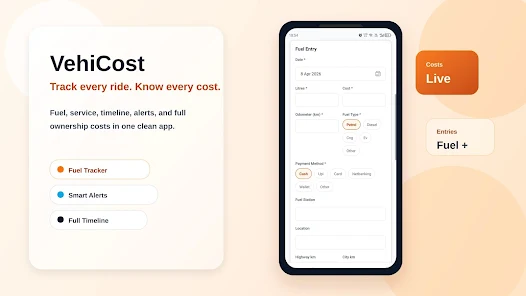
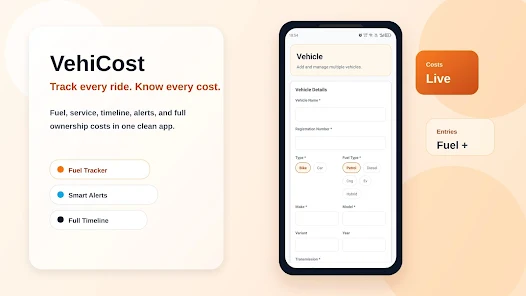
Using VehiCost is straightforward. After a quick setup for each vehicle, you add entries whenever you fill the tank or pay for service. The app automatically updates averages and projects long-term costs. Visual charts display fuel economy trends and spending breakdowns, helping you spot rising repair costs or inefficient driving patterns.
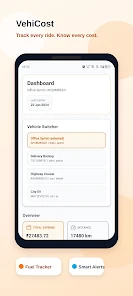
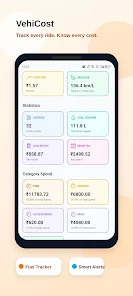
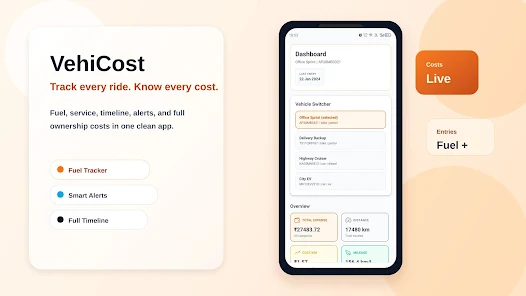
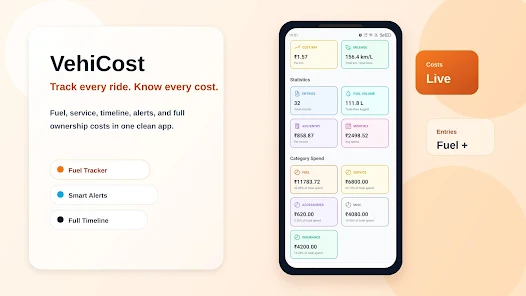
Design choices favor clarity and speed. The main dashboard surfaces the most relevant metrics: current MPG/L per 100km, average monthly fuel expense, and the latest service notes. Navigation uses a simple tab bar, keeping data entry within two taps. Performance is responsive on mid-range devices, and data sync options minimize manual backups.
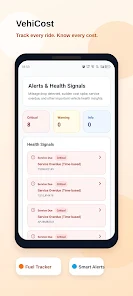
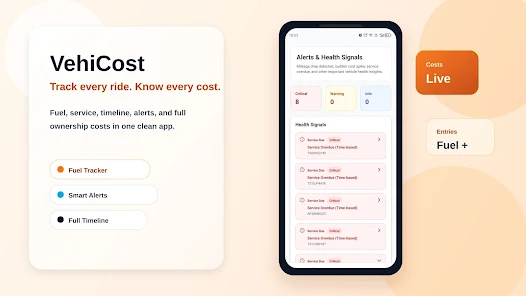
Accuracy depends on consistent input. VehiCost supports custom units (miles/kilometers, liters/gallons), fuel prices per region, and service categories so you can adapt the app to local needs. The settings allow you to set reminder intervals for routine maintenance and to categorize trips by business or personal use for tax or reimbursement purposes.
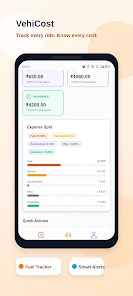
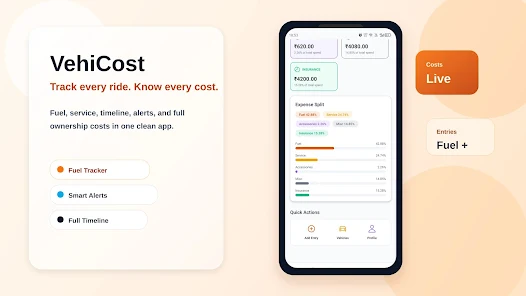
Users report that the learning curve is short. Clear labels, inline help, and contextual hints reduce guesswork during setup. The app avoids cluttered screens in favor of targeted visualizations: pie charts for cost distribution and line graphs for fuel efficiency. For small fleets, shared export files make it easier to consolidate multiple vehicles into a single spreadsheet for finance teams.
Getting started is fast. Download the package, create a vehicle profile, and configure units and reminders. After the first few entries you’ll start seeing trends and cost-per-kilometer figures that offer immediate insight. For fleet administrators, onboarding several vehicles takes slightly longer but follows the same simple process.
Whether you’re comparing used cars, managing a second vehicle, or overseeing a small fleet, VehiCost provides a focused set of tools to quantify what driving actually costs. It emphasizes actionable metrics and straightforward reporting to help you reduce surprises and make better decisions about spending, maintenance, and vehicle replacement timing.

Pizzaria do Erick
Size:19.12M LifestyleMy Hurricane Tracker Pro
Size:4.73M LifestylePushscroll
Size:61.25M LifestyleSmartWOD Timer
Size:26.75M LifestyleMeteum Weather
Size:63.84M LifestyleBestifyMe
Size:13.80M LifestyleWeatherPro
Size:48.30M LifestyleEmpower You: Unlimited Audio
Size:80.20M LifestyleAdobe Express
Size:107.80M LifestyleGeoZilla
Size:63.92M LifestyleONEWallet - Cards Wallet
Size:15.00M LifestyleFloor Plan Creator Home Design
Size:40.91M LifestyleApril 2024 Clash of Clans Update: Unveiling a Fresh Companion, Enhanced Levels, Chat Tagging, and Be
2024-04-16Arrival of Genshin Impact 4.6 Update: 'Embers of Two Realms, Twilight of Crimson'
2024-04-16V2.2 of the Farlight 84 update introduces an overhauled Season structure, fresh in-game currency, an
2024-04-16Monster Never Cry is now accessible on both Android and iOS mobile devices.
2024-04-18PUBG Mobile Teams Up with Bentley Motors: Luxury Cars, Exclusive Collectibles, and Beyond
2024-04-18March 2024 Free Redemption Codes for Honkai: Star Rail
2024-04-18