English
CustomEasy is a lightweight Android app that simplifies device personalization by letting users create, edit and apply custom themes, icons and widgets without technical knowledge. It streamlines setup, offers live previews and stores user presets for quick reuse, making personalization fast and approachable for everyday Android users.
CustomEasy puts common customization tools into a single, focused interface. Instead of switching between multiple apps or launcher settings, you can choose wallpapers, swap icon shapes, recolor accents and assemble widget layouts inside one editor. The app is designed for rapid iteration: change an element, preview it instantly and commit the change when you’re satisfied.
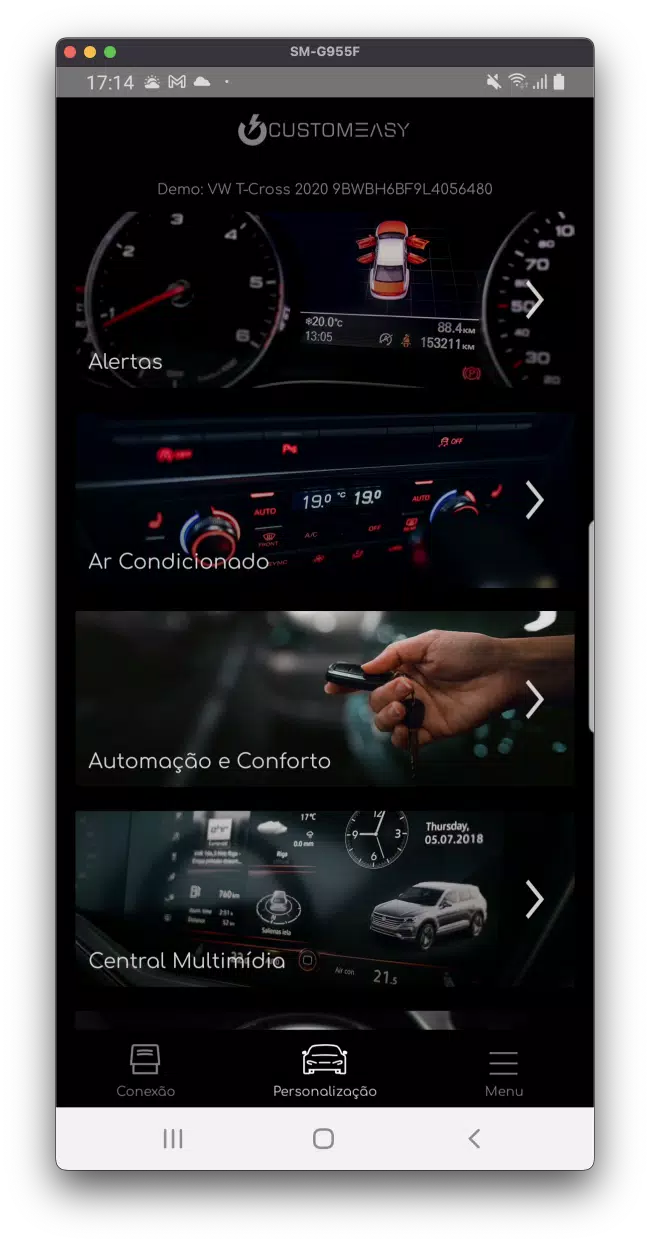
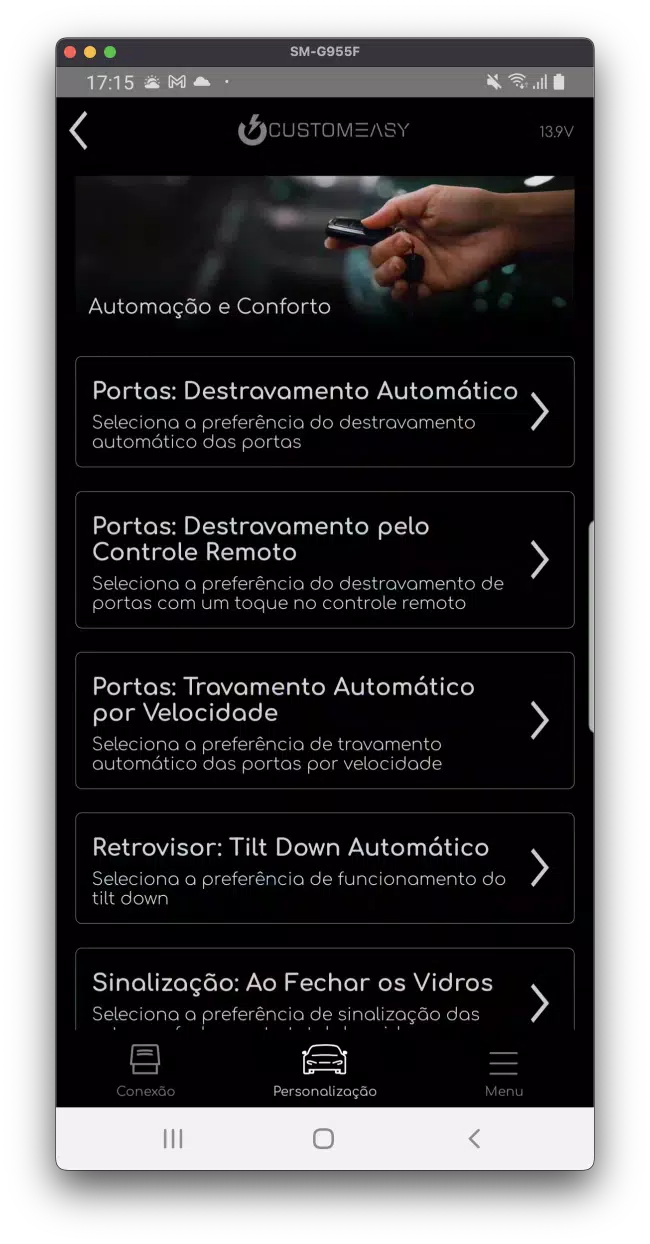
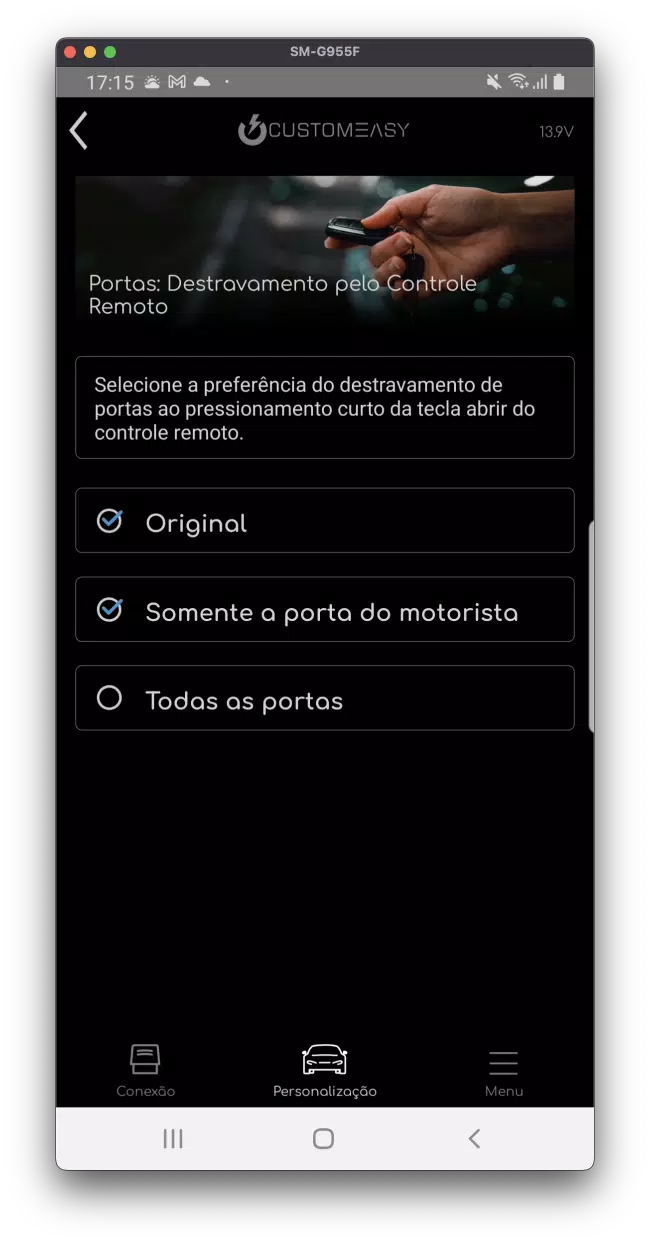
The app is organized around three main tabs: Edit, Preview and Manage. The Edit tab exposes granular controls for colors, spacing and icon sizing while keeping defaults accessible. Preview shows your changes on mock home screens so you know what to expect before applying anything system-wide. Manage holds your saved presets and import/export options, making it easy to switch looks for different occasions.
CustomEasy focuses on broad compatibility with popular Android launchers and widget frameworks. It avoids deep system hooks that require root, so most features work on unmodified devices. Performance is optimized for low memory impact: image assets are compressed intelligently and rendering is hardware-accelerated where available, minimizing battery and CPU use during editing sessions.
Use CustomEasy to create a minimal setup for productivity, a vibrant theme for weekends, or a subdued palette for low-light use. The app’s presets are useful for quickly switching between contexts — for example, a work profile with compact widgets and a personal profile with larger widgets and colorful accents. Frequent changers will appreciate the quick-apply workflow that reduces the friction normally associated with heavy personalization.
CustomEasy requests only the permissions necessary to function: access to local storage for saving backups and reading wallpapers, and optional permission to set the wallpaper or adjust widgets on supported launchers. The app keeps personalization data local by default; any cloud sync or sharing features are user-initiated and transparent.
After installing, grant the minimal permissions requested and tap through the quick tour. Create a new theme, pick a wallpaper and try the live preview. Apply the theme to test it on your home screen and, if you want to save time later, store it as a preset. The process is straightforward and designed to encourage experimentation without risk.
CustomEasy blends power and simplicity for anyone who wants to personalize their Android device without wrestling with multiple utilities. It balances creative freedom with sensible defaults and provides practical workflow tools to save and reuse styles. If you value speed, clarity and local control when customizing your phone, CustomEasy is built to make the process smoother.
Pushscroll
Size:61.25M LifestyleSmartWOD Timer
Size:26.75M LifestyleMeteum Weather
Size:63.84M LifestyleBestifyMe
Size:13.80M LifestyleWeatherPro
Size:48.30M LifestyleEmpower You: Unlimited Audio
Size:80.20M LifestyleAdobe Express
Size:107.80M LifestyleGeoZilla
Size:63.92M LifestyleONEWallet - Cards Wallet
Size:15.00M LifestyleFloor Plan Creator Home Design
Size:40.91M LifestyleBoard Game Stats
Size:30.70M LifestyleI am - Daily affirmations
Size:118.20M LifestyleApril 2024 Clash of Clans Update: Unveiling a Fresh Companion, Enhanced Levels, Chat Tagging, and Be
2024-04-16Arrival of Genshin Impact 4.6 Update: 'Embers of Two Realms, Twilight of Crimson'
2024-04-16V2.2 of the Farlight 84 update introduces an overhauled Season structure, fresh in-game currency, an
2024-04-16Monster Never Cry is now accessible on both Android and iOS mobile devices.
2024-04-18PUBG Mobile Teams Up with Bentley Motors: Luxury Cars, Exclusive Collectibles, and Beyond
2024-04-18March 2024 Free Redemption Codes for Honkai: Star Rail
2024-04-18