English
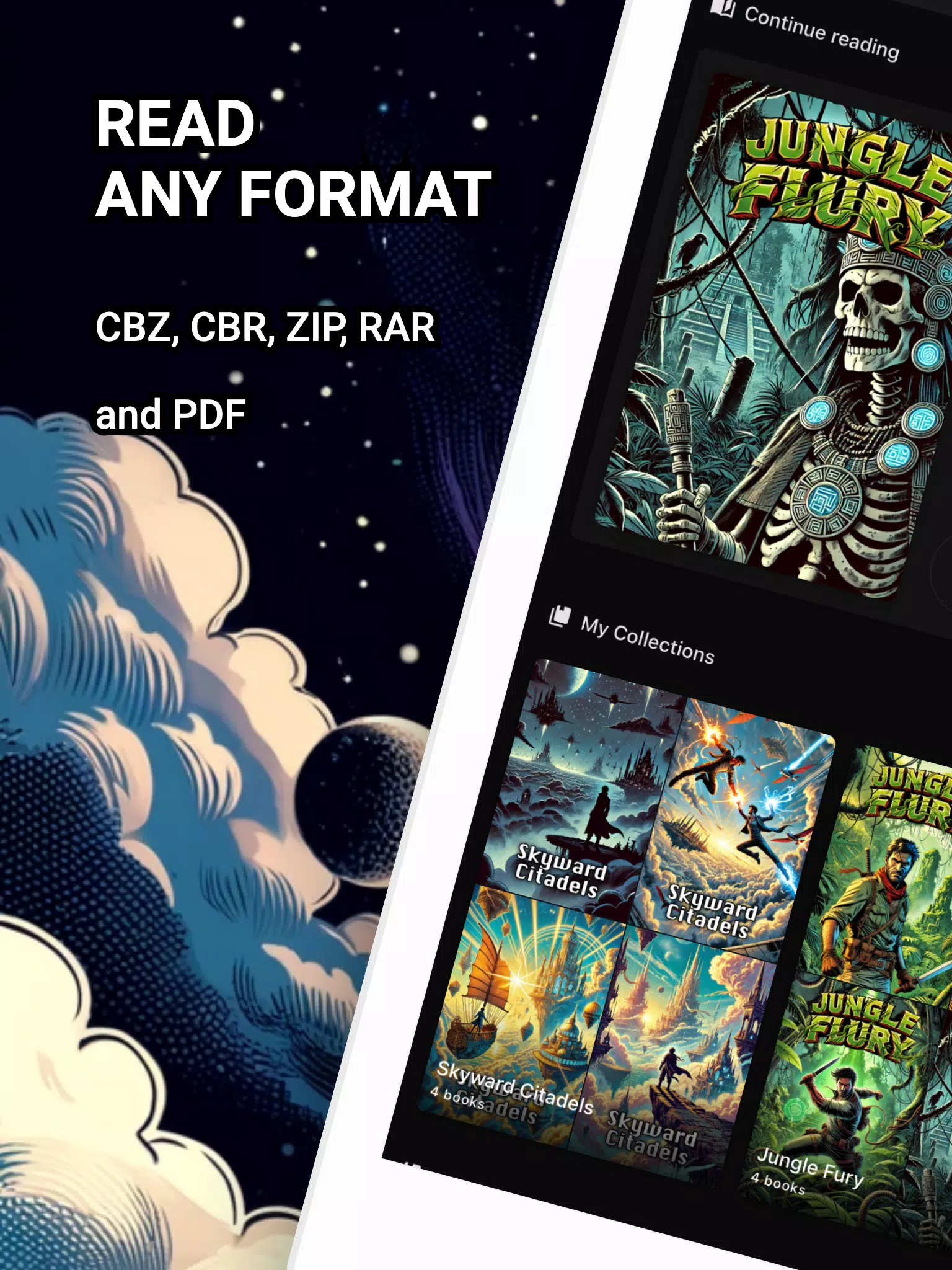
Comic Reader CBR, CBZ & PDF is a lightweight Android reading app built to open CBR, CBZ and PDF files with smooth page rendering, configurable viewing modes and simple library management. It targets readers who want fast navigation, readable text scaling, and reliable support for multi-page comic archives on mobile devices.
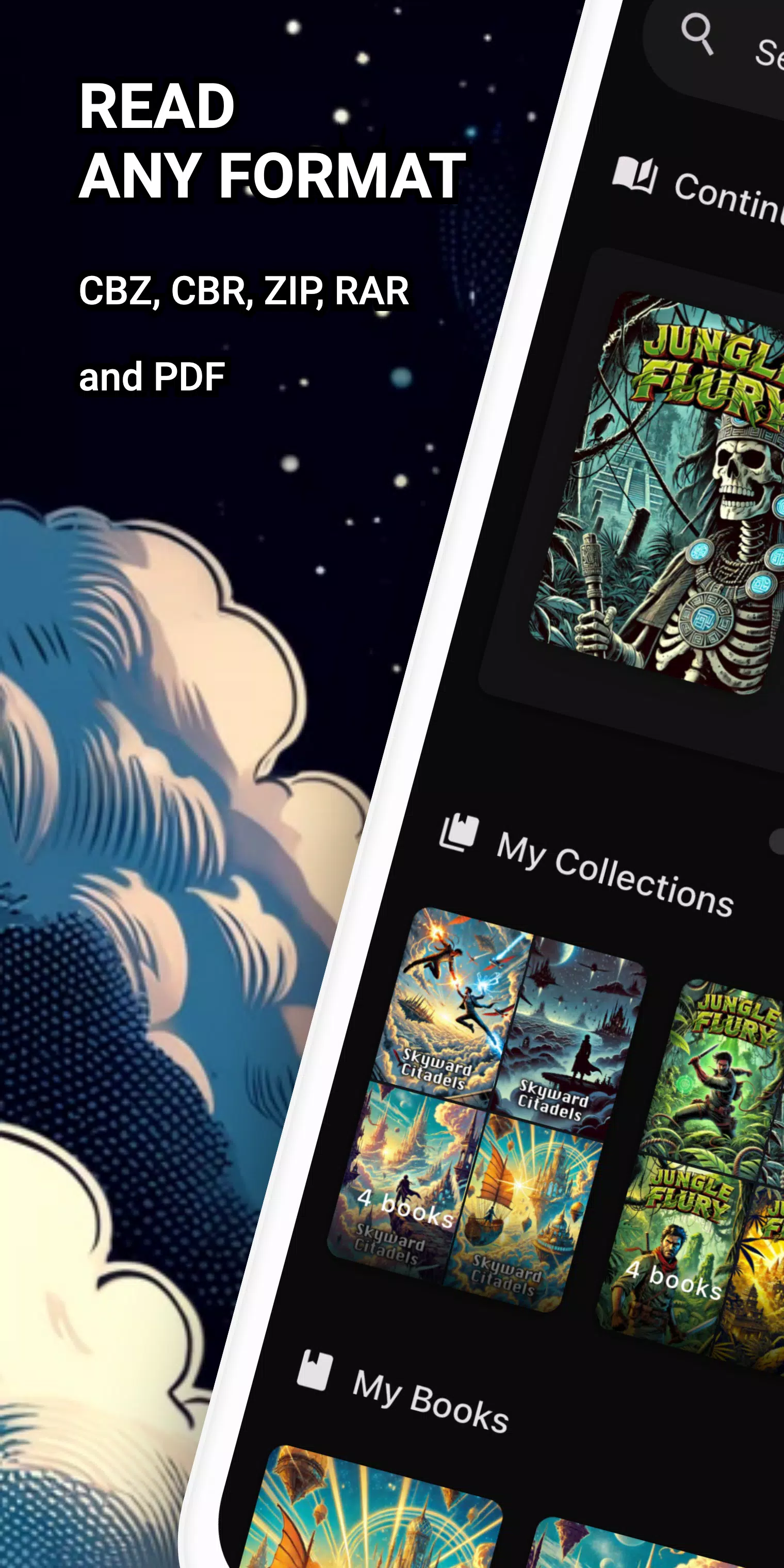
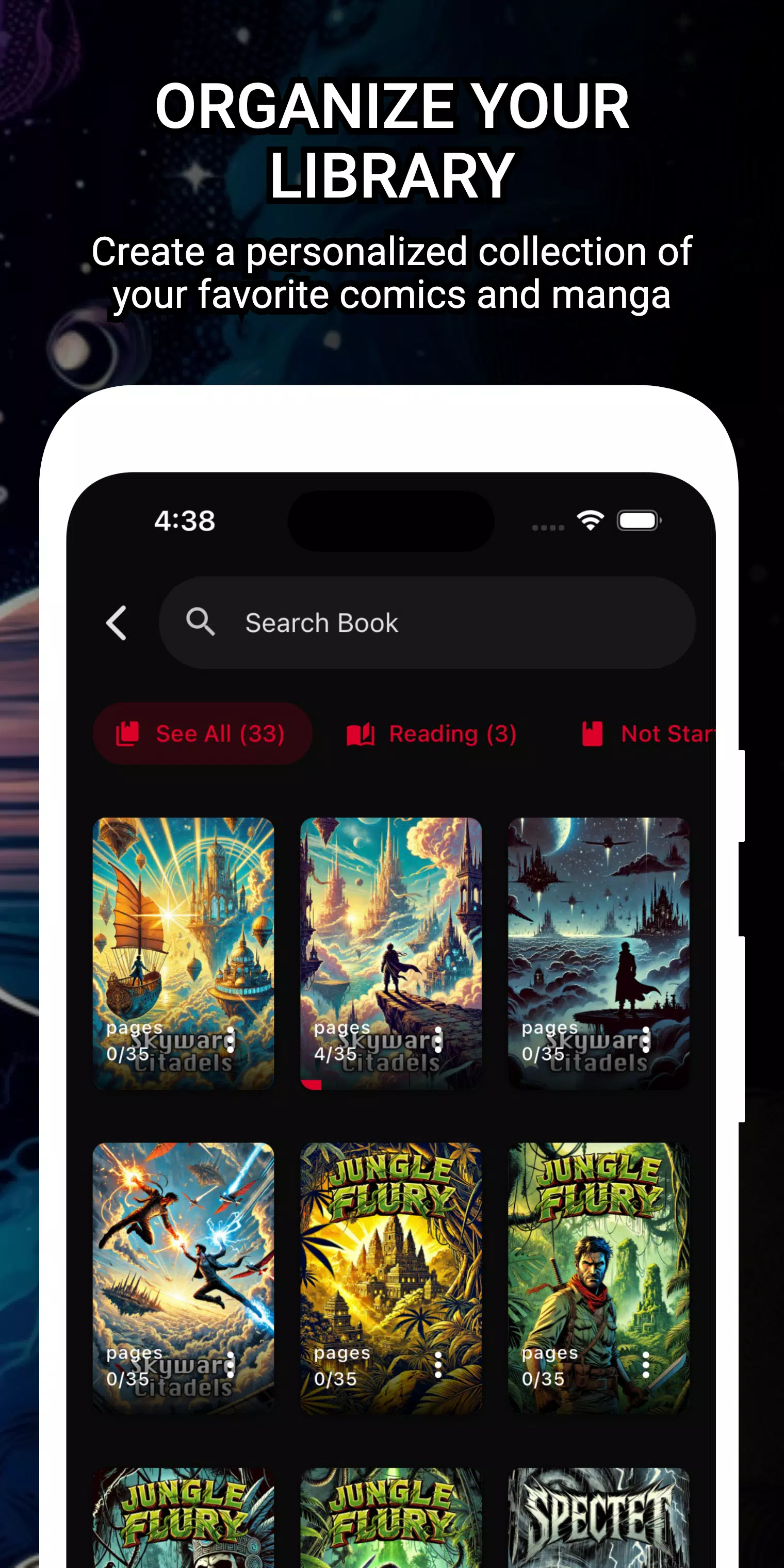
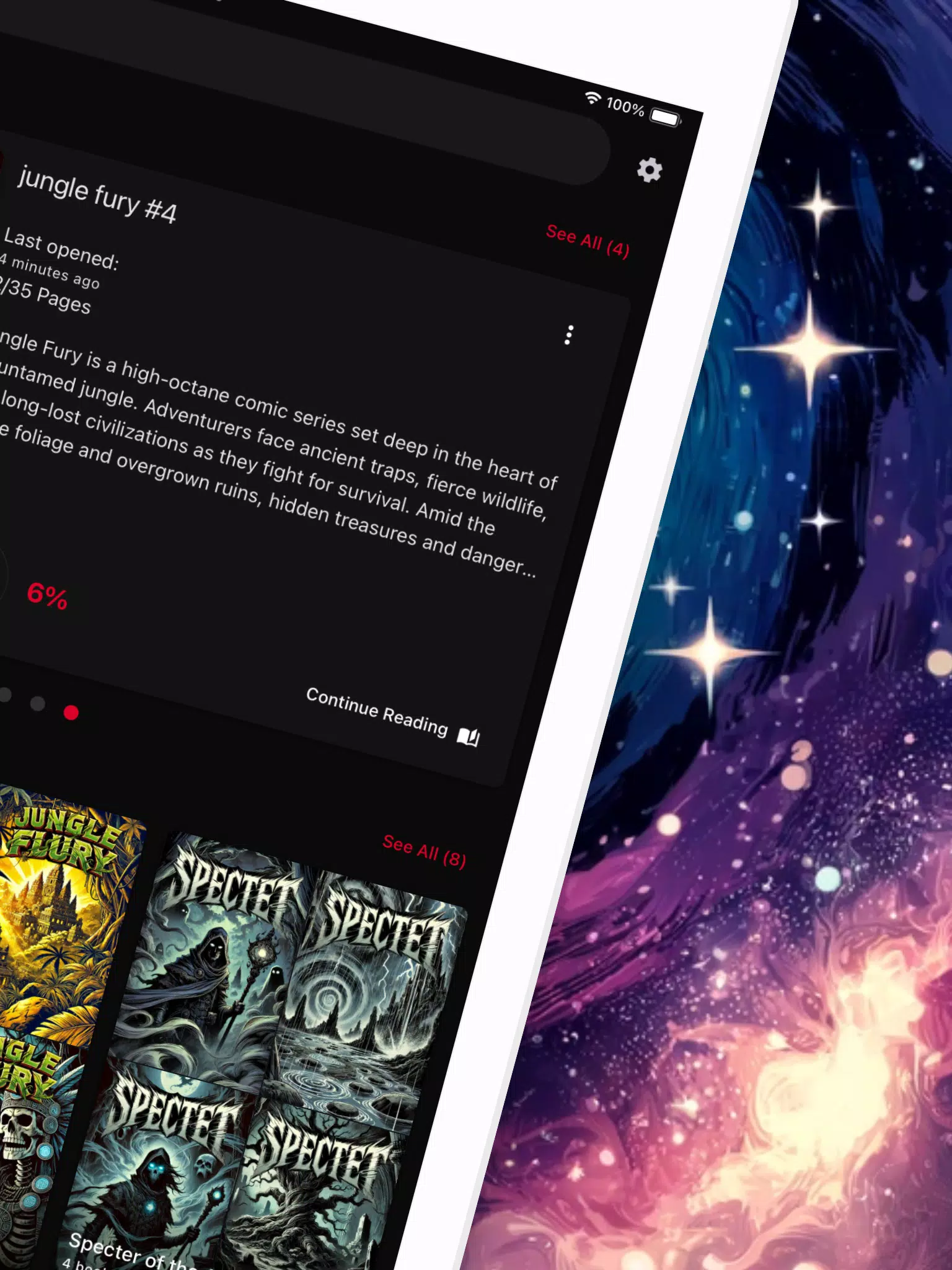
Comic Reader CBR, CBZ & PDF provides a straightforward way to organize and enjoy digital comics and graphic novels. The app supports common archive formats and traditional PDFs, letting you keep all issues in one place, pinch to zoom, and move through pages with taps or swipes. It aims for performance on mid-range phones while offering enough features for power users.
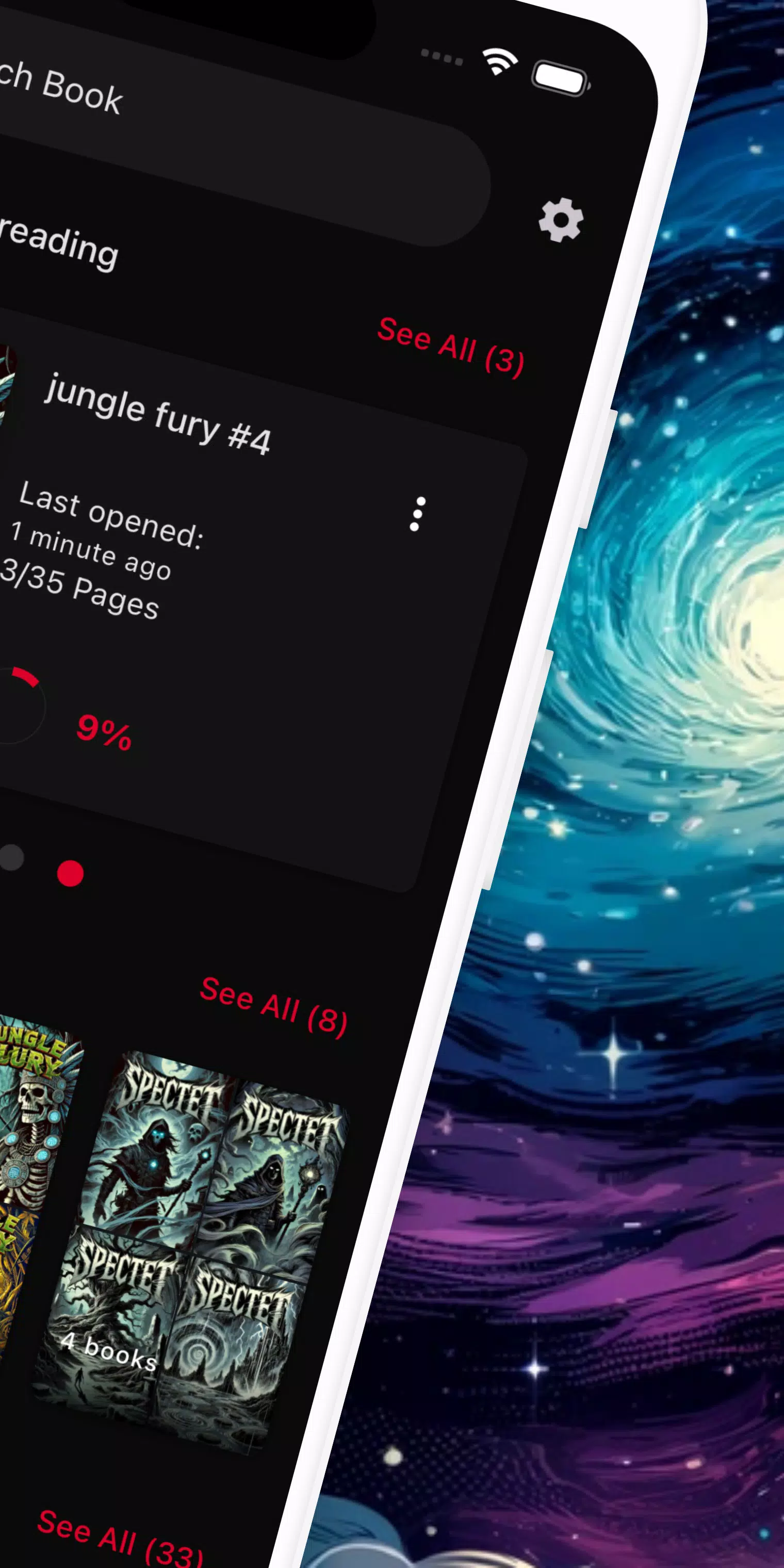
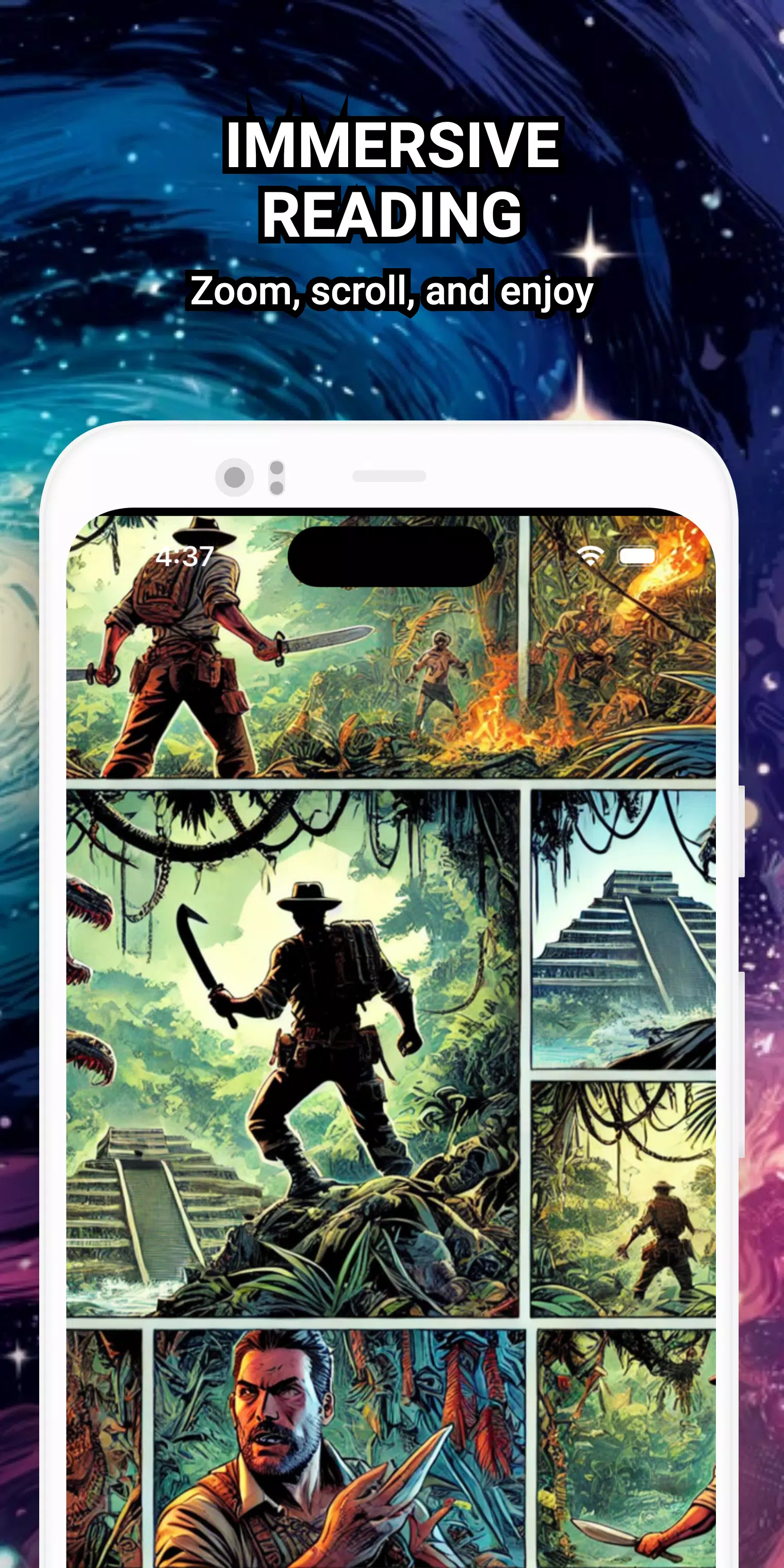
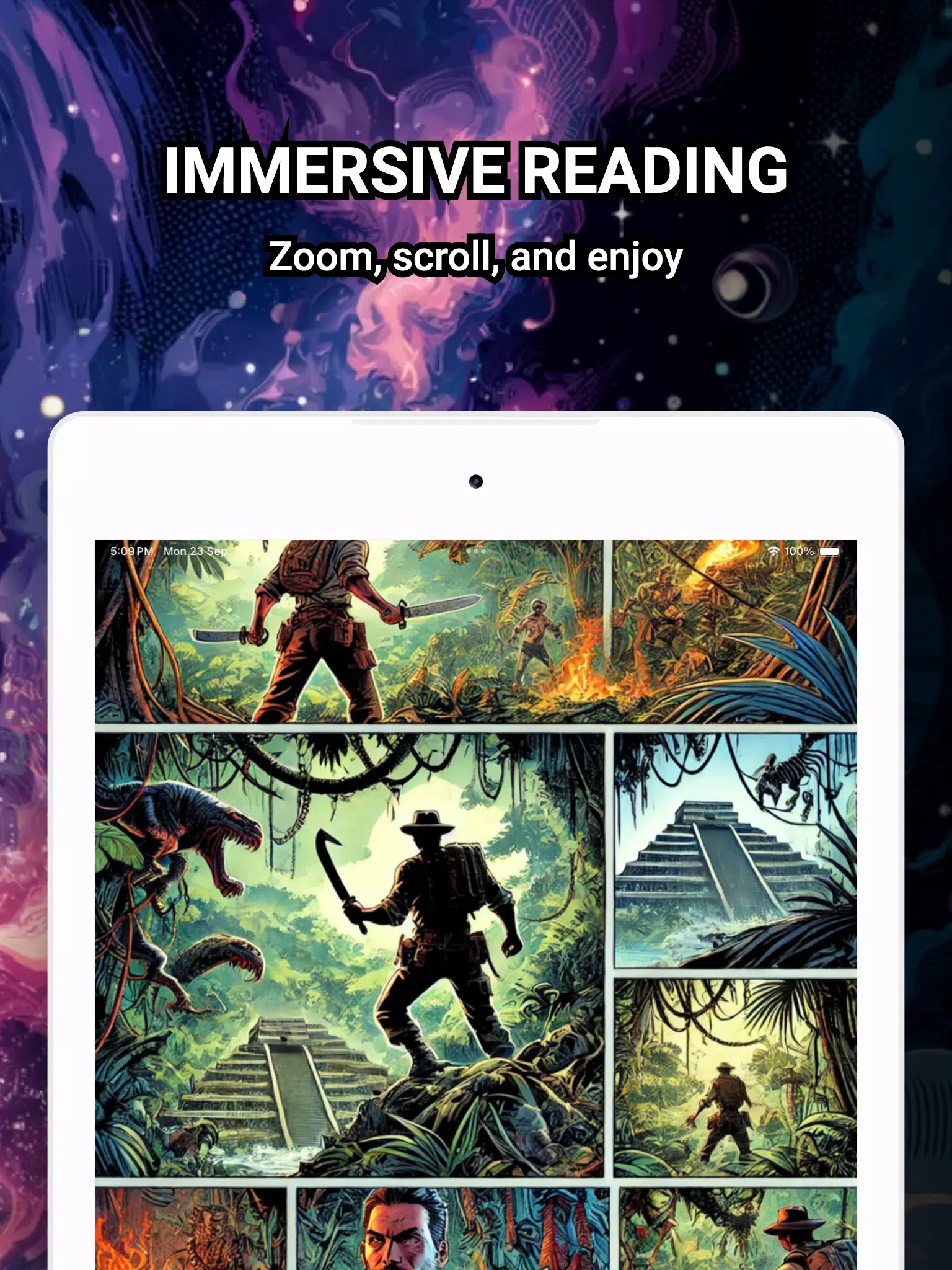
The user interface is uncluttered and practical. Comic Reader CBR, CBZ & PDF uses large thumbnails in library view and minimal on-page controls, so the image fills the screen when reading. Menus are accessible with a single tap, and gestures are consistent across devices. The design emphasis is on readability and fast navigation rather than flashy visual effects.
Rendering speed is a priority: images are decoded efficiently to keep page turns snappy. On devices with limited RAM the app scales images down to avoid slowdowns or crashes. For PDFs, the viewer maintains text clarity and preserves the original layout so speech bubbles and captions remain legible at different zoom levels.
After installing, Comic Reader CBR, CBZ & PDF scans selected folders for supported files and adds them to your library. You can import files from downloads, cloud storage or an SD card. When you open a file, the app loads page thumbnails and prefetches adjacent pages to minimize wait time while you read. Settings allow you to change reading direction, enabling left-to-right or right-to-left layouts for manga or western comics.
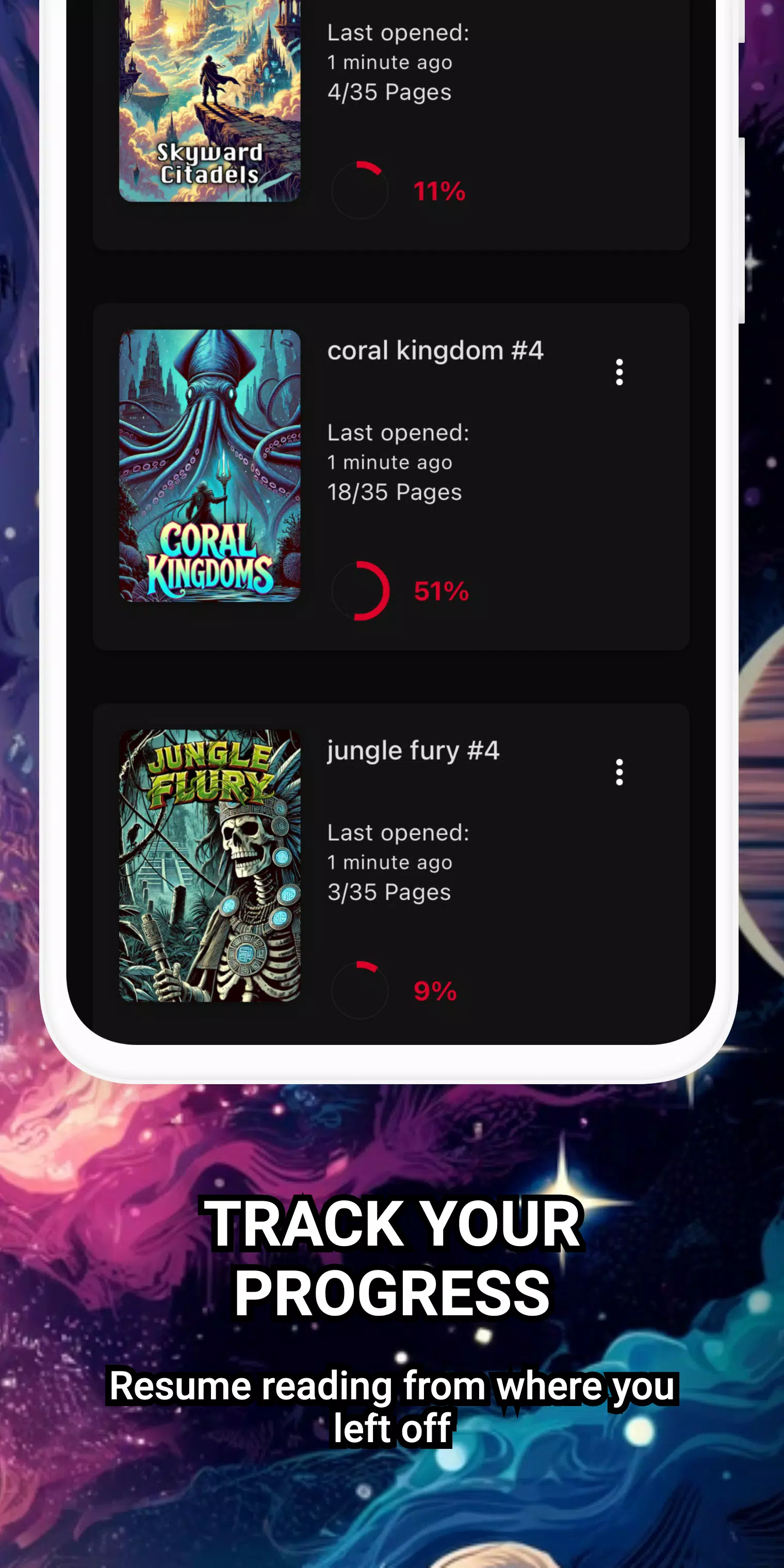
Several small but practical features improve the daily reading experience. Bookmark pages to pick up where you left off, use a quick jump slider to move through long issues, and lock orientation during reading sessions. Comic Reader CBR, CBZ & PDF also offers a thumbnail preview that appears while you fast-swipe, making it easy to find a specific panel or page.
People choose Comic Reader CBR, CBZ & PDF for its no-nonsense approach: it focuses on compatibility and responsive rendering instead of complex extras. The app’s modest footprint and predictable behavior make it suitable for users who want a reliable reader without subscription locks or intrusive permissions.
Installation is straightforward from the app store. After granting storage access, point the app to your download or archive folders and let it index content. From there, learn the tap and swipe gestures, set your preferred reading orientation, and add any favorite issues to the library view for immediate access.
For anyone who collects digital comics and needs a stable, efficient viewer on Android, Comic Reader CBR, CBZ & PDF offers a practical balance of features, speed and simplicity that fits daily reading habits.
WAZ News
Size:24.20M News & MagazinesThe Daily Telegraph
Size:94.80M News & MagazinesBookmory - reading tracker
Size:9.34M News & MagazinesComic Reader CBR, CBZ & PDF
Size:97.80M News & MagazinesGalatea: Books & Audiobooks
Size:166.69M News & MagazinesOxford Dictionary of English
Size:92.33M News & MagazinesTimes Of India
Size:26.12M News & MagazinesLife Bible
Size:147.10M News & MagazinesRabbana Duas from Quran
Size:37.50M News & MagazinesFizika(Maktab darsliklari)
Size:191.20M News & MagazinesDavid Jeremiah Devotional
Size:13.00M News & Magazinesرواية دمرتني و مازلت احبك
Size:30.70M News & MagazinesApril 2024 Clash of Clans Update: Unveiling a Fresh Companion, Enhanced Levels, Chat Tagging, and Be
2024-04-16Arrival of Genshin Impact 4.6 Update: 'Embers of Two Realms, Twilight of Crimson'
2024-04-16V2.2 of the Farlight 84 update introduces an overhauled Season structure, fresh in-game currency, an
2024-04-16Monster Never Cry is now accessible on both Android and iOS mobile devices.
2024-04-18PUBG Mobile Teams Up with Bentley Motors: Luxury Cars, Exclusive Collectibles, and Beyond
2024-04-18March 2024 Free Redemption Codes for Honkai: Star Rail
2024-04-18