English
Journey: Diary Journal is a thoughtful digital journaling app that helps you build a daily writing habit, improve mental wellbeing, and preserve personal memories through private entries and multimedia. Journey: Diary Journal opens with an uncluttered writing space so you can quickly capture text, photos, audio or video, and then return later to reflect. The introduction experience emphasizes privacy, ease of use, and gentle reminders that make consistent journaling approachable for new and experienced users alike.
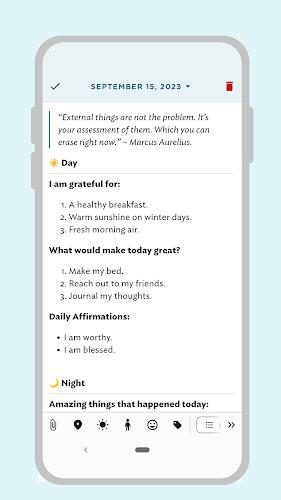
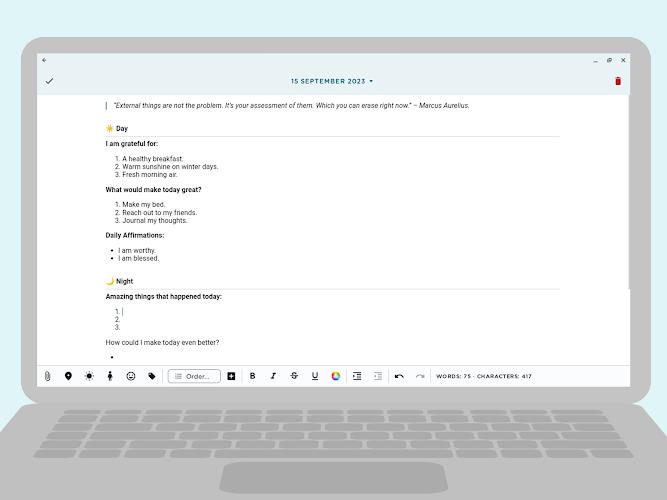
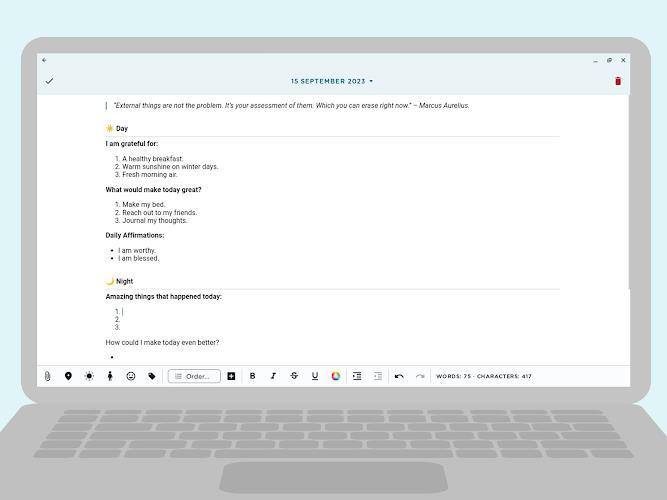
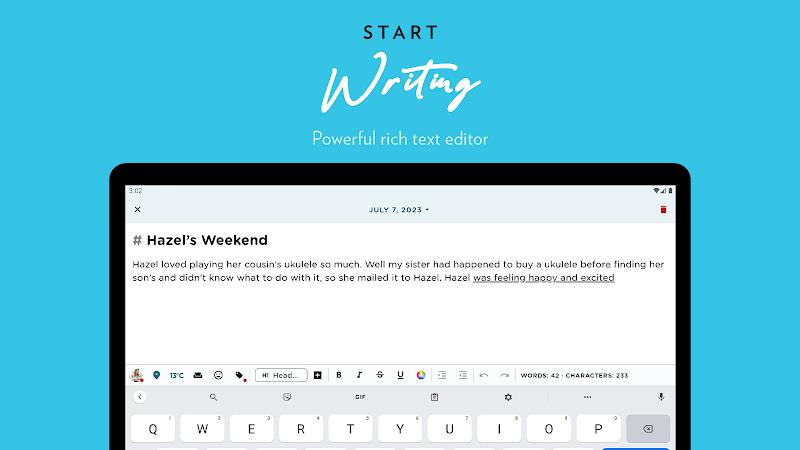
The app supports flexible entry creation: type freeform text, add photos or short videos, record audio clips, and combine these elements in a single diary entry for richer recall. A built-in rich text editor provides basic formatting such as bold, italics, strikethrough, bullets and checkboxes plus color choices to make important passages stand out. Entries are organized on a timeline and calendar view so you can quickly navigate days, search past notes, and replay the sequence of events that matter most to you.
Interaction relies on familiar Android gestures and straightforward toolbar controls: tap to create or open an entry, use the editor toolbar to apply formatting or insert media, and scroll the timeline to browse older posts. Camera and microphone controls are accessible inside the entry screen so adding photos or audio feels seamless rather than disruptive. The design focuses on minimizing friction so writing becomes a natural habit rather than a chore.
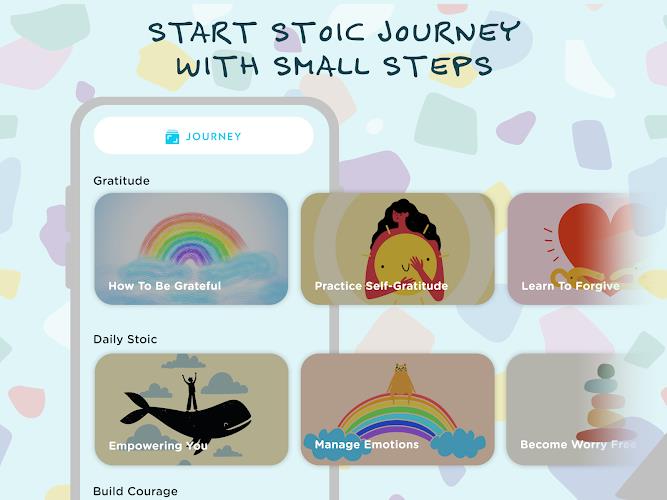
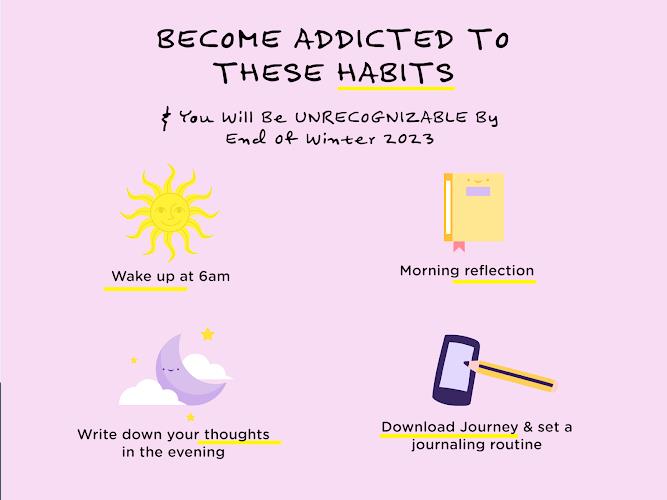
Rather than game-like levels, progression in Journey: Diary Journal is personal and reflective. The app helps you develop a consistent routine with configurable reminders and flashback prompts that nudge you to write, look back, and see patterns. Calendar and timeline overviews reveal frequency and changes over weeks and months, helping you recognize improvements in consistency and emotional patterns as you continue to journal.
The visual style is calm and minimal to support focused writing: neutral backgrounds, a readable font scale, and unobtrusive controls keep attention on your words and memories. Editing tools are designed to be visible but not overwhelming, and color accents are used sparingly to highlight mood tags, dates, or important text. This understated approach improves readability across longer sessions of reflection.
Journey: Diary Journal offers customization options that let you tailor the reading and editing experience to your needs. Adjustable text size and color choices help make entries more legible, and Android accessibility settings work with the app to support larger type and screen readers. These options ensure the app is usable by people with different vision needs or reading preferences.
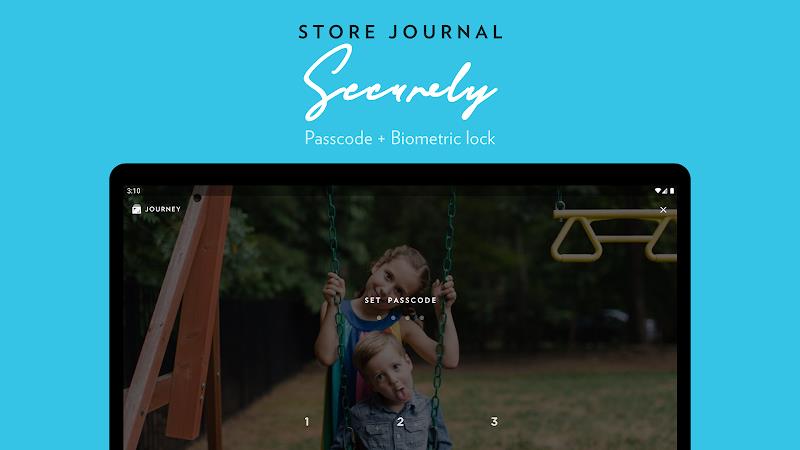
Entries are stored locally on your device by default, allowing you to write without an active internet connection. For added peace of mind, Journey: Diary Journal secures your private notes with passcode protection and Android biometric support so only you can open the app. The emphasis on local storage and device-level security keeps personal reflections under your control while still letting you access them whenever you need.
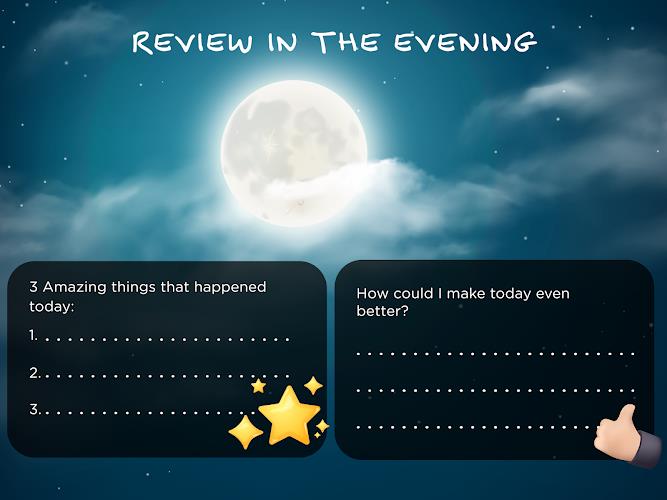
Mood tracking is integrated into the journaling flow so you can tag how you feel when you write. Over time these mood entries become a simple visual record you can review to spot trends and changes. Combined with dated entries and reminders, mood tracking supports emotional awareness rather than providing clinical analysis, helping you notice patterns that may inform conversations with friends, therapists, or your own self-reflection.
Part of the app’s appeal is replay value: flashback prompts and timeline reminders encourage you to revisit and reframe older memories, add context, or expand on thoughts you recorded earlier. Because journaling is an ongoing practice, the value of Journey: Diary Journal grows as your archive becomes a deeper, more textured record of experiences and feelings.
While the editor includes many formatting tools and multimedia options, learning all features may take a little time; users who write sporadically may also find mood insights and long-term trends less informative than those who journal regularly. Multimedia entries will consume more local storage than text-only notes, so keeping an eye on device space is recommended.












Pushscroll
Size:61.25M LifestyleSmartWOD Timer
Size:26.75M LifestyleMeteum Weather
Size:63.84M LifestyleBestifyMe
Size:13.80M LifestyleWeatherPro
Size:48.30M LifestyleEmpower You: Unlimited Audio
Size:80.20M LifestyleAdobe Express
Size:107.80M LifestyleGeoZilla
Size:63.92M LifestyleONEWallet - Cards Wallet
Size:15.00M LifestyleFloor Plan Creator Home Design
Size:40.91M LifestyleBoard Game Stats
Size:30.70M LifestyleI am - Daily affirmations
Size:118.20M LifestyleApril 2024 Clash of Clans Update: Unveiling a Fresh Companion, Enhanced Levels, Chat Tagging, and Be
2024-04-16Arrival of Genshin Impact 4.6 Update: 'Embers of Two Realms, Twilight of Crimson'
2024-04-16V2.2 of the Farlight 84 update introduces an overhauled Season structure, fresh in-game currency, an
2024-04-16Monster Never Cry is now accessible on both Android and iOS mobile devices.
2024-04-18PUBG Mobile Teams Up with Bentley Motors: Luxury Cars, Exclusive Collectibles, and Beyond
2024-04-18March 2024 Free Redemption Codes for Honkai: Star Rail
2024-04-18