English
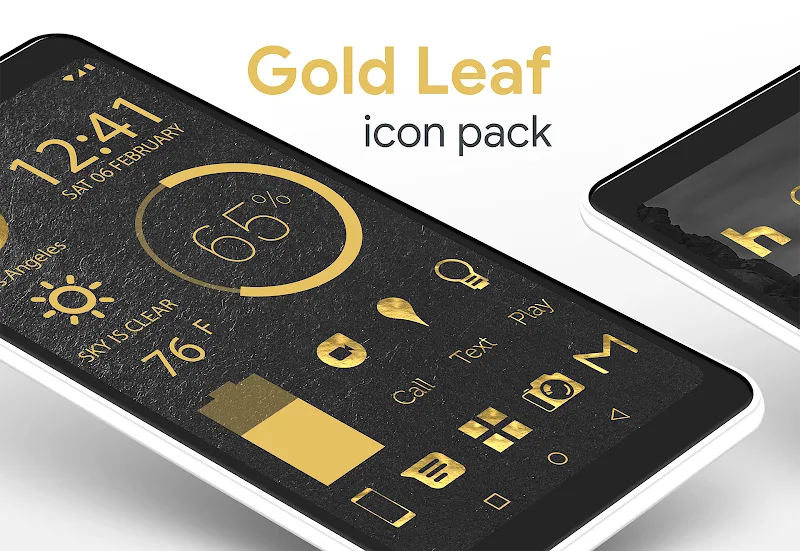
Gold Leaf Pro - Icon Pack gives your Android home screen a refined metallic makeover, combining handcrafted gold icons with complementary wallpapers and subtle transparency for an upscale, minimalist look. Gold Leaf Pro - Icon Pack focuses on consistent styling so that app icons, folders, and backgrounds read as a single theme, and it includes quick setup controls to apply and tweak the appearance without extra steps. Whether you prefer a muted metallic sheen or a brighter gold accent, this icon pack is designed to make your device feel more cohesive and visually intentional.
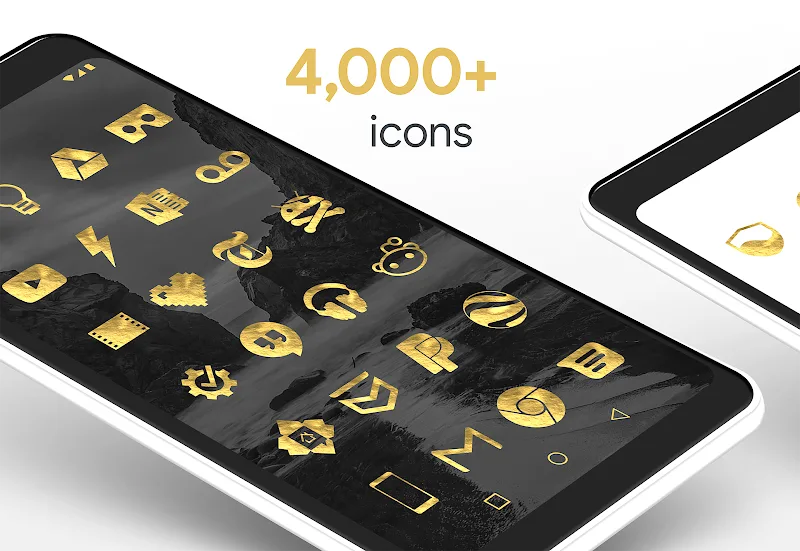
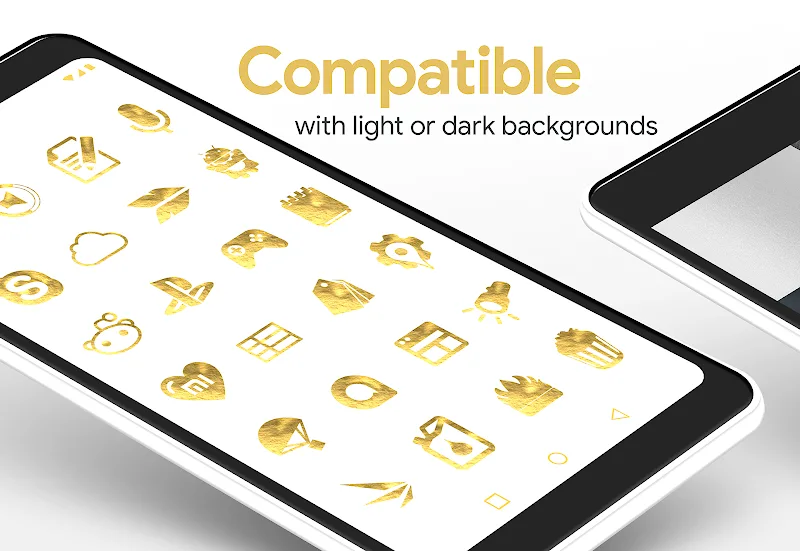
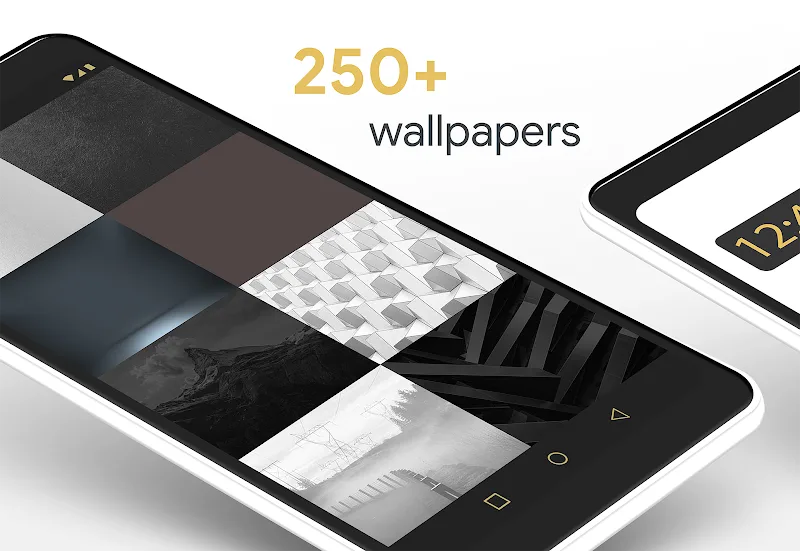
The icon set in Gold Leaf Pro - Icon Pack is built around minimalist shapes and carefully applied highlights to preserve readability while conveying a premium, metallic finish. The package includes hundreds of icons drawn at multiple sizes to ensure sharpness on phones and tablets, plus a curated library of color-matched wallpapers that maintain contrast with app labels. A transparent blend option reduces visual weight around frequently used icons and widgets so information remains easy to scan. The included theme controller offers an accessible way to apply the pack, select alternate icon variants where available, and restore defaults if needed.
This pack emphasizes handcrafted detail over generic glyphs: each icon is adjusted for balance, consistent corner radii, and a restrained use of metallic gradients that suggest depth without becoming gaudy. The wallpaper collection was created to work with the icons rather than compete with them, using complementary palettes and soft textures that enhance the gold tones. The result is an interface that reads as a single visual system, suitable for users who want elegance without excessive ornamentation.
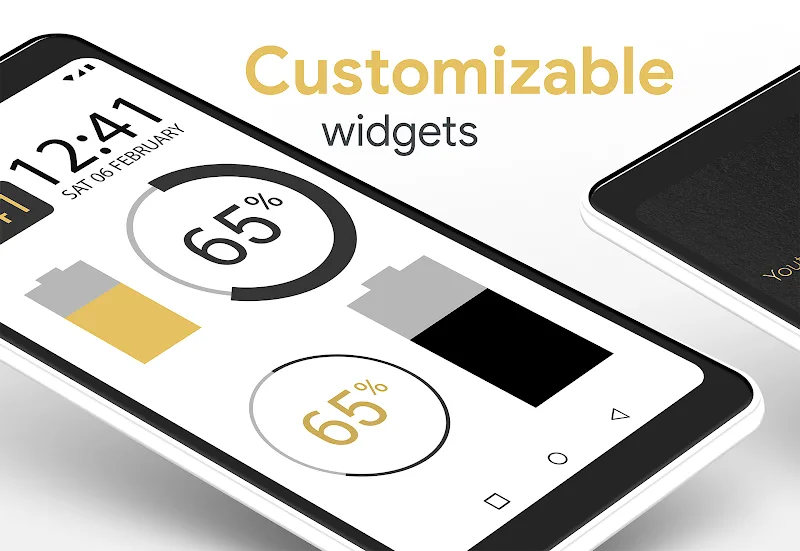
Applying Gold Leaf Pro - Icon Pack is straightforward: open your launcher or theme chooser, select the icon pack, and use the built-in preview to see changes before committing. Where supported, the pack provides alternate icon shapes and adaptive options so you can match icons to your launcher’s size and masking behavior. The settings also include a wallpaper picker, an option to toggle the transparent blend effect, and a restore function that returns icons to system defaults. These controls are designed for fast one-tap changes as well as finer adjustments for users who like to personalize details.
While an icon pack is not a game with levels, it does have a progression of visual completeness: regular updates add missing icons, expand wallpaper choices, and refine artwork for new apps. Gold Leaf Pro - Icon Pack includes an icon request workflow so you can submit apps that still show generic placeholders; future updates integrate the most requested assets. Because icon packs function locally on your device, all changes and assets are stored offline and applied instantly, which helps the theme remain stable over time without relying on external services.
Gold Leaf Pro - Icon Pack is designed to be readable and accessible: contrast between icon elements and labels has been considered to support legibility, and the simplified shapes help with quick recognition. The pack is compatible with most launchers that support third-party icon themes and follows common adaptive icon rules where possible. All resources are included in the APK so the pack works entirely offline after installation, preserving battery and data use while ensuring fast performance and no dependency on remote assets.
For best results, pair Gold Leaf Pro - Icon Pack with a launcher that supports icon size and adaptive masks; experiment with wallpaper-widgets combinations to create focal points on your home screen. The pack encourages revisiting your arrangement because new wallpapers and updated icons can refresh the look without changing content or layout. If you enjoy subtle customization, try alternating the transparent blend and wallpaper pairs to find a mix that suits daytime and low-light use. Gold Leaf Pro - Icon Pack aims to be a long-term visual solution that keeps your device looking consistent while offering small updates and customization options over time.
FluOxigen - Icon Pack
Size:115.44M PersonalizationGold Leaf Pro - Icon Pack
Size:76.06M PersonalizationGraphite Icon Pack
Size:120.40M PersonalizationVapor Iconpack
Size:112.27M PersonalizationLayers - Glass Icon Pack
Size:39.56M PersonalizationFlixy - Icon Pack
Size:119.26M PersonalizationMoonshine Pro - Icon Pack
Size:46.08M PersonalizationRetrOxigen - Icon Pack
Size:126.16M PersonalizationFluid Design Widgets for KWGT
Size:249.68M PersonalizationScreen Color Filter
Size:14.82M PersonalizationMello Night Icon Pack
Size:12.43M PersonalizationCool Bio Quotes Ideas
Size:45.40M PersonalizationApril 2024 Clash of Clans Update: Unveiling a Fresh Companion, Enhanced Levels, Chat Tagging, and Be
2024-04-16Arrival of Genshin Impact 4.6 Update: 'Embers of Two Realms, Twilight of Crimson'
2024-04-16V2.2 of the Farlight 84 update introduces an overhauled Season structure, fresh in-game currency, an
2024-04-16Monster Never Cry is now accessible on both Android and iOS mobile devices.
2024-04-18PUBG Mobile Teams Up with Bentley Motors: Luxury Cars, Exclusive Collectibles, and Beyond
2024-04-18March 2024 Free Redemption Codes for Honkai: Star Rail
2024-04-18