English
The lightweight Android backup utility sits between cloud storage and manual exports, offering a straightforward way to protect phone data. Swift Backup MOD Premium Unlocked presents a polished toolset for users who want regular, reliable copies of apps, settings and media without juggling multiple services. The MOD Premium Unlocked build here is aimed at users who expect scheduled backups, selective restores and a simpler recovery flow when a device is replaced, reset or sent for repair.
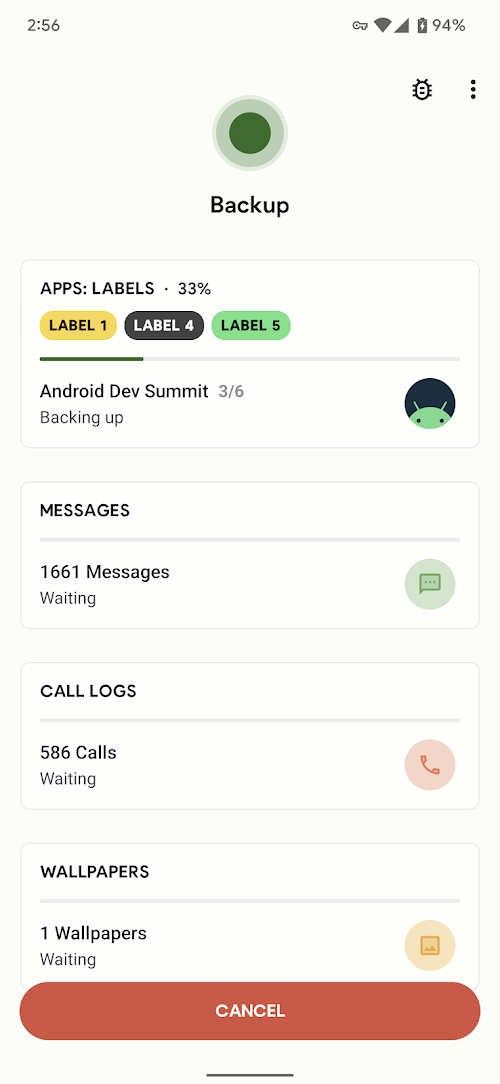
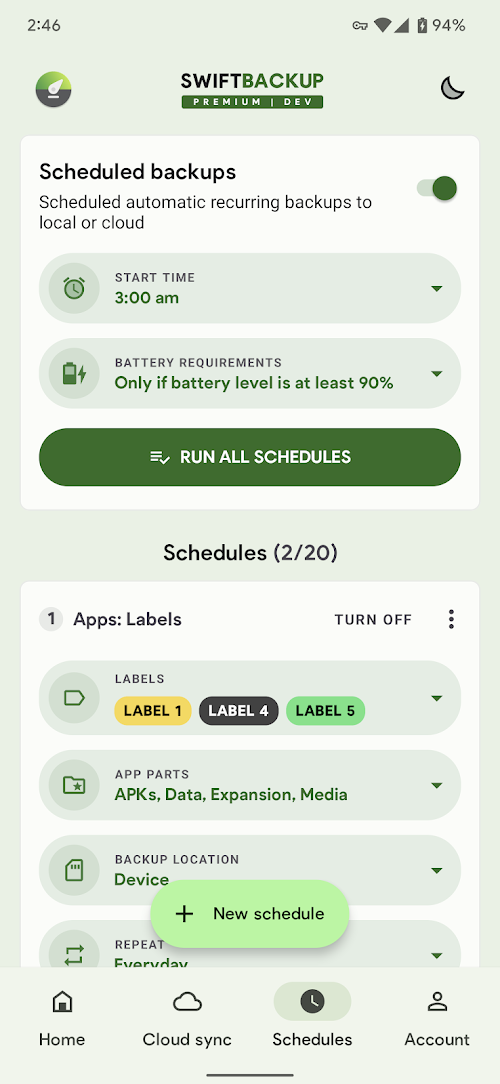
Automated scheduling: Set recurring backups for the items you choose and let the app run them on a timetable, so you don’t have to remember manual exports.
Fast upload and restore: The app prioritizes speed for both saving and retrieving files, so moving data between devices can be completed in minutes rather than hours.
Selective backups: Pick only the apps, messages, photos or settings you want to keep to save space and avoid cluttering your cloud account.
App data and settings support: Recent versions expand beyond APK copies to include app settings and some in-app data where platform permissions allow, making restores feel more complete.
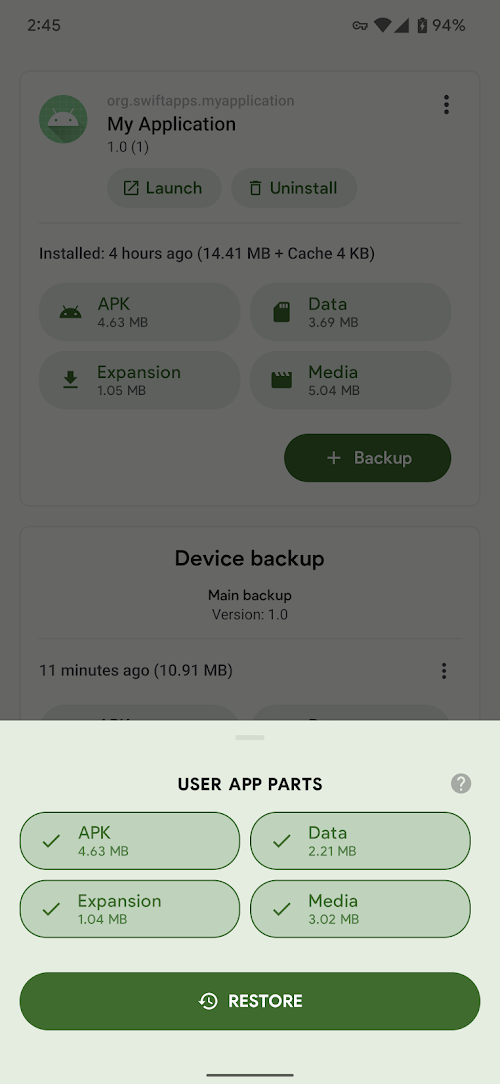
One-touch restore: When you need to rebuild a device, the single-button restore helps you retrieve chosen items quickly instead of reinstalling and reconfiguring everything by hand.
App packages (APKs): Save installers so you can reinstall the exact versions you had, useful when an app is removed from the store or you prefer an older release.
Media and documents: Back up photos, videos and downloaded files to free up local space while keeping an accessible copy in the cloud or on external storage.
System and app settings: Preserve preferences, accounts and basic configuration so restored devices feel familiar right away.
Messages and contacts: Keep critical conversations and phonebook entries by exporting them as part of a regular backup plan.
Before switching phones: Run a full backup and confirm that app settings and media were saved — this makes the transfer to a new handset much smoother.
Before software updates or factory resets: Schedule an automatic backup in advance, so you can experiment with new ROMs or an OS update without risking data loss.
When sending a device for repair: Remove accounts and back up personal files first; then use the app to restore only what you need after the device returns.
Manage storage proactively: Use selective backups to exclude large media folders you already keep elsewhere, and set retention rules to avoid overflowing your cloud storage.
Do I need root access to use the app?
Most basic backup and restore functions work without root, but certain deep app data operations may require additional permissions or platform features that vary by Android version.
Where is my backup stored?
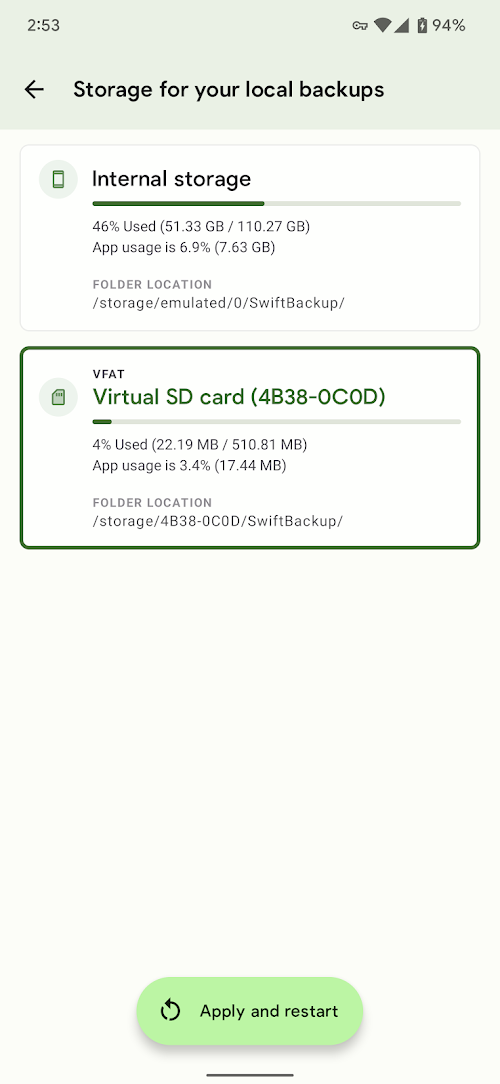
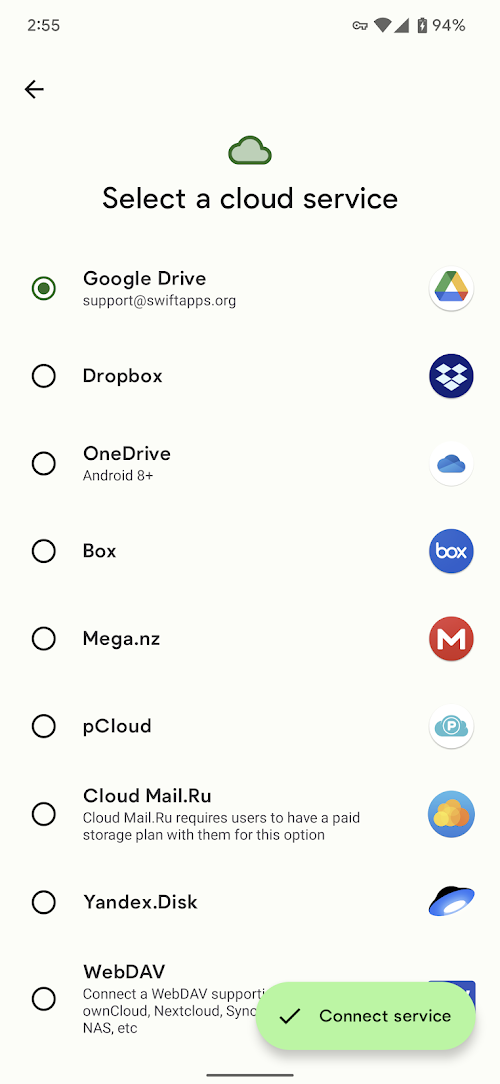
Backups can be saved to cloud accounts, external storage or local folders depending on the options you pick. Always check the destination and retention settings before relying on a single copy.
Can I schedule backups while on mobile data?
Yes, scheduling options let you specify whether backups should run over Wi-Fi only or also use mobile networks so you can control data usage.
Swift Backup MOD Premium Unlocked is a practical choice for Android users who want controlled, repeatable backups and fast restores; it simplifies device moves and repairs while letting you choose what to keep, though very advanced app-data captures still depend on platform permissions and device setup.
Smart Tools Mini
Size:8.86M ToolsSwift Backup MOD Premium Unlocked
Size:31.06M ToolsStick - Remote Control For TV MOD Premium Unlocked
Size:55.27M ToolsBackground Video Recorder Cam MOD Premium Unlocked
Size:18.60M ToolsTasker MOD Premium Unlocked
Size:35.90M ToolsOrNET: Dark Web Browser MOD Premium Unlocked
Size:25.20M ToolsArduinoDroid MOD Premium Unlocked
Size:160.70M ToolsCetusPlay MOD Pro Unlocked
Size:24.72M ToolsDr.Fone MOD Premium Unlocked
Size:108.70M ToolsNote Everything MOD Premium Unlocked
Size:8.90M ToolsIriun 4K Webcam MOD Premium Unlocked
Size:6.70M ToolsCash Reader: Bill Identifier MOD Premium Unlocked
Size:16.00M ToolsApril 2024 Clash of Clans Update: Unveiling a Fresh Companion, Enhanced Levels, Chat Tagging, and Be
2024-04-16Arrival of Genshin Impact 4.6 Update: 'Embers of Two Realms, Twilight of Crimson'
2024-04-16V2.2 of the Farlight 84 update introduces an overhauled Season structure, fresh in-game currency, an
2024-04-16Monster Never Cry is now accessible on both Android and iOS mobile devices.
2024-04-18PUBG Mobile Teams Up with Bentley Motors: Luxury Cars, Exclusive Collectibles, and Beyond
2024-04-18March 2024 Free Redemption Codes for Honkai: Star Rail
2024-04-18