English
Snap Pro combines a powerful image editor and a streamlined workflow into a single Android package, aimed at mobile photographers and content creators who need fast, professional results. Its blend of raw processing, layer-style adjustments and one-tap fixes makes complex edits manageable directly on your device.
Designed for both hobbyists and pros on the go, Snap Pro brings desktop-style controls to a touch interface. You can fine-tune exposure, color and detail, apply nondestructive edits, and export ready-to-share files without leaving the app. The focus is on speed, precision and consistent results.
The app centers on a comprehensive set of tools that mirror familiar desktop features while remaining optimized for mobile. Highlights include:
The interface separates core stages—import, edit, and export—into clear, swipeable panels. Edits are applied in a history-based stack so you can experiment and reverse changes easily. Snap Pro’s processing engine is tuned to use available device hardware, balancing speed and battery life while maintaining high-quality output.
One advantage of the app is its customizable presets and tool layouts. Create and save your own looks, or start with built-in profiles that emulate classic film tones, HDR processing and modern color grades. Presets can be shared or exported, making it easy to reproduce a signature style across a shoot.
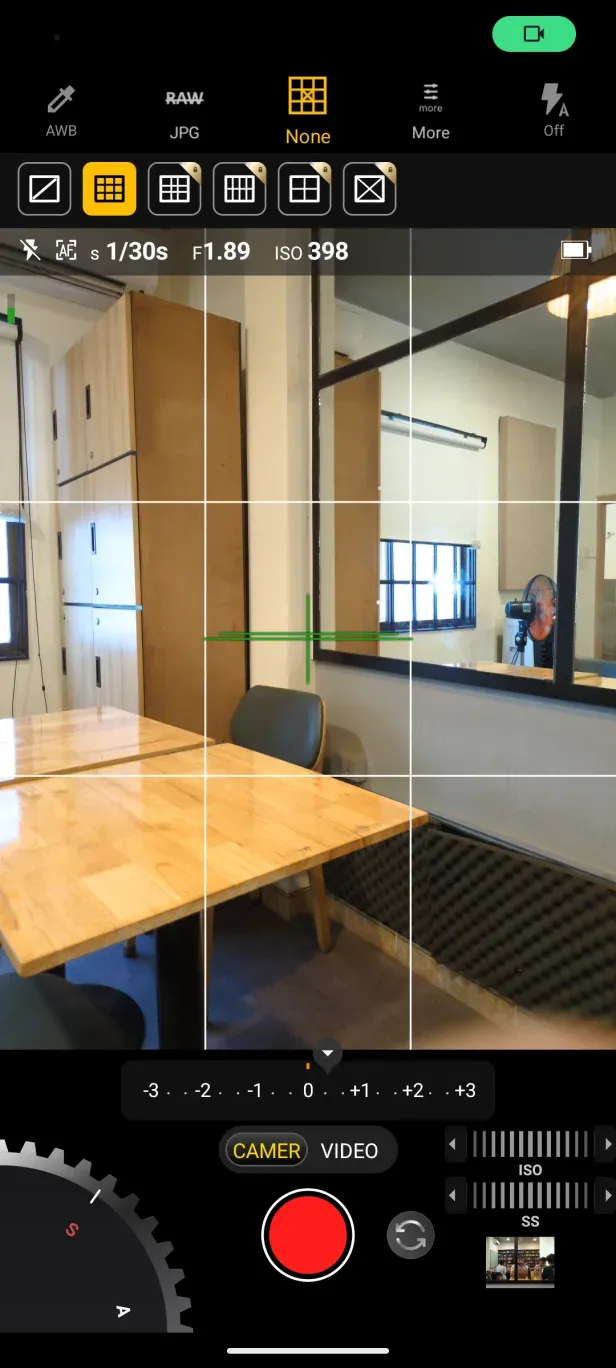
Snap Pro uses a clean, minimal layout with a focus on visibility and touch ergonomics. Controls are reachable with one thumb on most phones, and context-sensitive toolbars reveal advanced options only when needed. Performance is solid on mid-range devices; heavy RAW stacks benefit from newer CPU and memory configurations.
Start with auto-corrections to understand how the app adjusts exposure and color. Use presets to learn common combinations of edits and then tweak individual sliders to see their effects. Take advantage of batch processing when editing series of shots from the same scene to maintain consistency.
Many users praise Snap Pro for bringing advanced controls to a touch-first environment without overwhelming newcomers. The balance of speed, precision and a tasteful set of default looks helps creators deliver polished content quickly. Regular updates add supported formats and performance improvements.
To install, download from the official store, grant storage permissions, and import a sample image to explore tools immediately. Tutorials and inline tips guide common tasks; more experienced users can dive into RAW conversion and custom preset creation. Snap Pro makes it practical to handle serious photo work right from your phone.
Timestamp Camera EnterprisePro
Size:6.59M PhotographyAniDub Max
Size:74.39M PhotographySnap Pro
Size:23.16M PhotographyFilmic Legacy
Size:38.19M PhotographyPhotoLayers-Superimpose,Eraser
Size:242.49M PhotographyMV Master
Size:47.29M PhotographySolCalc MOD Premium Unlocked
Size:18.25M PhotographyMirror Lab MOD Premium Unlocked
Size:13.10M PhotographyCartoon Photo Editor MOD Premium Unlocked
Size:17.00M PhotographyGallery EZ MOD Premium Unlocked
Size:28.60M PhotographyToonArt MOD Pro Unlocked
Size:35.70M PhotographyFacetune Editor -free MOD Premium Unlocked
Size:93.00M PhotographyApril 2024 Clash of Clans Update: Unveiling a Fresh Companion, Enhanced Levels, Chat Tagging, and Be
2024-04-16Arrival of Genshin Impact 4.6 Update: 'Embers of Two Realms, Twilight of Crimson'
2024-04-16V2.2 of the Farlight 84 update introduces an overhauled Season structure, fresh in-game currency, an
2024-04-16Monster Never Cry is now accessible on both Android and iOS mobile devices.
2024-04-18PUBG Mobile Teams Up with Bentley Motors: Luxury Cars, Exclusive Collectibles, and Beyond
2024-04-18March 2024 Free Redemption Codes for Honkai: Star Rail
2024-04-18