English
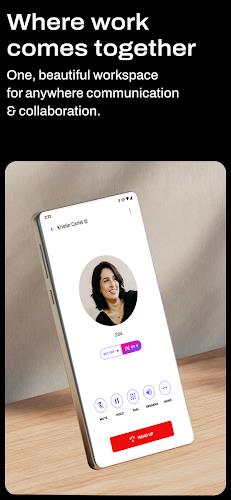
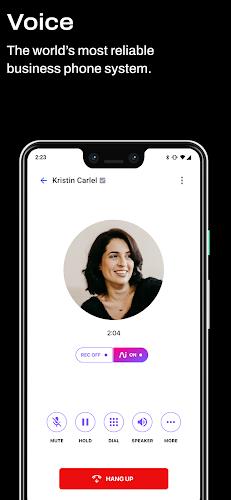
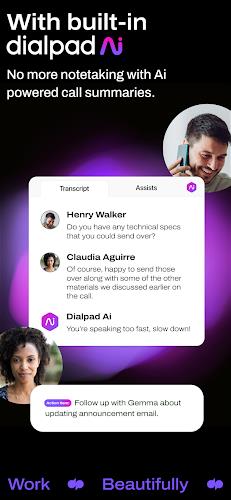
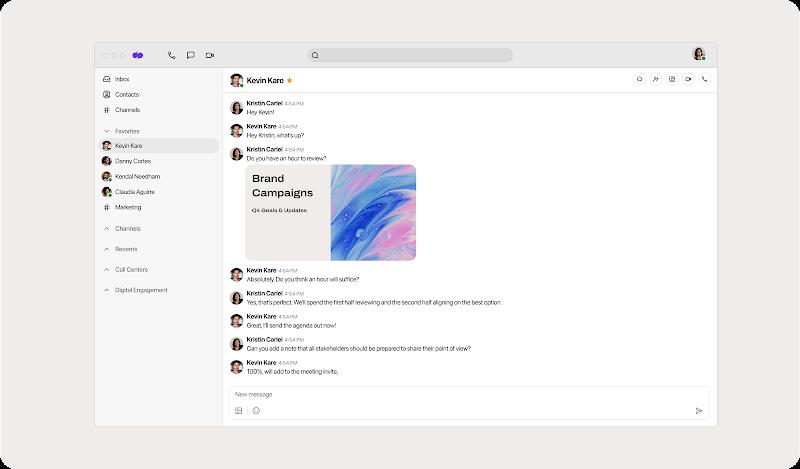
Dialpad is a cloud-based business phone system that combines voice, video, messaging, and contact center features into a single mobile app. It streamlines communication for teams, replacing desk phones with intelligent call routing, voicemail transcription, and seamless integration with calendars and CRMs.
Designed for small businesses and large enterprises alike, Dialpad replaces traditional PBX hardware with a software-centric approach. The service centers on real-time communications: voice calls, video meetings, and persistent messaging that live across devices. Administrators can provision users quickly while employees gain a unified place to manage conversations, contacts, and call history.
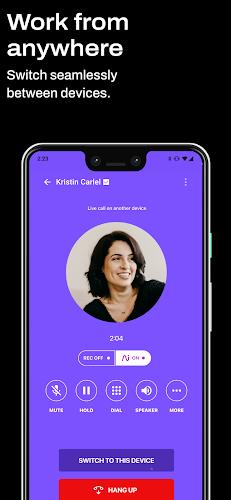
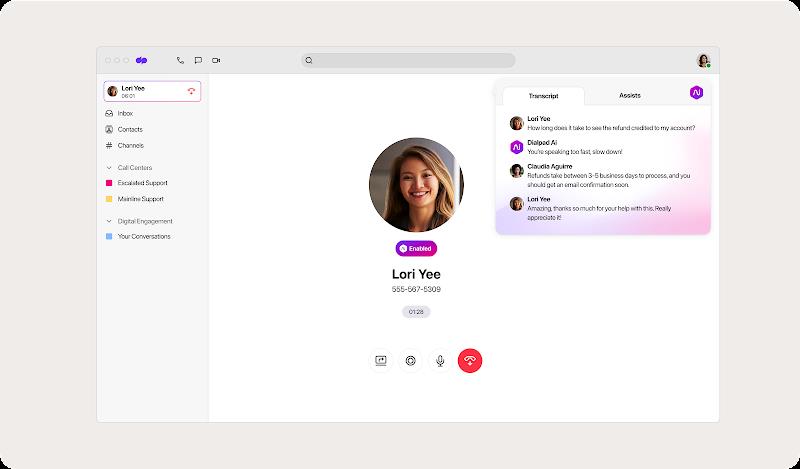
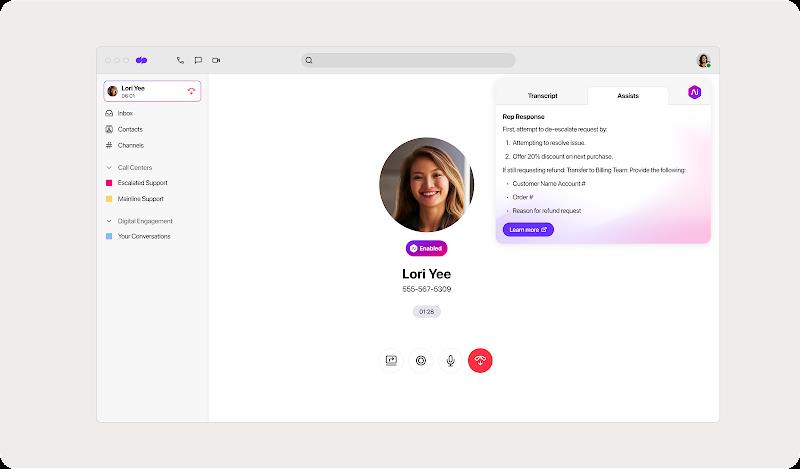
In practice, Dialpad functions like a softphone that follows the user. Calls can be forwarded to teams, routed by skills, or sent to voicemail with searchable transcripts. When a customer calls, the system can pop relevant CRM records for the agent. Internal teams use persistent chat channels for quick coordination, while scheduled meetings use the same infrastructure for audio and video collaboration.
The interface favors clarity and speed. The main screens prioritize presence, recent conversations, and active calls so users don’t hunt for information. Audio performance adapts to available bandwidth and supports HD voice in good network conditions. Notifications are configurable to avoid distraction, and the app is responsive on Android devices, balancing background activity with battery consumption.
Integrations are where Dialpad adds tangible productivity gains. Native connectors for popular CRMs let sales and support teams click-to-dial from contact records and automatically log call activity. Calendar sync prevents double bookings and surfaces meeting links alongside call controls. For organizations that need deeper automation, APIs and webhooks enable custom workflows and reporting exports.
Admin controls include user provisioning, role-based permissions, and centralized billing. IT teams can enforce single sign-on and manage device policies. For regulated industries, the platform supports features like encrypted media, configurable data retention, and call recording controls to meet compliance requirements. Scaling to dozens or thousands of users is handled through the admin console and automated provisioning tools.
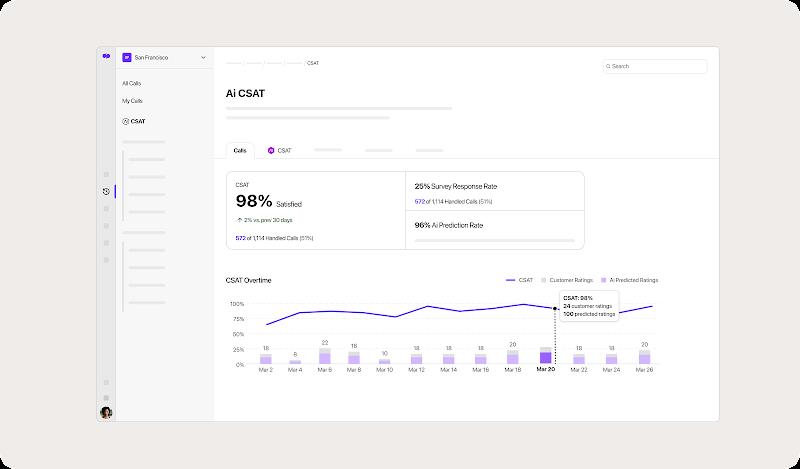
For organizations moving away from on-premises telephony, Dialpad offers a modern, cloud-first alternative that reduces hardware overhead while improving visibility into customer interactions. Its blend of calling, messaging, and analytics supports teams that need flexible communication tools without heavy administration.


Kutumb
Size:23.23M CommunicationSniffles Dating App
Size:8.00M CommunicationAyar-Chat&Play
Size:57.78M CommunicationDialpad
Size:57.58M CommunicationGOGO LIVE Streaming Video Chat
Size:97.00M CommunicationFree Adblocker Browser:Adblock
Size:189.60M CommunicationWASticker Islamic Stickers
Size:15.00M Communicationimo beta
Size:37.60M CommunicationChatiw!
Size:3.40M CommunicationEarthquake Network
Size:9.00M CommunicationPixelChat
Size:137.61M CommunicationHowbout
Size:27.30M CommunicationApril 2024 Clash of Clans Update: Unveiling a Fresh Companion, Enhanced Levels, Chat Tagging, and Be
2024-04-16Arrival of Genshin Impact 4.6 Update: 'Embers of Two Realms, Twilight of Crimson'
2024-04-16V2.2 of the Farlight 84 update introduces an overhauled Season structure, fresh in-game currency, an
2024-04-16Monster Never Cry is now accessible on both Android and iOS mobile devices.
2024-04-18PUBG Mobile Teams Up with Bentley Motors: Luxury Cars, Exclusive Collectibles, and Beyond
2024-04-18March 2024 Free Redemption Codes for Honkai: Star Rail
2024-04-18