English
dLd is a streamlined download management app designed to simplify acquiring files on Android devices. It combines fast download acceleration, intelligent queueing, and a clean interface so users can manage transfers reliably, resume interrupted downloads, and organize files without clutter.
dLd brings together a set of practical tools for everyday downloading needs. The app supports multi-threaded transfers to speed up large files, automatic retry for unstable networks, and an integrated file browser to preview and categorize content. Background operation ensures downloads continue even when you switch apps.
The interface in dLd is built around clarity and quick control. A single dashboard shows active, queued, and completed downloads with progress bars and estimated times. Controls are accessible via swipe gestures and a persistent notification, allowing pause, resume, or cancel without reopening the app. Settings are grouped logically so configuration is fast.
dLd lets users choose default save locations, create custom folders, and tag items for easier searching. The built-in file browser previews images, documents, and media metadata so you can act immediately after a transfer finishes. Storage monitoring tools warn when device capacity is low and suggest moving large files to external or cloud storage.
Designed for modern Android devices, dLd optimizes CPU and network usage to minimize battery drain while maintaining throughput. The app supports common protocols and file types, and adapts dynamically to Wi-Fi and mobile network conditions. Background execution is tuned to avoid aggressive termination by power managers.
Power users will appreciate dLd’s advanced options: configurable thread counts, bandwidth throttling, and scheduled downloads for off-peak hours. An intelligent queue lets you reorder tasks and prioritize critical transfers. The resume capability picks up incomplete downloads without re-downloading data when servers support partial requests.
dLd focuses on secure transfers and local privacy. HTTPS is used whenever available, and the app avoids sending unnecessary analytics. Local file permissions are requested only when needed, and an optional passcode lock protects the app’s file list. Users can clear history and cached data from within settings.
Notifications in dLd keep you informed with concise progress updates and one-tap actions. A persistent notification provides quick access to pause or cancel all tasks. Background downloading continues through device sleep with safeguards to pause automatically when battery falls below a configurable threshold.
dLd integrates with share menus and browsers so links and files can be handed off to the app without manual copying. Clipboard detection helps capture copied URLs and propose adding them to the queue. Developers can also leverage intent support to connect dLd with other tools and automation apps.
Setting up dLd is straightforward: grant storage and network permissions, choose a default download folder, and configure basic preferences like thread limits and notification style. Add a few sample links to see how the queue and resume features behave; most users find the default presets work well and require minimal tuning.
dLd is suited for anyone who frequently downloads content on mobile devices and wants more control than a browser offers. Casual users will enjoy the automatic resume and organized file view, while power users get granular transfer settings and scheduling. The app scales to both light and heavy use.
Developers maintain dLd with regular updates that improve stability, add compatibility for new Android releases, and refine performance. In-app help and a simple feedback mechanism make reporting issues and requesting features straightforward, helping the app evolve with user needs.
Caravan SandWitch
Size:828.93M Shooting#BLUD
Size:3942.00M ShootingRioRise
Size:179.52M ShootingDésiré
Size:2.00M ShootingBall Blast Cannon blitz mania
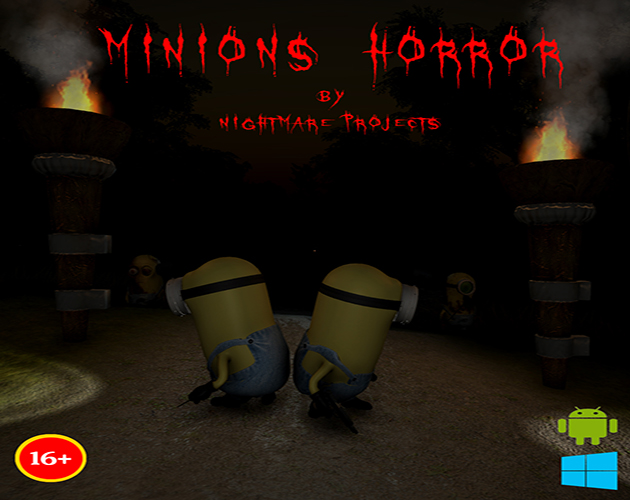
Size:84.60M ShootingMinions Horror
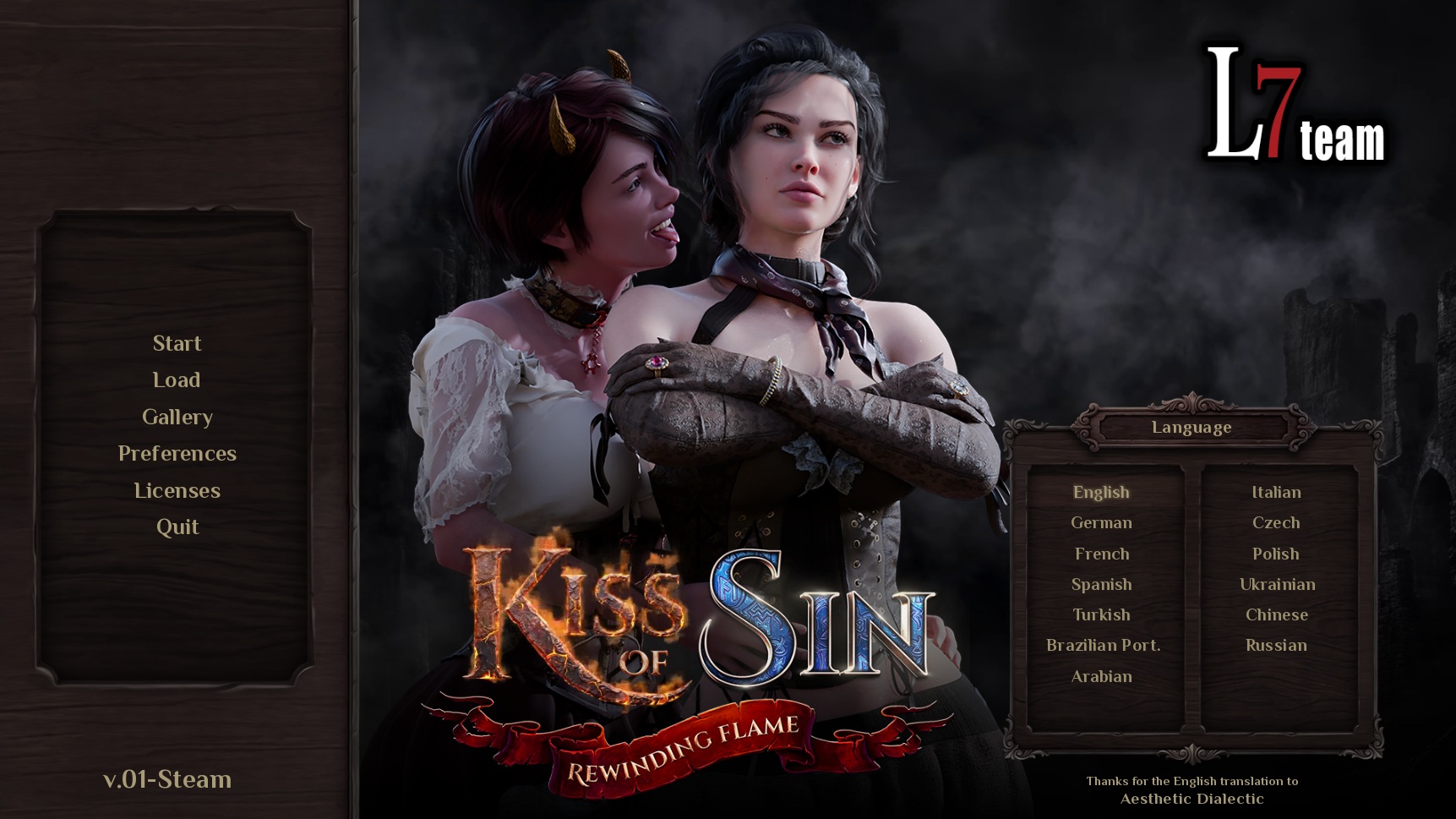
Size:421.80M ShootingKiss of Sin: Rewinding Flame
Size:903.00M ShootingCane and Able
Size:268.00M ShootingCubeCrafter
Size:156.10M ShootingCursed Forest Quest
Size:794.00M ShootingThe Innocent
Size:235.00M ShootingThirsty Society
Size:558.46M ShootingApril 2024 Clash of Clans Update: Unveiling a Fresh Companion, Enhanced Levels, Chat Tagging, and Be
2024-04-16Arrival of Genshin Impact 4.6 Update: 'Embers of Two Realms, Twilight of Crimson'
2024-04-16V2.2 of the Farlight 84 update introduces an overhauled Season structure, fresh in-game currency, an
2024-04-16Monster Never Cry is now accessible on both Android and iOS mobile devices.
2024-04-18PUBG Mobile Teams Up with Bentley Motors: Luxury Cars, Exclusive Collectibles, and Beyond
2024-04-18March 2024 Free Redemption Codes for Honkai: Star Rail
2024-04-18