English
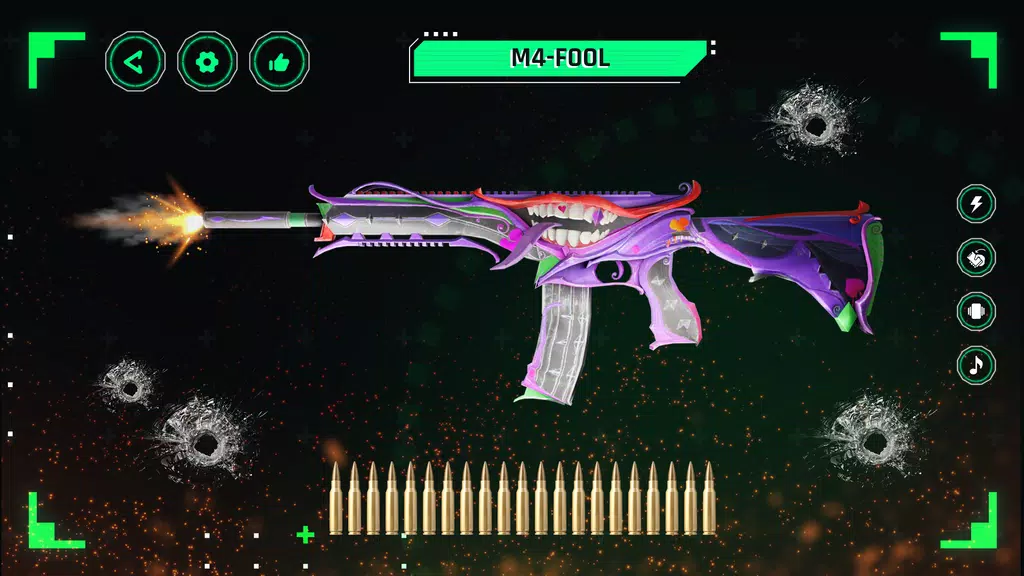
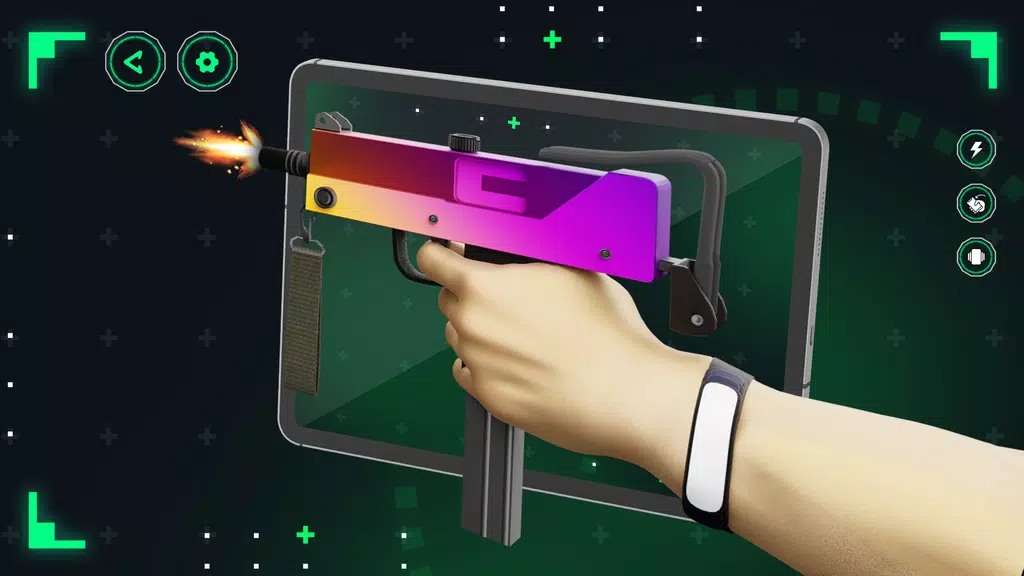
WeShots: Gun Sounds - Gun Shot is a compact soundboard and sample library designed for creators who need realistic firearm audio for video, audio design, and stage work. WeShots: Gun Sounds - Gun Shot provides high-quality recordings, straightforward controls, and export options so editors and hobbyists can integrate authentic gunshot layers into projects without complex audio routing. The app is built to be approachable for first-time users while offering enough depth for detailed sound design.
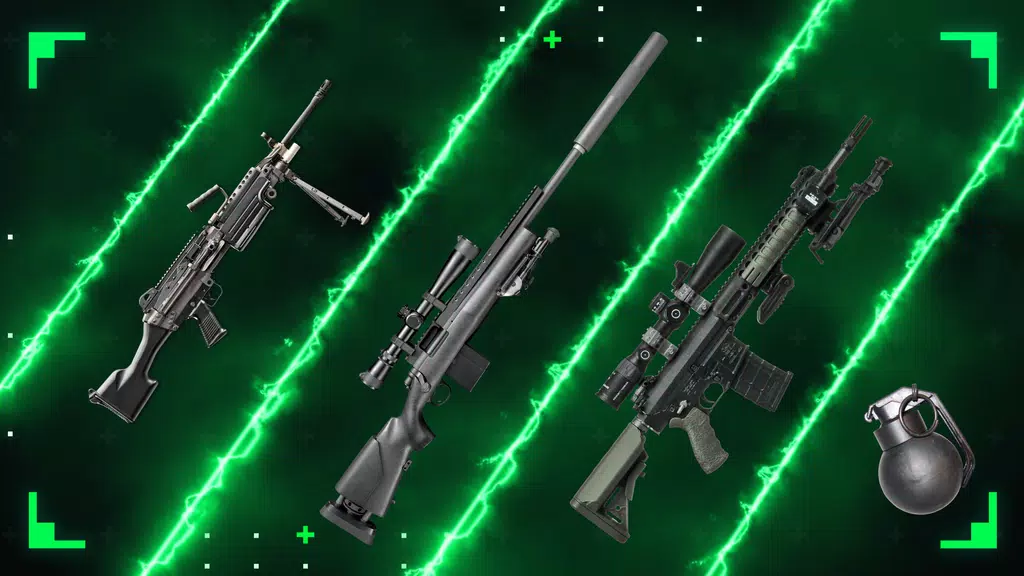
WeShots: Gun Sounds - Gun Shot gathers a diverse collection of gunshot samples that range from single, isolated rounds to sustained automatic bursts and environmental ambiences. Samples are organized by caliber, muzzle type, suppression status, and distance, and each clip includes metadata so you can quickly choose the right tone and impact for your scene. The app supports instant previewing, queuing sounds for sequential playback, and triggering effects on demand during live recording or rehearsals.
The main interface uses tactile sound cards with intuitive controls: tap to preview, long-press to add to a playlist, and swipe gestures to remove or reorder queued clips. A simple mixer is available on the same screen so you can adjust volume and pan for individual samples without switching views. Export options include WAV and MP3 with selectable bitrates, and batch-export makes it faster to prepare multiple clips for a session. Built-in trimming tools let you cut precise segments, and a save-as-new workflow preserves the original recording while creating derived edits.
To help users progress from casual browsing to advanced production, the app includes curated starter packs and themed collections that act like guided lessons in layering and dynamics. Those starter packs introduce basic concepts such as matching shot ambience to on-screen distance and combining suppressed and unsuppressed samples for contrast. As you become more comfortable, create custom playlists and reorder samples to build more complex sequences for film scenes or sound exercises.
The visual design emphasizes clarity and speed: a grid layout presents sound cards with clear labels and duration markers, while a compact header contains search and filter tools. Filters let you narrow results by environment, suppression, or distance, and keyword search finds tags such as caliber or shot type. The app’s level-like structure is based on collections and playlists rather than maps or stages, offering a linear way to assemble scenes from small clips up to multi-layered sequences.
Advanced controls include EQ presets and reverb settings tuned for common environments such as indoor halls, narrow corridors, and open fields. Users can apply low, mid, and high shelving adjustments to match source material, chain a subtle reverb to simulate distance, and set fade-ins or outs to reduce clicks. The mixer panel supports per-sample volume and pan, and the app adapts sample rates to device capability so you get the best possible fidelity without excessive CPU load.
The app is optimized for modern Android devices and is designed for low-latency playback; configurable buffer sizes let you trade between ultra-low latency on high-end devices and stable performance on older models. Background playback is supported so sounds can continue while you switch to another app, and the library is fully available offline after initial download of chosen packs, making the app a reliable tool for on-location shoots and workshops with no internet access.
Accessibility is considered throughout the UI with clear iconography, adjustable text sizes, and high-contrast display options for better visibility during live use. Touch targets are sized to reduce accidental presses, and audio cue labels are verbose to assist users who rely on screen readers. The workflow focuses on minimizing steps between selecting a sample and exporting it so both hobbyists and professionals can work quickly under time pressure.
WeShots: Gun Sounds - Gun Shot is useful for filmmakers adding Foley to short films, podcasters creating illustrative scenes, sound design students practicing layering techniques, and live performers needing reliable cue sounds. Regular content updates introduce new recordings and environmental presets, and the combination of playlists, trimming, and mixing keeps the app useful over time as you refine your sound libraries. Because clips are labeled and export-ready, integration with DAWs and video editors is direct and predictable.
The app includes guidance and in-app reminders encouraging responsible use of firearm audio samples. Recordings are intended for artistic, educational, and entertainment contexts; users are advised to avoid playing loud samples in public where they could alarm bystanders and to comply with local laws and venue policies when using realistic sound effects in performances.
Begin by exploring the curated starter packs to learn how different shots and ambiences combine. Create a favorites playlist, test mixes in the mixer panel, and export a few WAV or MP3 clips to your editor to see how they integrate. Check the library regularly for fresh recordings and presets that extend the app’s versatility for both simple edits and complex soundscapes.
Caravan SandWitch
Size:828.93M Shooting#BLUD
Size:3942.00M ShootingRioRise
Size:179.52M ShootingDésiré
Size:2.00M ShootingBall Blast Cannon blitz mania
Size:84.60M ShootingMinions Horror
Size:421.80M ShootingKiss of Sin: Rewinding Flame
Size:903.00M ShootingCane and Able
Size:268.00M ShootingCubeCrafter
Size:156.10M ShootingCursed Forest Quest
Size:794.00M ShootingThe Innocent
Size:235.00M ShootingThirsty Society
Size:558.46M ShootingApril 2024 Clash of Clans Update: Unveiling a Fresh Companion, Enhanced Levels, Chat Tagging, and Be
2024-04-16Arrival of Genshin Impact 4.6 Update: 'Embers of Two Realms, Twilight of Crimson'
2024-04-16V2.2 of the Farlight 84 update introduces an overhauled Season structure, fresh in-game currency, an
2024-04-16Monster Never Cry is now accessible on both Android and iOS mobile devices.
2024-04-18PUBG Mobile Teams Up with Bentley Motors: Luxury Cars, Exclusive Collectibles, and Beyond
2024-04-18March 2024 Free Redemption Codes for Honkai: Star Rail
2024-04-18